





Free Up Space for Your Favorites
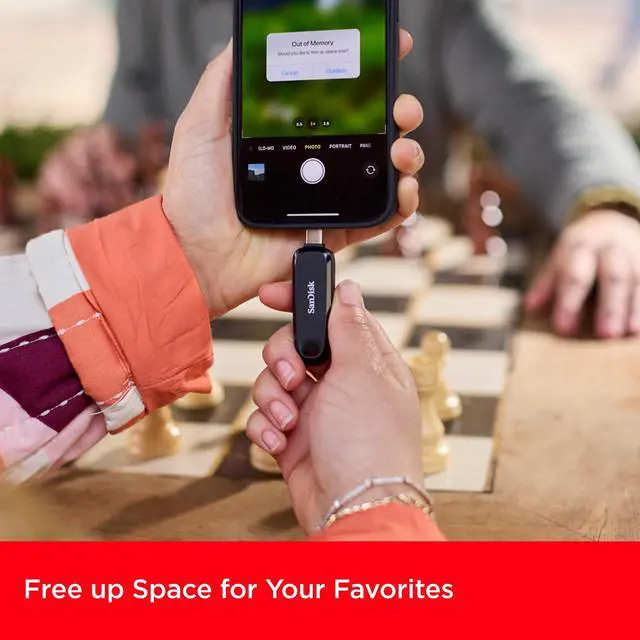
Out of room on your USB Type-C smartphone? Simply plug in the SanDisk Phone Drive and easily move files off your device, freeing up valuable space for more. Capture more memories on the go and download more of your favorite movies, music, and games.

Quickly Move Photos to Your Computer
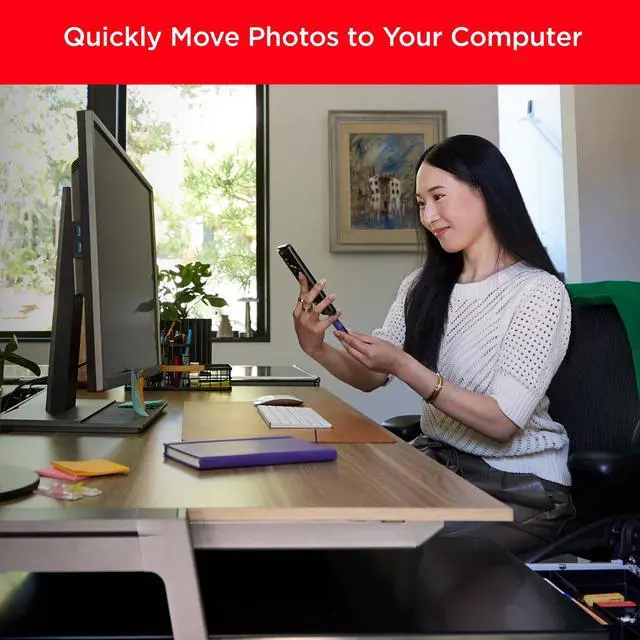
Say goodbye to emailing photos between devices. Once they’re on your SanDisk Phone Drive, read speeds up to 100MB/s(2) let you transfer files fast.

Automatic Backup
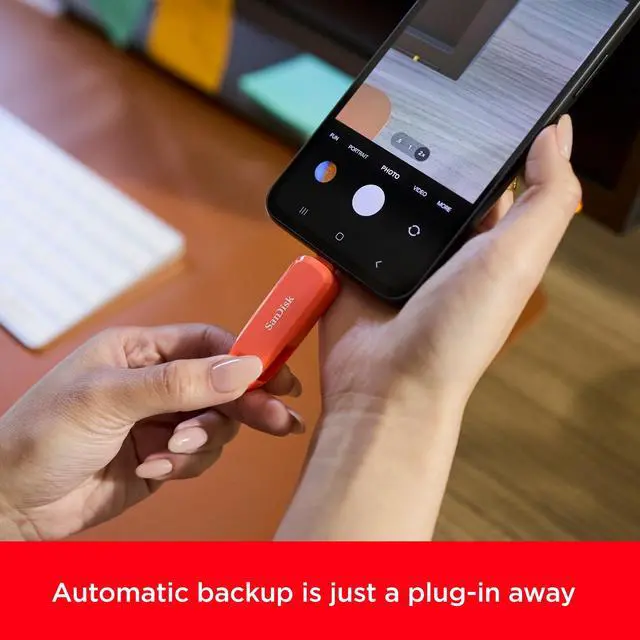
Back up your photos, videos, music, documents, and contacts with the SanDisk App(3). Even if you lose your smartphone, important files are stored.

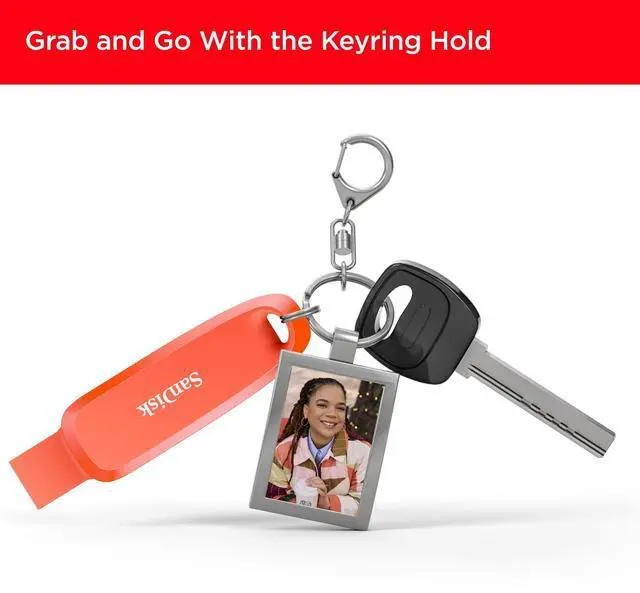
Grab and Go Keyring Hole
Our new, weighted design and keyring hole are perfect for your on-the-go lifestyle.

Full Storage No Longer
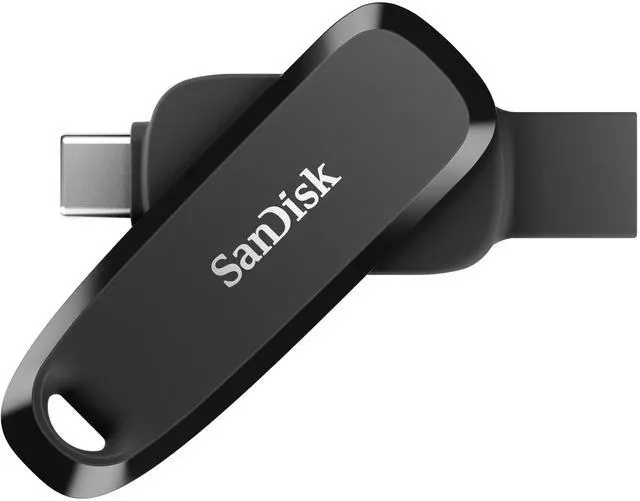
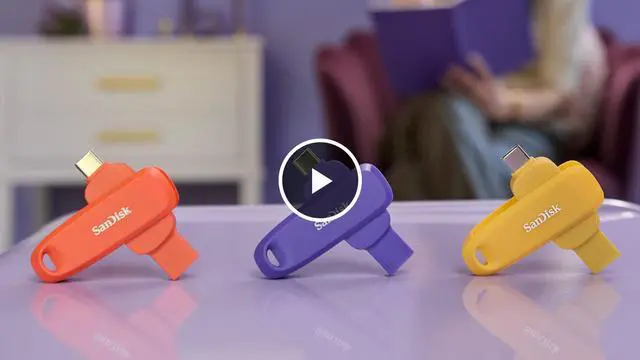
Fully flexible storage in one convenient drive. The 2-in-1 flash drive for your USB Type-C and Type-A devices.

Restore Deleted Files
Accidentally deleted important files? Recover them easily with the included RescuePRO Deluxe data recovery software (download required).(4)
Legal Disclaimers
(1) 1GB=1,000,000,000 bytes. Actual user storage capacity less.
(2) Based upon read speed, unless otherwise stated. 1MB/s = 1 million bytes per second. Based on internal testing; performance may vary depending upon host device, usage conditions, drive capacity, and other factors. USB 3.0 port required.
(3) Download and installation required. Set up automatic backup within app settings. See official website for details.
(4) Registration and download required; terms and conditions apply. See RescuePRO page on SanDisk site.
SanDisk, the SanDisk logo, Memory Zone, and RescuePRO are registered marks or marks of SanDisk Corporation or its affiliates in the US and/or other countries. USB Type-C is a registered mark of USB Implementers Forum. All other marks are the property of their respective owners.
Product specifications subject to change without notice. Pictures shown may vary from actual products.
2024 SanDisk Corporation or its affiliates. All rights reserved.


Free Up Space for Your Favorites
Out of room on your USB Type-C smartphone? Simply plug in the SanDisk Phone Drive and easily move files off your device, freeing up valuable space for more. Capture more memories on the go and download more of your favorite movies, music, and games.

Quickly Move Photos to Your Computer
Say goodbye to emailing photos between devices. Once they’re on your SanDisk Phone Drive, read speeds up to 100MB/s(2) let you transfer files fast.
Automatic Backup
Back up your photos, videos, music, documents, and contacts with the SanDisk App(3). Even if you lose your smartphone, important files are stored.
Grab and Go Keyring Hole
Our new, weighted design and keyring hole are perfect for your on-the-go lifestyle.
Full Storage No Longer
Fully flexible storage in one convenient drive. The 2-in-1 flash drive for your USB Type-C and Type-A devices.
Restore Deleted Files
Accidentally deleted important files? Recover them easily with the included RescuePRO Deluxe data recovery software (download required).(4)
Legal Disclaimers
(1) 1GB=1,000,000,000 bytes. Actual user storage capacity less.
(2) Based upon read speed, unless otherwise stated. 1MB/s = 1 million bytes per second. Based on internal testing; performance may vary depending upon host device, usage conditions, drive capacity, and other factors. USB 3.0 port required.
(3) Download and installation required. Set up automatic backup within app settings. See official website for details.
(4) Registration and download required; terms and conditions apply. See RescuePRO page on SanDisk site.
SanDisk, the SanDisk logo, Memory Zone, and RescuePRO are registered marks or marks of SanDisk Corporation or its affiliates in the US and/or other countries. USB Type-C is a registered mark of USB Implementers Forum. All other marks are the property of their respective owners.
Product specifications subject to change without notice. Pictures shown may vary from actual products.
2024 SanDisk Corporation or its affiliates. All rights reserved.