




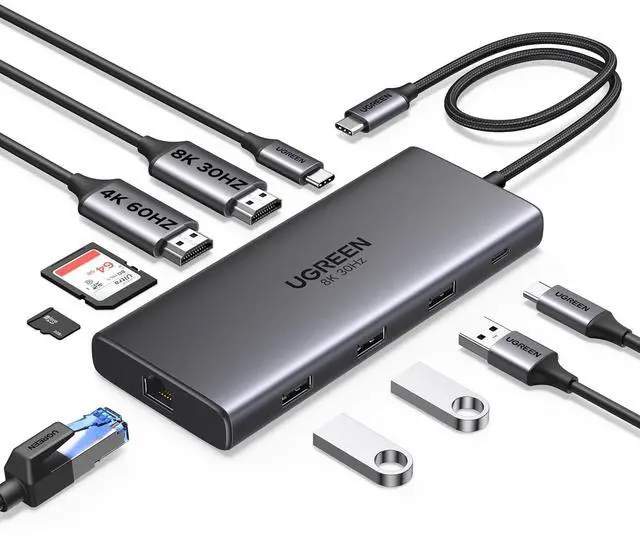


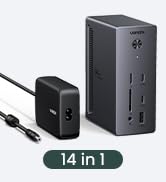
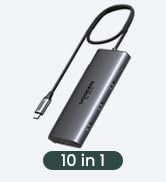
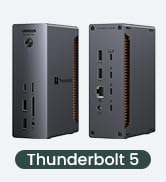
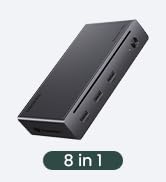
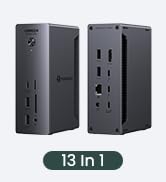
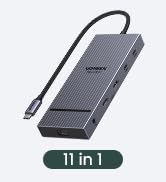
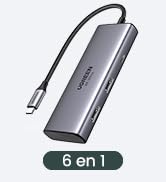
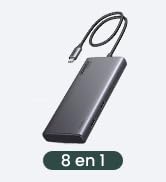
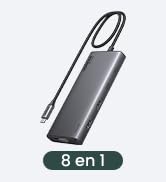
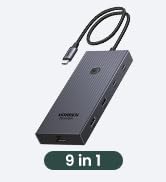
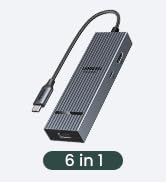
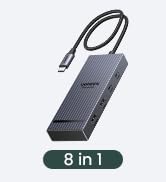
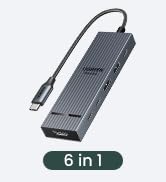
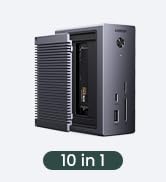
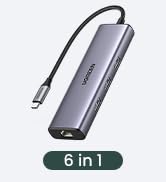
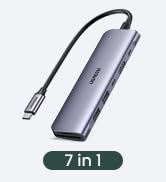
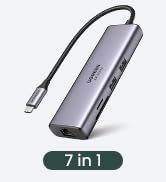






UGREEN Revodok USB C Docking Stations
 Revodok Pro 210 |  UGREEN Docking Station | 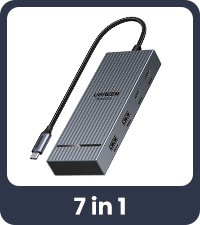 Revodok Pro |  Revodok 206 |  Revodok Pro 308 |  UGREEN Docking Station |  UGREEN Thunderbolt 4 Dock | |
|---|---|---|---|---|---|---|---|
Customer Reviews | — | — | — | — | — | — | — |
Price | — | — | — | — | — | — | — |
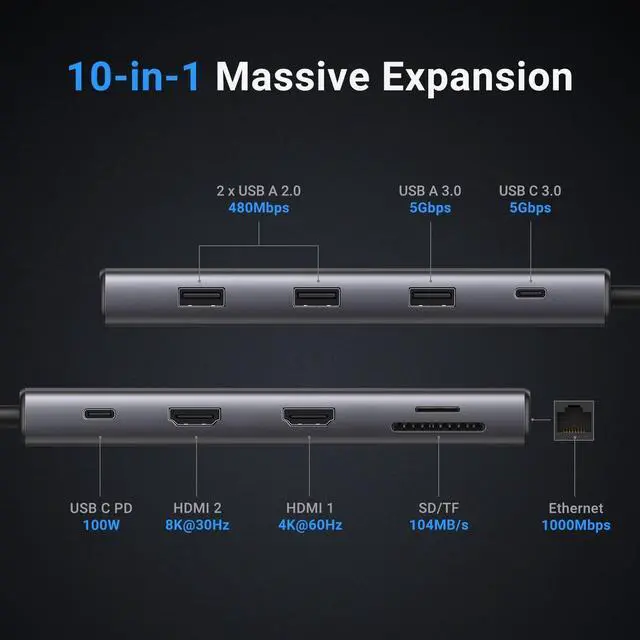
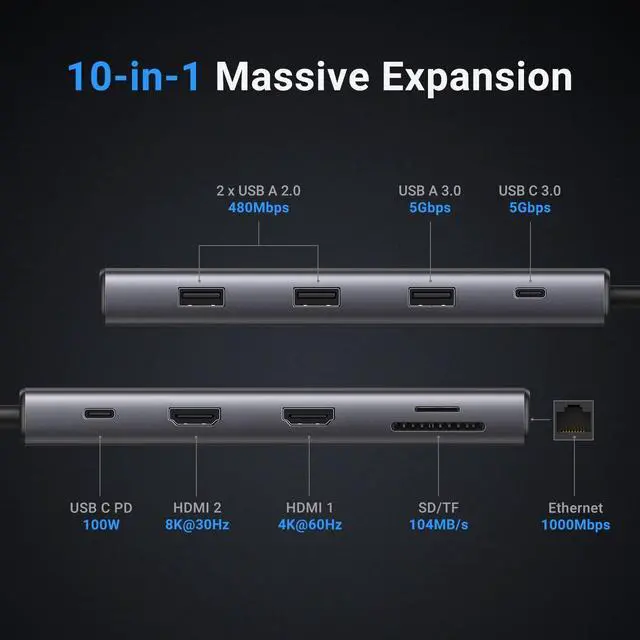
Display Scheme | MST | 3 Monitors | MST | MST | MST | DisplayLink | Thunderbolt |
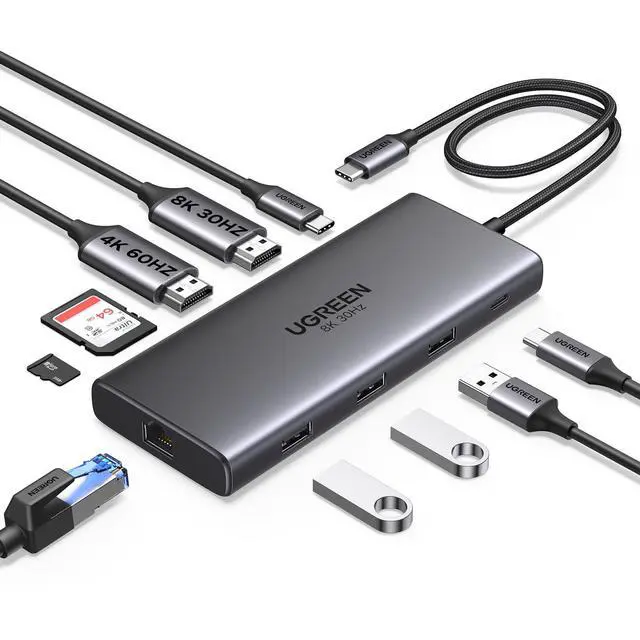
Display Ports | 2 HDMI | 2*HDMI+DP | 2 HDMI | 2*HDMI | 2*HDMI+DP | 2*HDMI+2*DP | 3*TBT 4 |
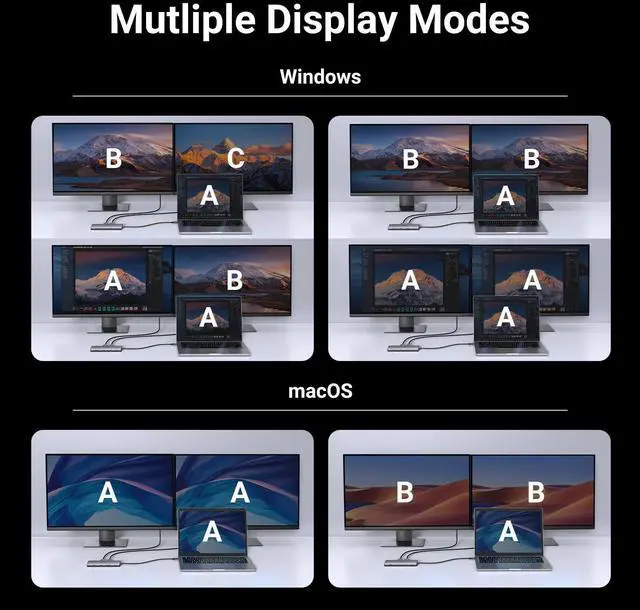
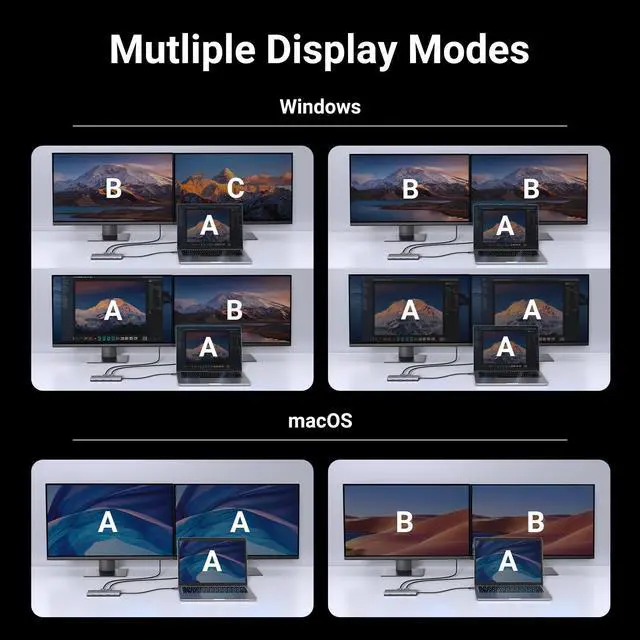
Multi-Display Modes | Win: A+B+C, macOS: A+B+B | Win: A+B+C+D, macOS: A+B+B+B | Win: A+B+C, macOS: A+B+B | Win: A+B+C, macOS: A+B+B | Win: A+B+C+D, macOS: A+B+B+B | Win: A+B+C, macOS: A+B+C | Win: A+B+C, macOS: A+B+C |
Maximum Resolution | 8K@30Hz | 4K@120Hz | 4K@60Hz | 8K@30Hz | 4K@60Hz | 4K@60Hz | 8K@30Hz |
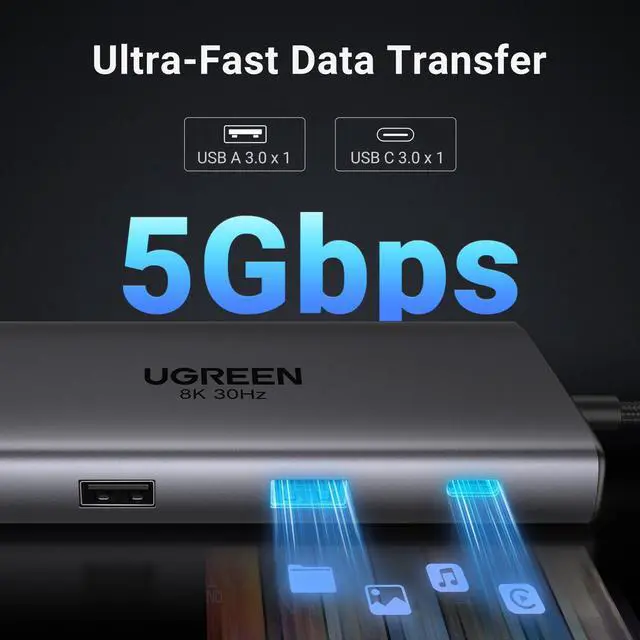
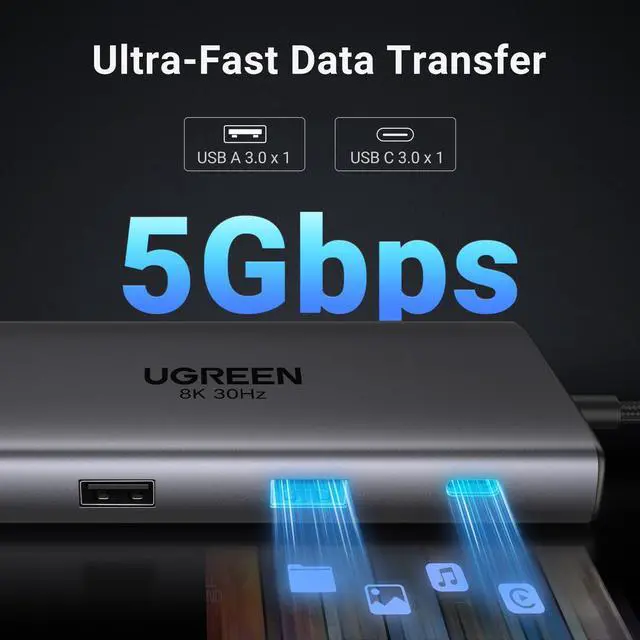
USB-C Data Port | 1x USB 5Gbps | 2x USB 10Gbps | 2x USB 10Gbps | 1x USB 5Gbps | 2x USB 10Gbps | 1x USB 10Gbps | 3*TBT 4 40Gbps |
USB-A Data Port | 1x USB 5Gbps, 2x USB 2.0 | 1x USB-A 10Gbps +2xUSB-A 5Gbps | 2x USB 10Gbps | 2x USB 5Gbps | 2x USB 10Gbps | 2x USB 10Gbps | 3x USB 10Gbps |
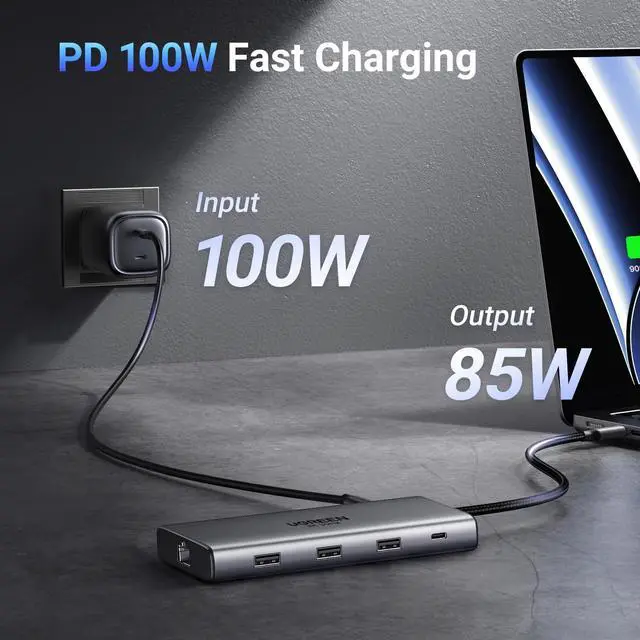
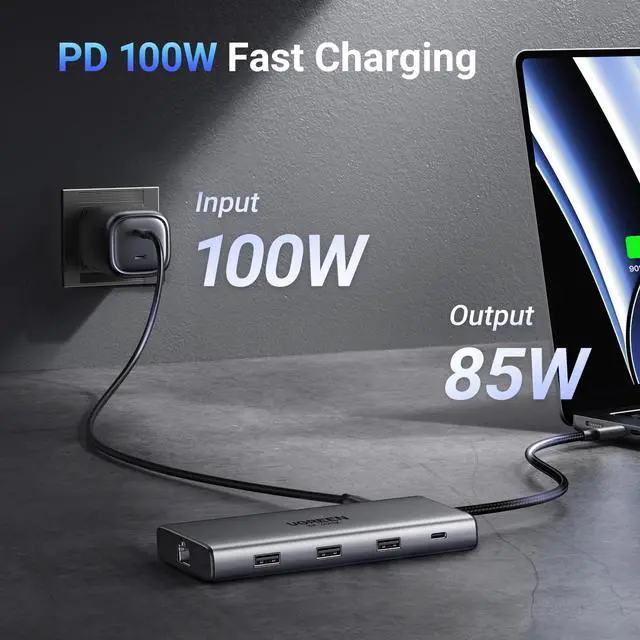
Charging Adapter | 100W | 140W | 100W | 100W | 100W | 100W | 140W (Charger Included) |
Ethernet | 1000Mbps Ethernet | 10Gbps | / | / | / | 1000Mbps Ethernet | 1000Mbps Ethernet |
SD/TF Card Slot | 104MB/S | 170MB/s | / | / | / | / | / |
3.5mm Audio | / | 3.5mm Audio | / | / | / | / | / |
1. How can I troubleshoot if my monitor cannot display?
a.Make sure your laptop's USB-C port supports video output; b. Lower your monitor's resolution or refresh rate; c. Replace another high standard HDMI cable. If the problem cannot be solved, please refer to the electronic manual below.
2. When I connect to 2 monitors with Mac, why do both monitors show the same image?
Macbooks only support SST mode. In extended mode, two monitors display the same image; Windows supports MST mode. In extended mode, two monitors can display different images (computer processors must be 4th generation or higher, and graphics cards, systems, and external monitors must support DP1.2 and above)
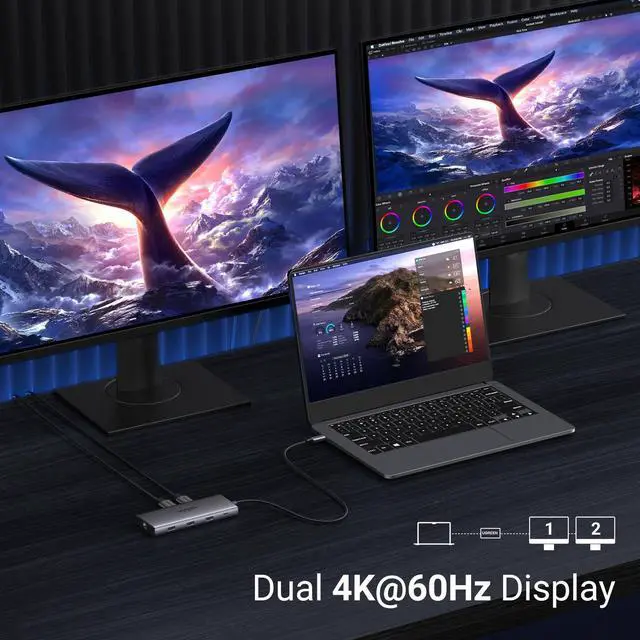
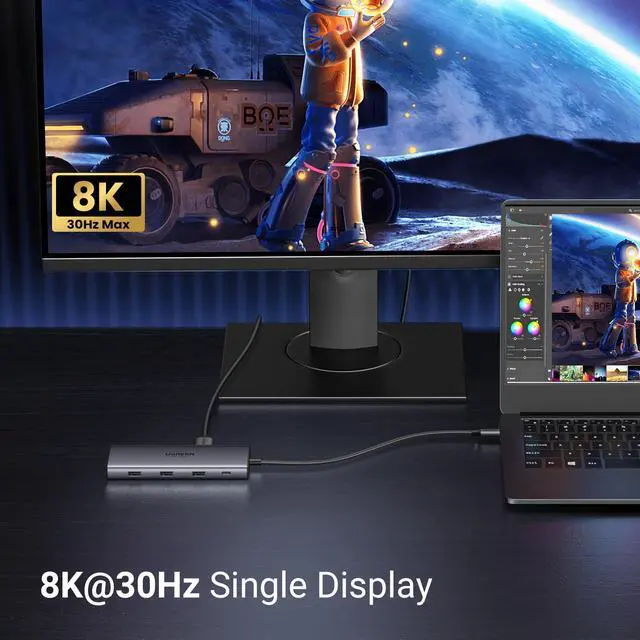
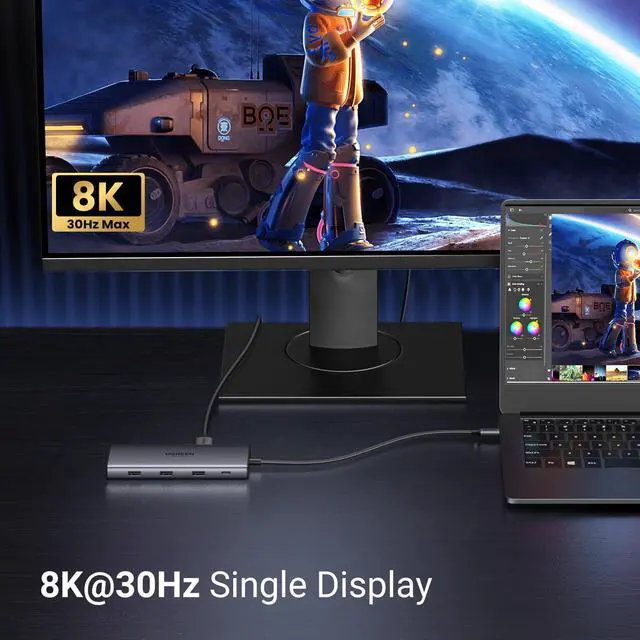
3. Why can't HDMI 2 reach 8K@30Hz when the laptop is single-display, and why can't dual-display support 4K60Hz?
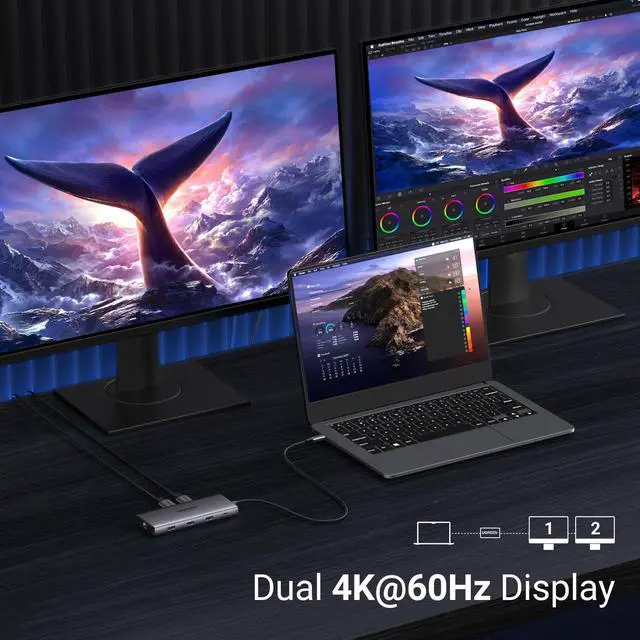
This is related to the video bandwidth output by the laptop. If the output DP signal supports DP1.4 and DSC compression, then HDMI2 single display can reach 8K@30Hz, and dual display can reach 4K60HZ. If it only supports DP1.4 but not DSC compression, it can only reach 4K@60Hz, and dual 4K60Hz cannot be achieved.
4. Why can't the laptop be charged through the PD interface or is charging slowly?
a. Please confirm whether the USB-C interface of the laptop supports the charging function. If your computer uses a DC interface, please connect the original adapter. b. When your computer is charging slowly, please use the original adapter of the computer or a charger above 65W.
5. Why does the USB-C/A external device disconnect?
a. It is recommended that the power of the external device does not exceed 10W. If more than two high-power devices are connected at the same time, it is recommended to plug in the PD charger for power supply first; b. When the product is connected to a wireless mouse and other USB 3.0 devices at the same time, the wireless mouse can be used at a distance of about 0.4 meters; c. If your computer system is Windows 11, please check the laptop power management settings and make sure they are set not to limit performance in battery mode.


UGREEN Revodok USB C Docking Stations
Revodok Pro 210 | UGREEN Docking Station | Revodok Pro | Revodok 206 | Revodok Pro 308 | UGREEN Docking Station | UGREEN Thunderbolt 4 Dock |
|---|---|---|---|---|---|---|
| Customer Reviews | ||||||
| — | — | — | — | — | — | — |
| Price | ||||||
| — | — | — | — | — | — | — |
| Display Scheme | ||||||
| MST | 3 Monitors | MST | MST | MST | DisplayLink | Thunderbolt |
| Display Ports | ||||||
| 2 HDMI | 2*HDMI+DP | 2 HDMI | 2*HDMI | 2*HDMI+DP | 2*HDMI+2*DP | 3*TBT 4 |
| Multi-Display Modes | ||||||
| Win: A+B+C, macOS: A+B+B | Win: A+B+C+D, macOS: A+B+B+B | Win: A+B+C, macOS: A+B+B | Win: A+B+C, macOS: A+B+B | Win: A+B+C+D, macOS: A+B+B+B | Win: A+B+C, macOS: A+B+C | Win: A+B+C, macOS: A+B+C |
| Maximum Resolution | ||||||
| 8K@30Hz | 4K@120Hz | 4K@60Hz | 8K@30Hz | 4K@60Hz | 4K@60Hz | 8K@30Hz |
| USB-C Data Port | ||||||
| 1x USB 5Gbps | 2x USB 10Gbps | 2x USB 10Gbps | 1x USB 5Gbps | 2x USB 10Gbps | 1x USB 10Gbps | 3*TBT 4 40Gbps |
| USB-A Data Port | ||||||
| 1x USB 5Gbps, 2x USB 2.0 | 1x USB-A 10Gbps +2xUSB-A 5Gbps | 2x USB 10Gbps | 2x USB 5Gbps | 2x USB 10Gbps | 2x USB 10Gbps | 3x USB 10Gbps |
| Charging Adapter | ||||||
| 100W | 140W | 100W | 100W | 100W | 100W | 140W (Charger Included) |
| Ethernet | ||||||
| 1000Mbps Ethernet | 10Gbps | / | / | / | 1000Mbps Ethernet | 1000Mbps Ethernet |
| SD/TF Card Slot | ||||||
| 104MB/S | 170MB/s | / | / | / | / | / |
| 3.5mm Audio | ||||||
| / | 3.5mm Audio | / | / | / | / | / |
1. How can I troubleshoot if my monitor cannot display?
a.Make sure your laptop's USB-C port supports video output; b. Lower your monitor's resolution or refresh rate; c. Replace another high standard HDMI cable. If the problem cannot be solved, please refer to the electronic manual below.
2. When I connect to 2 monitors with Mac, why do both monitors show the same image?
Macbooks only support SST mode. In extended mode, two monitors display the same image; Windows supports MST mode. In extended mode, two monitors can display different images (computer processors must be 4th generation or higher, and graphics cards, systems, and external monitors must support DP1.2 and above)
3. Why can't HDMI 2 reach 8K@30Hz when the laptop is single-display, and why can't dual-display support 4K60Hz?
This is related to the video bandwidth output by the laptop. If the output DP signal supports DP1.4 and DSC compression, then HDMI2 single display can reach 8K@30Hz, and dual display can reach 4K60HZ. If it only supports DP1.4 but not DSC compression, it can only reach 4K@60Hz, and dual 4K60Hz cannot be achieved.
4. Why can't the laptop be charged through the PD interface or is charging slowly?
a. Please confirm whether the USB-C interface of the laptop supports the charging function. If your computer uses a DC interface, please connect the original adapter. b. When your computer is charging slowly, please use the original adapter of the computer or a charger above 65W.
5. Why does the USB-C/A external device disconnect?
a. It is recommended that the power of the external device does not exceed 10W. If more than two high-power devices are connected at the same time, it is recommended to plug in the PD charger for power supply first; b. When the product is connected to a wireless mouse and other USB 3.0 devices at the same time, the wireless mouse can be used at a distance of about 0.4 meters; c. If your computer system is Windows 11, please check the laptop power management settings and make sure they are set not to limit performance in battery mode.
UGREEN Multi Display Dock
Multi Display Docking Station
UGREEN Multi Display Dock
UGREEN 10Gbps USB C Hub
UGREEN Revedok USB C HUB
Revodok Max
Revodok Pro
Revodok Basic
