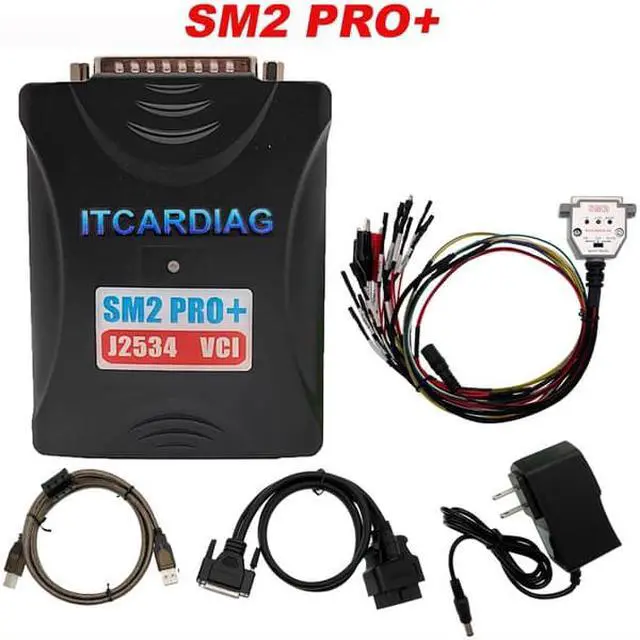
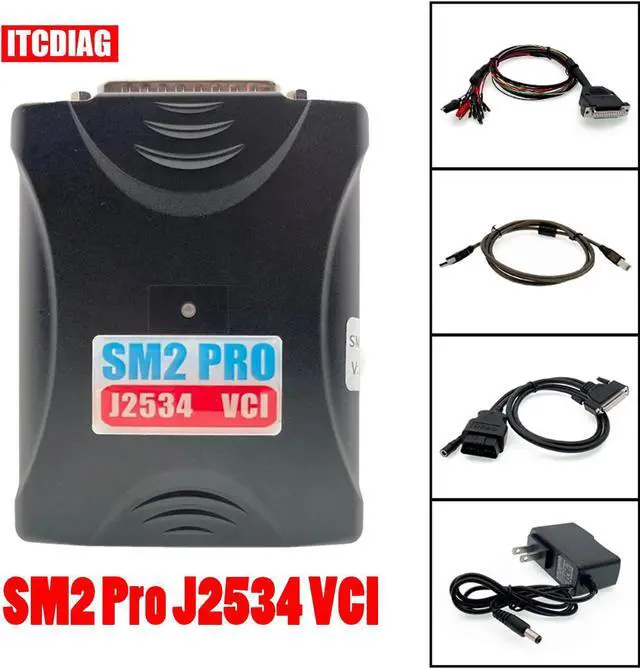
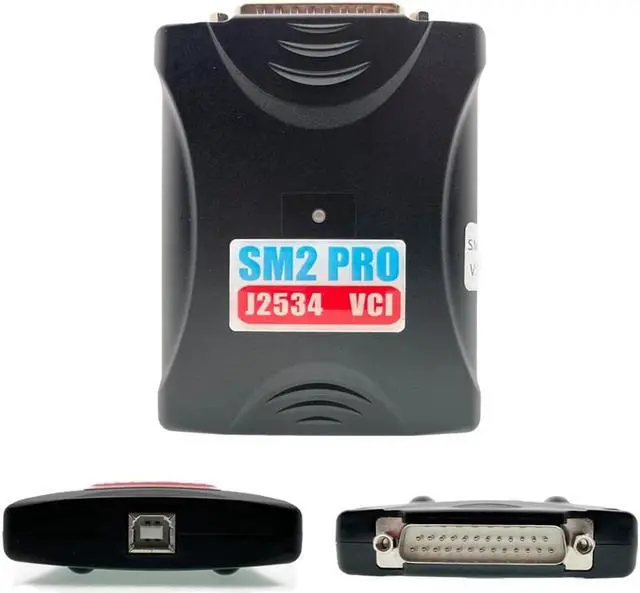
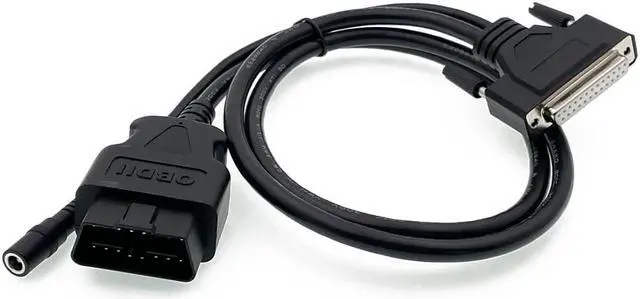
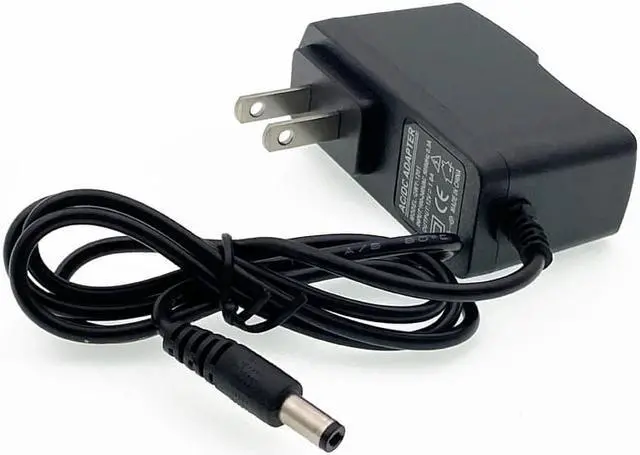
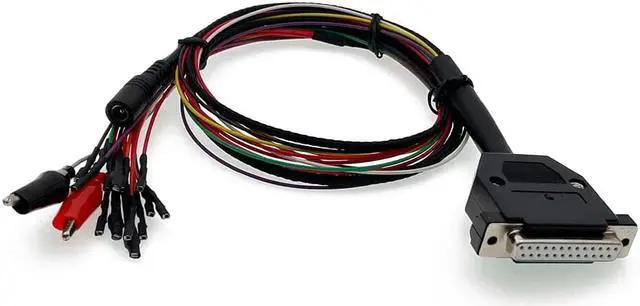
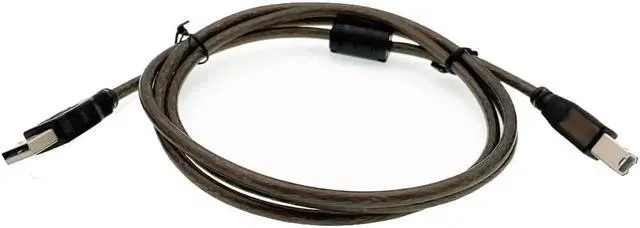
What program does it support:
1. Allison DOC
The program does not allow you to immediately select the SM2 adapter, you need to connect like this:
1) In the main window of the program, press F4-Connection.
2) Choose the type of transmission.
3) Uncheck "Smart Connect".
4) Click the "Connect" button.
5) Press the Advanced button.
6) In the Supplier field, select SM2RP32.
7) In the Protocol field, select the protocol (CAN Gen5/J1939/J1708) depending on the model transmission.
8) In the device field, select the SM2 adapter (USB or Bluetooth).
9) In the Channel field, select Auto.
10) Click OK - the program will start establishing a connection
2. combiloader
The operation of modules with the suffix J2534/+J2534 is fully supported.
ATTENTION! Operation with SM2 adapter at maximum K-line exchange rate is possible
only after the SM2 adapter has been modified. Otherwise, if in the module settings (tabadvanced) there is an item for selecting the exchange rate, then you should select minimum or "low".
What to look for:
Some modules imply a minimum delay time between sending a request and receiving a response from the ECU, mainly when reading firmware. This condition may provided only by connecting the adapter via USB. Modules with suffix +J2534 (not J2534! ) can automatically connect via CAN or K-lines, depending on the ECU modification, however, the J2534 adapter in these modules
used only for CAN bus connection. For the operation of such modules on the K-line
it is required to connect the native adapter PAK loader to the ECU. The program does not indicate which it was the adapter she used when the error occurred, which makes it very difficult to find "guilty".
Module BSL Mode TC17xx (J2534) version 1.43: for reading/writing ECU VAZ ME 17.9. 7 (TC1762)
sometimes it took several attempts to turn off / turn on the power + ignition of the ECU with the 87th processor pin shorted to ground, press read/write. It was saying "Error synchronization or No ECU response. The behavior of the program is verified with the Dialink adapter, Cardaq-2 Plus - similar.
Module MIKAS-12/M 74.5 /M75/M86/M86I (+J2534) version 1.9 if the process is interrupted read or write, the ECU remains in programming mode and no longer enters connection. The Advanced/End Programming button only works after complete power off / power on of the computer (as a reset of the battery terminal), the behavior is verified with Dialink adapter - similarly. Detected on the M 74.5 CAN block.
3. Forscan
Full support for vehicles with CAN-6-14/CAN-3-11/J1850PWM/K-Line (ISO) buses.
Program setting:
In the Connection Type field, select J2534 In the J2534 Adapter field, select SM USB or SM2 Bluetooth #Axxxxx In the MS-CAN Support field, select HS CAN Shared
Select Asynchronous in the Send Mode field
4. GM GDS-2/SPS
ATTENTION! The DVD versions from 2011 that surf the internet do not work through J2534. GM offers an affordable subscription to dealer software for vehicle diagnostics and programming Opel/Chevrolet
The SM2 fully implements (and is available in J2534 mode) the capabilities of a GM dealer instrument
MDI version 1 (blue):
CAN bus legs: 1 (Single Wire), 3-11 (Medium Speed), 6-14 (High Speed CAN), K-lines on legs 1, 8, 9, 7, 12,
13. This set gives access to almost all available GM vehicle systems.
The dealer device of the second generation GM MDI-2 additionally has a CAN bus for 12-13 (sensor steering wheel position, etc. ) OBDII connector legs support for this bus is implemented in the adapter SM2.
So, it means SM2 can replace the GM MDI AND GM MDI2!
5. Nissan Consult 3+
This software was not originally designed to work with J2534 adapters, however, by editing configuration file, it is possible to run it, but
with significant limitations:
A lot of functionality (reading data, programming) is implemented in the firmware original VI2 adapter, which goes way beyond J2534. The maximum that can be to achieve - reading codes, identification and tests of IM (data reading is available in IM), perhaps different adaptations, etc., there will be no reading of variables.
The program will see the state of the ignition switch only through the native device VI2. In the driver SM2 J2534 provides an ignition switch state emulator for this program.
If communication with an adapter is lost, Consult does not attempt to reopen communication and will simply issue a communication error message with the computer or just freeze. Should be restarted
Consult in this case.
Interrogation of blocks and reading VIN goes with significant delays (compared to original instrument).
The program is unstable, possible freezes.
Configuring Consult 3+ to work through SM-2: Tested on versions 46.11, 64.11, 65.10:
1) You don't need to edit anything in the registry.
2) In C: \CONSULT III_plus\System\Application\ApplicationData\CommonSetting\DiagnosticTool. ini
you need to add exactly two lines with the name of the adapter (see the figure below):
USB connection:
[device]
vi_device_name=SM2 USB
3) When starting Consult makes an attempt to communicate on the CAN bus, you need the adapter to be connected
to a car or unit (with a 120 resistor) with a working CAN bus, and the ignition is on. If a If the program does not see a working CAN bus, it will not show the adapter in the main window (see point 4).
4) If Consult immediately (without a choice in the program settings! ) after starting did not see the adapter (on picture - green), then something is wrong with the CAN bus. Go to adapter selection if an adapter appeared there - select it and click "Close" ("Connect" do not click! ). If there it is not there, then we close Consult, and repeat from point 3.
6. open box
Some modules (e. g. M74 KLINE) work on the K-line only through a simple K-adapter line for COM port. Others (for example, EDC17) allow you to choose the connection method for K-lines (COM or J2534).
To do this:
after selecting each module, go to Settings and check the box Use J2534 adapter in the J2534 tab. If this option is not available, then
this module will not work on K-lines via the J2534 adapter.
7. ODIS Service
Old cars with K-line and KW1281 protocol work normally only when connected via USB due to strict time limits.
When connected via any adapter in J2534 mode, the program will not see the state of the lock ignition. The SM2 J2534 driver implements a manual ignition lock state emulator.
7. ODIS Service
Old cars with K-line and KW1281 protocol work normally only when connected via USB due to strict time limits.
When connected via any adapter in J2534 mode, the program will not see the state of the lock ignition. The SM2 J2534 driver implements a manual ignition lock state emulator.
9 Renault Clip
Support is provided through special compatibility functions, since CLip does not support Fully J2534 standard.
Features:
- Clip support starting from version 137 under Windows XP/Vista/7/10/11 (32 or 64 bit).
- Implemented all necessary functions of RTL2000/Alliance IV/RNM adapters.
- The ability to work with original RTL/Alliance IV adapters has been retained. - Implemented the ability to run the ASDE program (for older machines) under 64-bit systems.
Restrictions:
- SM2 (non-PR





 here!
here!