
Your Browsing History





Any questions? Our AI beta will help you find out quickly.
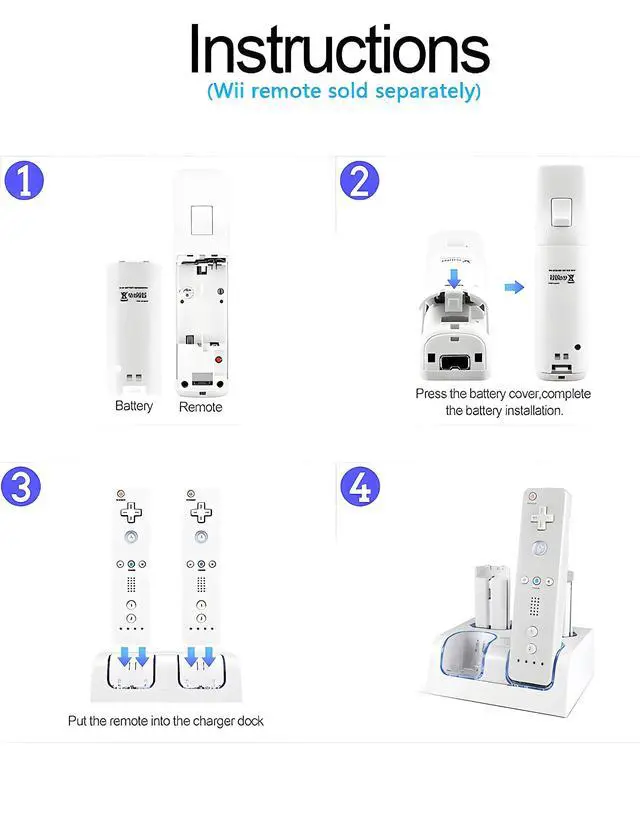
User Guide:
1. Install the battery on your Remote controller.
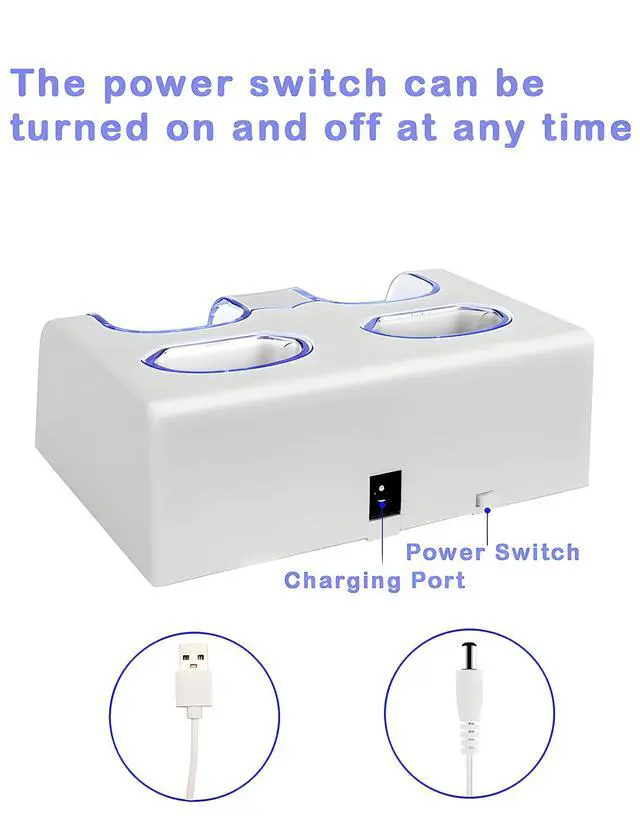
2. Connect the charger dock with power source.
3. Place Remote & batteries on the dock, and make sure they connect properly.
Features:
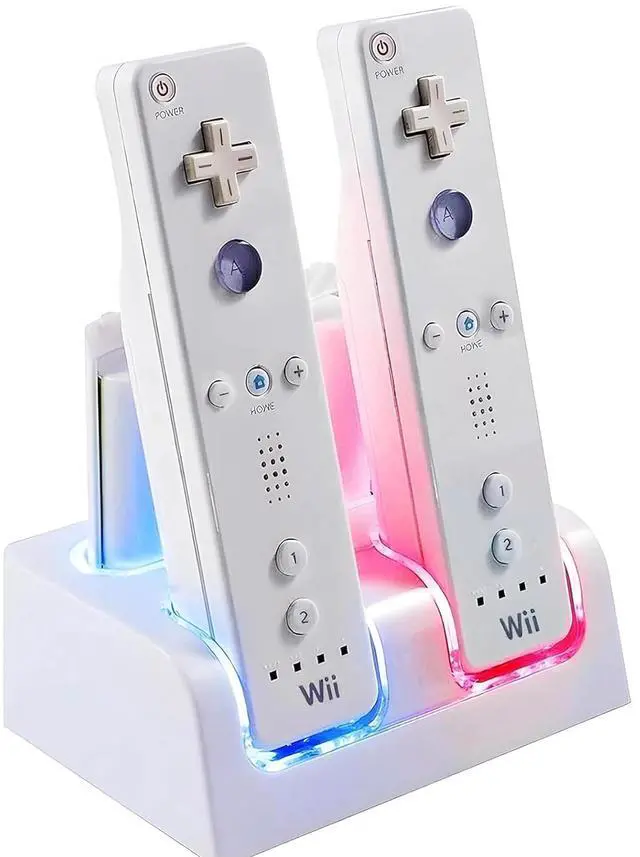
Charging 4 batteries in total, 2 dock for remtoes, 2 for single battery
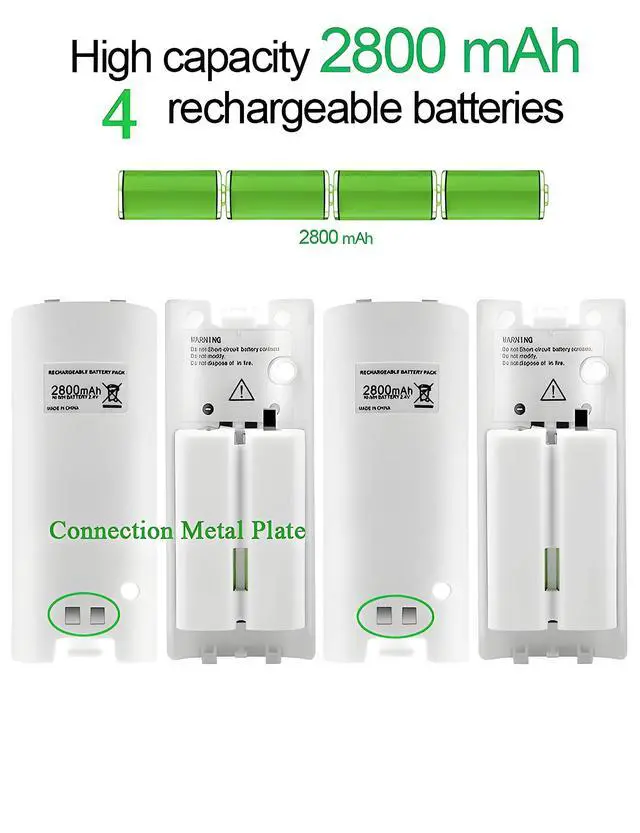
Come with 4 high capacity rechargeable batteries
USB port charging cord is convenient to connect with power
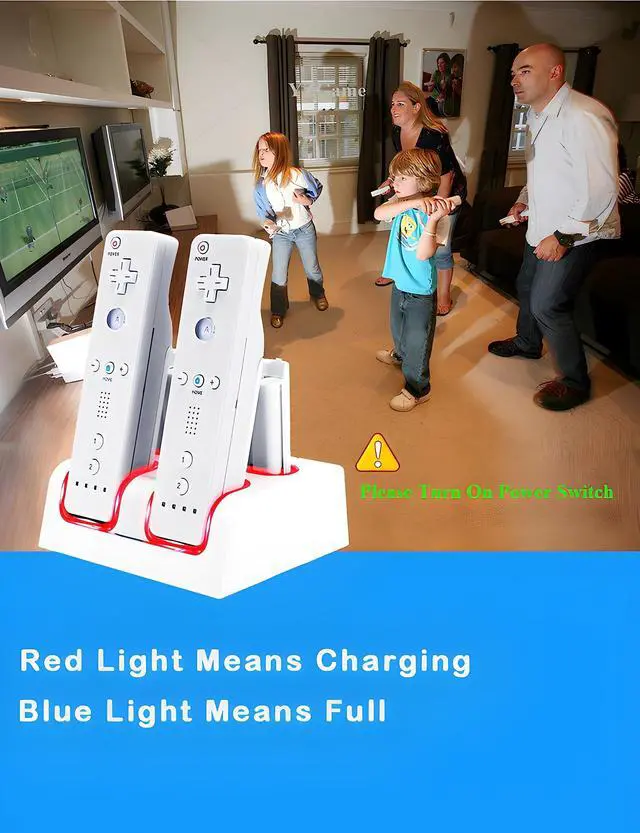
LED light indicator let you know the charging status
Never be out of battery when you play games with families & friends
Specifications:
Product name: Charging Station for
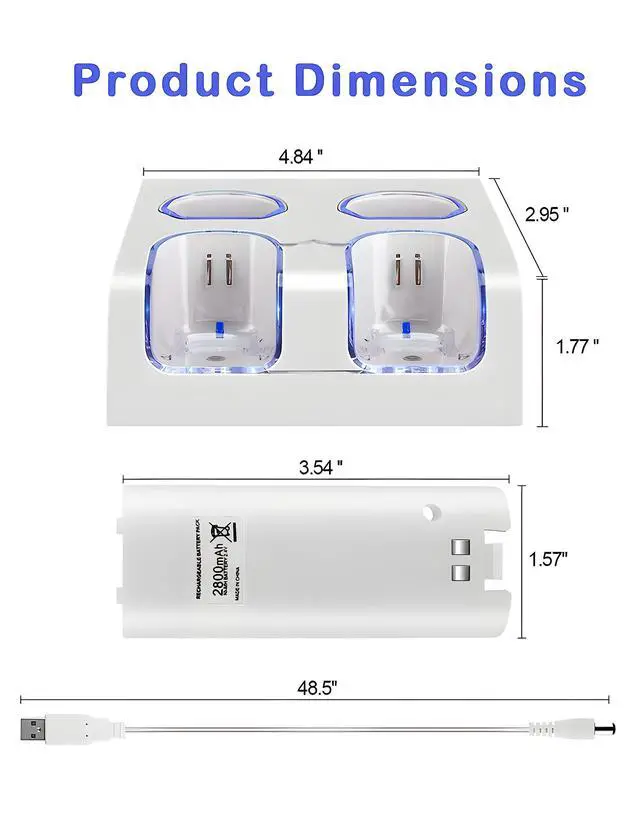
Demention: 4.92*3.85*1.77 inches
Total Weight: 11.4 ounces
Color: White
Battery Type: Ni-MH battery
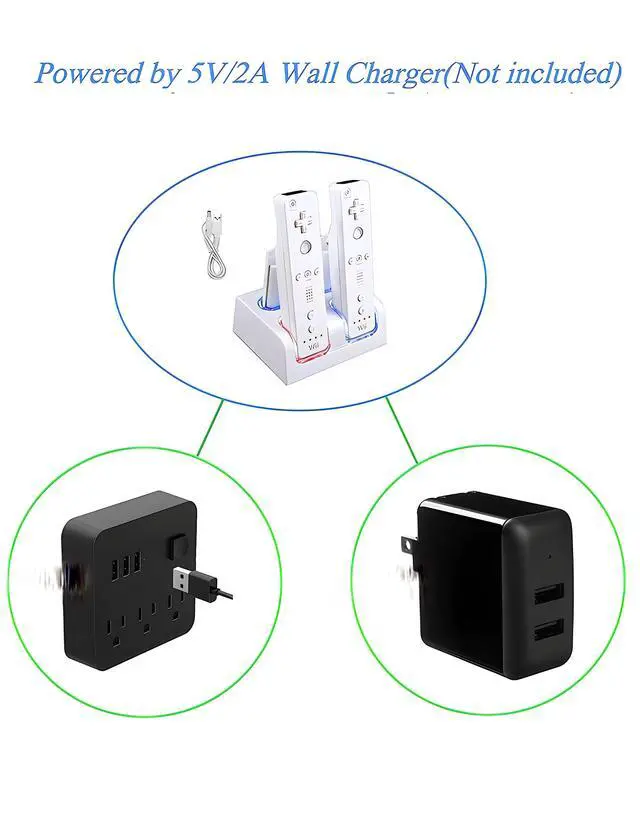
Input: 5V/2A
Output: DC 5V(Dock)
Material: Plastic & Metal
Package Included:
1* Charging Station
4* Rechargeable Battery
1* USB Charging Cord
Notice:
Power source requires 5V/2A input.
Used for regular size Nintendo remote/ remote plus controller.
Place the remote properly on the charger dock, make sure they connect well.
It will take about 2h to be fully charged, and it depends on how many charging unit on it.
You can press the SYNC button through the small hole on the back of the battery by using a pin or toothpick.