



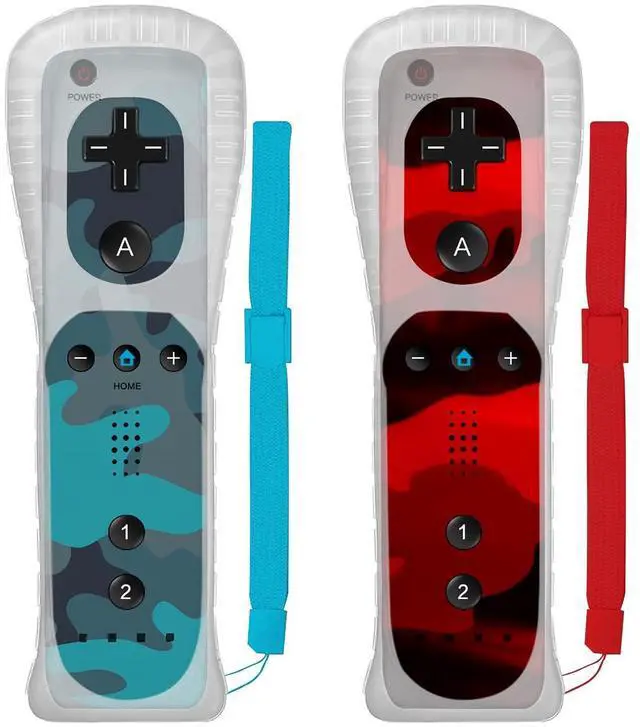
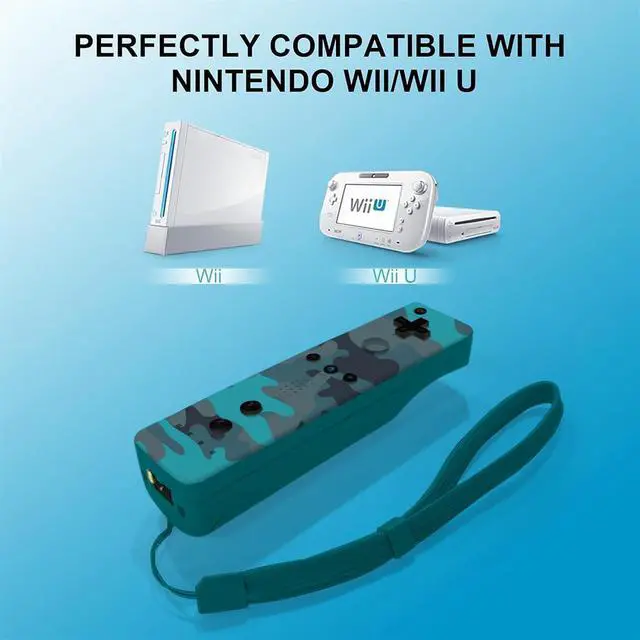


Wireless Controller Compatible with Wii/Wii U


Controller connection Method
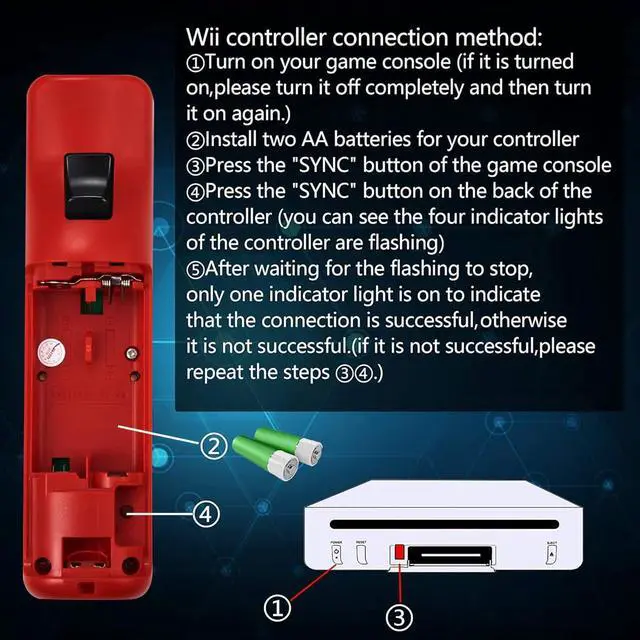
1.Turn on your game console(if it is turned on,please turn it off completely and then turn it on again)
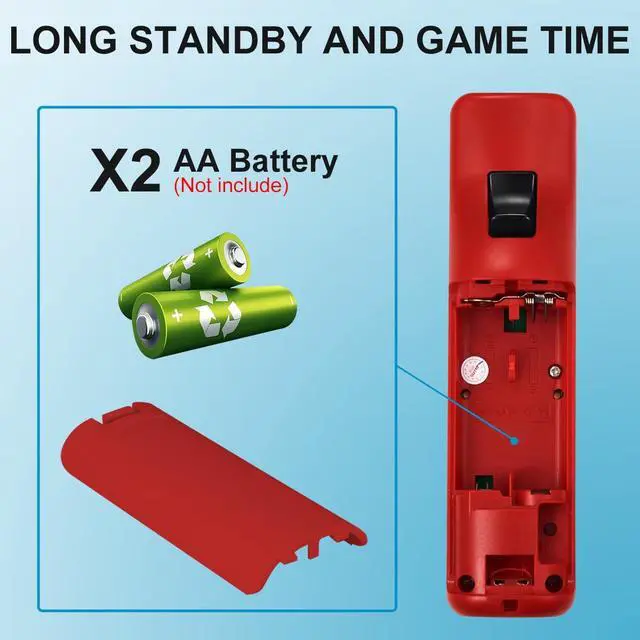
2.Install two AA batteries for your controller(Batteries not included)
3.Press the "SYNC" button of the game console
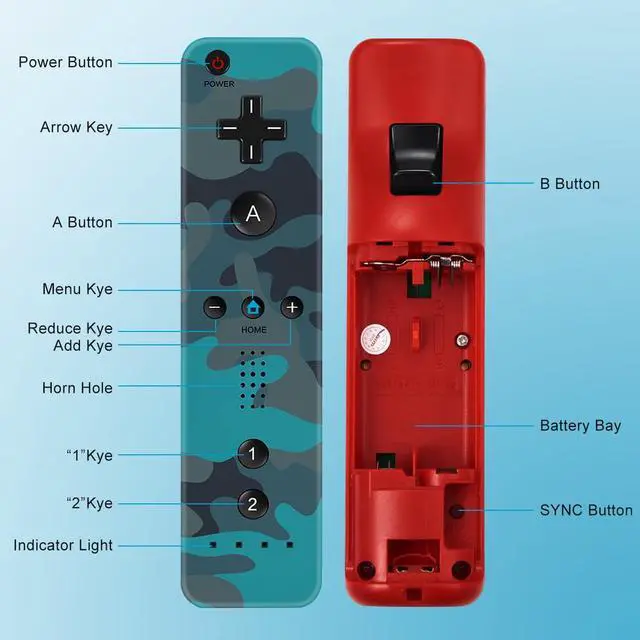
4.Press the "SYNC" button on the back of the controller(you can see the four indicator lights of the controller are flashing)
5.After waiting for the flashing to stop,only one indicator light is on to indicate that the connection is successful, otherwise it is not successful.(if it is not successful,please repeat the steps 3 and 4)
Wireless Controller Compatible with Wii/Wii U
Controller connection Method
1.Turn on your game console(if it is turned on,please turn it off completely and then turn it on again)
2.Install two AA batteries for your controller(Batteries not included)
3.Press the "SYNC" button of the game console
4.Press the "SYNC" button on the back of the controller(you can see the four indicator lights of the controller are flashing)
5.After waiting for the flashing to stop,only one indicator light is on to indicate that the connection is successful, otherwise it is not successful.(if it is not successful,please repeat the steps 3 and 4)