• $64.99
  • Free 30-day Returns
  • Sold by Mikiomie Dire

    Shipped by Mikiomie Dire

    Price alert
    Shop it at NeweggBusiness.

    Meet Your Seller

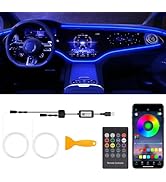
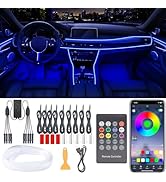
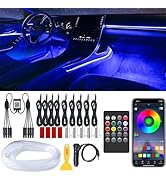
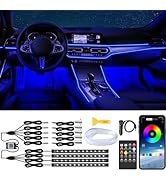
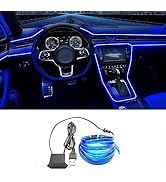
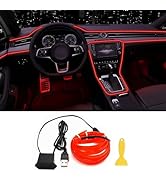
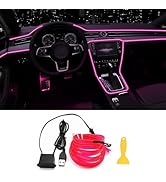
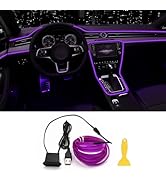
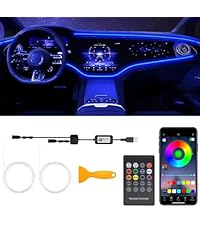
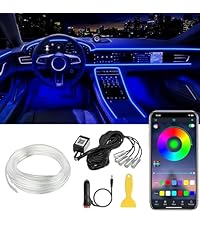
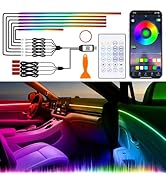
    Interior Car LED Lights, 9 in 1 RGB Wireless Ambient Lighting Kit, USB 12V

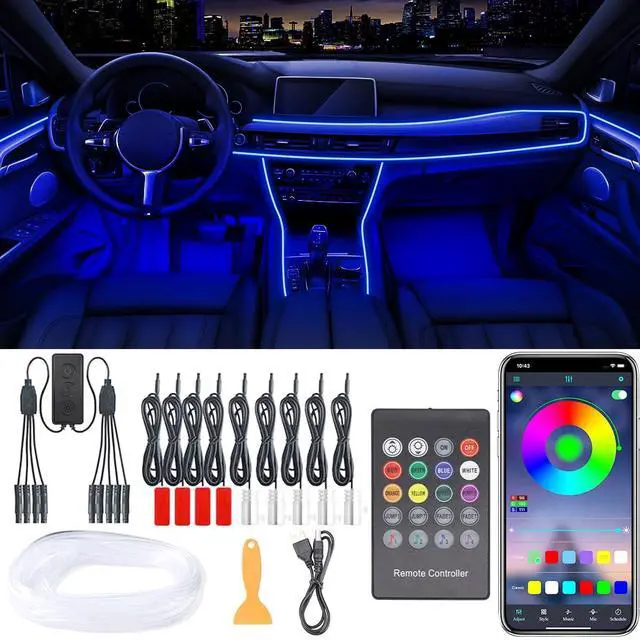
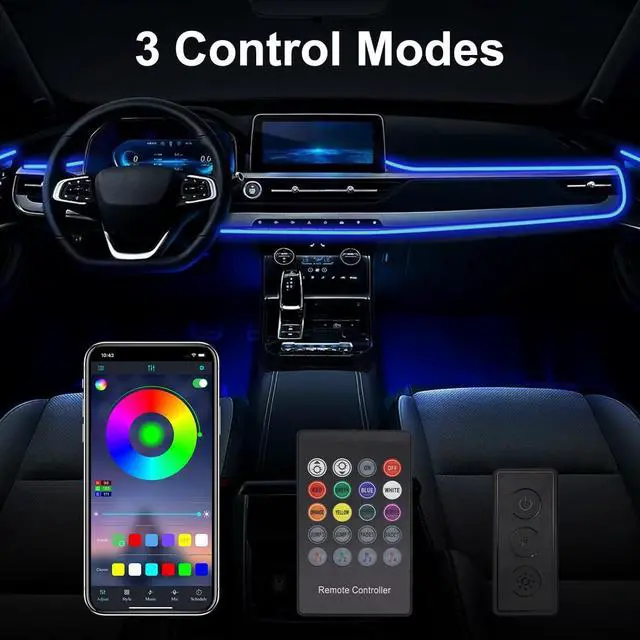
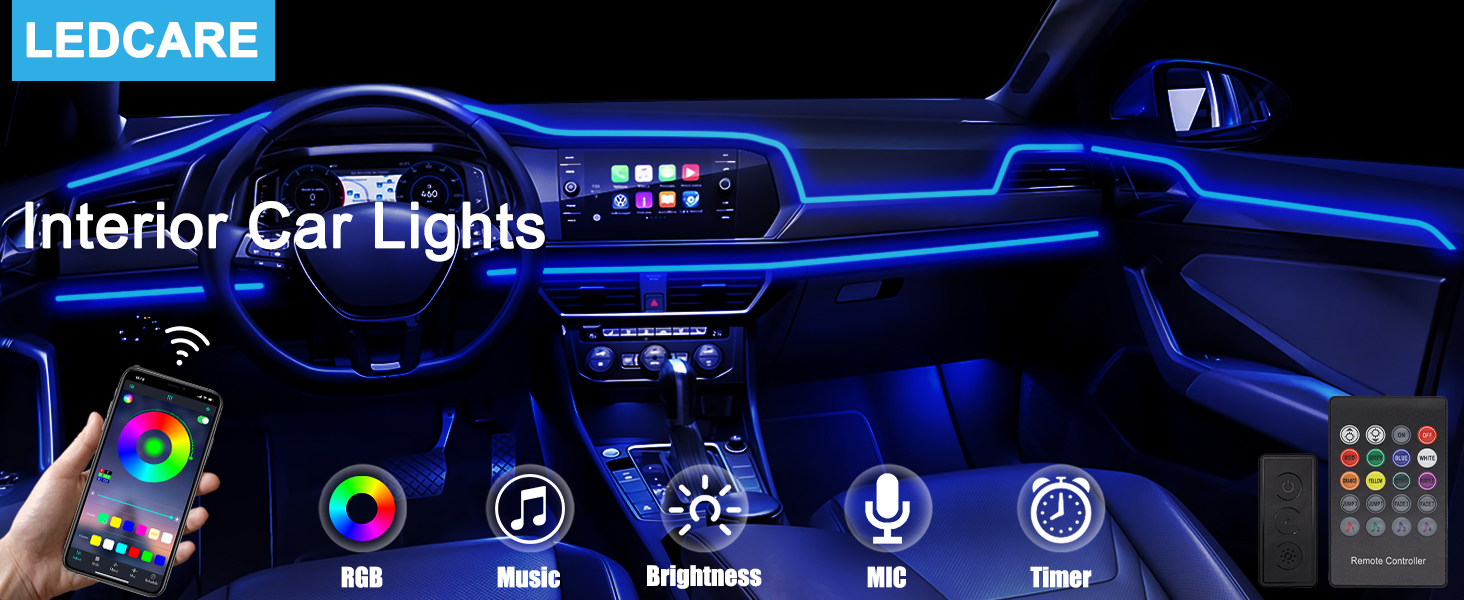
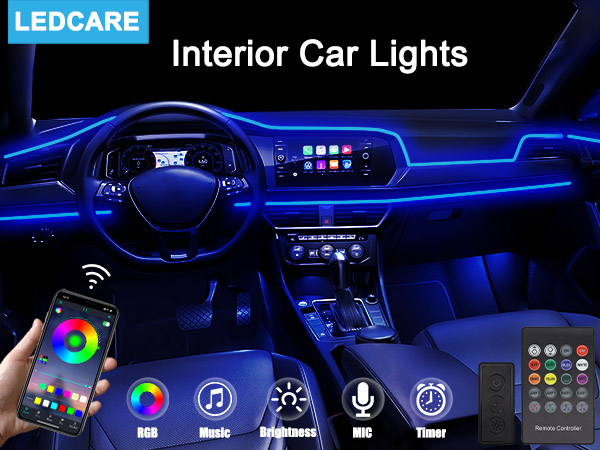
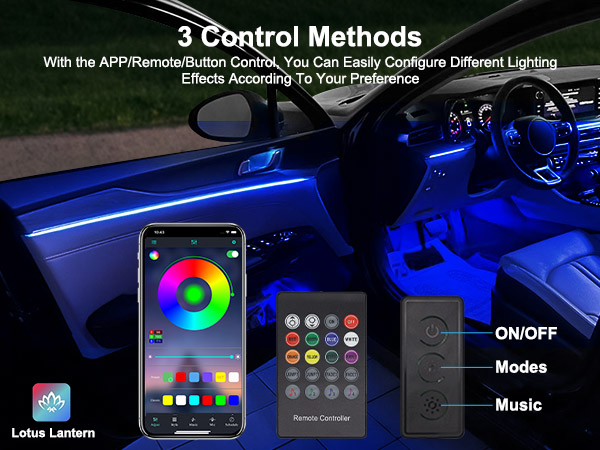
    • [Upgrade 3 Control Methods] Added the button control. You can control the interior lighting effect more conveniently by using the mobile APP/RF remote control/button control. Turn on/off lights, change colors, modes, brightness, timing, etc.
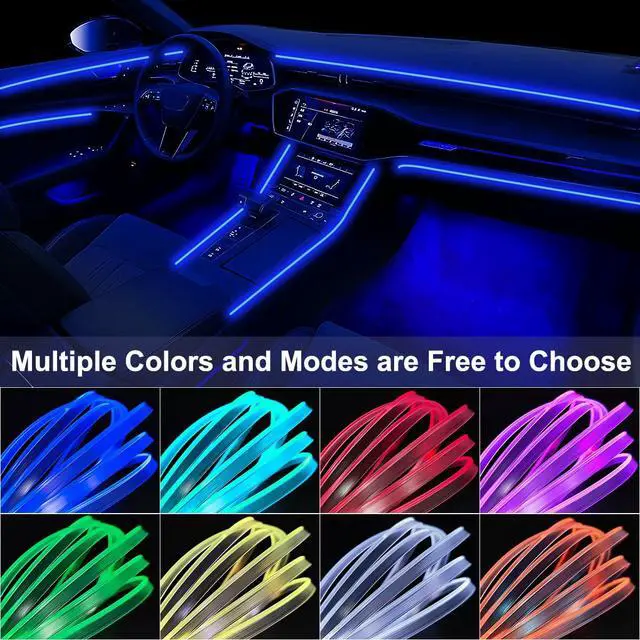
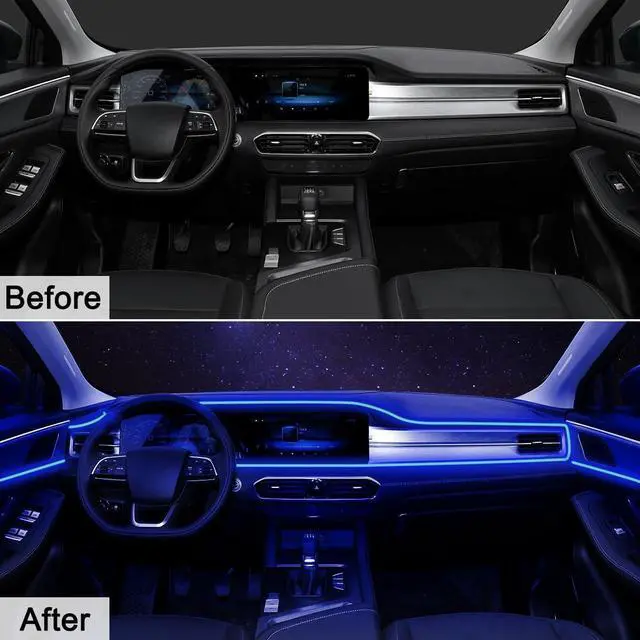
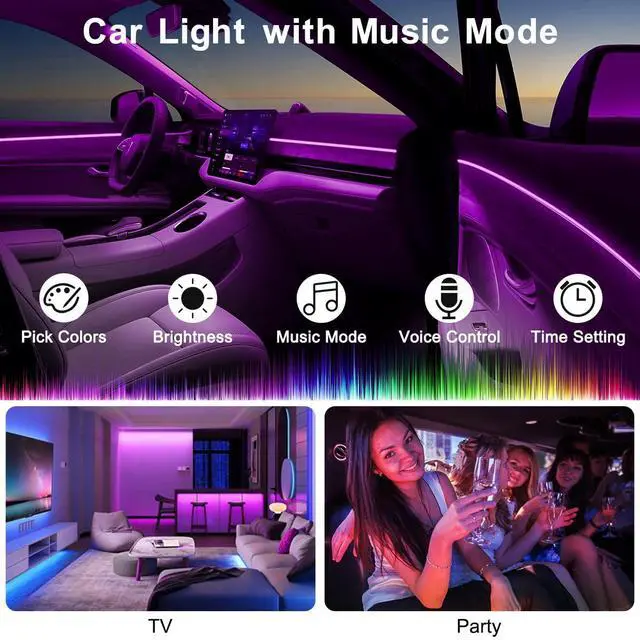
    • [16 Million Colors & 29 Modes] With over 16 million colors and 29 dynamic modes to choose from, you can easily create a cool and vibrant atmosphere in your car to make it colorful.
    • [Dynamic Music Mode] Built-in sensitive microphone, led interior car lights can change color according to the rhythm of the music, enhancing the atmosphere and safety of night driving.
    • [Wide Application] The car led light strip is powered by USB, and the working voltage is DC 12V, making it suitable for use in cars, trucks, RVs, boats, and also can be used as a decorative light for home, party, bedroom, and living room.
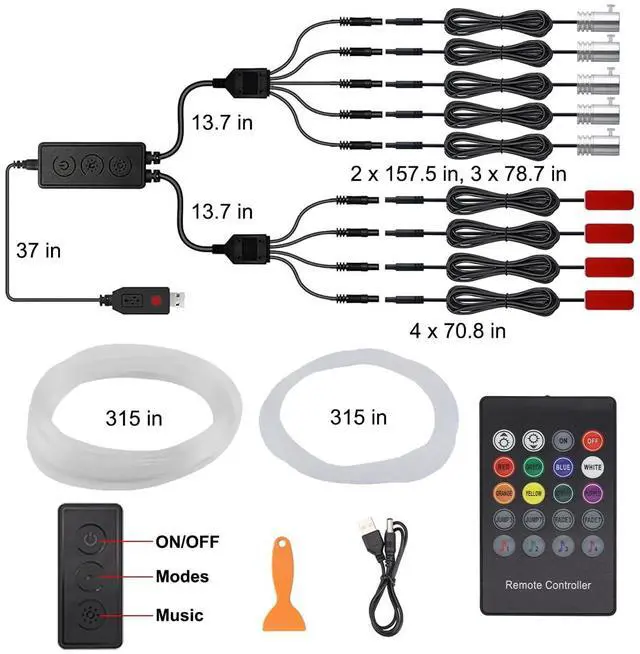
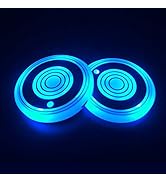
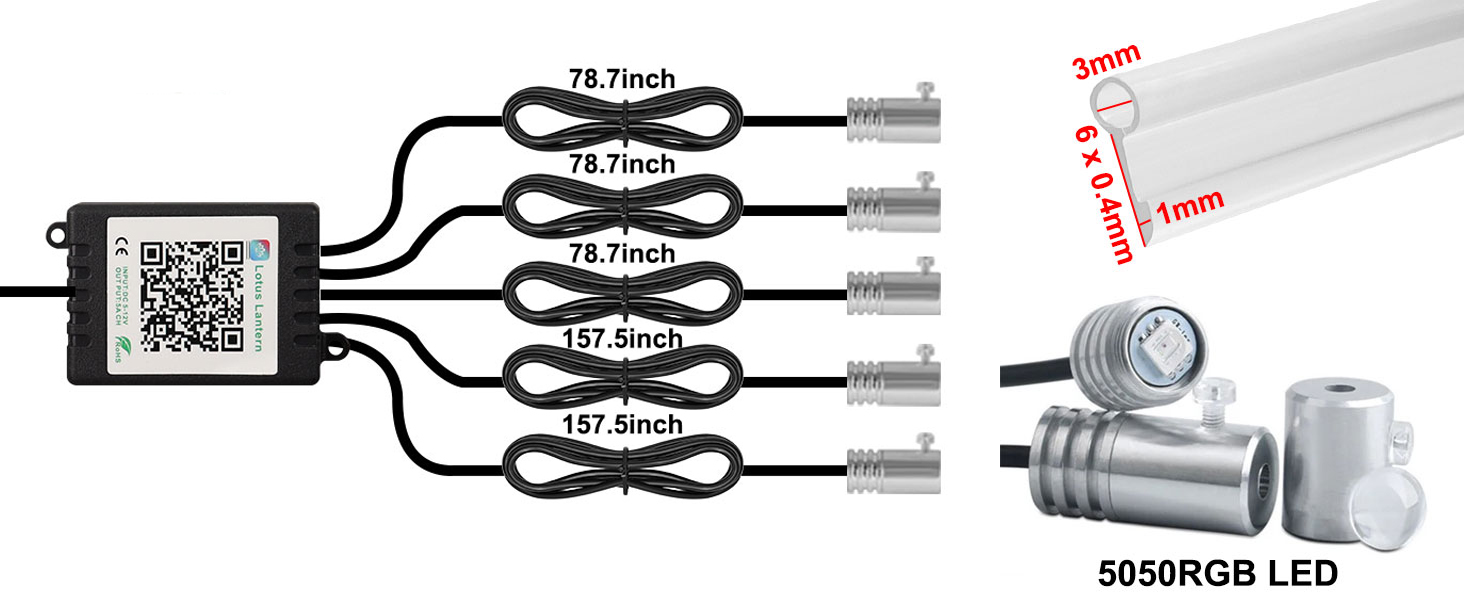
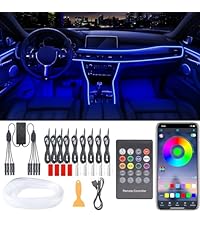
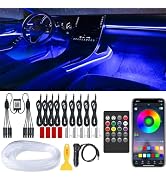
    • [About Package] You will receive 5pcs fiber optic lights, 4pcs footwell lights, 236 inches fiber optic and tube, 1 x usb cable with button control, 1 x pry tool, 1 x user manual.
    • Tips: The fiber optic and transparent tubes can be bent or cut to any length as required. If the fiber optic is not bright enough, it is recommended to add an LED at the end to ensure sufficient brightness. Please use and check the lighting effect at night.
    +
    +
    Overview
    Specs
    Reviews
    avatar

    Any questions? Our AI mode will help you find out quickly.

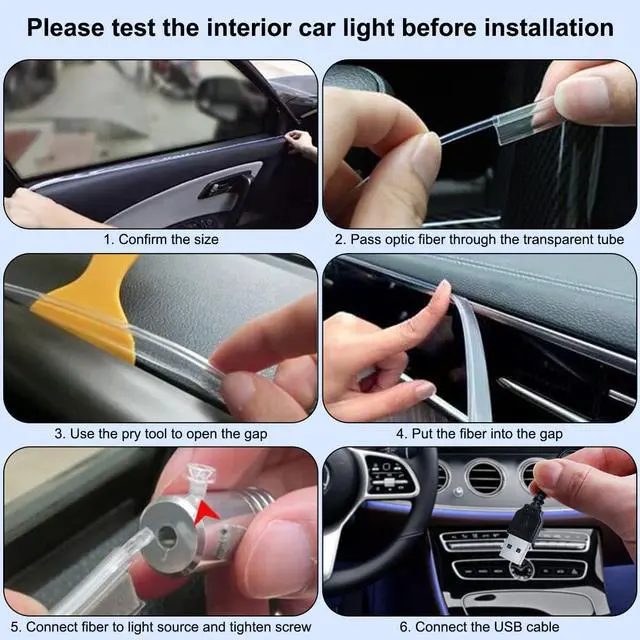
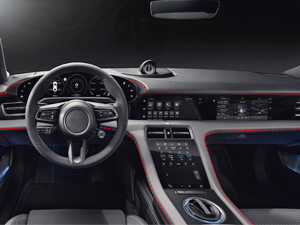
    Please Test The Lights Before Installation

    car lights

    Download The APP " Lotus Lantern" on APP Store/Google Play

    car lights

    Please Check the Fiber Size Carefully Before Purchasing

    interior car lights

    How to Install without Removing the Car Door?

    interior lights

    Step 1. Confirm the installation place and size

    interior car lights

    Step 2. Pass the fiber optic through the transparent tube

    car lights

    Step 3. Use pry tool to open the gap and insert the fiber

    car lights

    Step 4. Cut the excess fiber

    interior lights

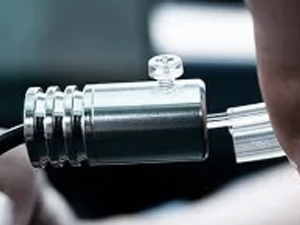
    Step 5. Connect the fiber to the light source

    interior car lights

    Step 6. Tighten the screw

    interior car lights

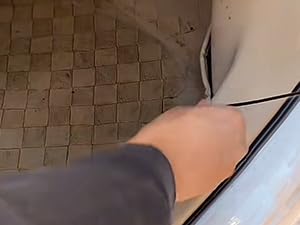
    Step 7. Hide the black wire in the foot mat
    car lights

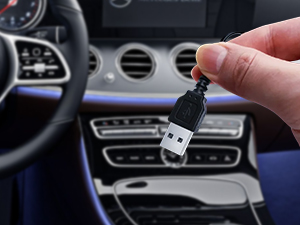
    Step 8. Connect the USB Cable

    LEDCARE Interior Lights for Car

    https://m.media-amazon.com/images/S/aplus-media-library-service-media/adecc8e5-6960-4c95-b9a8-4163782dd3d9.__AC_SR200,225___.jpg

    Interior Car Lights

    https://m.media-amazon.com/images/S/aplus-media-library-service-media/0e6f6b35-e469-43f5-b368-3ca9ed61c56f.__AC_SR200,225___.jpg

    Interior Car Lights

    https://m.media-amazon.com/images/S/aplus-media-library-service-media/eab89156-7575-435d-a8d1-8b79c3b6a218.__AC_SR200,225___.jpg

    Interior Car Lights

    https://m.media-amazon.com/images/S/aplus-media-library-service-media/604d4579-e709-4884-917c-a0252159e0ad.__CR0,0,200,225_PT0_SX200_V1___.jpg

    Interior Car Lights

    https://m.media-amazon.com/images/S/aplus-media-library-service-media/5178c856-62e2-42e9-98cb-18cbaa15b22d.__CR0,0,200,225_PT0_SX200_V1___.jpg

    Interior Car Lights

    https://m.media-amazon.com/images/S/aplus-media-library-service-media/afef503b-7c2a-4f74-8e7d-f70fab1d5f30.__CR0,0,200,225_PT0_SX200_V1___.jpg

    Interior Car Lights

    Customer Reviews
    Price
    Size
    9 In 1 2 In 1 5 In 1 5 In 1 9 In 1 9 In 1
    Colors
    RGB RGB RGB RGB RGB RGB
    Control Method
    APP / Remote / Button APP / Remote / Button APP APP / Remote APP / Remote APP / Remote
    Power Method
    USB USB Cigarette Lighter USB Cigarette Lighter Cigarette Lighter
    Music Sync
    ? ? ? ? ? ?

    Please Test The Lights Before Installation

    car lights

    Download The APP " Lotus Lantern" on APP Store/Google Play

    car lights

    Please Check the Fiber Size Carefully Before Purchasing

    car lights

    How to Install without Removing the Car Door?

    interior lights

    Step 1. Confirm the installation place and size

    interior car lights

    Step 2. Pass the fiber optic through the transparent tube

    car lights

    Step 3. Use pry tool to open the gap and insert the fiber

    car lights

    Step 4. Cut the excess fiber

    interior lights

    Step 5. Connect the fiber to the light source

    interior car lights

    Step 6. Tighten the screw

    interior car lights

    Step 7. Hide the black wire in the foot mat

    car lights

    Step 8. Connect the USB Cable

    LEDCARE Interior Lights for Car

    https://m.media-amazon.com/images/S/aplus-media-library-service-media/adecc8e5-6960-4c95-b9a8-4163782dd3d9.__AC_SR200,225___.jpg

    Interior Car Lights

    https://m.media-amazon.com/images/S/aplus-media-library-service-media/0e6f6b35-e469-43f5-b368-3ca9ed61c56f.__AC_SR200,225___.jpg

    Interior Car Lights

    https://m.media-amazon.com/images/S/aplus-media-library-service-media/eab89156-7575-435d-a8d1-8b79c3b6a218.__AC_SR200,225___.jpg

    Interior Car Lights

    https://m.media-amazon.com/images/S/aplus-media-library-service-media/604d4579-e709-4884-917c-a0252159e0ad.__CR0,0,200,225_PT0_SX200_V1___.jpg

    Interior Car Lights

    https://m.media-amazon.com/images/S/aplus-media-library-service-media/5178c856-62e2-42e9-98cb-18cbaa15b22d.__CR0,0,200,225_PT0_SX200_V1___.jpg

    Interior Car Lights

    https://m.media-amazon.com/images/S/aplus-media-library-service-media/afef503b-7c2a-4f74-8e7d-f70fab1d5f30.__CR0,0,200,225_PT0_SX200_V1___.jpg

    Interior Car Lights

    Customer Reviews
    Price
    Size
    9 In 1 2 In 1 5 In 1 5 In 1 9 In 1 9 In 1
    Colors
    RGB RGB RGB RGB RGB RGB
    Control Method
    APP / Remote / Button APP / Remote / Button APP APP / Remote APP / Remote APP / Remote
    Power Method
    USB USB Cigarette Lighter USB Cigarette Lighter Cigarette Lighter
    Music Sync
    ? ? ? ? ? ?
    Interior Car LED Lights, 9 in 1 RGB Wireless Ambient Lighting Kit, USB 12V

    Warranty & Returns

    Warranty, Returns, And Additional Information

    Warranty

    • Please contact the Seller directly for warranty information. Warranty information may also be found on the Manufacturer's website.
    • CONTACT

    Return Policies

    Manufacturer Contact Info

    LOADING...