




 here!
here!
I’m your shopping assistant for PC builds, upgrades, and everything tech.
Got questions? Ask away!
Start a conversation
here!
I’m your shopping assistant for PC builds, upgrades, and everything tech.
Got questions? Ask away!
Start a conversation
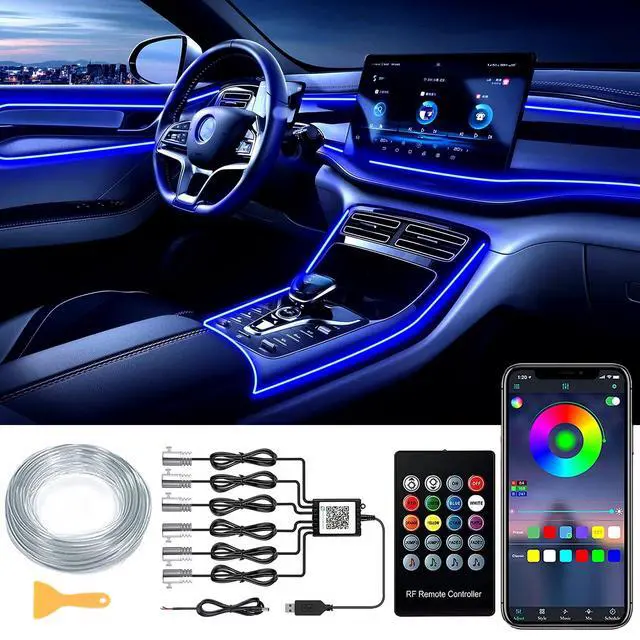
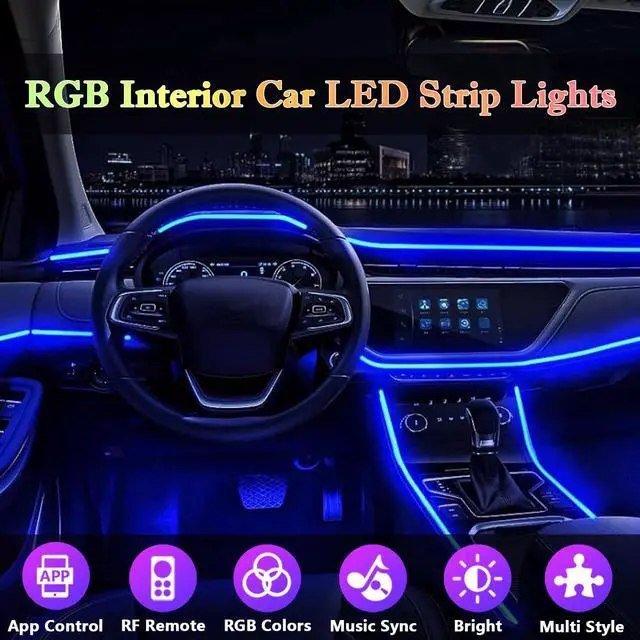
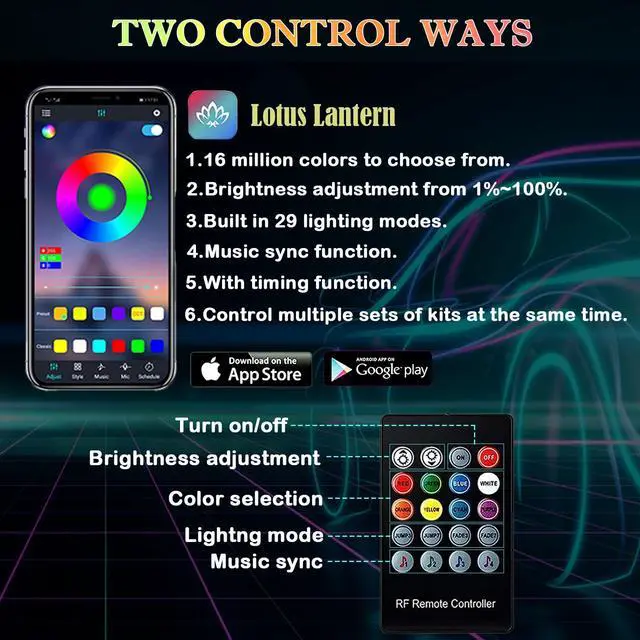
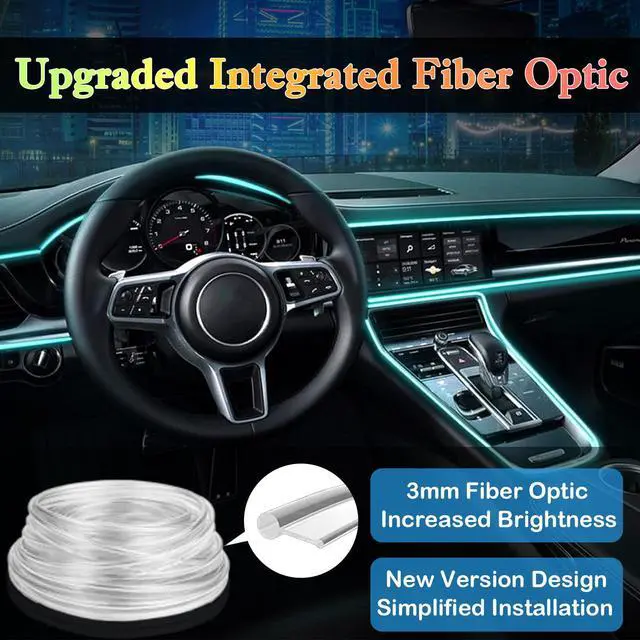
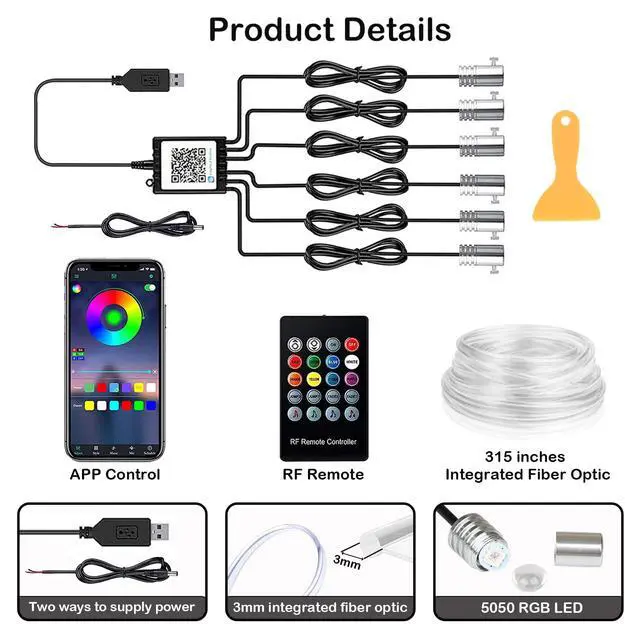
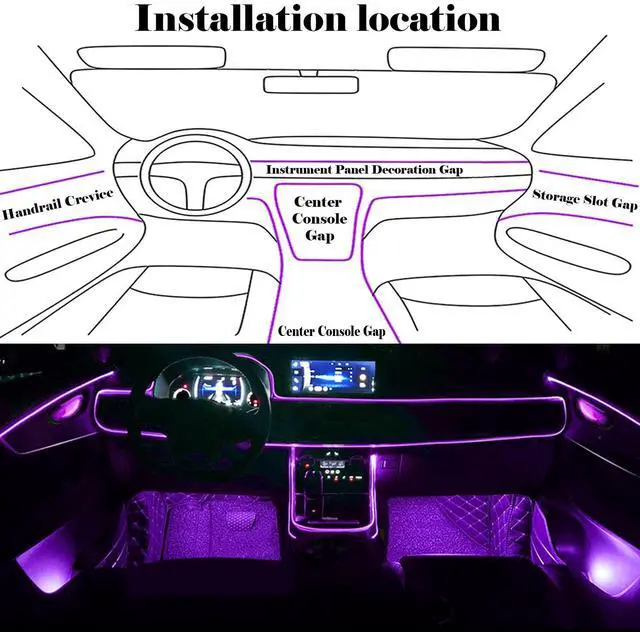



Any questions? Ask CelesteSM will help you find out quickly.
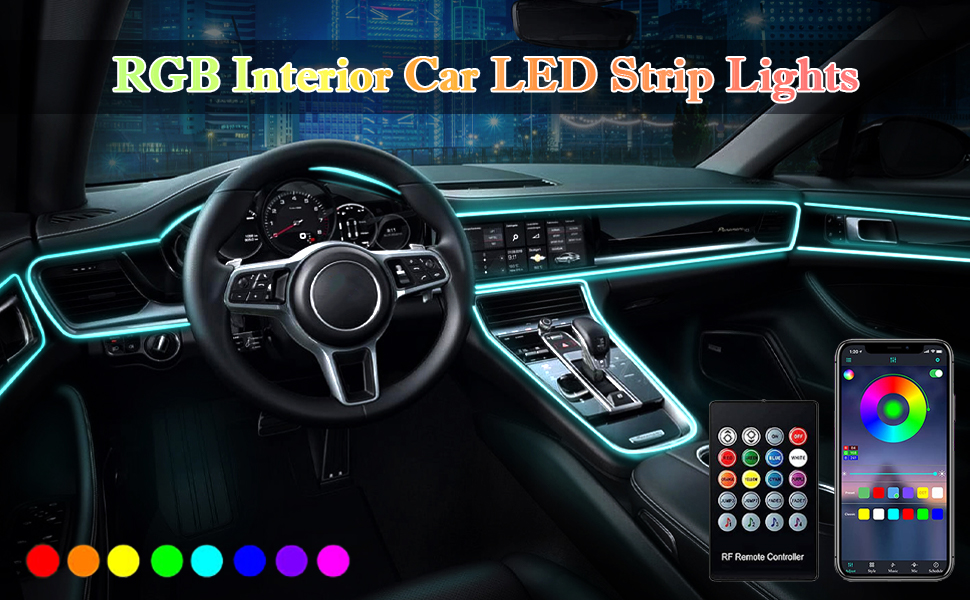

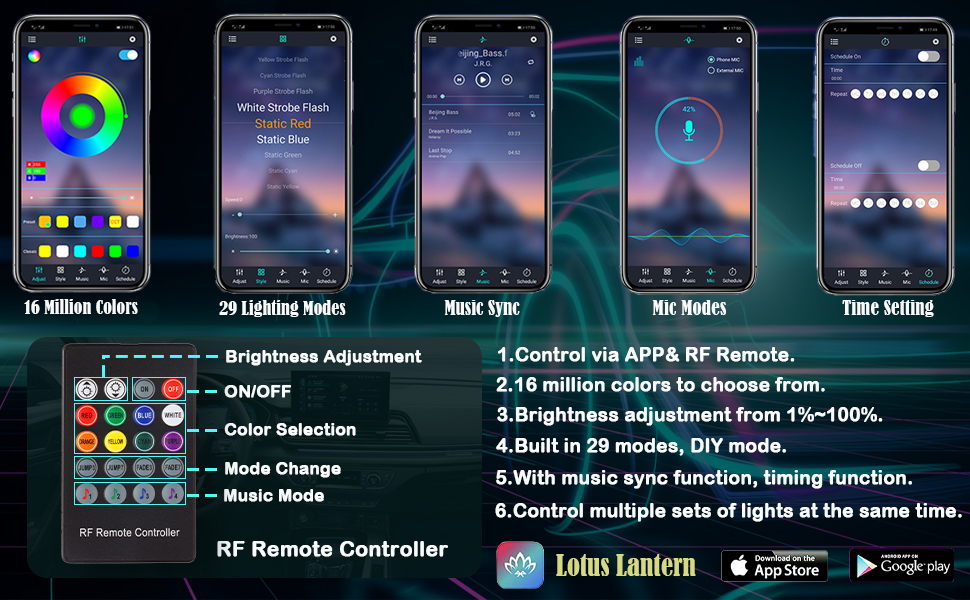
1. Scan the code on the controller to download the APP.
2. Turn on your cell phone bluetooth.
3. Power up the light strip.
4. Open the APP and connect the light (connect in this APP).
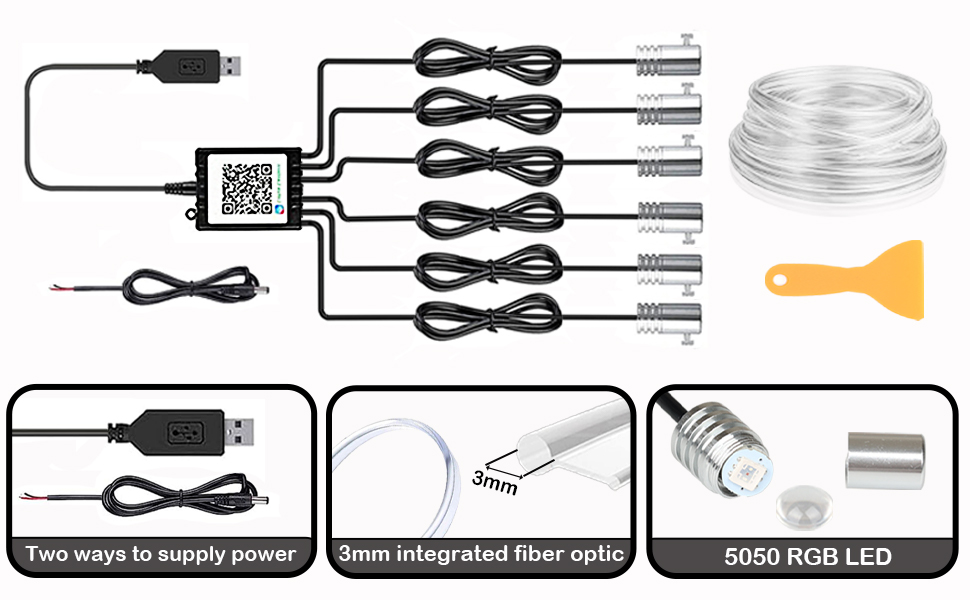
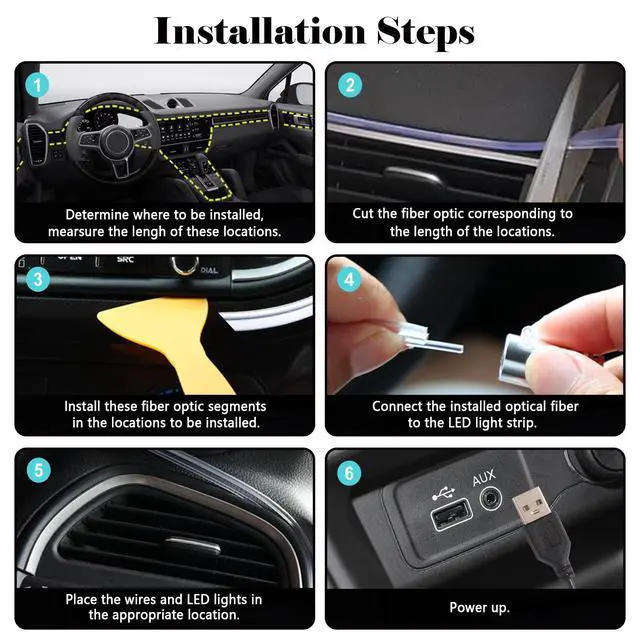
1. Determine the locations to be installed and measure the length of these locations.
2. Cut the fiber optic corresponding to the length of the location to be installed.
3. Use the tool to install these fiber optic segments in the locations to be installed.
4. Connect the installed fiber optic to the LED light strip.
5. Place the wires and LED lights in the appropriate location.
6. Connect the USB/DC cable to the controller, power up.
1. Scan the code on the controller to download the APP.
2. Turn on your cell phone bluetooth.
3. Power up the light strip.
4. Open the APP and connect the light (connect in this APP).
1. Determine the locations to be installed and measure the length of these locations.
2. Cut the fiber optic corresponding to the length of the location to be installed.
3. Use the tool to install these fiber optic segments in the locations to be installed.
4. Connect the installed fiber optic to the LED light strip.
5. Place the wires and LED lights in the appropriate location.
6. Connect the USB/DC cable to the controller, power up.


