• $28.99
  • Free 90-day Returns
  • Volume Discounts Available
    • $26.09 ea.
    • $23.19 ea.
    Price alert
    Add to Wish List(Found on 4 wish lists)
    Shop it at NeweggBusiness.

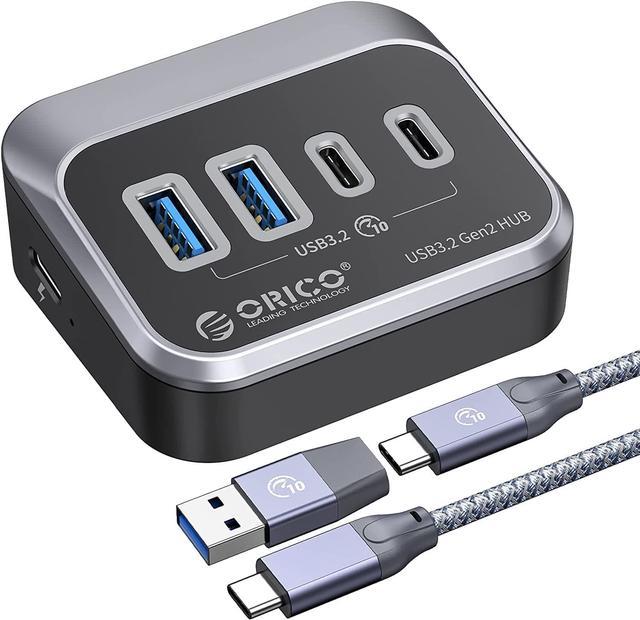
    ORICO 10Gbps USB 3.2 Gen 2 Hub, 4-Port (2 USB-A + 2 USB-C) Splitter with 1.64ft Cable & Adapter for Mac/PC

    Limited time offer, ends 11/08 By ORICO Official Store

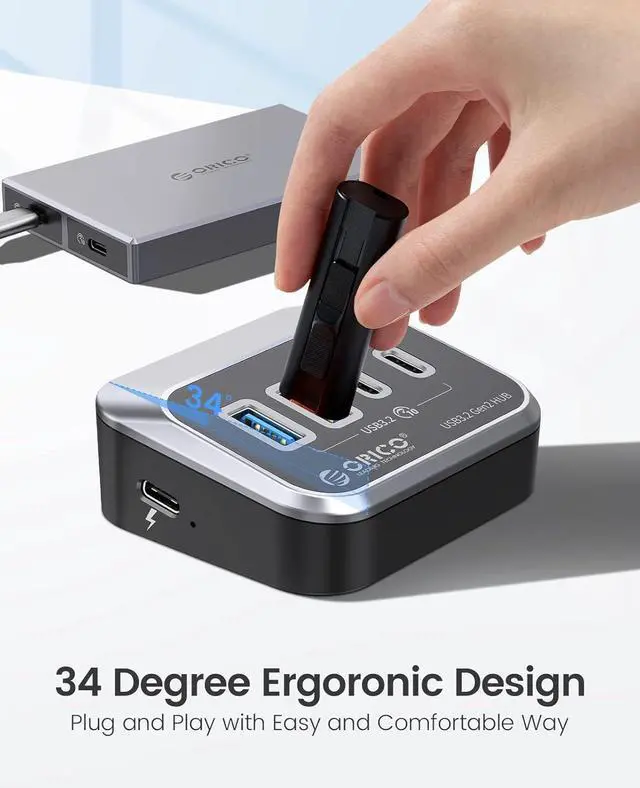
    • Ergonomic Design34° Ergonomic Health Tilt Design, which aligns with the human bodys most comfortable posture.
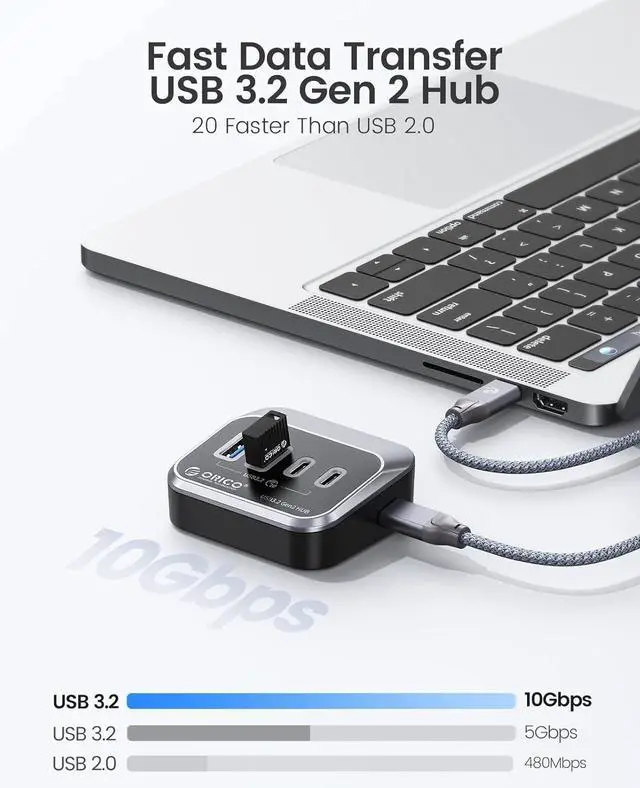
    • USB3.2 Gen2This hub adopts USB 3.2 Gen 2, the latest USB standard, which offers twice the data transfer rate of conventional USB 3.0 in theory.
    • 5V 2A Power Supply InterfaceThe ORICO USB 3.2 Hub reserves a USB-C 5V power supply interface, which can connect to an external 5V 2A power source to ensure the stable operation of high-power USB devices. (Note: A power adapter is not included in the product package.) PS: This hub only supports data transfer and does not support charging any devices.
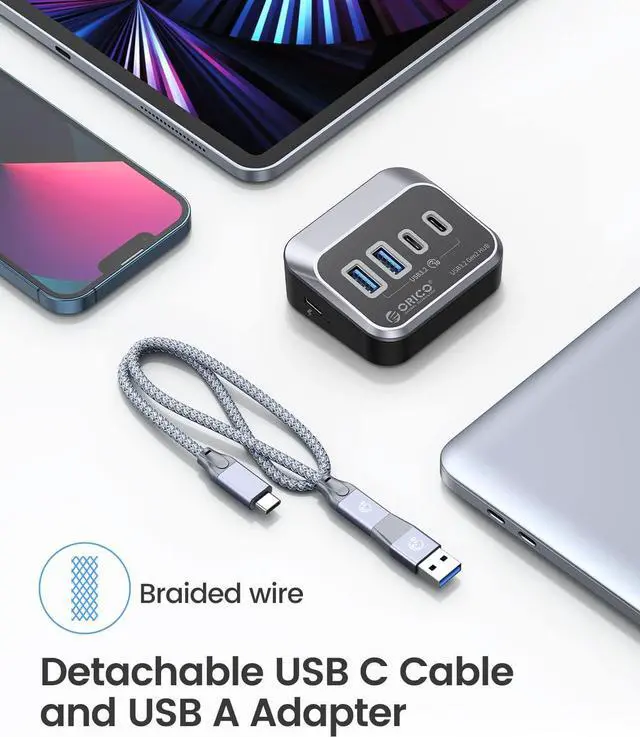
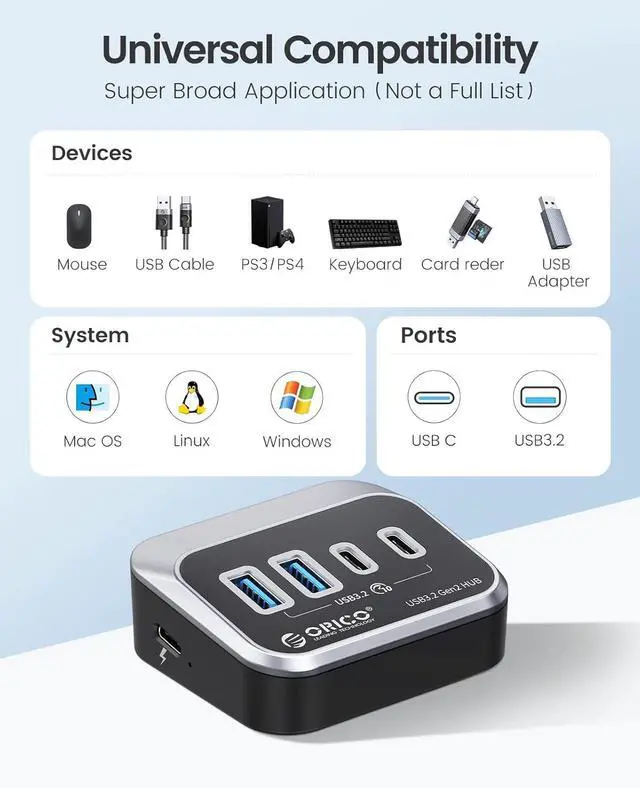
    • Wide CompatibilityThe ORICO USB 3.2 Hub comes with a USB-C to USB-C cable and a USB-A adapter in the package, making it compatible with all USB-A/USB-C laptops (such as the M1 Mac mini, MacBook Air/Pro, iMac, XPS, and Surface Pro) as well as desktop computers.
    • What You Get1 x ORICO 4-Port USB 3.2 10G Hub, 1 x 1.64ft USB-C to USB-C cable, and 1 x USB-A adapter; Important: This hub ONLY supports data transmission and does not support charging.
    +
    +
    Overview
    Specs
    Reviews (7)

    Any questions? Ask CelesteSM will help you find out quickly.

    ORICO 4 Ports USB 3.2 Hub

    ORICO 4 Ports USB 3.2 Hub
    ORICO 4 Ports USB 3.2 Hub

    PS:This ORICO 4 Ports USB 3.2 Gen2 Hub does NOT support charging to any devices,ONLY for data transmission.
     

    M32A2C-G2-05-
    M32A2C-G2-05-
    Products
    Material ABS+carbon fiber ABS+carbon fiber ABS+carbon fiber ABS+carbon fiber ABS+carbon fiber ABS+carbon fiber
    Output Ports 2 USB-A+2 USB-C 7 USB-A 7 USB-A 60W 7 USB-A+18W Smart Charging 4 USB-A 3 USB-A+SD/TF Card Reade
    Transfer Speed 10Gbps 10Gbps 5Gbps 5Gbps 5Gbps 5Gbps
    Power Supply 5V 3A 5V 3A 5V 3A 5V 3A 5V 3A 12V3A
    Cable length 50CM/1.64ft 50CM/1.64ft 50CM/1.64ft 100CM/3.3ft 50CM/1.64ft 50CM/1.64ft
    Power Adapter Not Included Not Included Not Included Included Not Included Not Included

    Warranty & Returns

    Warranty, Returns, And Additional Information

    Warranty

    • Please contact the Seller directly for warranty information. Warranty information may also be found on the Manufacturer's website.
    • Read full details
    • CONTACT

    Return Policies

    Manufacturer Contact Info

    LOADING...

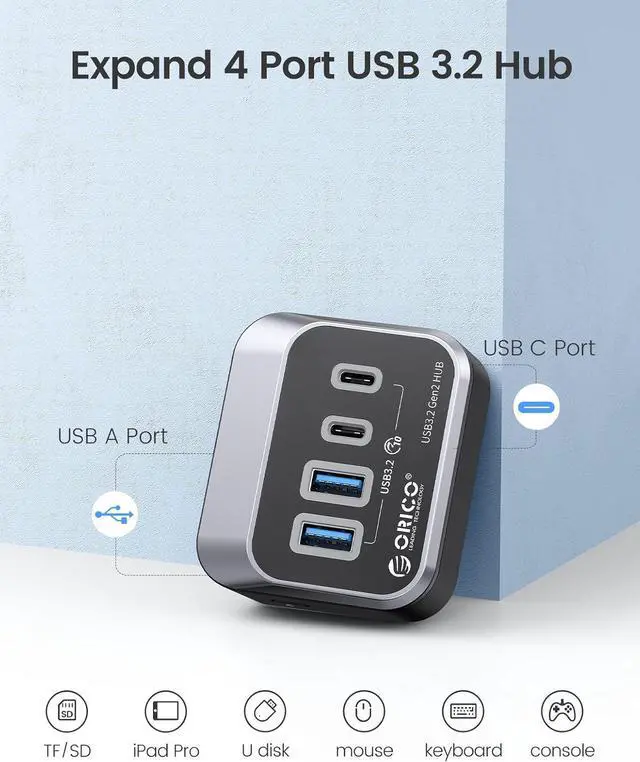
    The ORICO 4-port USB hub adds two USB-A and two USB-C data ports to a compatible computer, making it suitable for Mac, Windows, and Linux users who need to connect multiple peripherals; it supports data transfer, not device charging.

    Recommended For

    • Laptop or desktop users who need four more accessible USB ports for a mix of USB-A and USB-C data peripherals; the angled design is intended to make plugging devices in easier at a desk.
    • Photographers who move files from external SSDs or CFexpress card readers: a hands-on review of an ORICO 10Gbps four-port hub tested both, and found it useful for data backup and transfers.
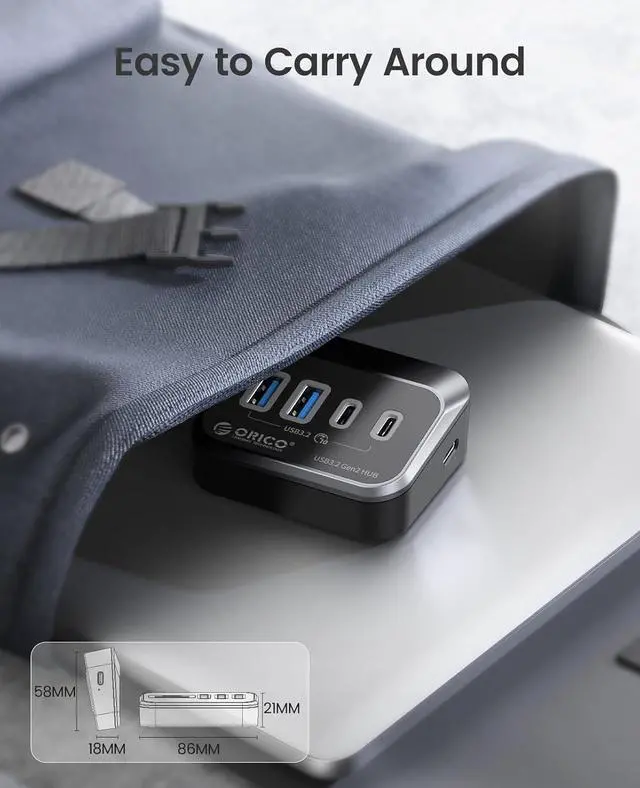
    • Desk-based users who want to keep frequently used USB devices within reach instead of connecting them directly to less accessible computer ports; the included 50 cm cable suits nearby placement.
    • Users who want to connect USB storage alongside everyday data devices and can use the hub’s optional external 5V power input if their attached devices need additional power.

    Real-World Use Scenarios

    • At a laptop desk with limited ports, connect a keyboard, mouse receiver, flash drive, or other USB peripherals through the hub so they can stay plugged in instead of being swapped in and out of the computer.
    • When moving large photo or video files, connect a compatible external SSD or USB card reader to the hub to make the storage accessible alongside other peripherals; actual transfer speeds depend on the computer, drive, cable, and connected devices.
    • On a desk with both older USB-A accessories and newer USB-C devices, use the hub’s two connector types to attach compatible peripherals without needing a separate adapter for each type.
    • With an iMac, desktop tower, or laptop on a stand, place the hub where its ports are easy to reach and connect it to the computer with the included cable; this can make plugging in and removing USB devices more convenient than reaching behind the computer.
    • If a connected USB peripheral needs more power than the computer’s port alone provides, use the hub’s separate 5V/2A power input with a compatible power source; the adapter is not included, and the hub does not charge devices.

    Spec Summary

    AttributeValue
    Best ForConnecting USB peripherals to a computer while keeping a phone or tablet accessible on the integrated stand
    Ports And ConnectivityFour USB 3.0 ports with support for USB 3.0, USB 2.0, and USB 1.1 devices
    Data TransferUp to 5 Gbps
    CompatibilitySupports Windows XP, Vista, 7, 8, 8.1, and 10, Mac OS, and Linux
    Design And BuildABS chassis with a triangular design, inward-facing USB ports, and an integrated phone and tablet stand
    Device ProtectionBuilt-in overcurrent, overvoltage, electric leakage, short-circuit, and clutter protection
    Dimensions3.86 × 3.86 × 1.02 inches
    AppearanceBlack
    BrandORICO