Kensington is a leading provider of desktop and mobile device accessories, trusted by IT, business, and home office professionals around the world for more than 35 years. Kensington strives to anticipate the needs and challenges of the ever-evolving workplace and craft professional-tier award-winning solutions that provide peak professionals with the tools they need to thrive.
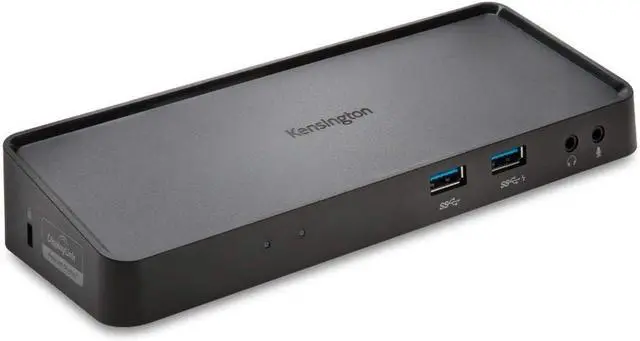
What makes the SD3650-TAA unique is that you can connect dual HD video monitors using DisplayPort and HDMI ports, plus we increased the USB 3.0 accessory expansion ports to four, ideal for a flash drive so it can transfer data at 5Gbps. The dock also features Zero Footprint Mounting, so it can be mounted to the back of a VESA-compatible monitor using a Docking Station Mount (sold separately), perfect for desks with limited space.
Best For: USB 3.0 Laptops, Ultrabooks & Windows Tablets and Monitors that support up to 2K
Connection Technology: USB 3.0 (DisplayLink)
Operating System(s): macOS, Windows
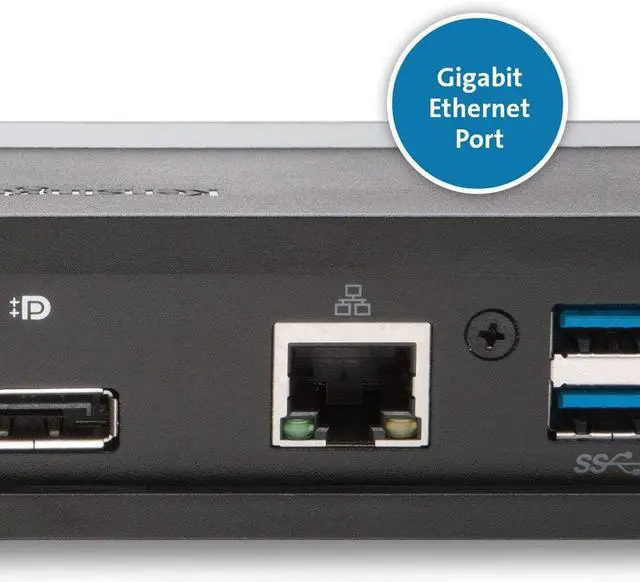
Video Ports: 1 x DisplayPort++, 1 x HDMI
Max Resolution Supported: Single Monitor: 2560 x 1600 @ 60Hz and Dual Monitors: 2048 x 1152 @ 60Hz
6x USB Ports: (4) USB 3.0 Ports with one 5V/2.1A fast-charging (front) and 2 USB 2.0 Ports (back)
Plug & Play: DisplayLink driver installation required
System Requirements: CPU: Dual-Core i3 2.8GHz or better, RAM: 2GB or higher
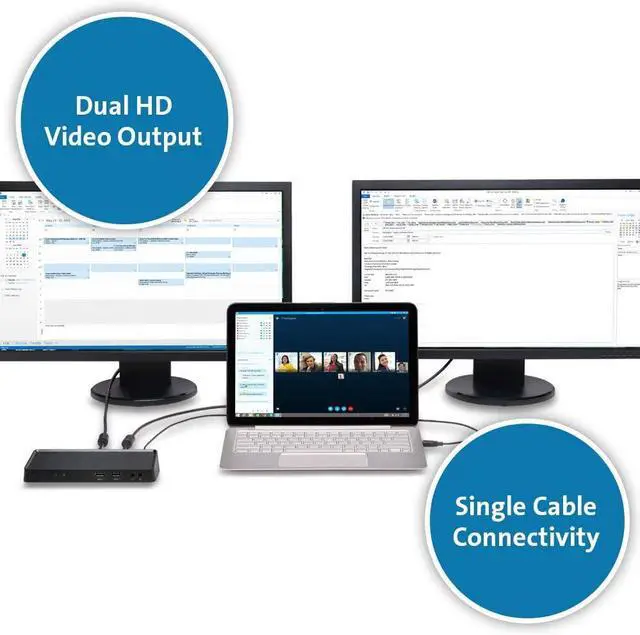
One cable connection from laptop to all peripherals on users desk.
With DisplayPort and HDMI ports, you can expand your workspace and increase productivity by adding 2 external screens.
The dock can be mounted to the back of a 75mm or 100mm VESA-compatible external monitor, allowing you to keep your desktop less cluttered.
Transfer data at up to 5Gbps with the fast and powerful ports, two on the front of the dock and two on the back. One of the front ports doubles as a 2.1A fast charge port to power a smartphone or tablet.
The ideal place to plug in accessories like a keyboard or mouse to help keep cables or wireless receivers hidden from view.
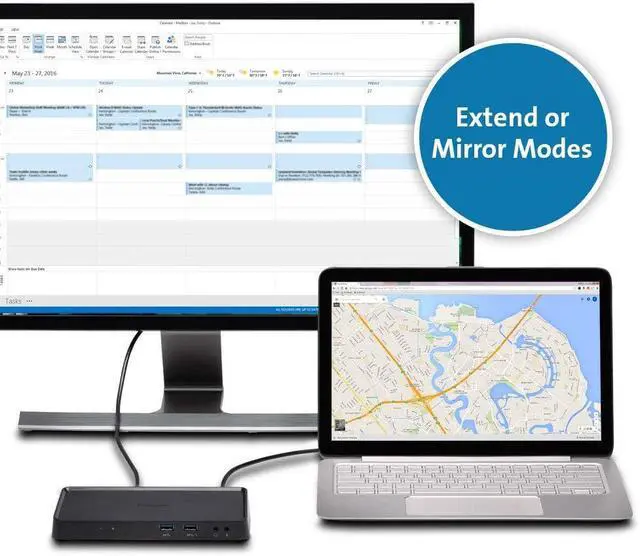
Extend mode allows you to drag an open application to an external monitor so you can work across multiple screens, while Mirror mode allows you to replicate the content thats on your computer display to an external screen.
Allows you to easily switch display modes, change the master monitor, or adjust the alignment and position of your screens. Our corporate install support provides for mass installation via the Microsoft server.
Supports federal government purchasing protocols.
Collapse all4.3 out of 5 starsKensington SD3650-TAA USB 3.0 Dual Display Docking Station (K38606NA-TAA)
Share:
Found a lower price? Let us know. Although we can't match every price reported, we'll use your feedback to ensure that our prices remain competitive.
Fields with an asterisk * are required
**