

Your Browsing History
- Free 30-day Returns
$117.99

Meet Your Seller





j5create AeroDrop CrossLink Wireless Dongle - Instant Share Files, Photos, Keyboard, Mouse, and Screen Between iPhone/iPad/Android and Windows Computer (JUAW22)
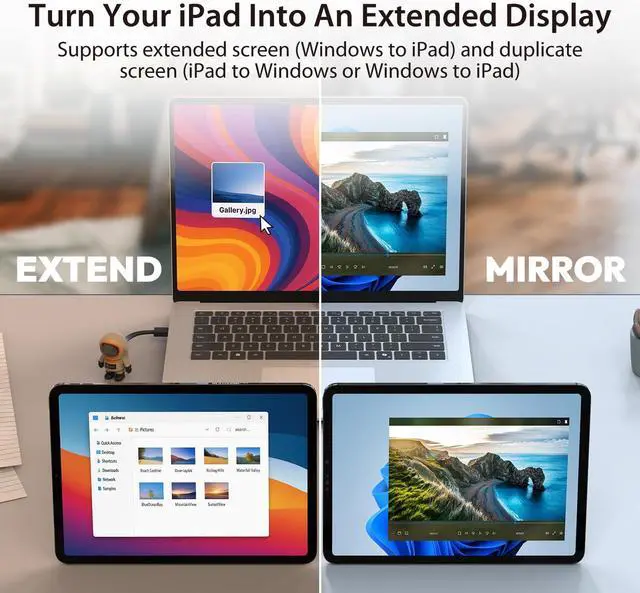
- Wireless Second Screen Turn your iPad/Android tablet into a cable-free second monitor for Windows PC. Extend your desktop for more space.
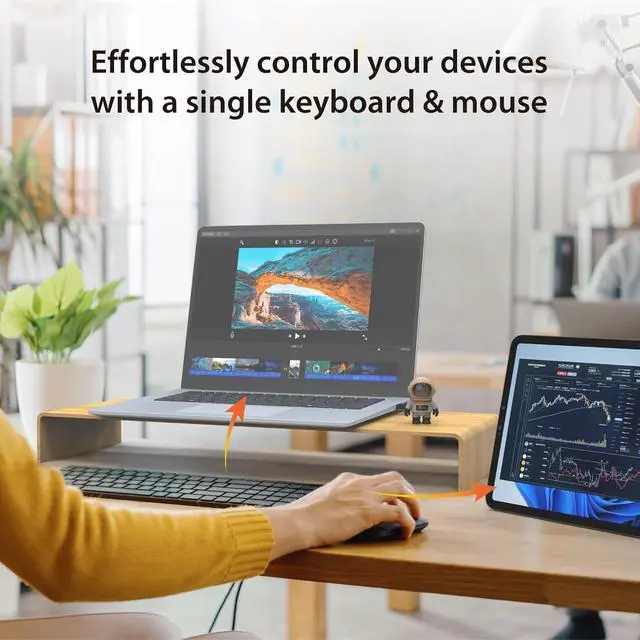
- Unified Control Use your mouse/keyboard to seamlessly navigate both your computer and phone/tablet.
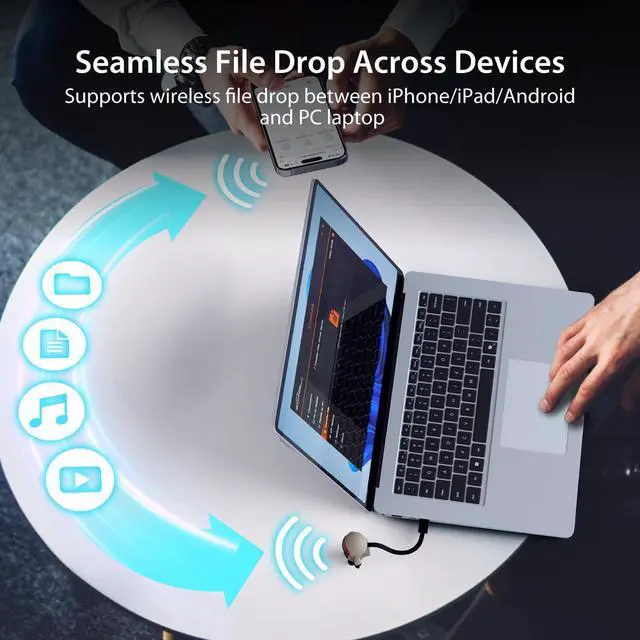
- Instant Sharing Effortlessly sharing files, photos, and text between your Windows PC and mobile devices.
- The Ultimate Workflow Hack This single dongle unifies your file transfers, screen sharing, and device control.
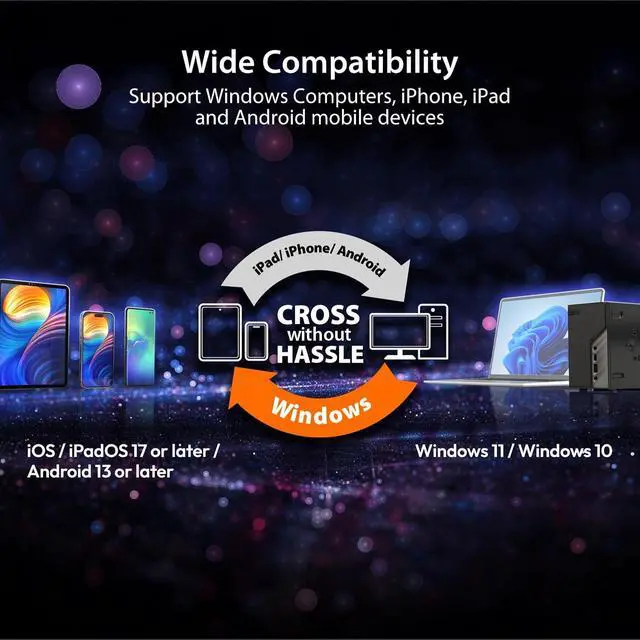
- System Requirements for Optimal Performance iPhone 15 or later, iPad Pro 2024 or later, iPad Air 2024 or later, iPad mini 2024 or later, iPad 2025 or later. Android 13 or later. Windows: 12th Gen Intel Core i7 Processor or higher; 16 GB RAM or higher
+
+
Overview
Specs
Reviews

Any questions? Our AI beta will help you find out quickly.
Try me now
1Drop Files Seamlessly2Extend & Mirror Mode3Control Devices with Ease4Simple Device Transfer1Boost iPad Productivity2Toggle Between 2 Devices3Picture-in-Picture Mode42-in-1 Connectors5Wide Compatibility Sometimes my mobile device fails to reconnect to the computer automatically. How can I resolve this?
The JUAW22 is designed to auto-connect with paired devices nearby. If it doesn't, please go to "Bluetooth Pairing" in the CrossLink Wireless on your computer and click "Connect" to manually restore the connection.
What are the recommended device specifications to run the JUAW22?
iPhone: iPhone 15 or later, iPad Pro: 2024 or later, iPad Air: 2024 or later, iPad mini: 2024 or later, iPad: 2025 or later
Android: Android 13 or later
Windows PC: 12th Gen Intel Core i7 Processor or higher; 16 GB RAM or higher
JUAW22 Installation Guide JUAW22 Installaion Guide I am experiencing latency when extending my screen to an older iPad. How can I improve this?
Sometimes my mobile device fails to reconnect to the computer automatically. How can I resolve this?
What are the recommended device specifications to run the JUAW22?
The JUAW22 is designed to auto-connect with paired devices nearby. If it doesn't, please go to "Bluetooth Pairing" in the CrossLink Wireless on your computer and click "Connect" to manually restore the connection.
What are the recommended device specifications to run the JUAW22?
iPhone: iPhone 15 or later, iPad Pro: 2024 or later, iPad Air: 2024 or later, iPad mini: 2024 or later, iPad: 2025 or later
Android: Android 13 or later
Windows PC: 12th Gen Intel Core i7 Processor or higher; 16 GB RAM or higher
JUAW22 Installation Guide JUAW22 Installaion Guide I am experiencing latency when extending my screen to an older iPad. How can I improve this?
Sometimes my mobile device fails to reconnect to the computer automatically. How can I resolve this?
What are the recommended device specifications to run the JUAW22?
Warranty & Returns
Warranty, Returns, And Additional Information
Warranty
- Please contact the Seller directly for warranty information. Warranty information may also be found on the Manufacturer's website.
- Read full details
- CONTACT
Return Policies
- Return for refund within: 30 days
- Return for replacement within: 30 days
- This item is covered by DHINGDOM TRADING CO., LIMITED Return Policy
Manufacturer Contact Info
- For a directory of all our manufacturers, please click below.
- Manufacturers Directory
LOADING...