

Your Browsing History
- Free 30-day Returns
$12.00
Ships from China.

Meet Your Seller

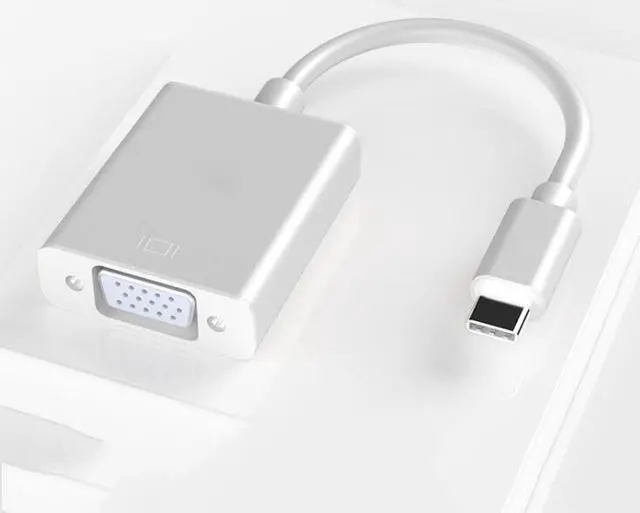
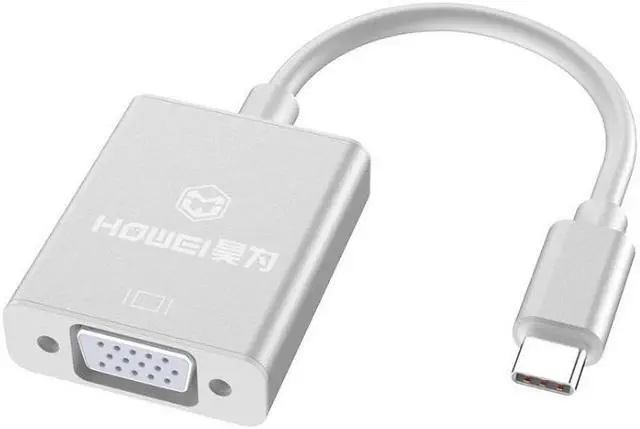
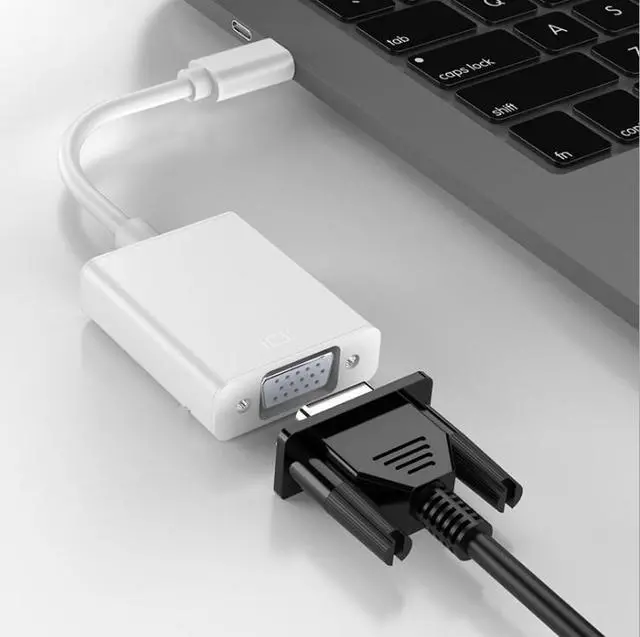
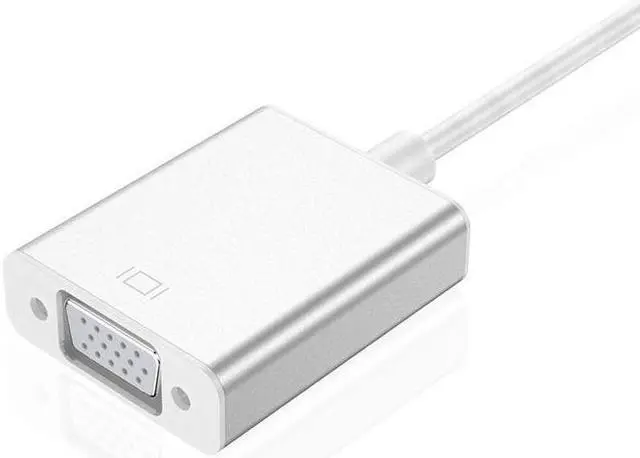
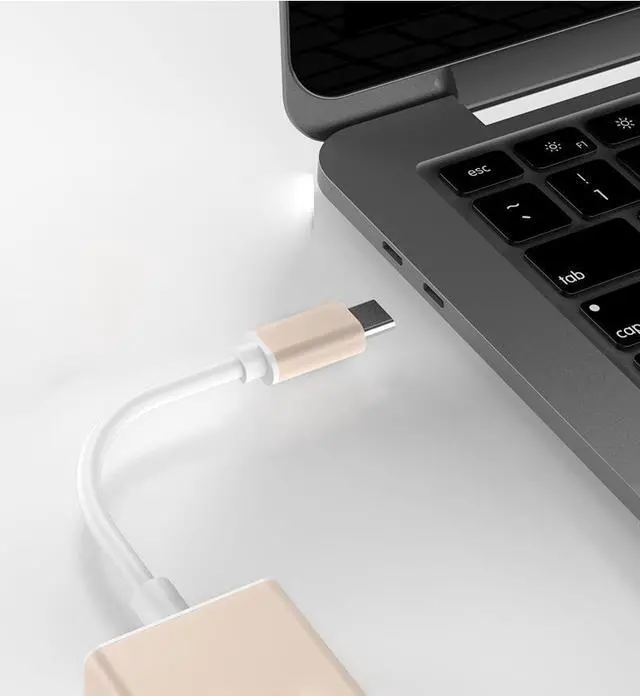
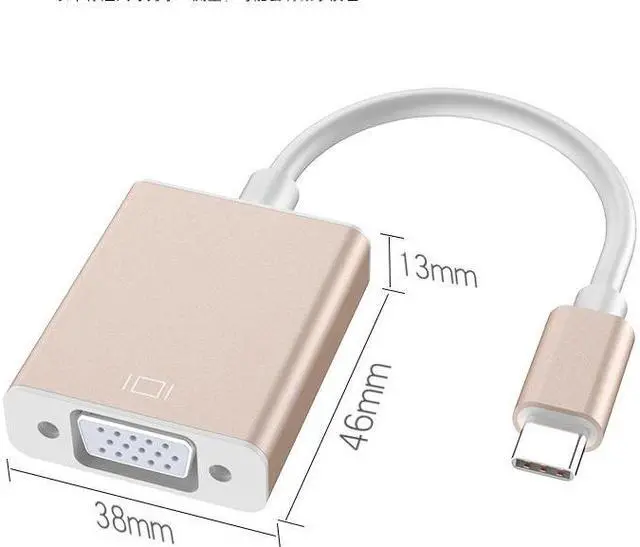
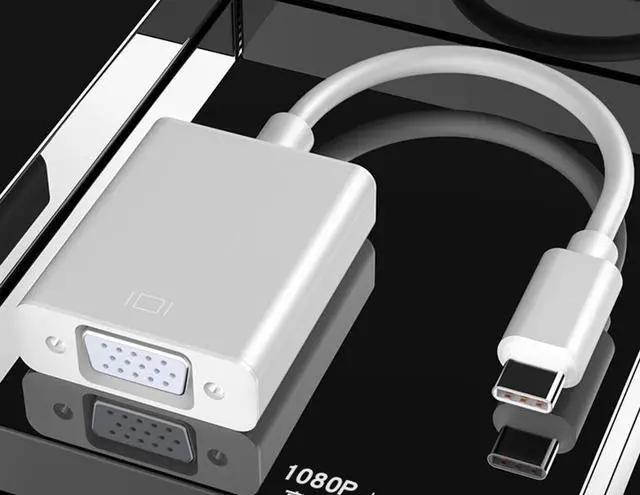


10Gbps 1080P Hubs Video Audio Adapter Cable USB3.1 Type-C To VGA for PC Phone
- USB 3.1
+
+
Overview
Specs
Reviews

Any questions? Our AI mode will help you find out quickly.
Try me now
Plug Type-c male, USB3.1, HDMI nickel-plated head
Wire material: tinned copper OD4.0MM 24AWG aluminum and magnesium wire weaving
Type: USB3.1 Interface Type: Type-c HDMI
Appearance: aluminum alloy casing
?product description?
This product is a portable conversion cable that converts VGA audio and video output via a digital signal input with a new USB 3.1 Type C interface.
?Product Features?
1. Input interface: using the latest USB3.1 Type-C interface
2.USB3.1 Type-C interface is about 8.25*2.4mm
3.USB3.1 Type-C interface contains 24pin terminals, supporting forward and reverse insertion and removal
4. Data transfer rate can reach USB 3.1 10Gbps
5. Ultra-thin design, mini size
6. Output interface: external HD VGA device such as: display projector TV VGA device with analog signal
(widely used in Google Notebook / Apple Macbook Air 12-inch USB 3.1 output device for external VGA analog signal such as: display projector TV with VGA interface external device)
[Product application] Widely used: The latest generation of notebooks, mobile phones, tablet computers with USB 3.1 Type C (DP mode) interface, connected by this conversion line and converted into (PD+ data + VGA video) multi-function application output. Thereby solving the user's perfect display device connection scheme, and functional applications such as PD and data.
Precautions:
1, the connection of Type c to VGA to the projection is not directly displayed. The main reason is that the device is not compatible. Some type c converters use different versions of the chip solution in production, causing such a phenomenon.
2, connect Type c to VGA and only display wallpaper to projection, only display the wallpaper because you choose "screen expansion", change the mode to "projection" will display the content
Wire material: tinned copper OD4.0MM 24AWG aluminum and magnesium wire weaving
Type: USB3.1 Interface Type: Type-c HDMI
Appearance: aluminum alloy casing
?product description?
This product is a portable conversion cable that converts VGA audio and video output via a digital signal input with a new USB 3.1 Type C interface.
?Product Features?
1. Input interface: using the latest USB3.1 Type-C interface
2.USB3.1 Type-C interface is about 8.25*2.4mm
3.USB3.1 Type-C interface contains 24pin terminals, supporting forward and reverse insertion and removal
4. Data transfer rate can reach USB 3.1 10Gbps
5. Ultra-thin design, mini size
6. Output interface: external HD VGA device such as: display projector TV VGA device with analog signal
(widely used in Google Notebook / Apple Macbook Air 12-inch USB 3.1 output device for external VGA analog signal such as: display projector TV with VGA interface external device)
[Product application] Widely used: The latest generation of notebooks, mobile phones, tablet computers with USB 3.1 Type C (DP mode) interface, connected by this conversion line and converted into (PD+ data + VGA video) multi-function application output. Thereby solving the user's perfect display device connection scheme, and functional applications such as PD and data.
Precautions:
1, the connection of Type c to VGA to the projection is not directly displayed. The main reason is that the device is not compatible. Some type c converters use different versions of the chip solution in production, causing such a phenomenon.
2, connect Type c to VGA and only display wallpaper to projection, only display the wallpaper because you choose "screen expansion", change the mode to "projection" will display the content
Warranty & Returns
Warranty, Returns, And Additional Information
Warranty
- Please contact the Seller directly for warranty information. Warranty information may also be found on the Manufacturer's website.
- CONTACT
Return Policies
- Return for refund within: 30 days
- Return for replacement within: 30 days
- This item is covered by WSDL Return Policy
Manufacturer Contact Info
- For a directory of all our manufacturers, please click below.
- Manufacturers Directory
LOADING...
LOADING...