

Your Browsing History
- Free 30-day Returns
$63.75
Ships from China.

Meet Your Seller



QM USB C Hub for Macbook Pro Multi USB 3.1 Type C Hub 3.0 2.0 USB C Adapter PD Dock for Mate 20 Pro OTG Splitter
Limited time offer, ends 08/22 By BRIGHTOR
- Good Quality
+
+
Overview
Specs
Reviews

Any questions? Our AI mode will help you find out quickly.
Try me now
QM USB C Hub for Macbook Pro Multi USB 3.1 Type C Hub 3.0 2.0 USB C Adapter PD Dock for Mate 20 Pro OTG Splitter
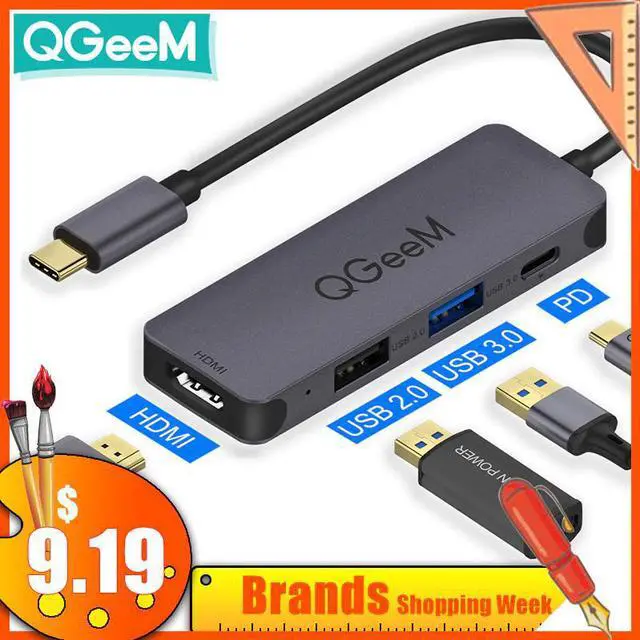
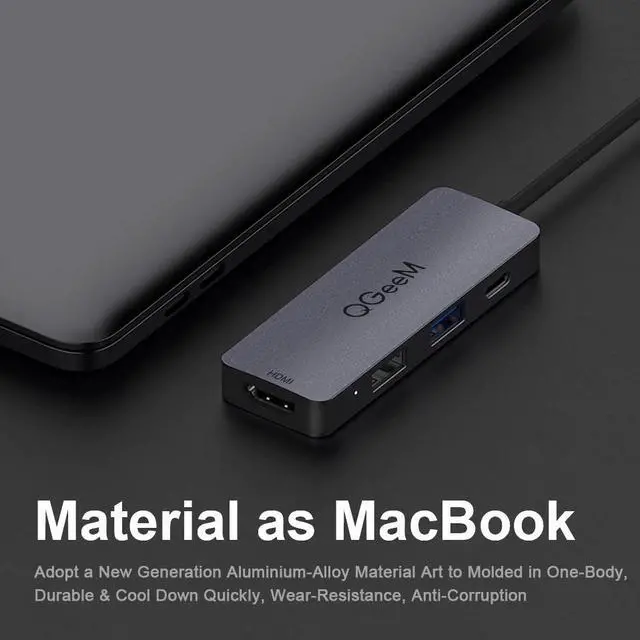
Product IntroduceThis product is a high-performance TYPE-C to USB3.0 hub and a multifunctional product with a video output interface.
Through this product, it can provide 1xUSB3.0 and 1xUSB2.0 external interfaces for computers with TYPE-C interface, and connect the cable to high-definition monitor.
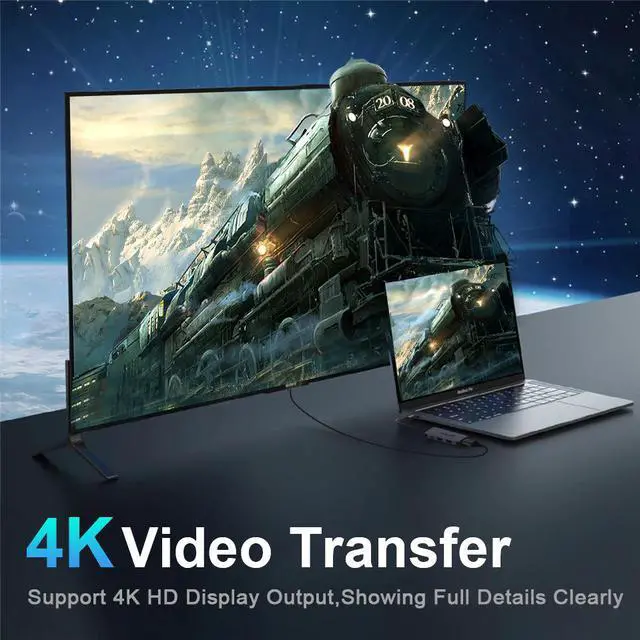
It can support 3840x2160 @ 30Hz high-definition video output.
It is a stylish appearance hub for those TYPE-C computers, moles and tablets.
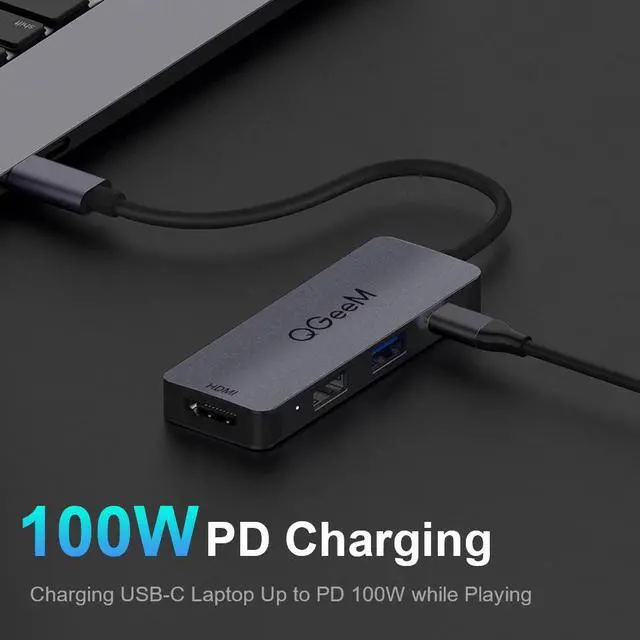
Feature1.USB-C Port1: Max 100W PD Charging
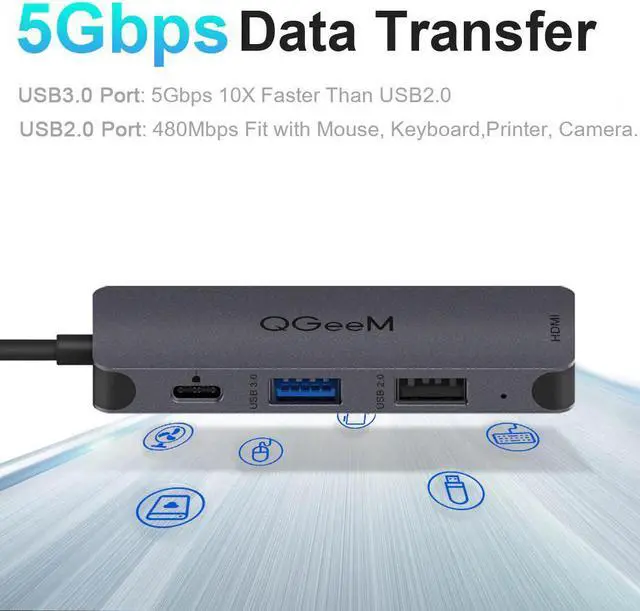
2.USB A 3.0 Port: 5Gbps Fast Transfer Rate
USB A 2.0 Port: 480Mbps Fast Transfer Rate
3. Port: 4K Ultra HD Resolution
4.Same Material as MacBook: Adopt a New Generation Aluminium-Alloy Material to Molded in One-Body
5.Cool QM LED Indicator; Compact & Portable
Compatible DevicesMac Book Pro, , , Dell, , , , Google,
S8/S8+/S9/S9+/S10/S10+, Mate 10/20/P20/P30
Such as computers and mole phones with standard TYPE-C ports.
Support SystemsGoogle Chrome OS; Windows 7/8/10; XP; Linus; Vista; Plug and Play, notebooks that support the standard Type-C interface and PD charging protocol.
Operation Introduce1)Connect the computer to the USB3.1 TYPE-C connector of this hub
2)Use the male connector to connect the female socket of this hub, and then to the projector, TV, monitor, etc
3)Connect a USB device to the USB port of this hub
At this time, you need to unplug the hub, close the disable icon or restart the machine, and then check for new connection devices.
: 350mAh
Warranty & Returns
Warranty, Returns, And Additional Information
Warranty
- Please contact the Seller directly for warranty information. Warranty information may also be found on the Manufacturer's website.
- CONTACT
Return Policies
- Return for refund within: 30 days
- Return for replacement within: 30 days
- This item is covered by BRIGHTOR Return Policy
Manufacturer Contact Info
- For a directory of all our manufacturers, please click below.
- Manufacturers Directory
LOADING...