

Your Browsing History
- Free 30-day Returns
$49.69
Ships from China.

Meet Your Seller

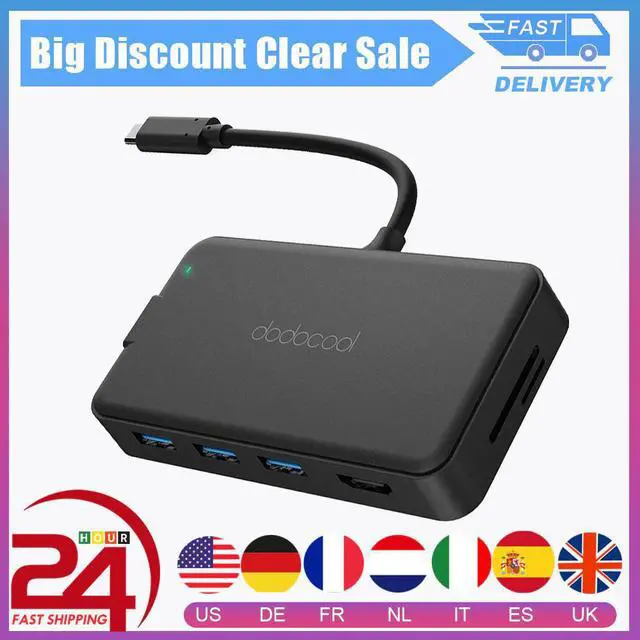
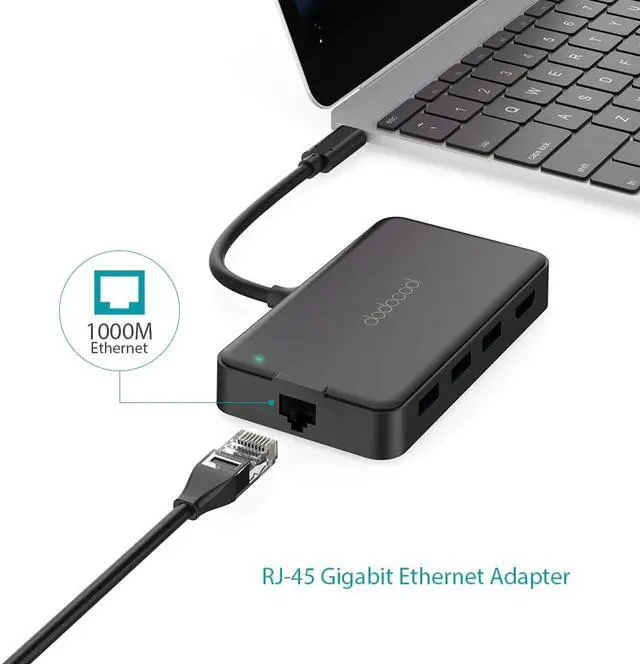
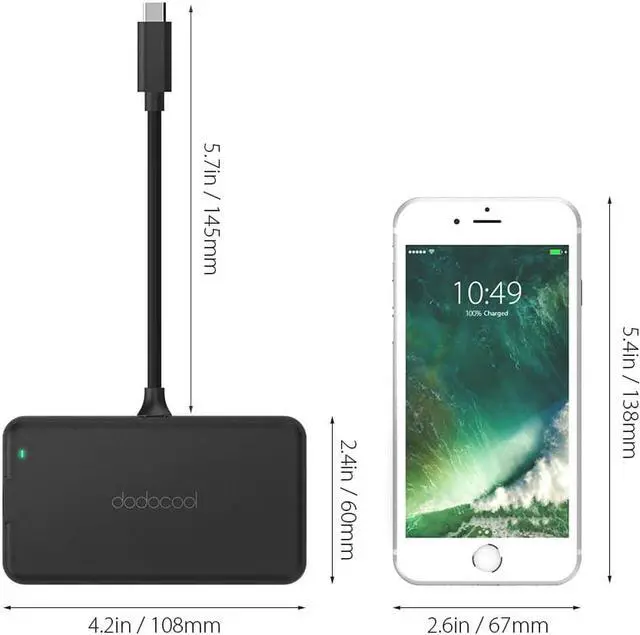
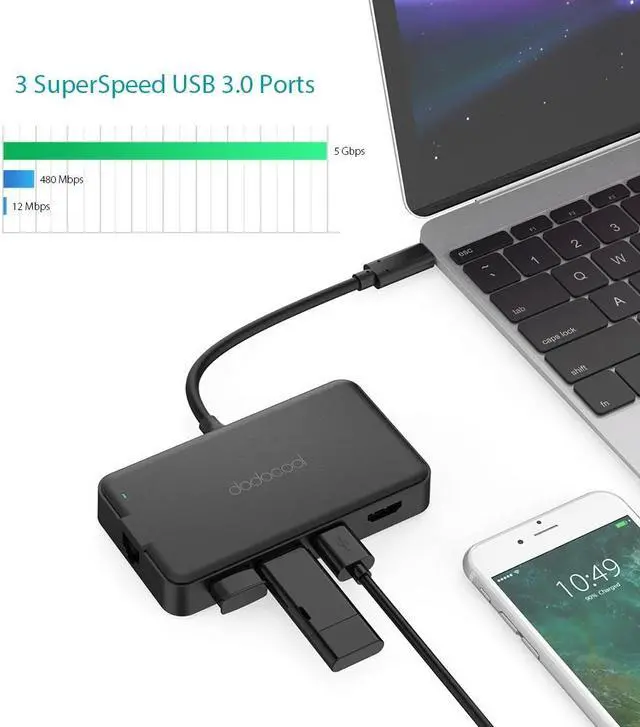
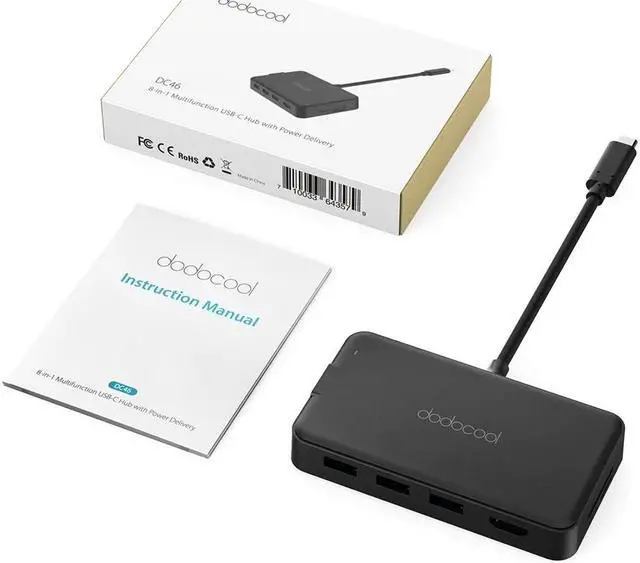


8-in-1 USB HUB Multifunction Type C USB C Hub with Type-C 4K Video Gigat Ethernet Adapter For Macbook Pro
Limited time offer, ends 10/10 By BRIGHTOR
- Good Quality
+
+
Overview
Specs
Reviews

Any questions? Our AI mode will help you find out quickly.
Try me now
Overview
Note: 1. Make sure that the host USB-C port on your device complies with the USB 3.0 / USB 3.1 specification. Compatible with USB 2.0 Type-C device. 2. To use the HD output port, the host USB-C port from your device must support DisplayPort Alt Mode. 3. To use the Power Delivery function to power and charge a connected USB-C laptop, the host USB-C port from your device must support USB Power Delivery. The USB-C input charging port cannot be used for transmission. 4. Please do not rely on the USB-A ports for charging your phones, tablets or other devices. The three USB 3.0 ports on the hub support a total output of up to 5V 900mA. 5. For a stable connection, do not use this hub with high-power devices. It supports one hard drive max. 6. Not support charging for laptops and tablets via the PD USB-C charging port. 7. Not compatible with tablets and Zenbook UX330UA. 8. Charging Power Delivery enabled Dell USB-C laptops via the PD USB-C charging port requires using your 55W or above original power adapter. 9. The SD card slot and the TF card slot can be used at the same time.
Tips:
Here are 4 ways to help reduce the USB 3.0 radio frequency interference to the wireless connection of some laptops:
Option 1: Connect the laptop to a 5GHz Wi-Fi network.
Option 2: Connect devices (e.g., mouse, keyboard and hard disk drive) to USB 2.0 ports on the laptop.
Option 3: Connect the USB 3.0 hub to the laptop with a high-quality 1-foot or longer USB 3.0 extension cable. Keep USB 3.0 devices away from the host computer.
Option 4: Use high-quality shielded USB 3.0 devices/cables/connectors.
Specifications:
Brand:
Material: ABS
Color: Black
Package includes
Warranty & Returns
Warranty, Returns, And Additional Information
Warranty
- Please contact the Seller directly for warranty information. Warranty information may also be found on the Manufacturer's website.
- CONTACT
Return Policies
- Return for refund within: 30 days
- Return for replacement within: 30 days
- This item is covered by BRIGHTOR Return Policy
Manufacturer Contact Info
- For a directory of all our manufacturers, please click below.
- Manufacturers Directory
LOADING...