

Your Browsing History
- Free 30-day Returns
$53.38
Ships from China.

Meet Your Seller


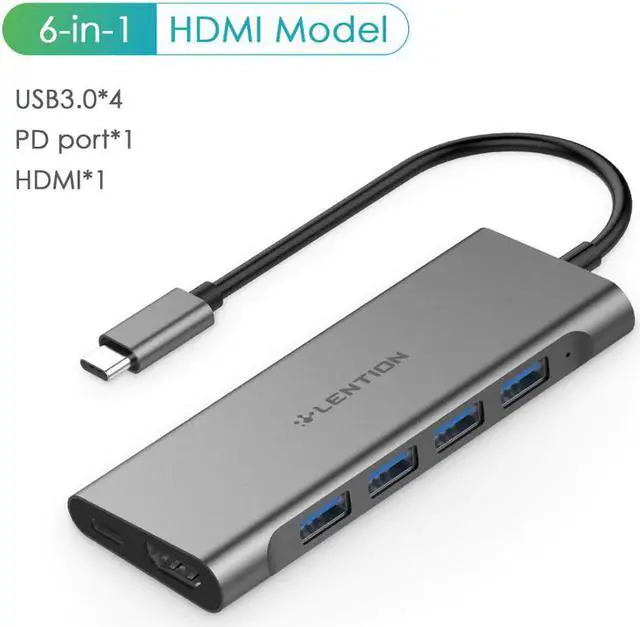


USB-C Multi-Port Hub with 4K Output, 4 USB 3.0, Type C Charging Adapter for 2020-2016 MacBook Pro13/15/16, Surface
Limited time offer, ends 08/01 By BRIGHTOR
- Good Quality
+
+
Overview
Specs
Reviews

Any questions? Our AI mode will help you find out quickly.
Try me now
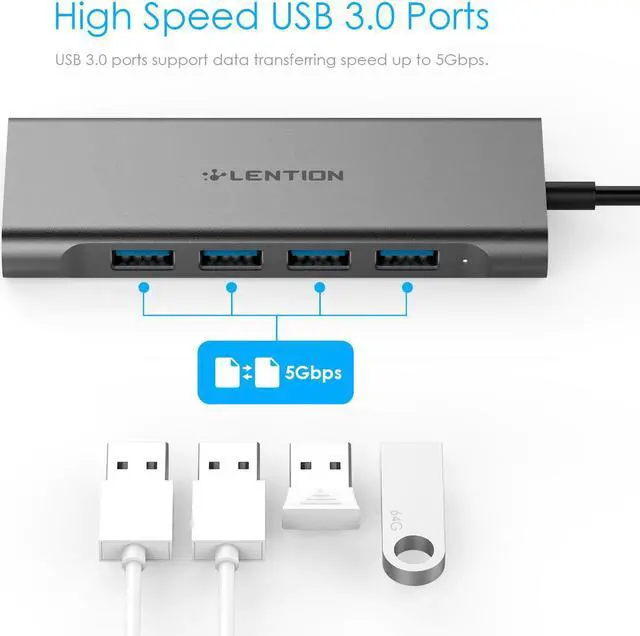
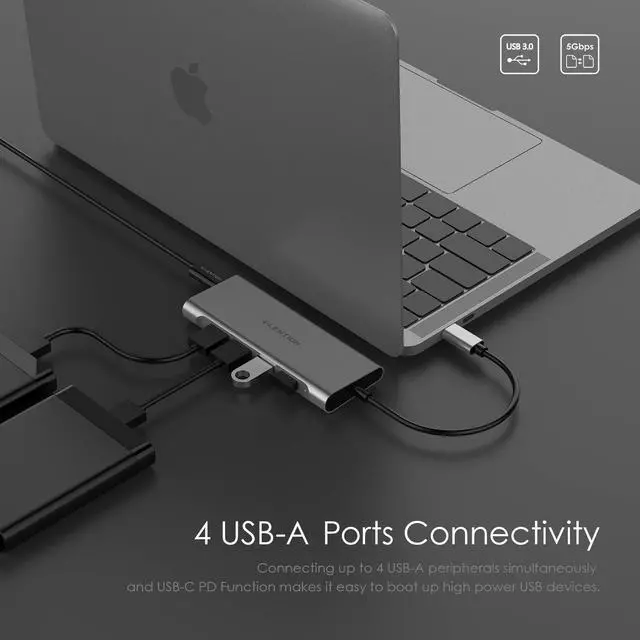
1Quadra USB 3.0 Ports: Access to four USB accessories at the same time, feel free to connect wire keyboard, mouse, USB flash drive, hard disk, etc, with transfer speed up to 5Gbps
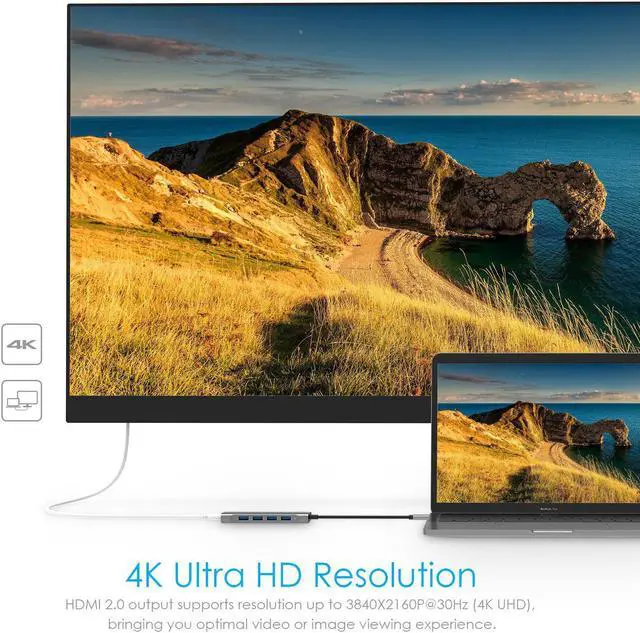
2Video & Audio Output: Mirror or extend your screen with the port to HDTV, monitor or projector. Support 3840x2160 4K@30Hz, 2560x1600 and lower resolutions at 60Hz
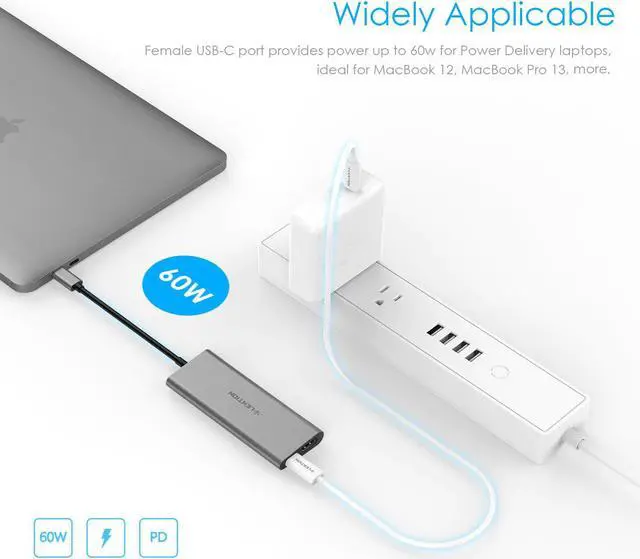
3Integrated Charging: The type-c charging port can pass through up to 60w power to the USB Power Delivery Laptop, and provide extra power to hard disk, DVD driver and accessories that connected to the USB ports simultaneously. (Not for Apple SuperDrive)
4Plug & Play: Compatible with MacBook 12, MacBook Pro 2016 2017 2018 2019, New MacBook Air 2018 2019 - (Not for previous generation MacBook Air & Pro), Surface Book 2/Go, Chromebook, Windows Laptops and more full-functional type-c devices
5Mac-style Design: Unibody Aluminum Alloy, Ionized Finish and LED Indicator. EMI Protection prevents interference with wireless devices. The USB-C Adapter can save your desk space and expand your devices connectivity
Please Note:
The Max resolutions and refresh rates output of the adapter are entirely dependent on the USB-C host devices, connected cable and the display specifications.
To manually adjust resolution for your Mac OS, hold down the option key and then click Scaled.
To manually adjust resolution for your Window OS, go to "Windows Setting" - "System" - "Display".
If you want to play audio via the external device, please change "the default audio output device" setting in the system preference.
Not compatible with Apple Superdri
Warranty & Returns
Warranty, Returns, And Additional Information
Warranty
- Please contact the Seller directly for warranty information. Warranty information may also be found on the Manufacturer's website.
- CONTACT
Return Policies
- Return for refund within: 30 days
- Return for replacement within: 30 days
- This item is covered by BRIGHTOR Return Policy
Manufacturer Contact Info
- For a directory of all our manufacturers, please click below.
- Manufacturers Directory
LOADING...