

Your Browsing History

Meet Your Seller

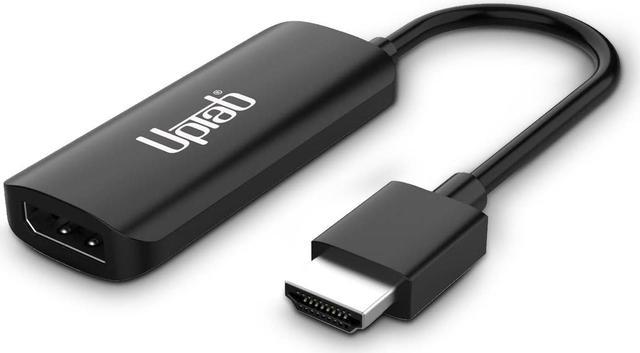


uptab HDMI to DisplayPort Adapter 8K, HDMI 2.1 to DP 1.4 for HDMI Equipped Systems to Connect to DisplayPort Monitors - Compatible with PS5 Xbox One/X/S and PlayStation 5 and More
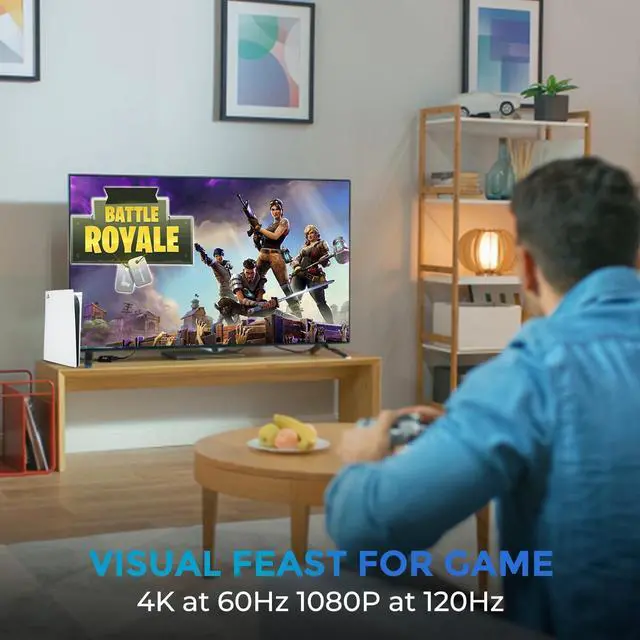
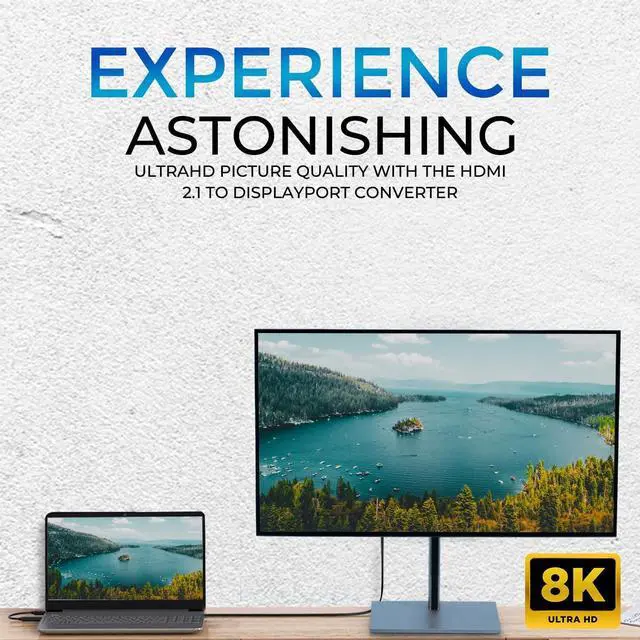
- Next-Gen 8K UHD Performance: Experience ultra-high resolution up to 8K@60Hz or 4K@120Hz with HDCP 2.3 support for crystal-clear visuals and vibrant colors on DisplayPort monitors and TVs.
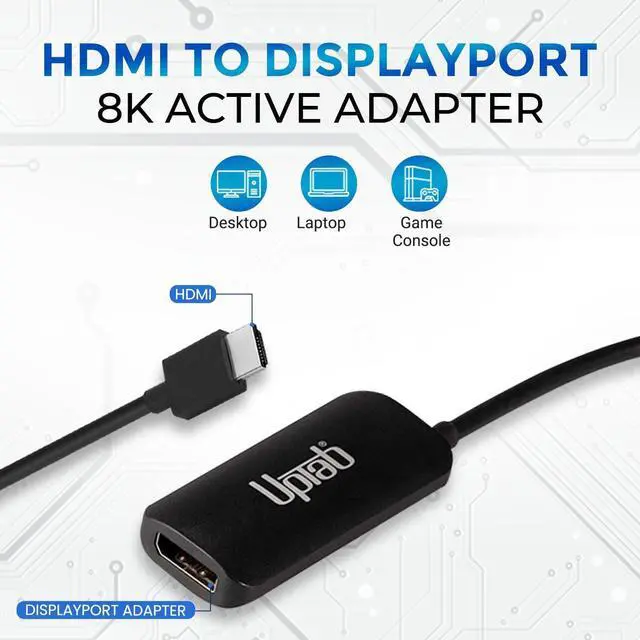
- HDMI 2.1 to DisplayPort 1.4 Conversion: Seamlessly converts HDMI source signal to DisplayPort output, allowing you to connect your PS5, Xbox Series X/S, Blu-ray player, or PC to a DisplayPort-equipped monitor or projector.
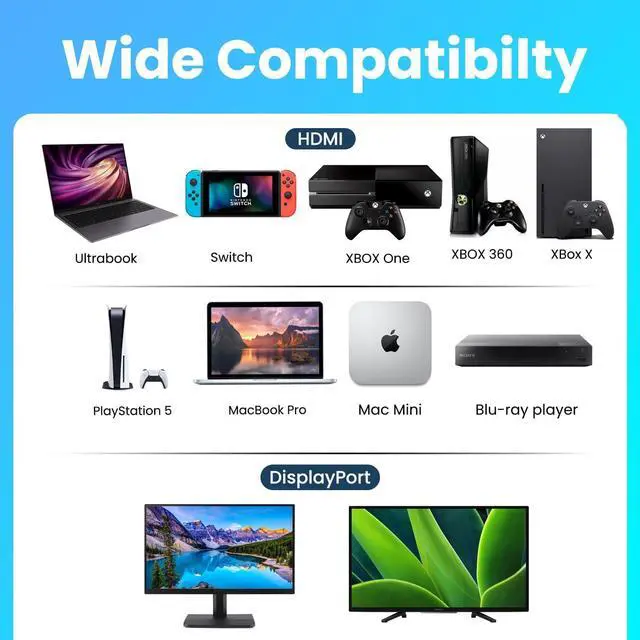
- Connects an HDMI enabled Ultrabook, laptop, desktop N Switch, XBOX, PS4, and PS5 video game console, MacBook Pro, Mac Mini, Blu-ray player, and even Raspberry Pi to a DisplayPort port monitor.
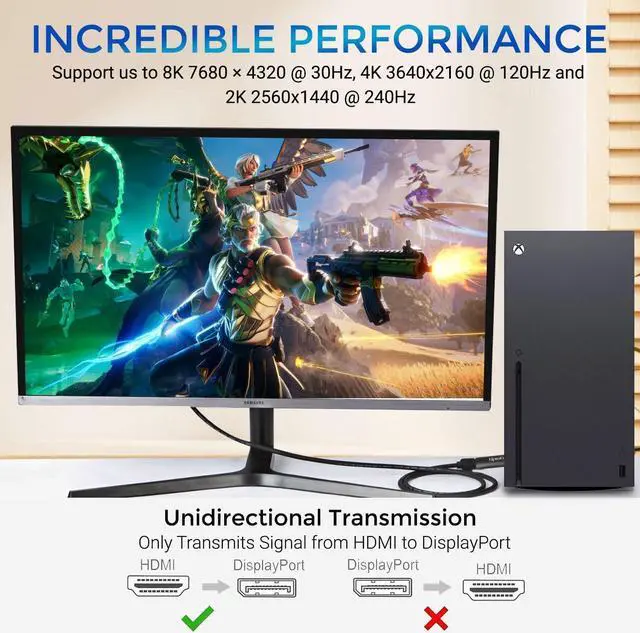
- Note: This adapter is NOT bi-directional. It only converts an HDMI output signal (source device) to DisplayPort (monitor/display). Compatible with PS5 and Xbox Series X/S.
- Durable & Plug-and-Play Design: Crafted with premium housing and gold-plated connectors for durability, heat dissipation, and maximum signal integrity. Simply plug in no software or drivers required.
- Active Chips
+
+
Overview
Specs
Reviews

Any questions? Our AI mode will help you find out quickly.
Try me now
The UPTab HDMI 2.1 to DisplayPort active adapter is a device that allows you to connect a device with an HDMI output such as a Laptops or Game Consols for example XBOX or PlayStation to a display or monitor with a DisplayPort input. The adapter is considered "active" because it requires power to function, typically provided by a USB port.
The adapter works by converting the HDMI signal into a DisplayPort signal, which can be used by the display or monitor. It's important to note that an active adapter is required because HDMI and DisplayPort use different signaling protocols, and a passive adapter would not be able to perform the necessary signal conversion.
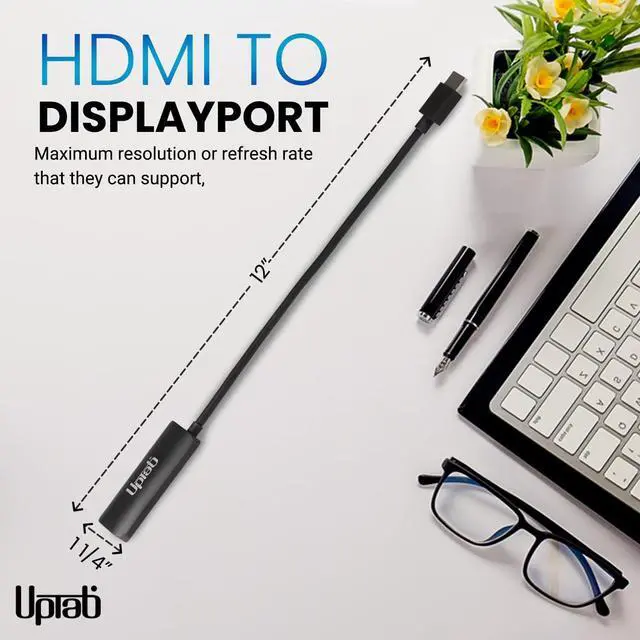
When using an HDMI to DisplayPort active adapter, it's important to ensure that the adapter is compatible with the specific devices and resolutions you're using. Some adapters may have limitations on the maximum resolution or refresh rate that they can support, and it's important to check the adapter's specifications to ensure that it will meet your needs.
Notes: This Adapter is NOT bi-directional. It only operates when connected to an HDMI source to a DisplayPort monitor. Certain 8K and 4K monitors may only support 1440p@60Hz instead of 8K@30Hz with this adapter. The USB power should be connected to power before connecting the adapter to a monitor.
YUV 4:2:0 (8K/30Hz) is not supported with DisplayPort displays
For Apple TV 4K, change the color space to 4:2:2 or 4:4:4 to display 8K content properly
Roku Ultra can only display 4K content up to 2560x1440 or 1080p
Does not support HDR
HDMI 2.1 Host (Compatible with 2.0, 1.4, 1.0)
The adapter works by converting the HDMI signal into a DisplayPort signal, which can be used by the display or monitor. It's important to note that an active adapter is required because HDMI and DisplayPort use different signaling protocols, and a passive adapter would not be able to perform the necessary signal conversion.
When using an HDMI to DisplayPort active adapter, it's important to ensure that the adapter is compatible with the specific devices and resolutions you're using. Some adapters may have limitations on the maximum resolution or refresh rate that they can support, and it's important to check the adapter's specifications to ensure that it will meet your needs.
Notes: This Adapter is NOT bi-directional. It only operates when connected to an HDMI source to a DisplayPort monitor. Certain 8K and 4K monitors may only support 1440p@60Hz instead of 8K@30Hz with this adapter. The USB power should be connected to power before connecting the adapter to a monitor.
YUV 4:2:0 (8K/30Hz) is not supported with DisplayPort displays
For Apple TV 4K, change the color space to 4:2:2 or 4:4:4 to display 8K content properly
Roku Ultra can only display 4K content up to 2560x1440 or 1080p
Does not support HDR
HDMI 2.1 Host (Compatible with 2.0, 1.4, 1.0)
Warranty & Returns
Warranty, Returns, And Additional Information
Warranty
- Please contact the Seller directly for warranty information. Warranty information may also be found on the Manufacturer's website.
- CONTACT
Return Policies
- Return for refund within: 30 days
- Return for replacement within: 30 days
- This item is covered by HAITAO CROSS BORDER E-COMMERCE LIMITED Return Policy
Manufacturer Contact Info
- For a directory of all our manufacturers, please click below.
- Manufacturers Directory
LOADING...