




 here!
I’m your shopping assistant for PC builds, upgrades, and everything tech.
Got questions? Ask away!
Start a conversation
here!
I’m your shopping assistant for PC builds, upgrades, and everything tech.
Got questions? Ask away!
Start a conversation







Any questions? Ask CelesteSM will help you find out quickly.

This USB-C to Dual HDMI/DisplayPort Adapter enables you to connect and extend multiple monitors simultaneously, making it an ideal gadget for work, study, or entertainment.
Key Features:
? Single Port: Supports up to 4K@60Hz (3840×2160).
? Dual Ports (Simultaneous Use):4K@30Hz (3840×2160)
Downward compatible with 2K@60Hz (2560×1440) and 1080P@60Hz (1920×1080).
Perfect for USB-C/Thunderbolt 3 laptops, this adapter enhances productivity and multimedia experiences.

Compatible with (Tested):
ONLY support Mirror Mode For: MacBook/ MacBook Pro (2021/2020/2019/2018/2017/2016), Macbook Air 2018-2021, Mac mini 2018-2020, iPad Pro 2018
For: Dell XPS12(9250) /Dell XPS13(9350) /Dell XPS15(9550), Dell Latitude 13 7000/Latitude 13 E7370
For: Lenovo Yoga 720-13IKB/ Yoga 900-13ISK/ Yoga 910/ Yoga 920/ Yoga 930
For: LG G5, LG gram 14Z990-V.AA52C
For: HP Spectre Laptop 13-af001TU 13'' ASUS Zenbook UX330UA
For: Microsoft Surface Book 2/ Surface Go/ Surface Laptop 3
For: Huawei Macbook Mate10/ Mate10 pro/ Mate20/ Mate20 pro / Mate30/ Mate30Pro
For: Samsung Galaxy S10+/S10/S9+ /S9 /S8+ /S8 Plus, Note 10 / 9 / 8
Can NOT work with (Tested):
HP EliteBook 745 G4 / HP Elitebook 820 G3 / HP EliteBook 828 G4 / HP 14s-be102TX / HP 14-ce1004TX 14 / HP Probook 650 G2 / HP Probook 455 G4 / HP Probook 430 G5 / HP Pavilion-14 bf116tx / HP Pavilion 15 ck009 / HP Pavilion Power Laptop 15-cb / Lenovo ideapad 340s, Tablets / Google Pixel phones / Nintendo Switch / Acer Aspire A5 / Oneplus 5T Phone

For Windows/Linux Users:
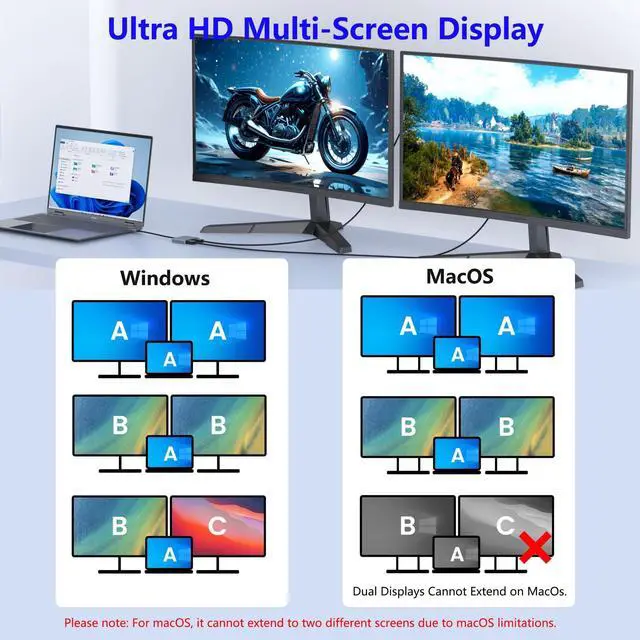
Supports dual-monitor extended mode (if your USB-C/Thunderbolt 3 port meets video output requirements).
How to connect Extend Mode for Windows OS?
Right-click desktop?select Intel display Settings ?pop-up Settings screen select display?select multi-screen display?expand the desktop
macOS Limitation (MacBook Pro/Air):
Due to Apple's software restrictions, this adapter cannot extend to two separate monitors on macOS.
(Mirroring mode may still work, but extended displays are unsupported.)
How to connect Extend Mode for MacOS?
"Setting" ?"Display" ?check "mirror display" box to switch to Extend mode ?drag a window to the right edge of the screen until it appears on the monitor
100W Power Delivery
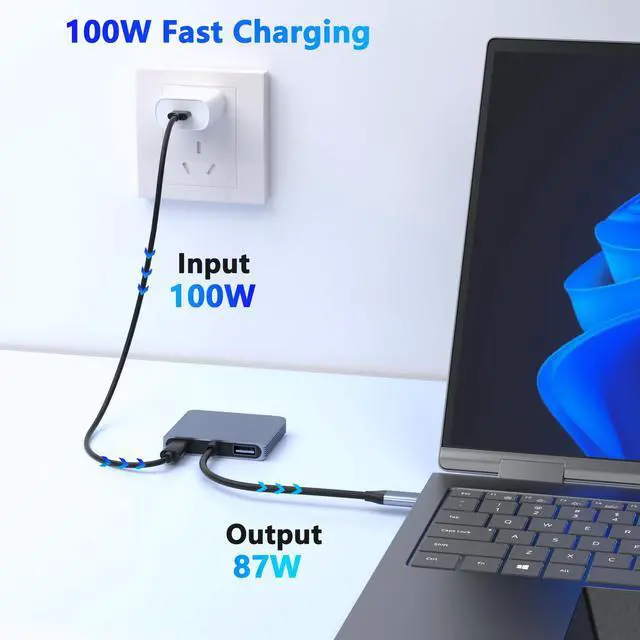
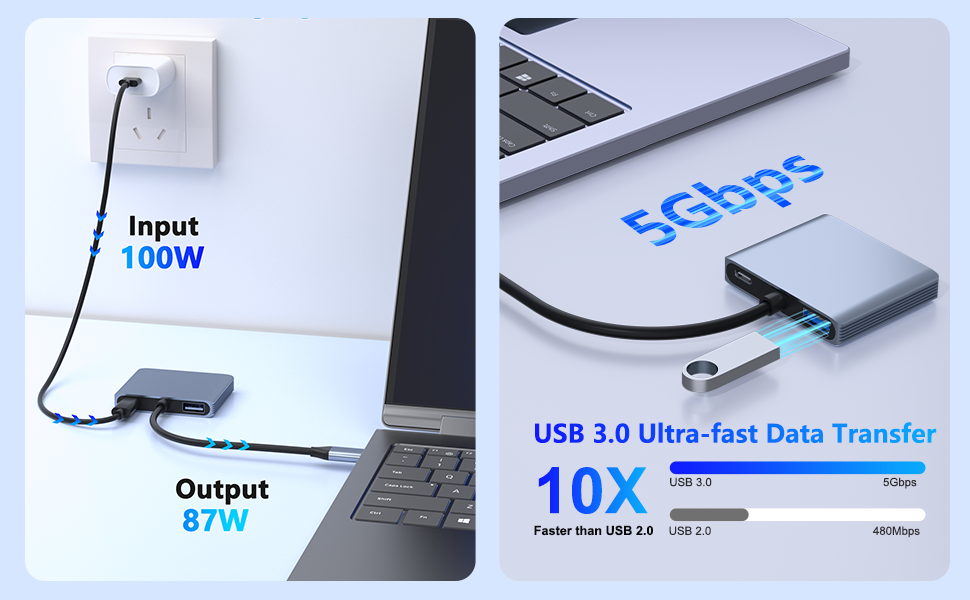
The USB C multiport adapter provide 100W power delivery for your laptops, don't worry about your laptop running out of power.
5Gbps High-Speed Data Transfer
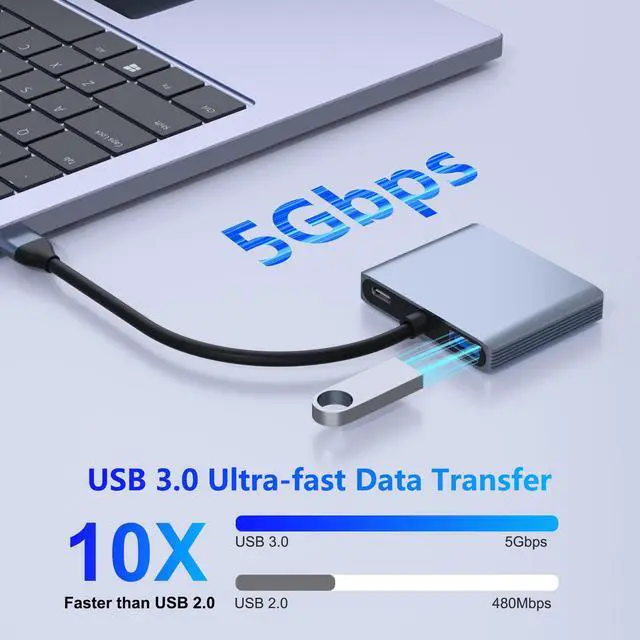
offers fast and reliable data transfer, ensuring quickly connect for all your devices.

Important Note Before Purchase:
Compatibility Requirement:
This adapter only works with USB-C laptops that support Thunderbolt 3 or video output (DisplayPort Alt Mode).
Not compatible with USB-C ports that only support data transfer (no video function).

Sigle HDMI or DP USED: Resolution up to 4K(3840X2160P@60HZ),down compatible with 2K (2560x1440@60Hz),1080P(1920x1080)@60Hz
HDMI +DP USED: Resolution up to 4K(3840X2160P@30HZ),down compatible with 2K (2560x1440@60Hz),1080P(1920x1080)@60Hz
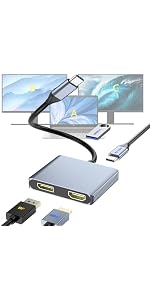 USB C to DP & HDMI Adapter | 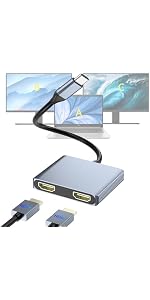 USB C to Dual HDMI Adapter, Docking Station Dual Monitor, Type C to HDMI Spli... | 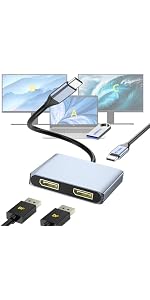 DisplayPort Splitter for Dual Monitors, 4K@60Hz USB-C to DisplayPort Adapter,... | ||
|---|---|---|---|---|
| Customer Reviews | — | — | — | — |
| Price | — | — | — | — no data |
| Input Port | USB-C | USB-C | USB-C | USB-C |
| Output Port | DP+HDMI | HDMI+HDMI | DP+DP | HDMI |
| Other Function | PD 100W +USB3.0 | no data | PD 100W +USB3.0 | PD 100W +USB3.0 |
This USB-C to Dual HDMI/DisplayPort Adapter enables you to connect and extend multiple monitors simultaneously, making it an ideal gadget for work, study, or entertainment.
Key Features:
? Single Port: Supports up to 4K@60Hz (3840×2160).
? Dual Ports (Simultaneous Use):4K@30Hz (3840×2160)
Downward compatible with 2K@60Hz (2560×1440) and 1080P@60Hz (1920×1080).
Perfect for USB-C/Thunderbolt 3 laptops, this adapter enhances productivity and multimedia experiences.
Compatible with (Tested):
ONLY support Mirror Mode For: MacBook/ MacBook Pro (2021/2020/2019/2018/2017/2016), Macbook Air 2018-2021, Mac mini 2018-2020, iPad Pro 2018
For: Dell XPS12(9250) /Dell XPS13(9350) /Dell XPS15(9550), Dell Latitude 13 7000/Latitude 13 E7370
For: Lenovo Yoga 720-13IKB/ Yoga 900-13ISK/ Yoga 910/ Yoga 920/ Yoga 930
For: LG G5, LG gram 14Z990-V.AA52C
For: HP Spectre Laptop 13-af001TU 13'' ASUS Zenbook UX330UA
For: Microsoft Surface Book 2/ Surface Go/ Surface Laptop 3
For: Huawei Macbook Mate10/ Mate10 pro/ Mate20/ Mate20 pro / Mate30/ Mate30Pro
For: Samsung Galaxy S10+/S10/S9+ /S9 /S8+ /S8 Plus, Note 10 / 9 / 8
Can NOT work with (Tested):
HP EliteBook 745 G4 / HP Elitebook 820 G3 / HP EliteBook 828 G4 / HP 14s-be102TX / HP 14-ce1004TX 14 / HP Probook 650 G2 / HP Probook 455 G4 / HP Probook 430 G5 / HP Pavilion-14 bf116tx / HP Pavilion 15 ck009 / HP Pavilion Power Laptop 15-cb / Lenovo ideapad 340s, Tablets / Google Pixel phones / Nintendo Switch / Acer Aspire A5 / Oneplus 5T Phone
For Windows/Linux Users:
Supports dual-monitor extended mode (if your USB-C/Thunderbolt 3 port meets video output requirements).
How to connect Extend Mode for Windows OS?
Right-click desktop?select Intel display Settings ?pop-up Settings screen select display?select multi-screen display?expand the desktop
macOS Limitation (MacBook Pro/Air):
Due to Apple's software restrictions, this adapter cannot extend to two separate monitors on macOS.
(Mirroring mode may still work, but extended displays are unsupported.)
How to connect Extend Mode for MacOS?
"Setting" ?"Display" ?check "mirror display" box to switch to Extend mode ?drag a window to the right edge of the screen until it appears on the monitor
100W Power Delivery
The USB C multiport adapter provide 100W power delivery for your laptops, don't worry about your laptop running out of power.
5Gbps High-Speed Data Transfer
offers fast and reliable data transfer, ensuring quickly connect for all your devices.
Important Note Before Purchase:
Compatibility Requirement:
This adapter only works with USB-C laptops that support Thunderbolt 3 or video output (DisplayPort Alt Mode).
Not compatible with USB-C ports that only support data transfer (no video function).
Sigle HDMI or DP USED: Resolution up to 4K(3840X2160P@60HZ),down compatible with 2K (2560x1440@60Hz),1080P(1920x1080)@60Hz
HDMI +DP USED: Resolution up to 4K(3840X2160P@30HZ),down compatible with 2K (2560x1440@60Hz),1080P(1920x1080)@60Hz
USB C to DP & HDMI Adapter | USB C to Dual HDMI Adapter, Docking Station Dual Monitor, Type C to HDMI Spli... | DisplayPort Splitter for Dual Monitors, 4K@60Hz USB-C to DisplayPort Adapter,... | ||
|---|---|---|---|---|
| Customer Reviews | — | — | — | — |
| Price | — | — | — | — no data |
| Input Port | USB-C | USB-C | USB-C | USB-C |
| Output Port | DP+HDMI | HDMI+HDMI | DP+DP | HDMI |
| Other Function | PD 100W +USB3.0 | no data | PD 100W +USB3.0 | PD 100W +USB3.0 |
Built for reliability and effortless use, CLOSS empowers your work, entertainment, and creativity with seamless clarity.
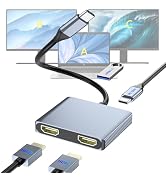
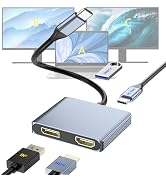
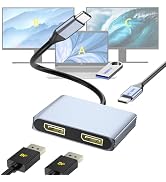
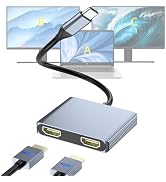
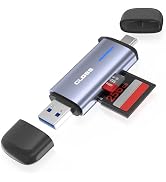
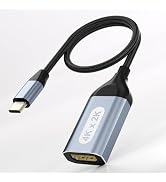
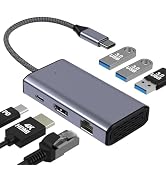
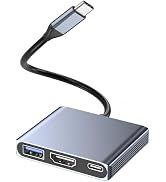
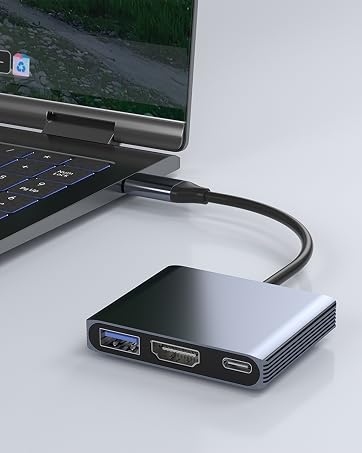
HDMI(4K30Hz)+USB3.0+PD 100W
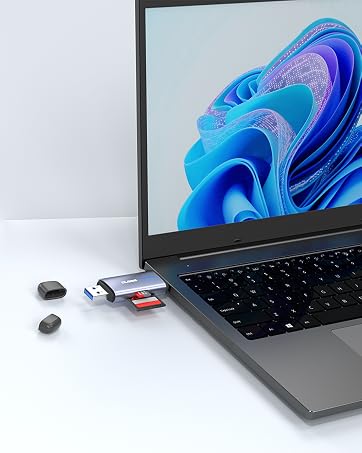
USB C & USB A 3.0
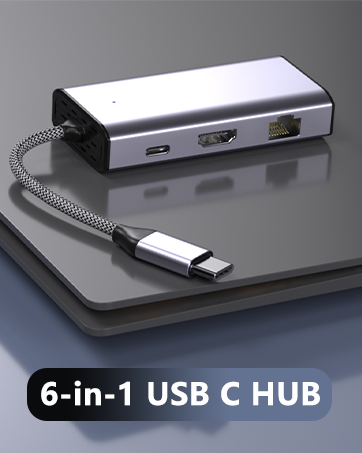
4-in-1 Dual Monitor USB-C Adapter Expand your laptops USB-C/Thunderbolt 3 port into dual displays (1× DisplayPort + 1× HDMI) for a powerful workstation setup. Supports extended or mirrored mode (independent displays) to boost multitasking efficiency. 100W Power Delivery (PD) Fast Charging Keep your USB-C laptop charged while using dual monitorsno downtime during work or entertainment. USB 3.0 (5Gbps) Data Port Transfer files at high speed or connect peripherals like external drives, mice, and keyboards with ease. Wide USB-C Laptop Compatibility Works with most USB-C laptops supporting DP Alt Mode, including Thunderbolt 3 & USB4 systems. Not compatible with charging-only USB-C ports.
| Brand | Closs |
| Color | Grey |
| Hardware Interface | USB 3.0, USB Type C |
| Special Feature | Fast Charging, Fast Data Transfer, Plug and Play |
| Compatible Devices | Laptops, Monitors, Televisions |
| Additional Features | Fast Charging, Fast Data Transfer, Plug and Play |
| Total Usb Ports | 1 |
| Data Transfer Rate | 5 gigabits_per_second |
| Number of Ports | 4 |
| Minimum Required Operating System Version | Mac OS 10.15 Catalina, Windows 10 |
| Operating System | Windows, macOS |
| Enclosure Material | Aluminum |
| Item Dimensions L x W x H | 2.24"L x 1.85"W x 0.39"H |
| Item Weight | 1.45 ounces |
| Number of Packs | 1 |
| Manufacturer | Closs |
| Number of Items | 1 |
| Model Number | TC-403G |
| Mfr Part Number | TC-403G |
| Warranty Description | 1 Year |


