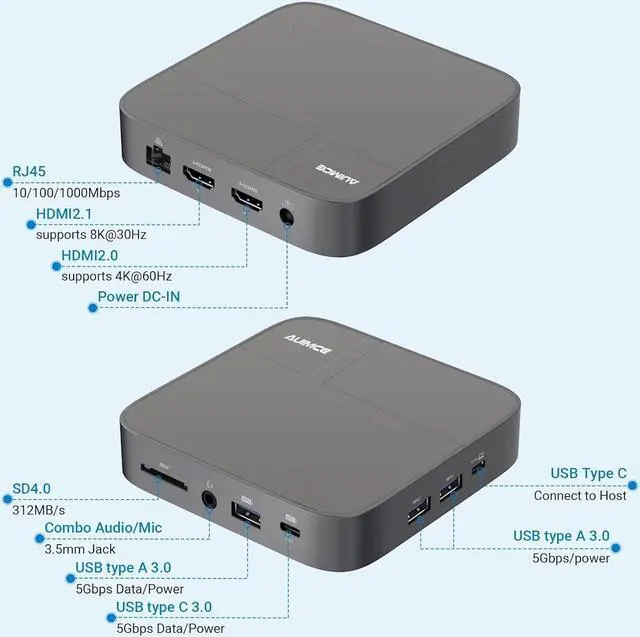
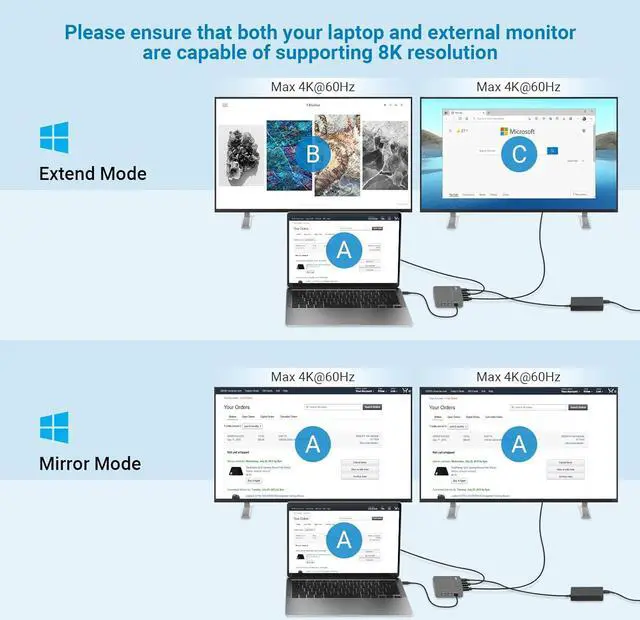
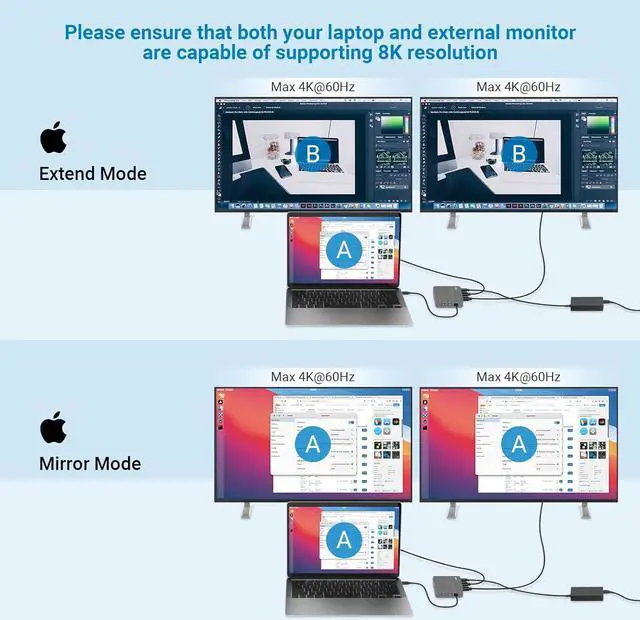
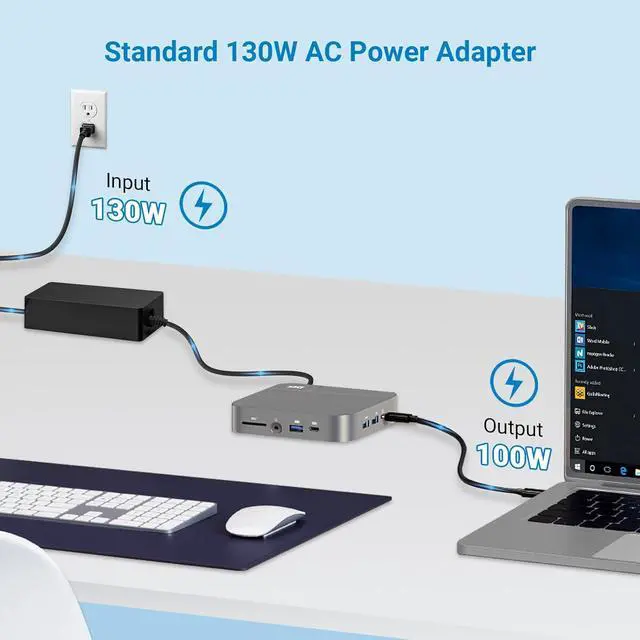
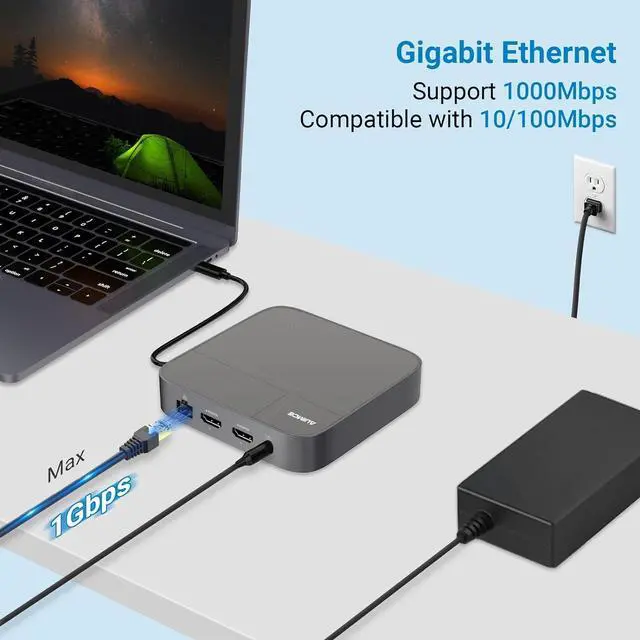
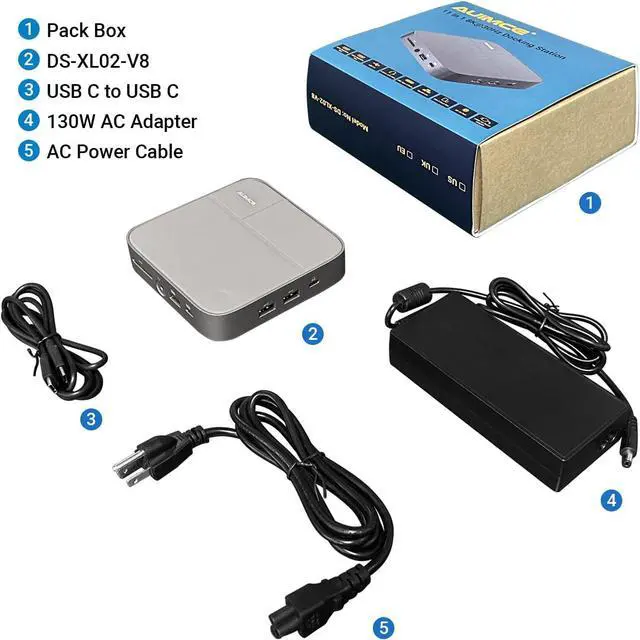
Note: Our USB-C dongle with electrical plugs are designed for use in the US. Outlets and voltage differ internationally and this product may require an adapter or converter for use in your destination. Please check compatibility before purchasing. Up to 8K@30Hz for Windows and 4K@60Hz for macOS 8K@30Hz (HDMI 2) is backward compatible 4K@120Hz, 2K@144Hz, 1080P@240Hz. 4K@60Hz (HDMI 1 &DP) is backward compatible 2K@120Hz, 1080P@144Hz. 8K@30Hz Laptop Lists(Partly): HP Spectre x360 13 zenbook Flip Dell XPS 13 9305 HP Victus Microsoft Surface Pro 8 Note: Windows supports 8K/30Hz Max; MacOS supports 4K/60Hz for Dual Display Monitor. Compatibility: Retina 13-inch 2018/2019/2020 MacBook Air Intel Chip 13" 2016/2017/2018/2019/2020 MacBook Pro Intel Chip 14" 2021 MacBook Pro Apple M1 Pro or M1 Max; 2023 MacBook Pro Apple M2 Pro or M2 Max 15" 2016/2017/2018/2019 MacBook Pro Intel Chip 16" 2021 MacBook Pro Apple M1 Pro or M1 Max; 2023 MacBook Pro Apple M2 Pro or M2 Max NOTE: 13" 2020 MacBook Pro M1/13" 2022 MacBook Pro M2/13" 2020 MacBook Air M2/ 13" 2020 MacBook Air M1 only can get one external monitor Incompatible: MacBook Pro before 2015(included 2015), MacBook Air before 2018(included 2018) Mac mini, iMac, Mac Pro, Mac Studio All Windows laptop Fastest Laptop Charging When it comes to laptop charging this unit provides up to 100W of power delivery. That is the highest charging provided by any Thunderbolt 4 dock, and is ideal for larger screen laptops that require more power. For laptops or tablets that require less than 100W, this dock will only supply the wattage required by your device. More is More The Docking Station offers a staggering 11 ports of connectivity, the most featured on any Thunderbolt dock ever. The purpose of a device like this is to never run out of ports 4 USB Ports With 4 USB ports, a mixture of USB-A and USB-C, you have plenty of port connectivity to connect your USB accessories³. All of the USB ports offer 5Gb/s
Help others learn more about this product by uploading a video!