AceProAV (AVLT) was established in 1997 and focuses on improving lifestyle & living with monitor mounts and standing desks that enable people to work, think and play ergonomically.
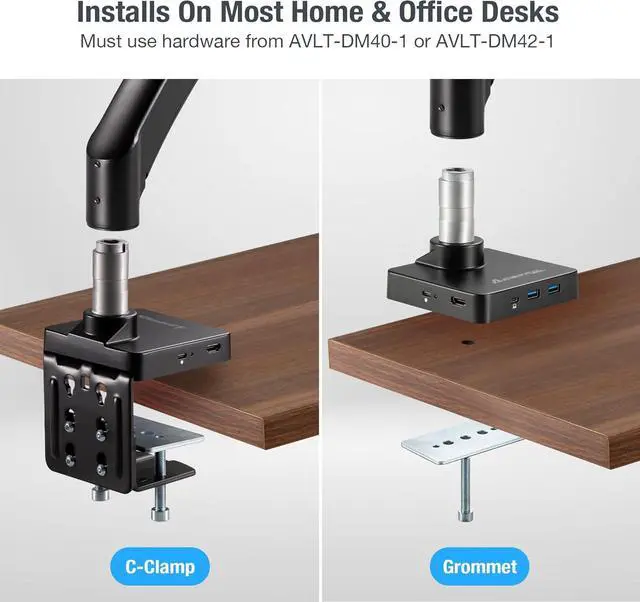
Upgrade Kit for AVLT-DM40-1 or AVLT-DM42-1 (must first have either of these monitor mount models) / Monitor Weight: Under 33lbs (15kg)
Computer/Laptop port required: Full-functioned USB-C 3.1 Gen 1 Port (or above)
AVLT-DM40-1
AVLT-DM42-1
Why use a Mount Dock?
Monitor Size
13" to 43" / Monitor Weight: Under 33lbs (15kg)
Monitor Size
13" to 43" / Monitor Weight: Under 33lbs (15kg)
Setup a Shared Workstation
Connect just one cable to your laptop for a full workstation experience
VESA Pattern
200x200mm, 200x100mm, 100x100mm, or 75x75mm
VESA Pattern
200x200mm, 200x100mm, 100x100mm, or 75x75mm
Tamper Proof
Fixed securely to the desk and not easily removed unless specific tools are used
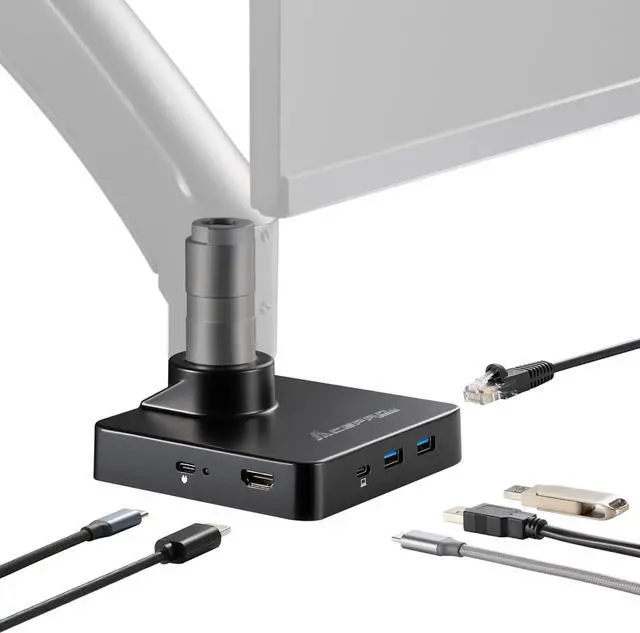
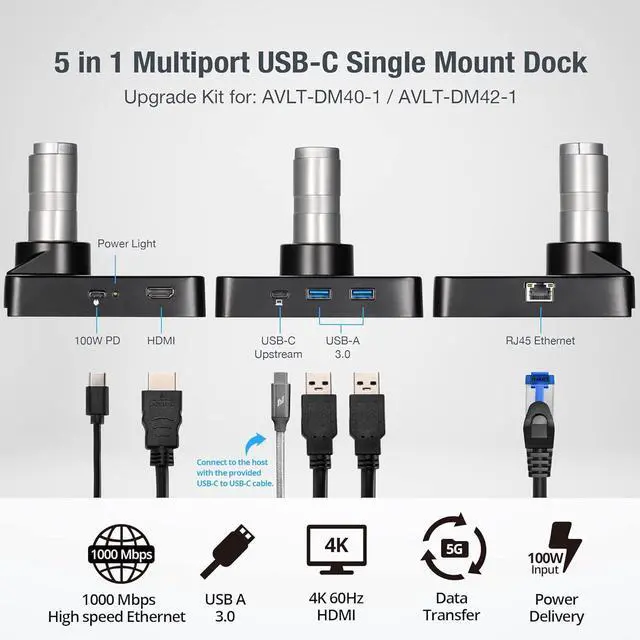
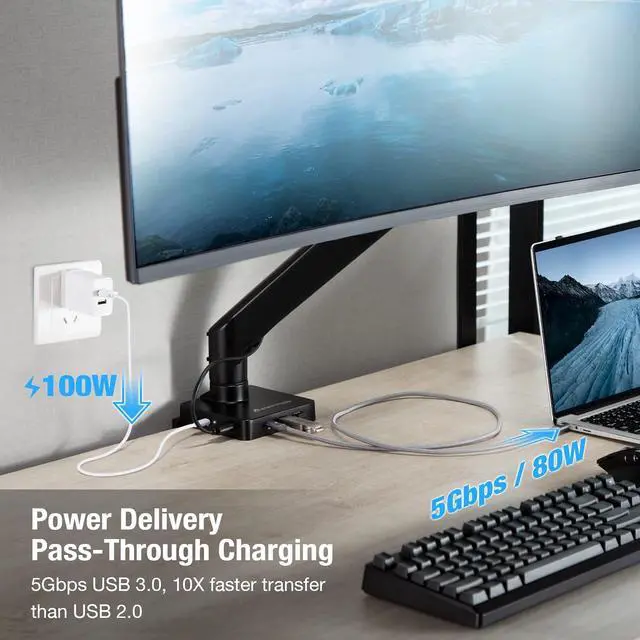
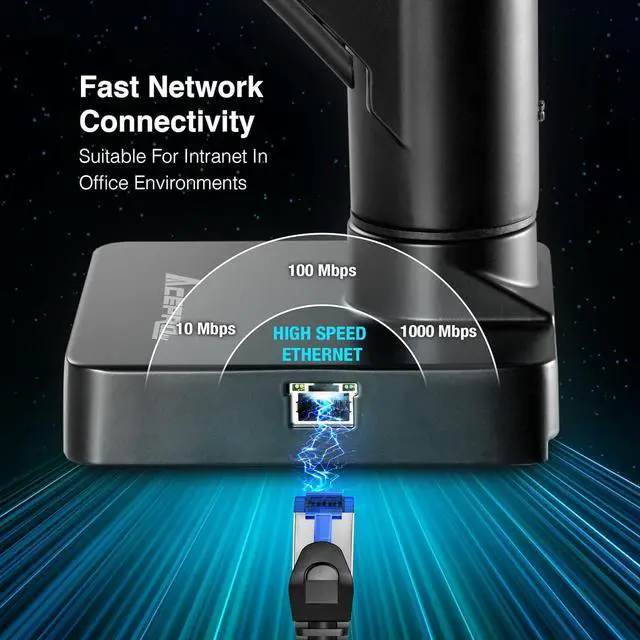
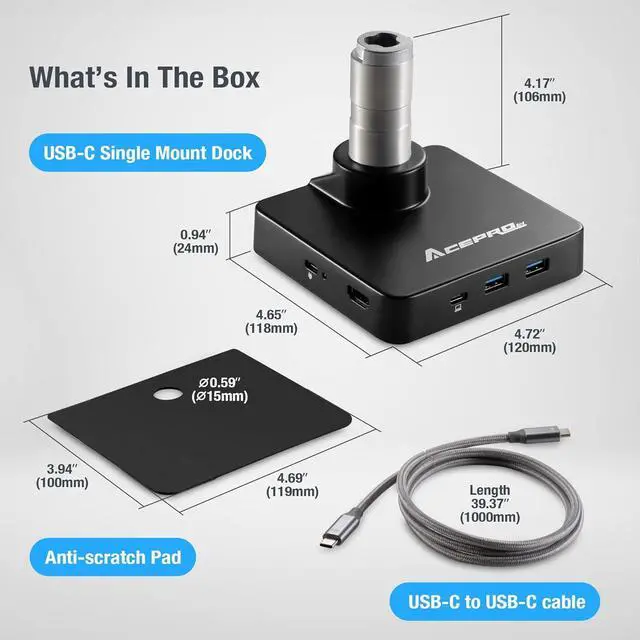
15 In 1 Mount Dock2100W PD Charging31000Mbps Ethernet Port4Package Contents5Desk Decluttering Design Designed For The Future: Perfect for office, home or hybrid workplace use. / Saves Cost: Helps discourage attempted theft and resolve problem with dongles & hubs going missing.
Saves Time: Connect and disconnect with just one cable. / More Workspace: Free up your desktop from messy dongles & hubs.
Prerequisites:Upgrade Kit for AVLT-DM40-1 or AVLT-DM42-1 (must first have either of these monitor mount models)Weight Capacity:33lbs (15kg)Computer/Laptop Port Required:Full-functioned USB-C 3.1 Gen 1 Port (or above) (must support transferring data, audio, video, and power.)USB Type A Port (x2):5V/0.9A max. | 5Gbps (USB 3.1 Gen 1)USB Type C [Port 1]:[PD charger input only] Power Delivery (PD) max.100W Input (Note: adapter and cable not included). USB Type C [Port 2]:[Connect to your computer] 10G data transfer. Support up to 80W PD charging to your device (Connect with the included USB-C to USB-C cable to your computer).USB-C to USB-C Cable (x1):10G Data transfer/ 100W Charging | Length: 39.4" (1000mm) | Note: Must connect the included cable from the Mount Dock to your ComputerHDMI Port (x1):4K@60Hz (with DP 1.4 host) or 4K@30Hz (with DP 1.2 host)RJ-45 Ethernet Port (x1):Supports 1000Mbps/100Mbps/10MbpsProduct Weight:0.93lbs (0.42kg)Product Dimensions:4.65 x 4.72 x 4.17 (118mm x 120mm x 106mm)Package Contents:USB-C Single Mount Dock | USB-C to USB-C cable | Anti-scratch padNote:Monitor arm & clamp/grommet mount not included How did we get our start? Single Mount Dock For Connecting Monitor & Devices This Upgrade Kit is Designed for the Following Products Connect / Disconnect your USB Devices, Charging and Networking with One Cable. Our design aims to help you achieve your ultimate setup goal AcePro-DK13-1 Tech Specs