

Your Browsing History
- Free 30-day Returns
$393.99

Meet Your Seller

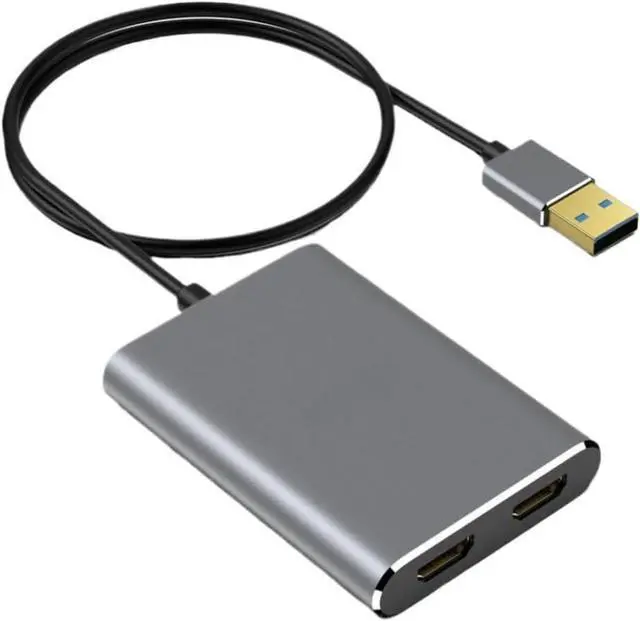
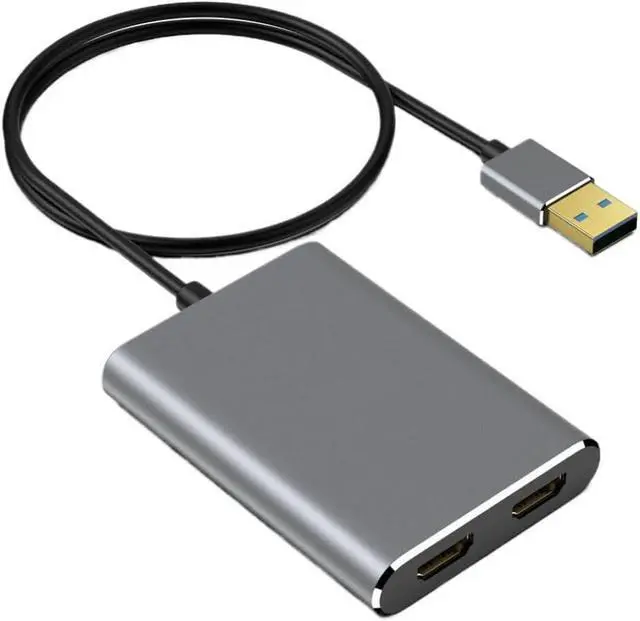


USB 3.0 to Dual HDMI Adapter 4K@30Hz Docking Station Hub for 2 Monitors Compatible with
- Model supports dual HDMI output for connecting two external monitors with USB 3.0 interface compatibility
- Enables extended or mirrored display modes for enhanced multitasking on desktop and laptop computers
- Delivers up to 4K resolution at 30Hz for crisp visuals across both connected screens
- Compatible with operating systems for broad device integration
- Ideal for office setups, content creation, and home use
+
+
Overview
Reviews

Any questions? Our AI beta will help you find out quickly.
Try me now
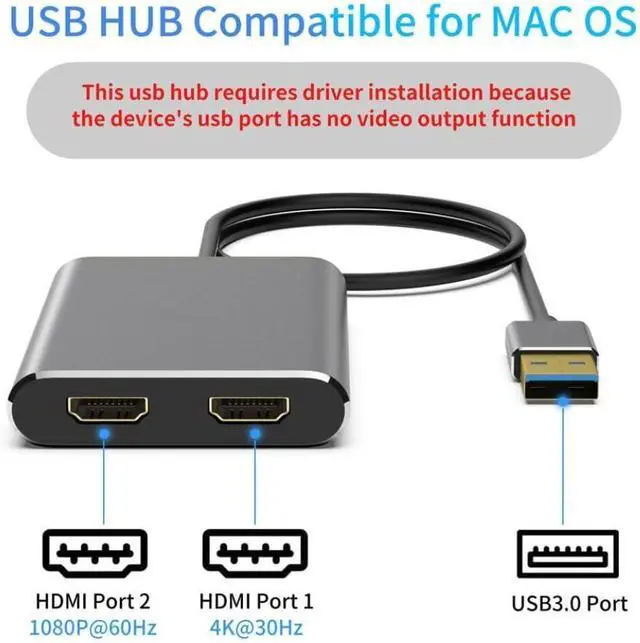
Fairikabe USB 3.0 To Dual HDMI-compatible Adapter 4K@30Hz Docking Station Hub For 2 Monitors Support / OS Mode USB 3.0 to dual HDMI adapter supports mirror mode (A-A-A) and extend modes (A-B-B & A-B-C) for OS, enabling extended display functionality on systems where native video extension is limited.This adapter allows connection of two external monitors, supporting ABC extension mode for multitasking across multiple screens. The adapter features two HDMI ports that can be used simultaneously.Port 1 supports up to 4K resolution at 30Hz, while port 2 supports up to 1080P at 60Hz.It is designed for use with USB 3.0 ports and delivers -definition video output suitable for various computing tasks. Equipped with the SM768 chip from SiliconMotion, this adapter functions as an external graphics processor, reducing CPU load through hardware acceleration.It works with any laptop or desktop computer that has a USB 3.0 port and is compatible with operating systems including 11, 10, 8.1, 8, and 7. Driver installation is required before use.The SiliconMotion driver must be installed to enable full functionality.Once installed, the adapter operates in plug-and-play mode without requiring an external power source. Compatibility Statement: This is a third-party replacement.Brand/model references serve only as compatibility indicators.
Warranty & Returns
Warranty, Returns, And Additional Information
Warranty
- Please contact the Seller directly for warranty information. Warranty information may also be found on the Manufacturer's website.
- CONTACT
Return Policies
- Return for refund within: 30 days
- Return for replacement within: 30 days
- This item is covered by DHINGDOM TRADING CO., LIMITED Return Policy
Manufacturer Contact Info
- For a directory of all our manufacturers, please click below.
- Manufacturers Directory
LOADING...