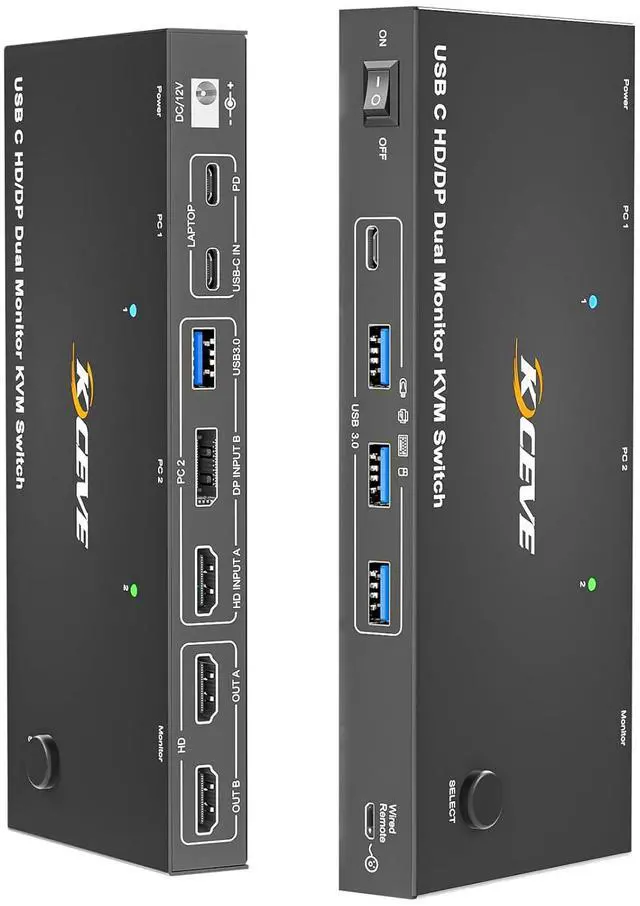
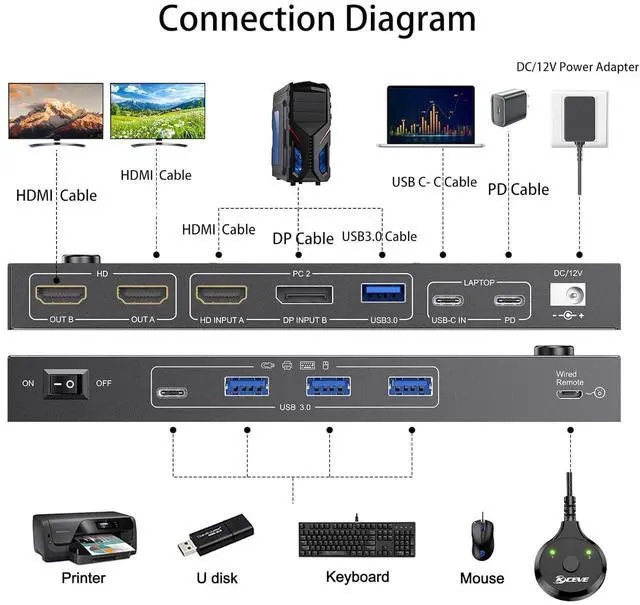
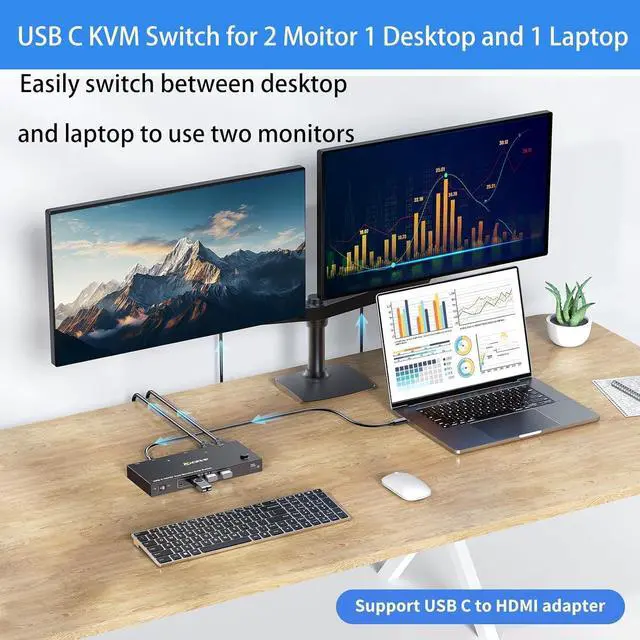
KVM Switch 2 Monitors Destop+ Laptops USB-C This USB C KVM switch allows 2 comput share 2 monitors and 4 USB devices, such as keyboard, mouse, printer and so on. laptop only needs a single USB C input cable, eliminating clutter on your desk. : To get display from laptop, please use USB Type-C 3.1 Gen 2 or higher cables that support Alt (Video&Data&PD) function.Seamlessly switch between your work desk and personal laptop to boost your productivity with this USB-C HDMI KVM switch.
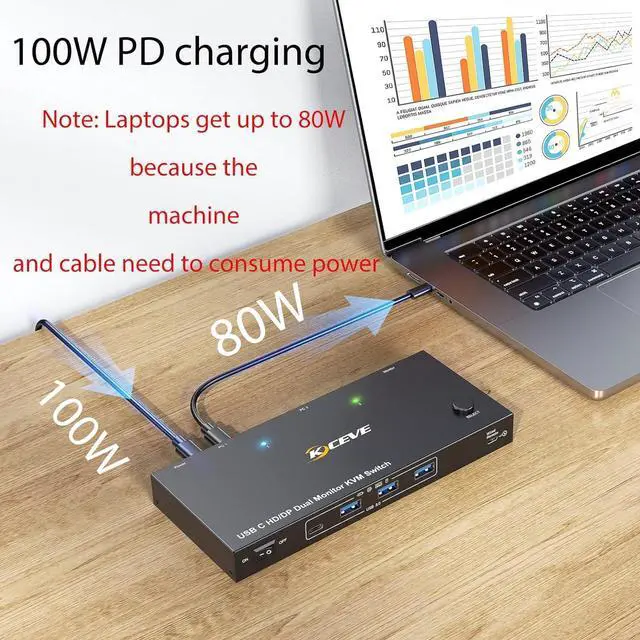
87W PD Fast ChargingThis USB C HDMI KVM switch is equipped with a PD charging port, which can provide sufficient power for your laptop during use. Due to the PD100 standard protocol, there will be losses. the actual charging power obtained by the laptop is between 73W and 87W.
5Gbps Ultra-fast TransferUSB C KVM Docking Station transfer files in Seconds. 2 monitors 2 computer switch equipped with 4 USB 3.0 ports for 2 computer to share USB devices such as keyboard, mouse, printer, etc., speed up to 5Gbps for data transfer
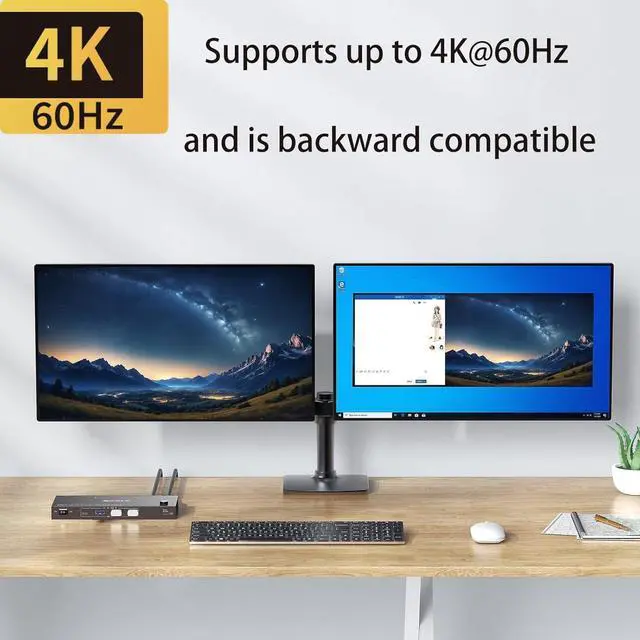
Ultra HD 4K Visual EffectUSB 3.0 KVM switch 2 computers supports up to 4K@60Hz, 1080P@144Hz resolutions and is backward compatible. Provides a visual treat. : 2 laptops switch resolution supported by this output depends on your laptops, monitors and USB C cables.There may be delays or flickering during switching. This is usually due to incompatibility issues with the Type-C cable, HDMI cable, or monitor. In this case, unplugging and replugging the cable will resolve the problem.
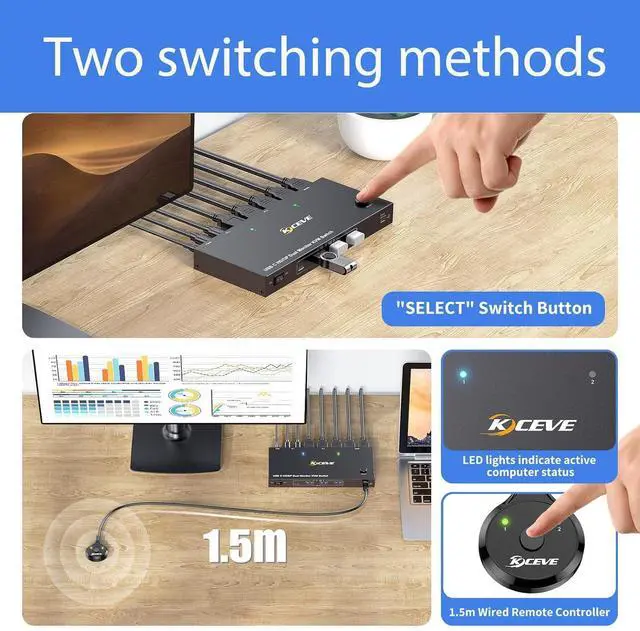
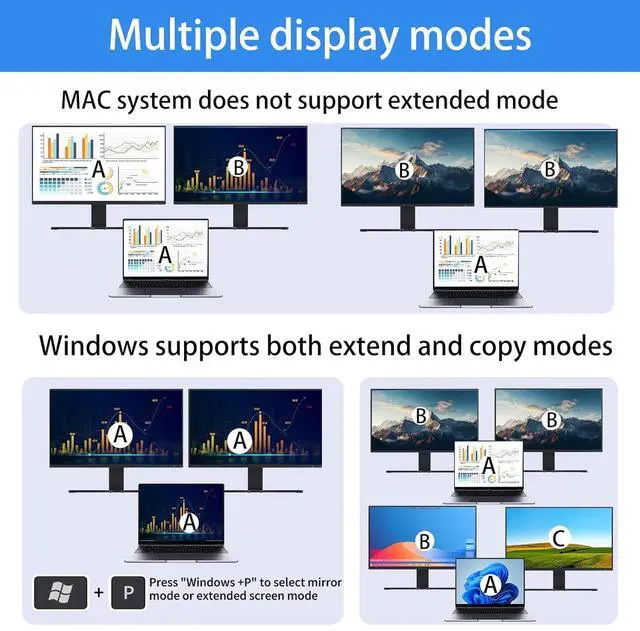
Easy SwitchingPlug and play, easy installation, no driver required, press the selection button on the KVM to switch; use the desktop extension button to switch, Note: Keyboard shortcuts (hot keys) are not supported for switchingImportant Notes]1, Please ENSURE it is connected to the power source for charging when using. 2, Ensure that the connected laptop has a fully functional USB-C port. 3, MacOS doesn't support MST, so it cannot support extended laptop.





 here!
here!