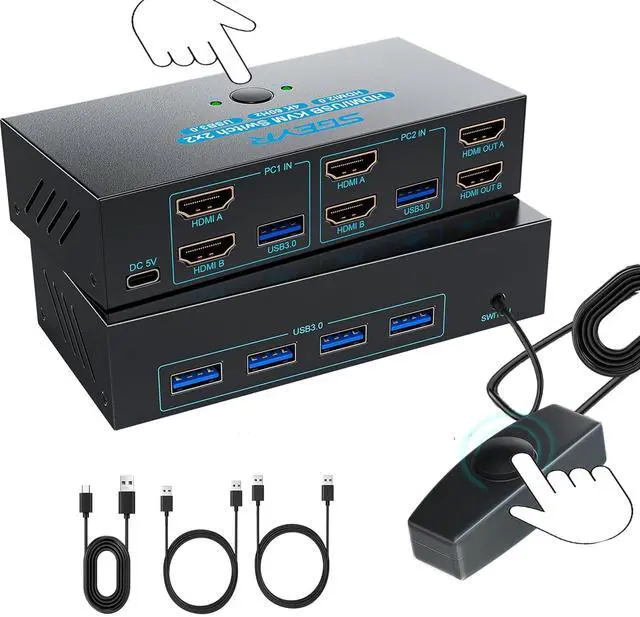
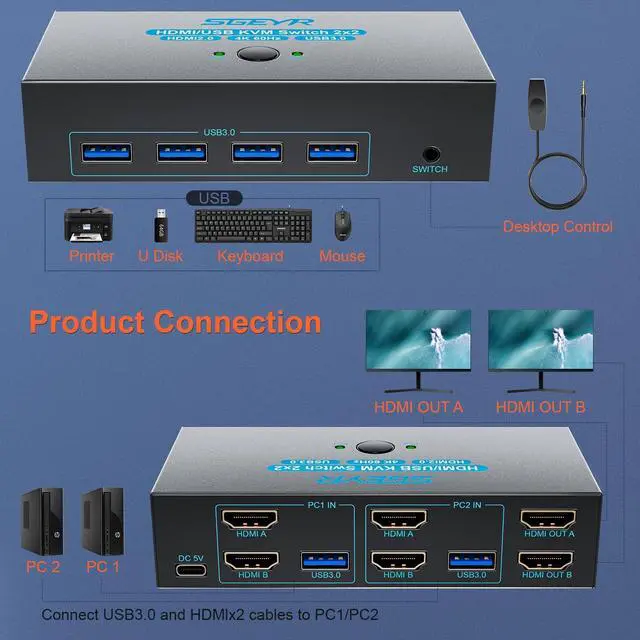
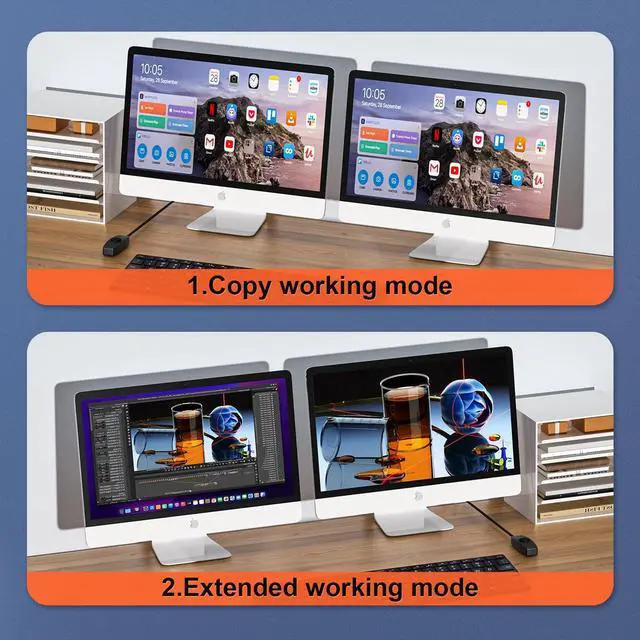
HDMI USB 3.0 KVM Switch Dual MonitorThis KVM switch allows you to easily manage and switch between two computers with just one set of keyboard and mouse while simultaneously controlling two monitors. Plug & play without any software installation or driver. This device is ideal for both professional and home office setups
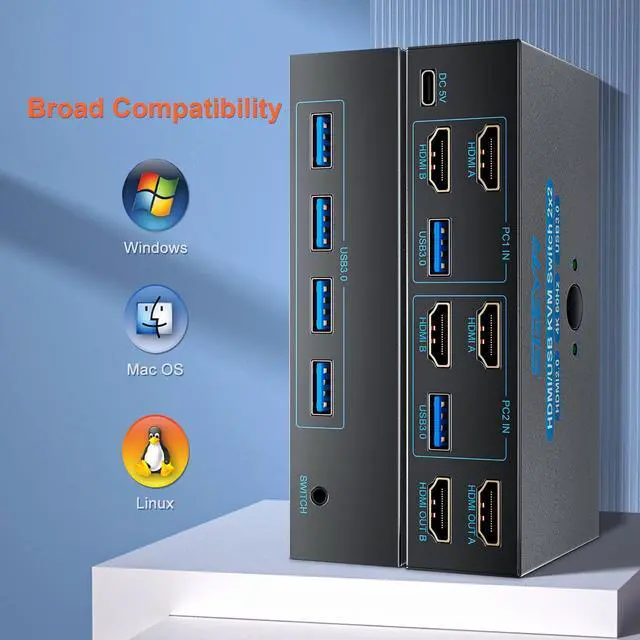
HDMI KVM Switch with 4 USB 3.0 Port KVM Switches 2 Monitors 2 Computers With 4 USB 3.0 ports, you can connect all your essential peripherals and enjoy data transfer rates that keep up with your workload. Say goodbye to delays and hello to a more streamlined work environment.
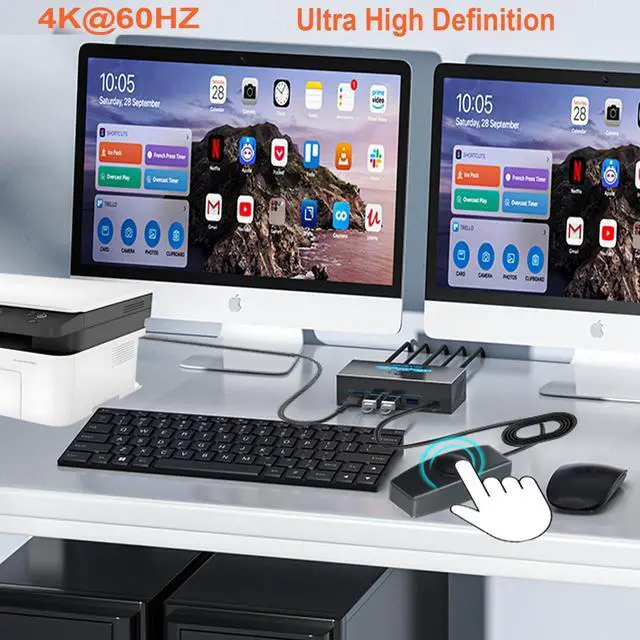
HD Resolution 4K@60Hz This KVM switches supports resolution up to 4K@60Hz, it also supports 4K@30Hz, 1080p or lower resolution. This dual monitor KVM switch also supports HDMI 2.0, HDCP2.2/1.4, 3D and HDR, HDR10+, which makes image display more exquisite and realistic, color is more bright and moving. NOTE: Please ensure that the resolution of the input device and output device is consistent
Two Switching ModesIt supports button switching and desktop controller switching, freely switch between 2 computers. With the desktop controller, you can place this monitor switch for 2 computers outside your work area, making your desktop cleaner and tidier. NOTE: Not support Keyboard shortcuts (hotkeys) toggles
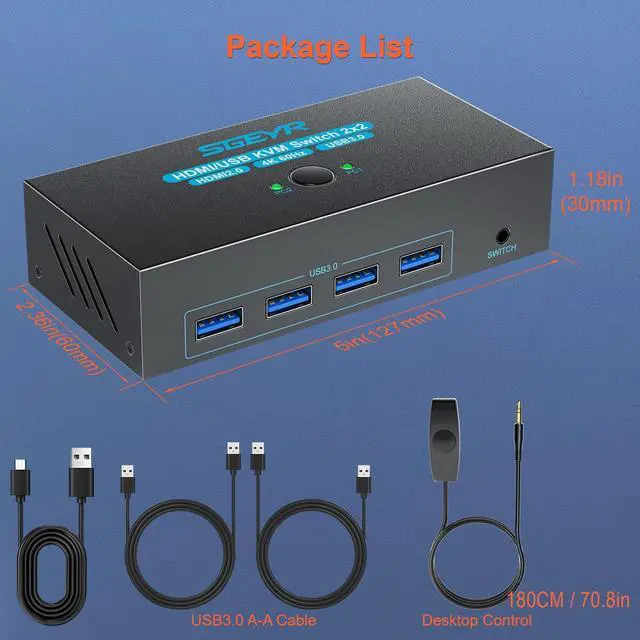
Wide Compatibility This KVM switch dual monitor supports Windows, MacOS, and Linux systems. This KVM switch 2 computers 2 monitors is also compatible with most HDMI source devices, such as computers, Nintendo Switch/Switch 2, PS5/4/4 pro, Xbox One, TV Box, PC, Blu-ray player, etc. PACKAGE LIST: 1*KVM switch, 1*HDMI cables, 2*USB A cables, 1*power supply line, 1*desktop controller, 1*user guide
NOTE 1, Please make sure each of your computers can support dual-screen displaying at the same time. 2, Please make sure your computer has 2 HDMI ports+1 USB-A port. 3, Each computer must connect 2 HDMI cables + 1 USB-A cable to ensure working properly. 4, The two monitors can only output the video source from one computer, and cannot output the signal source of PC1 and PC2 at the same time. 5, To ensure normal usage, please make sure to connect the power supply via the power supply line