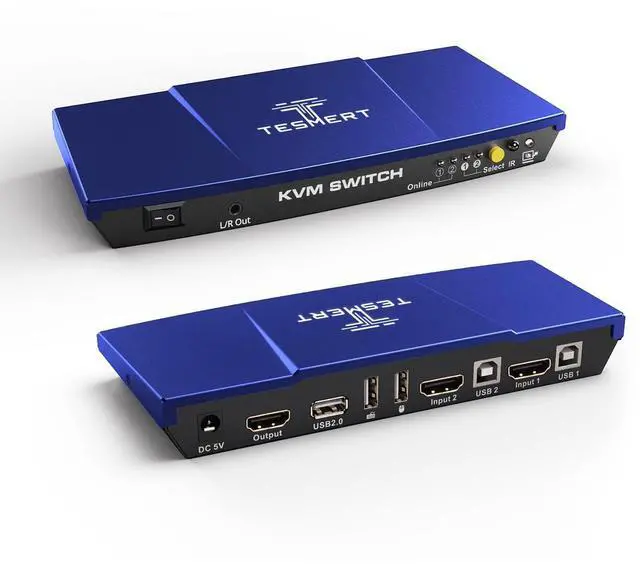
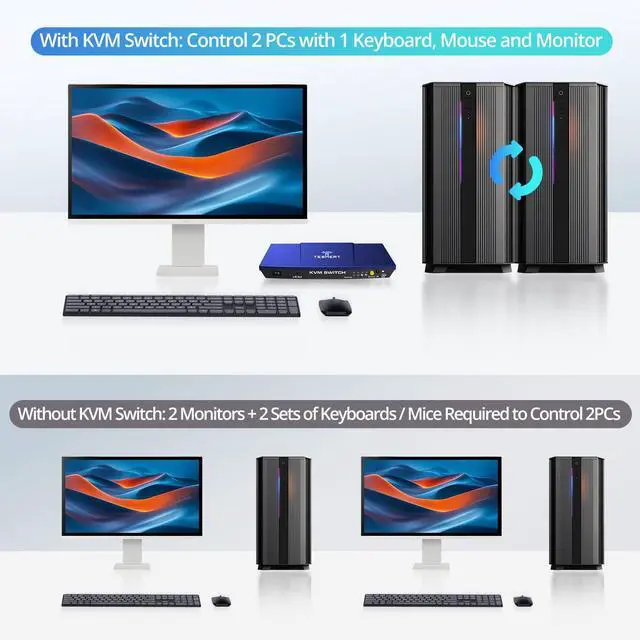
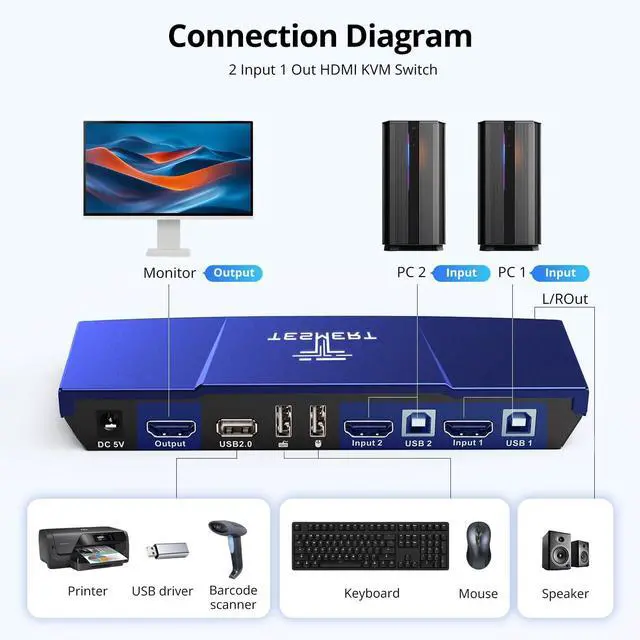
KVM Switch 1 Monitor 2 ComputersThis is a HDMI KVM Switch T1210, featuring two HDMI input ports that allow control of two computers. It enables 2 computers to share a single keyboard, mouse, and monitor. Its switching function is professional and stable, and it additionally includes standard USB ports for connecting various USB devices. This effectively enhances your desktop organization and work efficiency. This KVM switch supports multiple input devices, such as PCs and laptops. It is compatible with various operating systems, including Windows, Linux, and Mac.
Supports up to 4K@60Hz ResolutionThe T1210 2 PCs HDMI KVM Switch supports 4K@60Hz (3840*2160@60Hz) resolution, delivering crisp and detailed visuals to your display. It also supports 4K@30Hz, 2K, and 1080P resolutions, offering flexible solutions for diverse display needs. This ensures exceptional image quality and smooth multimedia experiences, making it ideal for both daily use and creative work.
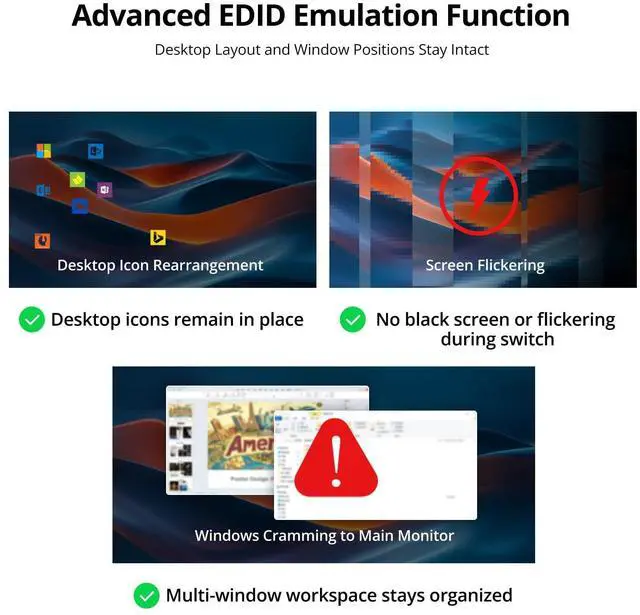
EDID EmulationThis 4K@60Hz HDMI KVM switch features built-in adaptive EDID emulation. By automatically optimizing monitor settings, it prevents resolution or icon changes during switching, ensuring seamless transitions between PCs and maintaining the integrity of your workflow.
4 Switching MethodsThis 4K HDMI KVM switch offers four switching methods: keyboard shortcuts, front-panel buttons, mouse gestures, and an infrared remote control (batteries not included) to control KVM input source switching. Choose the most convenient method for quick switchingsimple and efficient.
Mouse and Keyboard Pass-Through Mode No need to worry about restricted keyboard and mouse functionality after connecting to a KVM switch. This 2 PCs 1 monitor KVM switch supports pass-through mode for keyboards and mice, ensuring compatibility with a wider range of devices and enabling full functionality. After switching input sources, your keyboard and mouse become immediately responsive with zero delay, delivering the same seamless control experience as if they were directly connected to your computer.
Auto Switching & Hot-SwapThis KVM switch also supports auto switching, automatically displaying the screen of either computer at specified intervals. It also supports hot-swap functionality, allowing devices to be connected or disconnected from the KVM switch at any time without powering down the equipment.
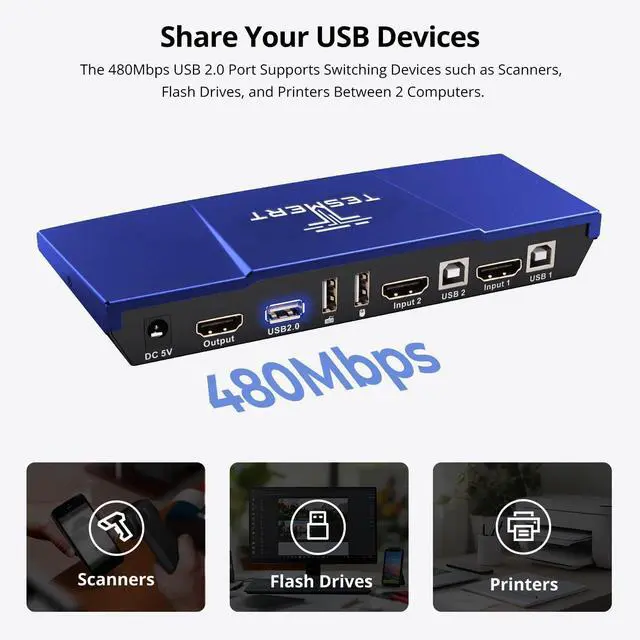
USB Dock & L/R Out & Easy to UseThis 2-PC KVM Switch features an additional standard USB port for stable and highly compatible connectivity with barcode scanners, USB hard drives, or other USB devices. Installation is simpleno drivers required. Just plug in the power supply, connect all cables, and seamlessly switch between two computers and one monitor.