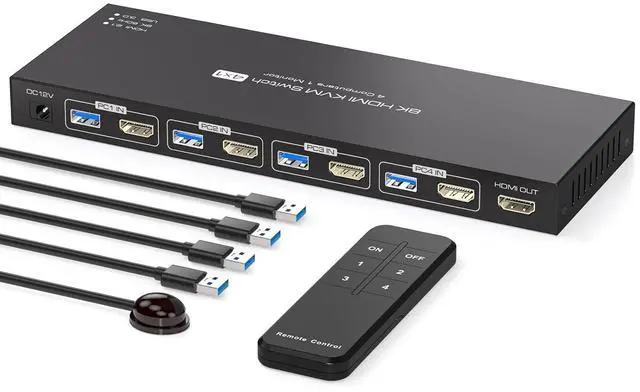
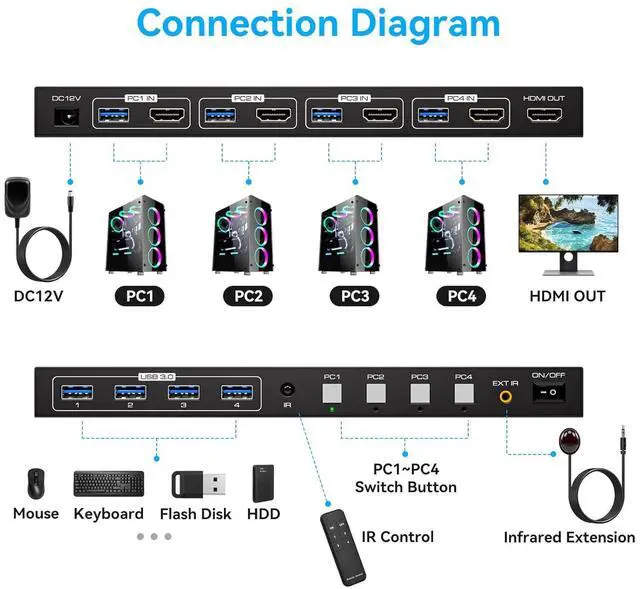
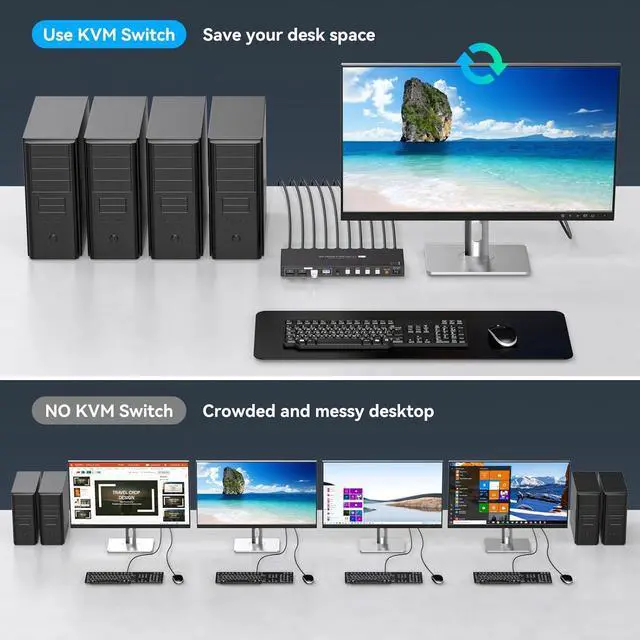
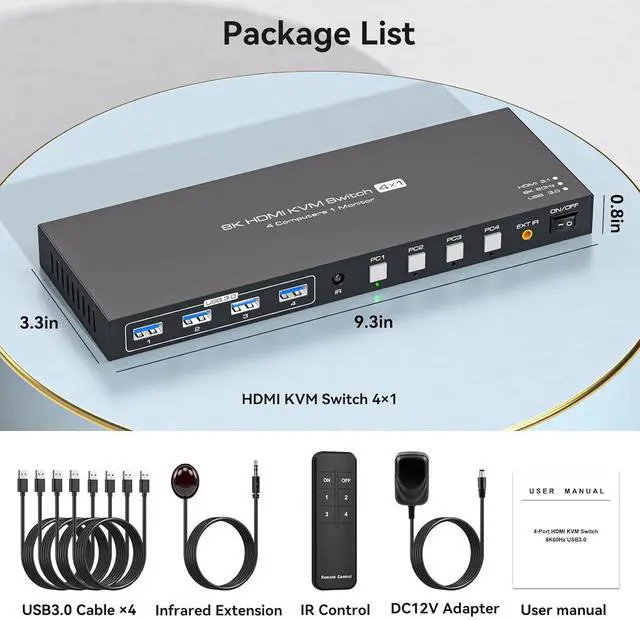
KVM Switch 1 Monitors 4 ComputersKVM switch 4 pc 1 monitor allows 4 computers to share one display and 4 USB3.0 devices such as mouse, keyboard, and printer. With the remote control or switch button on the panel, you can easily switch between 4 computers without any complexity or delay
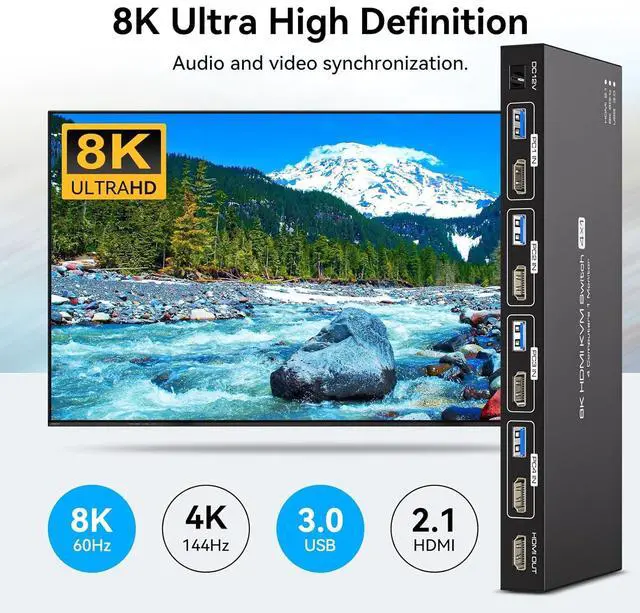
8K@60Hz Ultra-high-definition resolutionThe kvm switches 4 port supports amazing resolution up to 8K@60Hz. High-definition resolution allows you to display more detailed and realistic images with brighter and more vivid colors, it's a true visual feast. It is also backward compatible with resolutions such as 4K@60Hz, 1080P@60Hz, and 720P@60Hz. Note: To achieve the highest resolution, ensure that the signal sourcemonitorHDMI cable all support 8K@60Hz
NoteIf you need to transmit 8K@60Hz/4K@144Hz signals, you must make sure that the computer, monitor, and transmission cable all support 4K@144Hz, otherwise the signal will be weakened (we recommend using a high refresh rate cable with a length of 1m or less, and a refresh rate of 4K@120Hz and higher).If the monitor has flickering or disconnection problems, try lowering the resolution and refresh rate of the monitor to 4K@60Hz
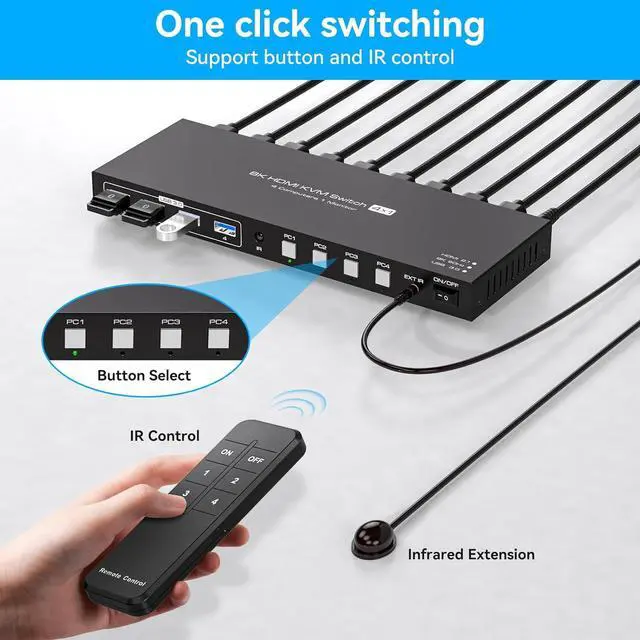
2 Switching Mode 1. Remote Control Switching: Aim the remote control at the hdmi kvm switcher and press the button to easily switch between different computers; you can also place the KVM switcher outside of the workspace, connect the wired infrared device, aim the remote control at the infrared device, and press the button to switch. 2. Pushbutton Switching: Simply press the white buttons from PC1 to PC4 to switch. Note: Hotkey switching is not supported
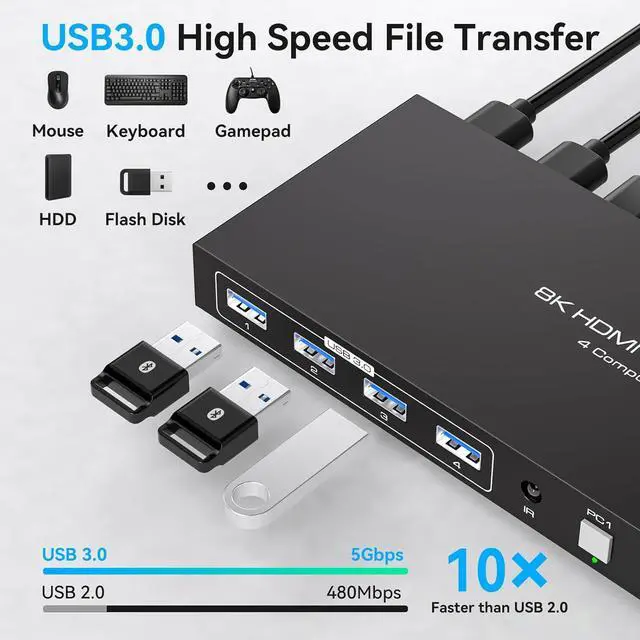
4 USB 3.0 PortsThe kvm switch 4 computers is equipped with 4 high-speed USB 3.0 ports, with a data transfer rate of up to 5Gbps. The KVM switch can seamlessly share wired or wireless keyboards and mice, printers, scanners, and network cameras between 1 displays and 4 computers