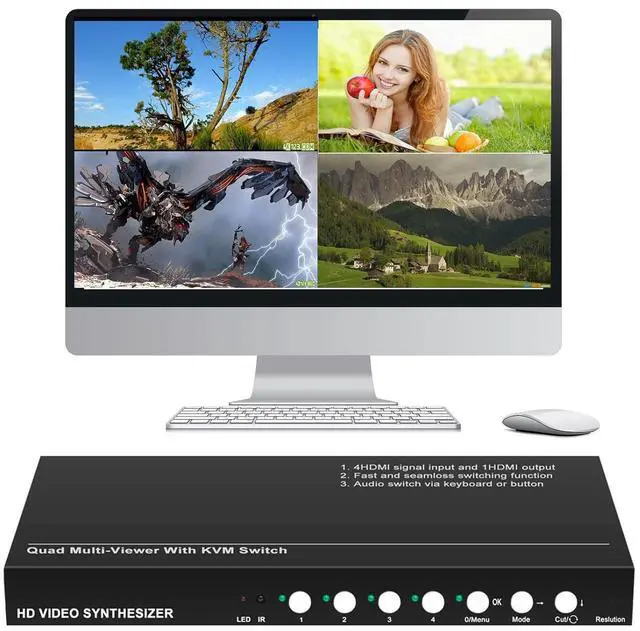
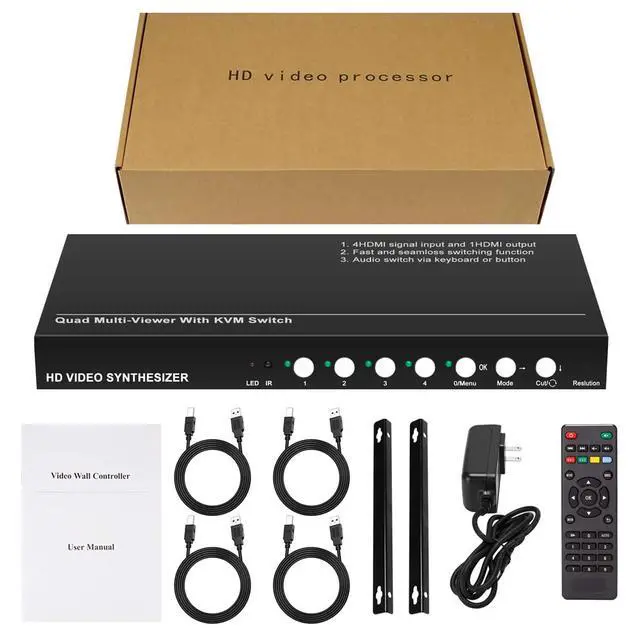
RJ-MT41 is a high-performanceSeamless HDMI KVM switcher & HD quad video multiplexer.
The main function is to convert 4 HDMI signals input to one HD HDMI signal output, so that 4 digital signals are displayed on a HD display unit at the same time.
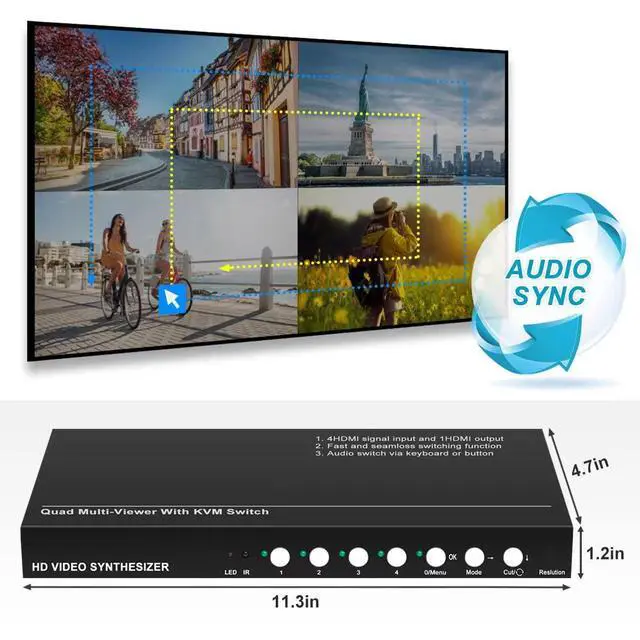
Through hot keys, RJ-MT41 can use one set of keyboard and mouse Control 4 signals . RJ-MT41 also support mouse passing through function. In 4 split mode, the mouse can be moved freely in 4 windows like one screen.
Audio switcher: audio and keyboard will come with the mouse at the same time
RJ-MT41 is seamless switching Device, Quickly switch between audio and video.
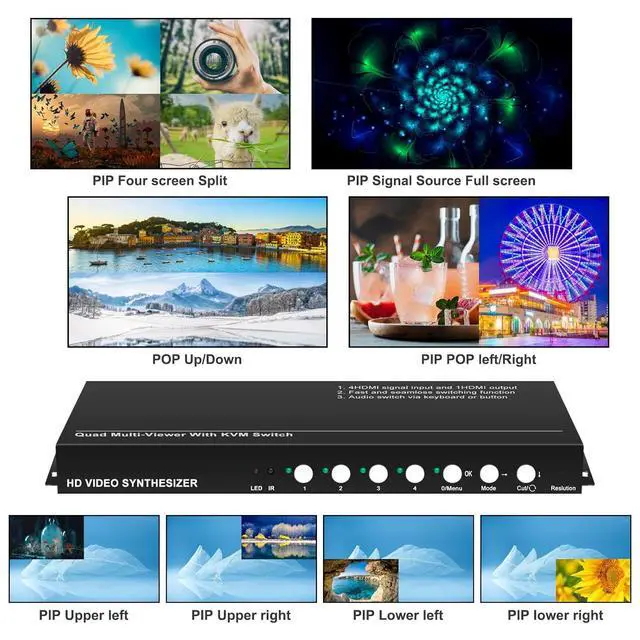
9 modes: four-split, left-right two-split, up-down two-split, full-screen display modes
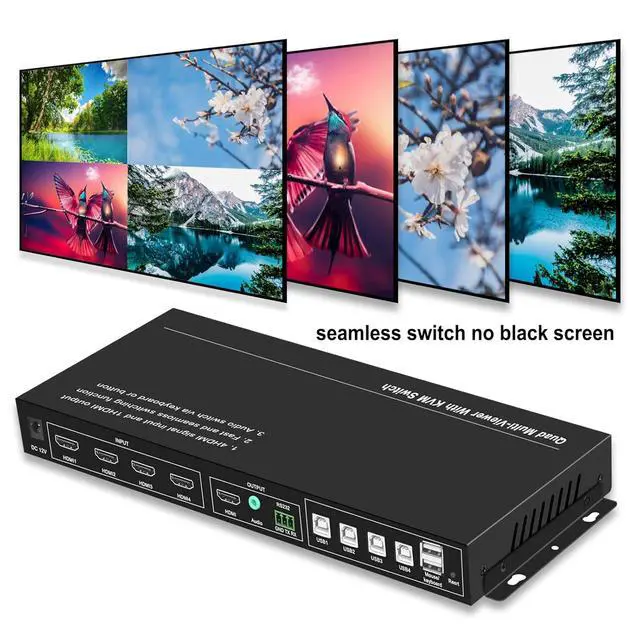
Seamless switch: All Single-Screen or Different Split Modes Switch Without Black Screen, No Latency
Input support:
Connect with Computer or Laptop with HDMI Port Directly.
4 HDMI Inputs Support, When Connect with Phone or a Tablet, Need Connect a Phone to HDMI Adapter to Connect(Not Support USB Mouse Keyboards Function)Only can switch the modes and audios modes
Output support:
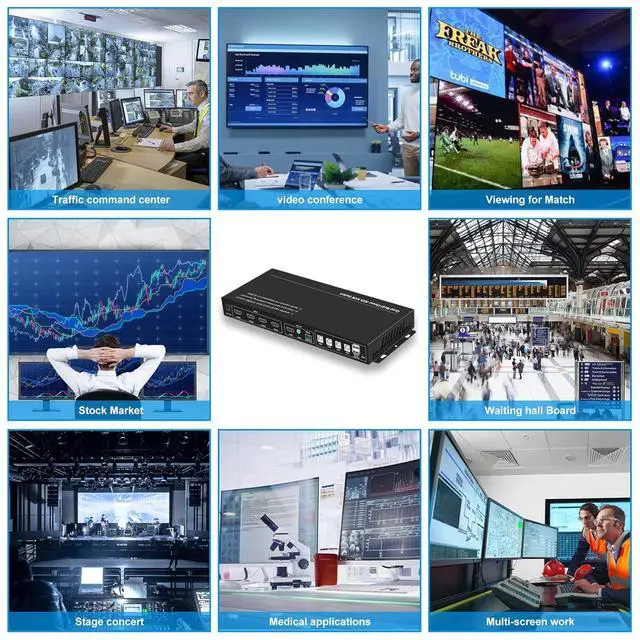
1 Output Support HDMI Computer,RJ-MT41 HD video multiplexer supports various display units with HD interface such as projector, LCD monitor, DLP, plasma, full-color LED.
USB support:
support all kinds of keyboard and mouse (not support bluetooth one )
Audio port:
If your out display has no audio, you can plug in a 3.5mm audio
If your out display has audio, when not connect audio, it will shows from the output display
When use KVM function, please connect the printer to USB Cables with each Inputs in order
Printer Type Cable A Male Connect USB1 Port -----USB B MaleConnect USB Port of Computer 1
Printer Type Cable A Male Connect USB2 Port -----USB B MaleConnect USB Port of Computer 2
Printer Type Cable A Male Connect USB3 Port -----USB B MaleConnect USB Port of Computer 3
Printer Type Cable A Male Connect USB4 Port -----USB B MaleConnect USB Port of Computer 4
Make Sure all connected, If only connect PC1 PC2, the mouse keyboard only use for PC1 PC2
Hotkey switch:
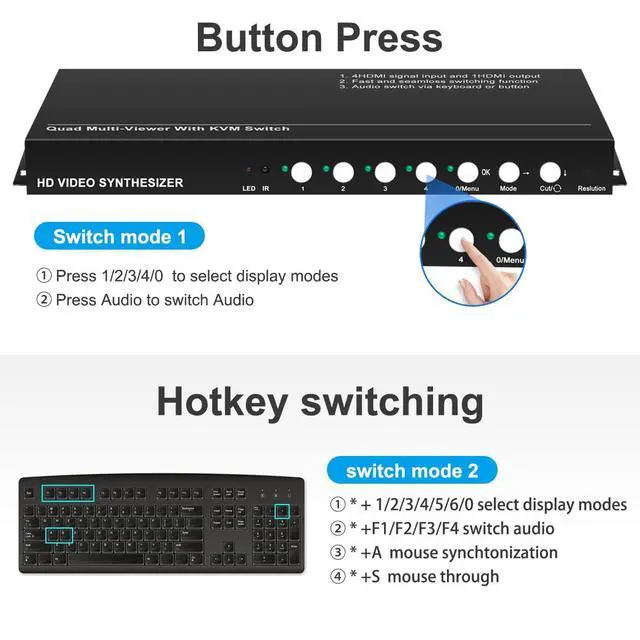
*+0 ------4 Inputs split
*+1 /*+2*/+3*/+4* ------ Input 1 /2/3/4 Full screen
*+5 /*+6* ------2 Inputs left/right split/2 Inputs up/down split
*+7 /*+8 /*+9 ------PIP ( picture in picture) modes
* +A Four-mouse synchronization
* +SMouse through function
*+F11 Software reset
Support five Control methods: Button controlMouse controlkeyboard control Remote control RS232 control
Remote control Button control
0--4 Inputs split (both button and remote)
1--Input 1 Full screen(both button and remote)
2--Input 2 Full screen (both button and remote)
3--Input 3 Full screen (both button and remote)
4--Input 4 Full screen (both button and remote)
5--2 Inputs left/right split ( remote control )
Modes-- Modes display in turn ( button press control )
6--2 Inputs up/down split( remote control )
Audio--audio switch ( button press control )
Switch-- Modes display in turn( remote control )
AUTO--audio switch when 4 Inputs split mode( remote control )
Overview of Seamless HDMI KVM switcher Seamless switching Connection Mouse and Keboard Switch Control methods