5-Ports PCI-E to USB 3.0 Expansion Card
(2 USB Type-A and 3 USB Type-C Ports)
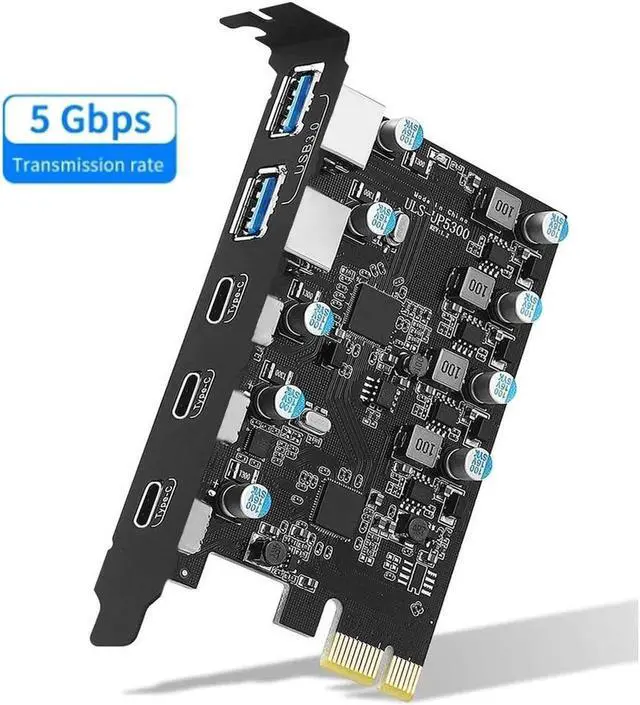
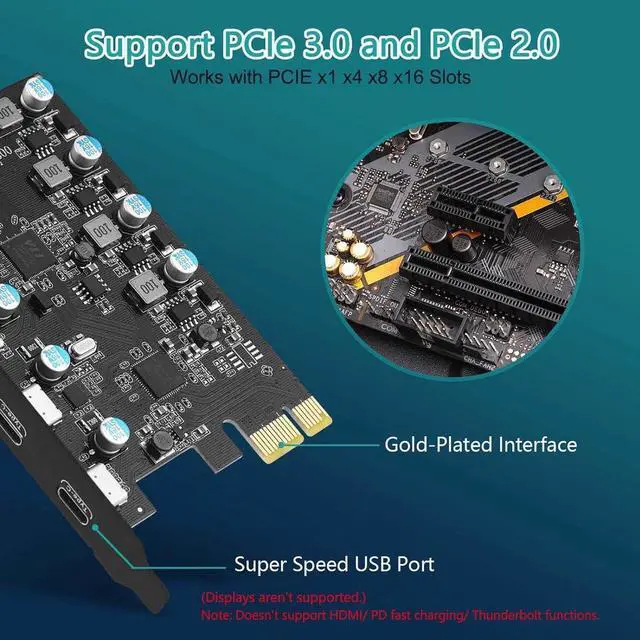
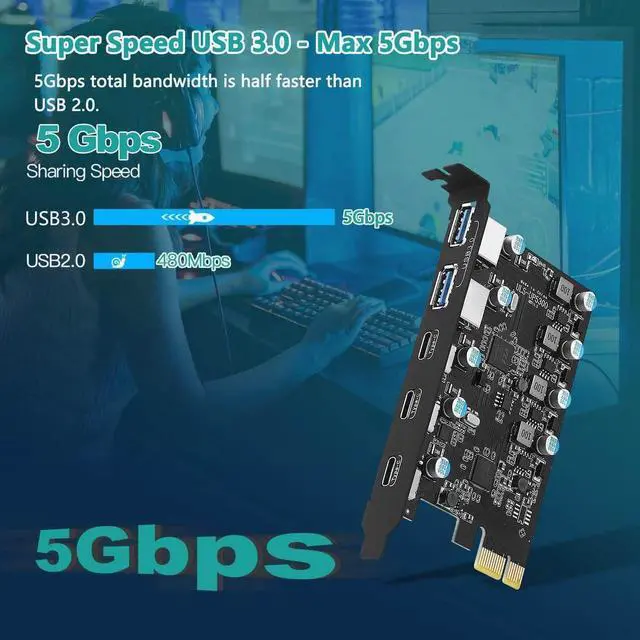
4 Ports USB Expansion Card: This USB PICE Card allow users add 5X USB ports (2-Ports USB-A and 3-Ports USB-C) on desktop computers by PCI Express (1X) interface. The added-on USB 3.0 ports can provide superspeed 5Gbps max (totally) for audios, photos, and more files data transfer
High-Speed Transmission Rate: Each port supports transmitting data at a rate up to 5Gbps when used solely.
Note: The actual transmission speed is limited by the setting of the device connected. and the USB expansion card only supports data transfer, Not PD fast charging and video signal transfer (DP, HDMI, VGA display conversion) and USB-C Thunderbolt protocol
No External Power Adapter: Users do not need to plug any additional power cable on from power source and get 5V/12A max power supply for high-power consuming device (Device only, NOT support BC 1.2 charging) such as HDD/SSD enclosure, VR sensor etc
Date Safe and Stable: Select high performance Fressco FL1100 USB 3.0 host controller.
Builds in more technology:
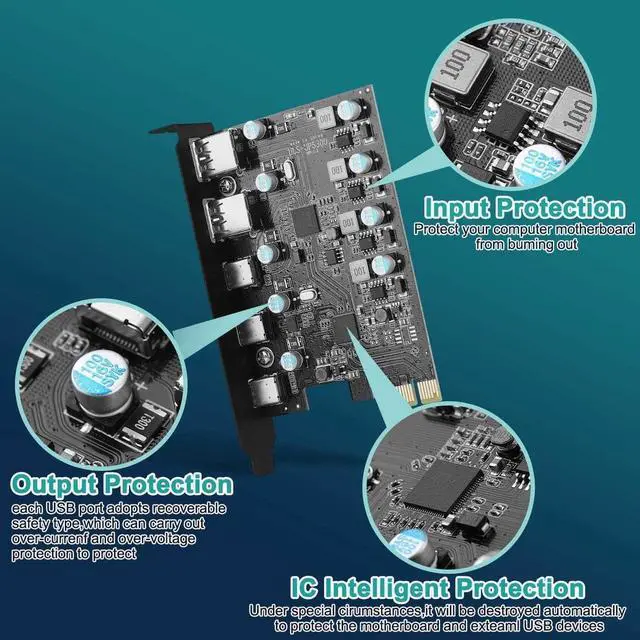
1. Added-on 4X power module to provide 12 ampere (each port 5V/3A max) current ensure adequate power supply for connected USB device. 2. Designed 4X electric circuit protector, 4X voltage stable capacitance and 4X voltage stable inductance to protect data safety than ever
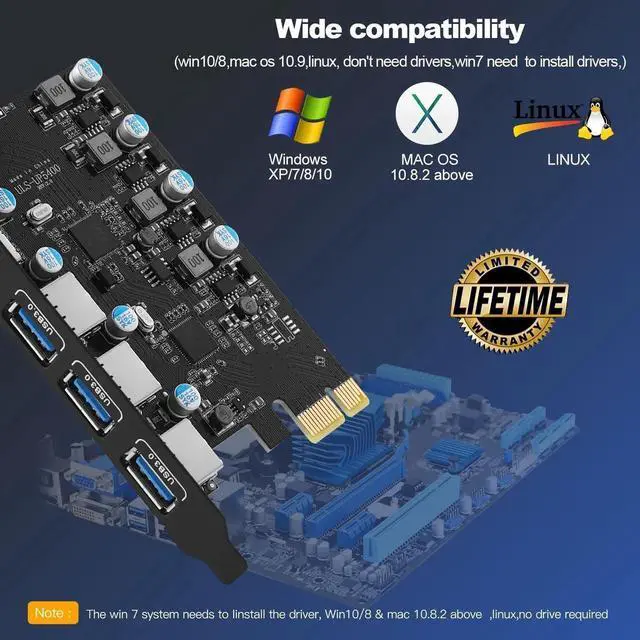
Wide Compatible System: This PCIE expansion card compatible with PCIE 4.0 PCIE 3.0 PCIE 2.0 and PCIE 1.0 motherboards, Operating System Supports Windows 7, 8, 10, 11, MacOS, Linux.
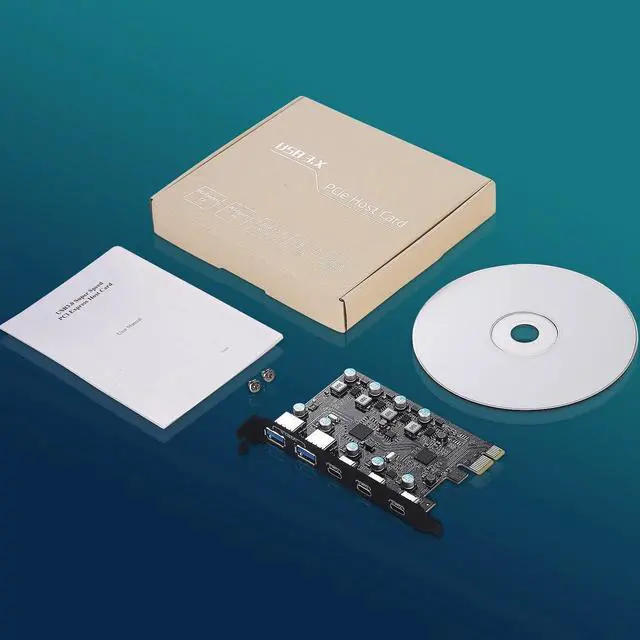
Note: Win 11/10/8 MacOS 10.8. 2 Linux does not need any driver, Windows 7 requires installing a driver and you can find the driver on the CD provided by us
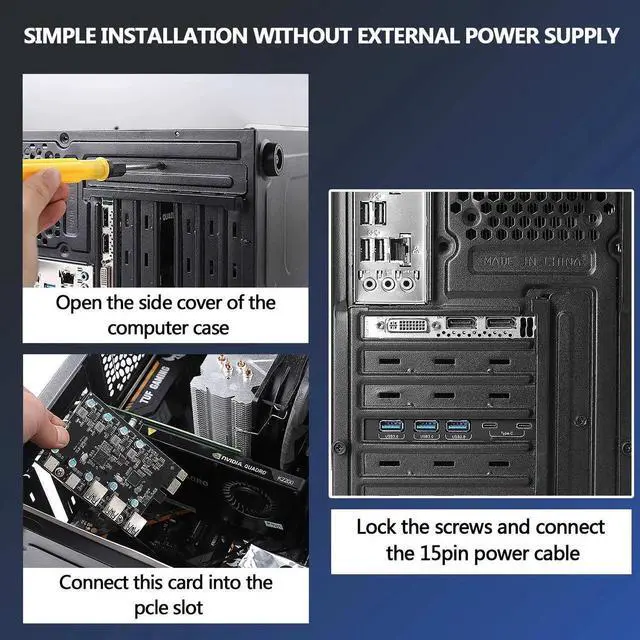
Easy to install: 1. Turn off the computer power, then remove the cover from the computer case. 2. Find the corresponding PCI-E card slot. 3. Insert the card into a empty PCI Express slot. 4. Lock the screw
Note:
The card is suitable for standard size (about 12CM) computers and doesn't apply to low-profile/mini/half-height PC(didn't come with a half-height bracket).
Do NOT install this USB PCIe card when the computer is on.
The actual transfer speed of the card may be limited by the connected device.
Install the driver after the computer recognizes the card, otherwise the installed driver will be invalid.
It is recommended that you uncheck the option of "Allow the computer to turn off this device to save power" in the "Device Manager" of your PC when using the USB card (perform the same operation for each "USB ROOT HUB").
For repairs, please contact our online support.





 here!
here!