

Your Browsing History

Meet Your Seller


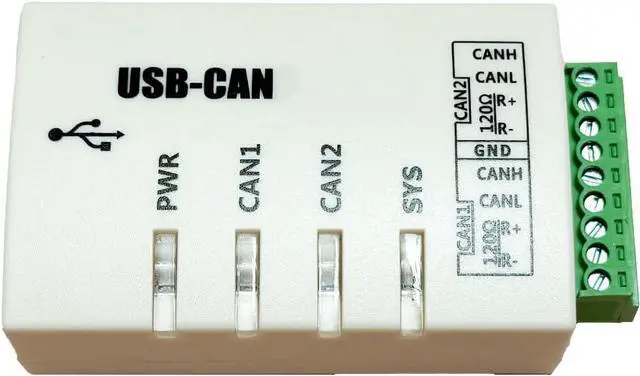
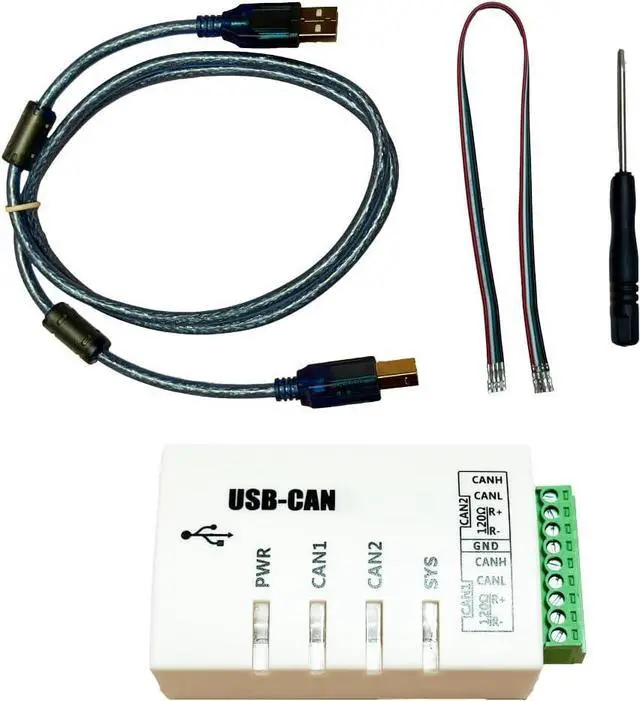
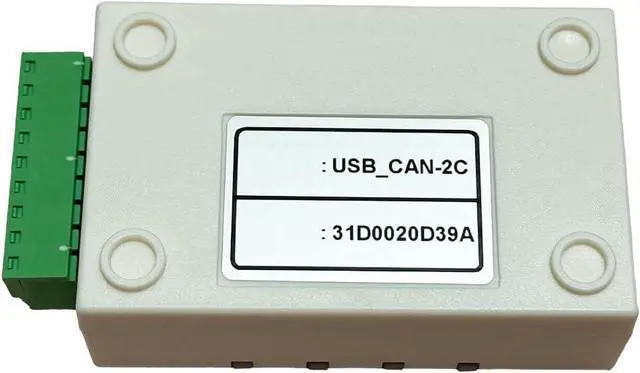
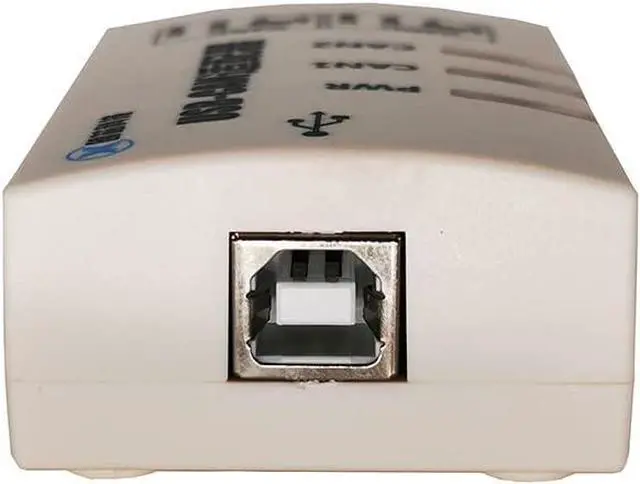
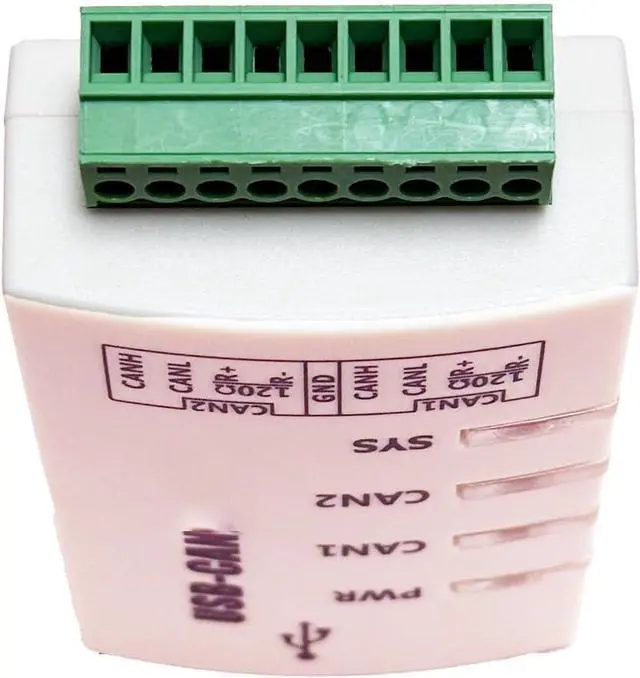


USB to CAN USBCAN-2C Dual-Channel Industrial-Grade Isolation Intelligent CAN Interface Card ZLG Compatible
- Protocol conversion of USB to CAN bus
- 2 CAN interfacesUSB interface supports USB2.0, compatible with USB1.1
- Support CAN2.0A and CAN2.0B protocols, support standard frames and extended frames
- Support two-way transmission, CAN send, CAN receive
- Support data frame and remote frame format
+
+
Overview
Specs
Reviews

Any questions? Our AI mode will help you find out quickly.
Try me now
USB to CAN bus protocol conversion.
2 CAN Interfaces Available.
USB interface supports USB2.0 and is compatible with USB1.1.
Supports CAN2.0A and CAN2.0B protocols, standard and extended frames.
Supports bi-directional transmission, CAN transmit and CAN receive.
Supports data frame, remote frame format.
CAN controller baud rate is selectable between 10Kbps-1Mbps and can be configured by software.
CAN bus interface adopts high-speed magnetic coupling isolation, isolated DC-DC power supply; two-end isolation (USB bus and CAN bus isolation, no isolation between CAN1 and CAN2).
Supports relay function, transparent transmission function, no isolation between CAN1 and CAN2.
Traffic: Two CAN channels (when running simultaneously) reach 8500 frames/s for receiving and 8500 frames/s for transmitting respectively; (two channels receive 8500 frames/s at the same time, and the USB speed can reach a speed of 17000 frames/s without losing frames).
USB bus direct power supply, no need for external power supply.
Isolation module insulation voltage: 2500V; (isolated between USB and CAN1, CAN2, not isolated between CAN1 and CAN2).
Operating temperature: -4085.
Case size: 78*45*25 mm.
CAN bus configuration, transmission, and reception can be performed using the provided CAN Tools software. Users can also refer to the provided DLL dynamic connection library and VC/VB routines to write their own applications and develop CAN system software products.
For secondary software development, there is no need to understand the complex USB interface communication protocol.
2 CAN Interfaces Available.
USB interface supports USB2.0 and is compatible with USB1.1.
Supports CAN2.0A and CAN2.0B protocols, standard and extended frames.
Supports bi-directional transmission, CAN transmit and CAN receive.
Supports data frame, remote frame format.
CAN controller baud rate is selectable between 10Kbps-1Mbps and can be configured by software.
CAN bus interface adopts high-speed magnetic coupling isolation, isolated DC-DC power supply; two-end isolation (USB bus and CAN bus isolation, no isolation between CAN1 and CAN2).
Supports relay function, transparent transmission function, no isolation between CAN1 and CAN2.
Traffic: Two CAN channels (when running simultaneously) reach 8500 frames/s for receiving and 8500 frames/s for transmitting respectively; (two channels receive 8500 frames/s at the same time, and the USB speed can reach a speed of 17000 frames/s without losing frames).
USB bus direct power supply, no need for external power supply.
Isolation module insulation voltage: 2500V; (isolated between USB and CAN1, CAN2, not isolated between CAN1 and CAN2).
Operating temperature: -4085.
Case size: 78*45*25 mm.
CAN bus configuration, transmission, and reception can be performed using the provided CAN Tools software. Users can also refer to the provided DLL dynamic connection library and VC/VB routines to write their own applications and develop CAN system software products.
For secondary software development, there is no need to understand the complex USB interface communication protocol.
Warranty & Returns
Warranty, Returns, And Additional Information
Warranty
- Please contact the Seller directly for warranty information. Warranty information may also be found on the Manufacturer's website.
- CONTACT
Return Policies
- Return for refund within: 30 days
- Return for replacement within: 30 days
- This item is covered by HAITAO CROSS BORDER E-COMMERCE LIMITED Return Policy
Manufacturer Contact Info
- For a directory of all our manufacturers, please click below.
- Manufacturers Directory
LOADING...