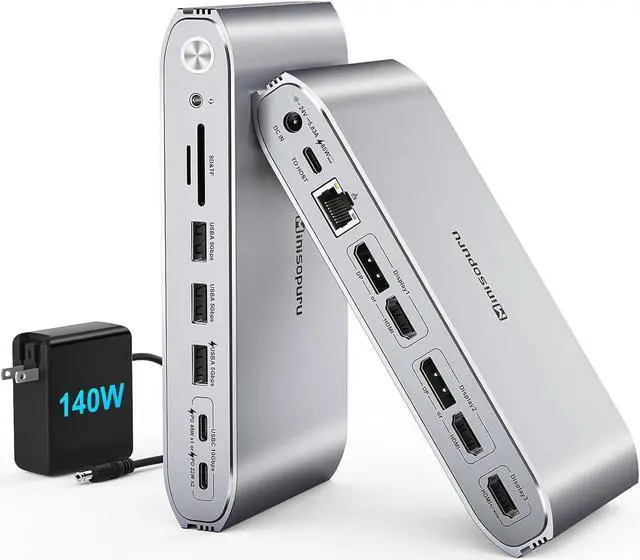
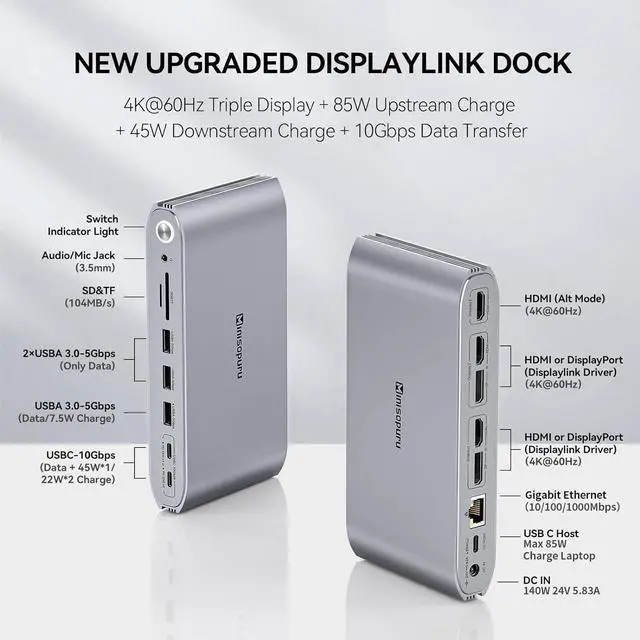
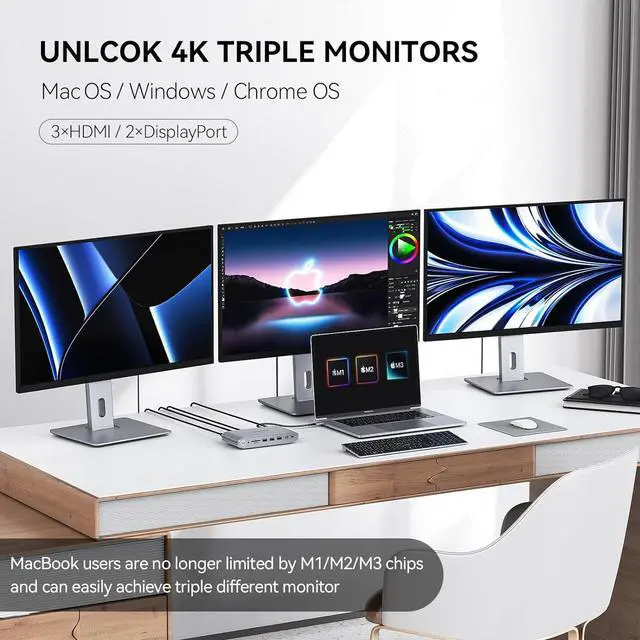
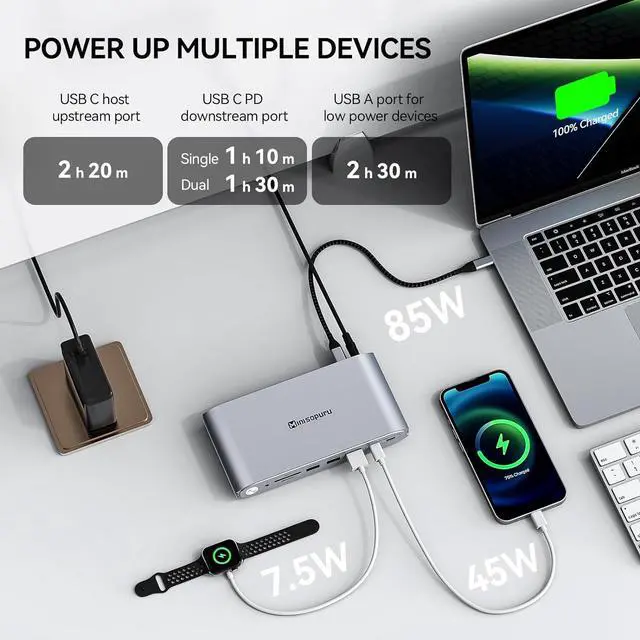
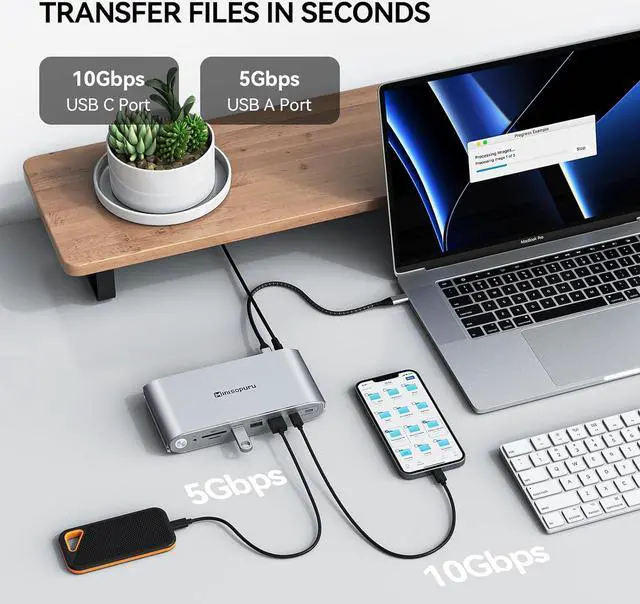
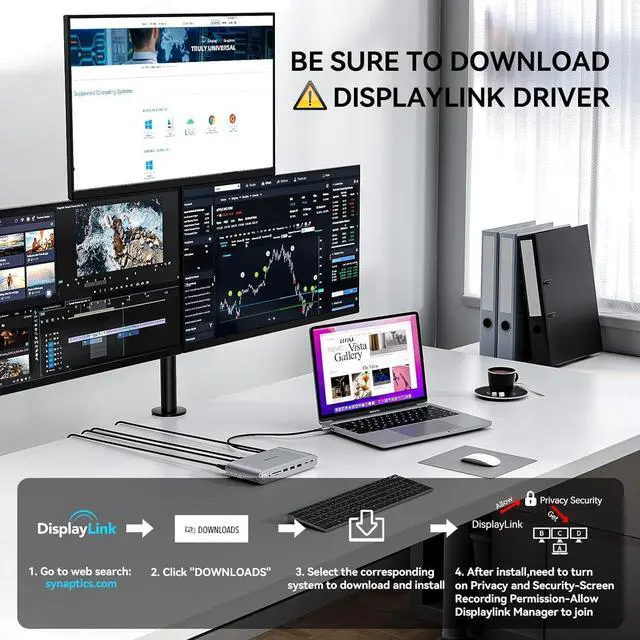
1140W & 45W Fast Charging22 x 22W Charge Phone iPad310/5Gbps Fast Transfer4More Functional Ports1Powerful Connectivity2Triple Different Display3Dual Different Display Q1 : Why can't I display multiple monitors after installing the driver on my MacBook Air M1 13 inch?
A1:Please follow these steps: Privacy & Security > Screen Recording > Allow "DisplayLink manager" to connect. Or refer to the installation video on the details page for operation. If not solved, please contact Minisopuru.
Q2 : Why doesn't my HDMI Alt Mode (Display3) display?
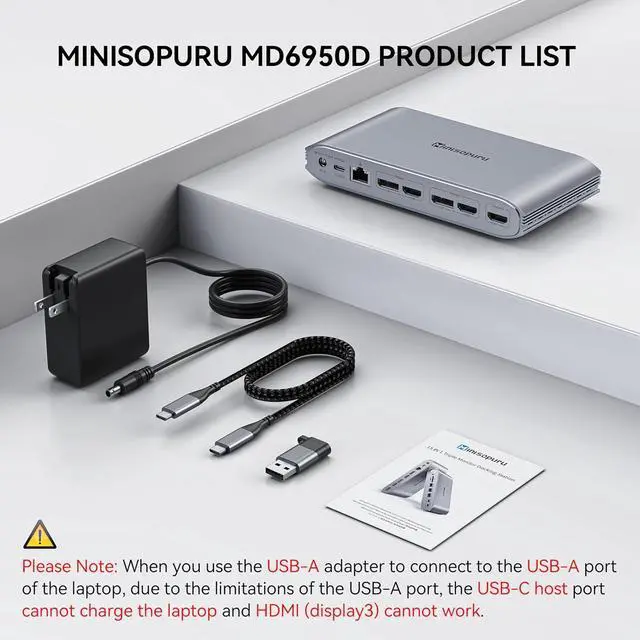
A2: If you connect a laptop with the USB-C port, please make sure it is a full-featured USB-C port(with data, video output, and charging functions port),eg:Thunderbolt 3/4,USB4. If you connect a laptop with a USB-A port, NOTE: HDMI3 will not work.
Q3: Why doesn't netflix work? I have the 2023 macbook air M2 13 inch and i'm using 2 LG 32" 4k monitors.
A3: Please note: The DisplayLink docking station cannot play HDCP content(eg: some Netflix and YouTube paid content). When playing HDCP content, the video may not be played, the screen may turn black, and problems.
Q4 : Can the dock work with the laptop lid closed?
A4:Sure, please go to setting preferences: Battery/Displays - turn on "Prevent computer from sleeping automatically when the display is off". If you do not enable this setting, the DisplayLink Dock will not work with the lid closed.
Minisopuru New Upgrade DisplayLink Docking Station Easily Unlock Triple Different Displays for MacBook M1/M2/M3/M4 & Windows How to Download and Install Displaylink Driver? Q1 : Why can't I display multiple monitors after installing the driver on my MacBook Air M1 13 inch?
Q2 : Why doesn't my HDMI Alt Mode (Display3) display?
Q3: Why doesn't netflix work? I have the 2023 macbook air M2 13 inch and i'm using 2 LG 32" 4k monitors.
Q4 : Can the dock work with the laptop lid closed?