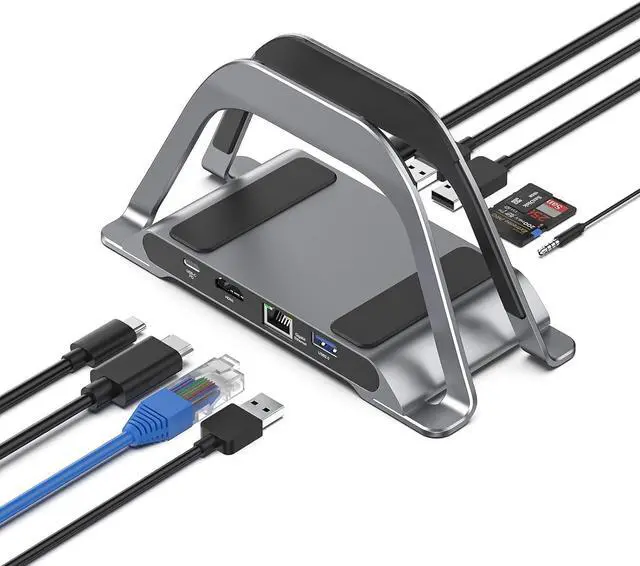
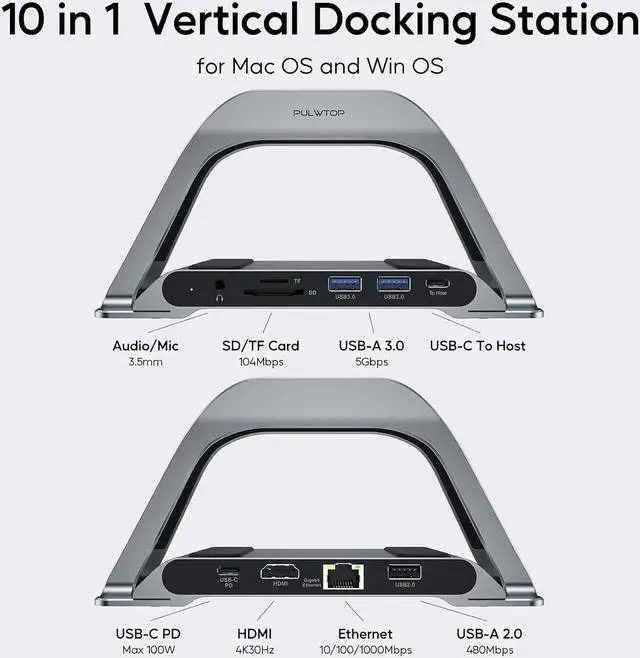
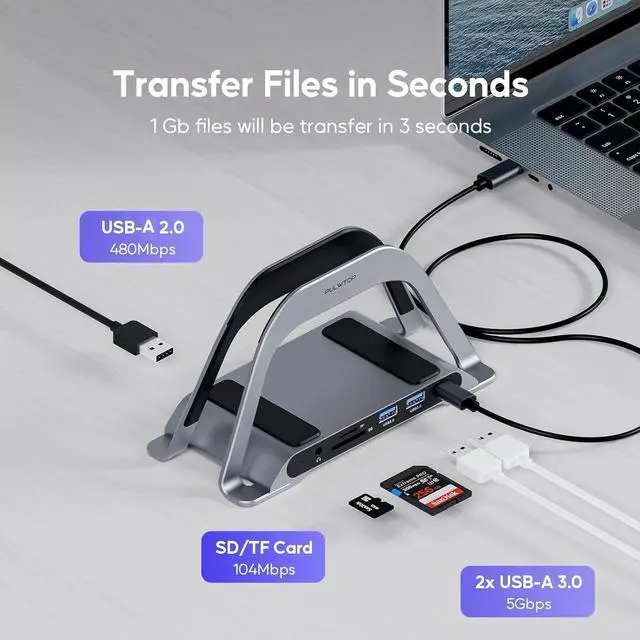
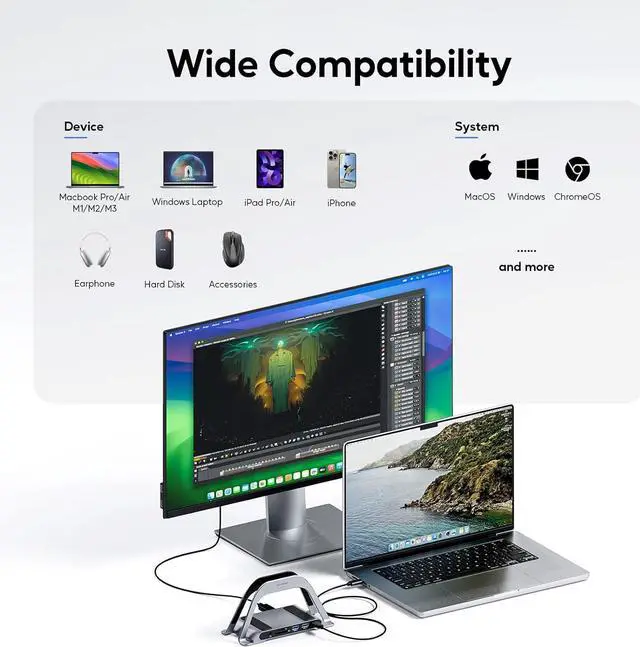
10 in 1 Laptop Docking Station: This macbook docking station for USB C laptop comes with 1 x 4K HDMI for HD video output, 2 x USB 3.0, 1 x USB 2.0 for wireless receiver, SD/ TF, Max 87W USB C charging, RJ45 wired Gigabit Ethernet and 3.5mm headphone and microphone jacks. Note: Please make sure the usb c port of your laptop support transfer data, video and charging. Does NOT support dual monitors.
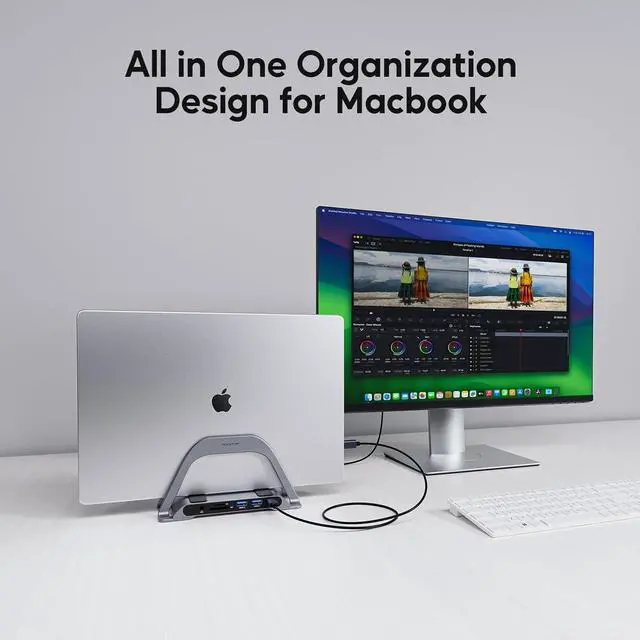
2 in 1 Docking Station with StandThis Docking Station not only can meet the various needs of users, but also meet the laptop stand function (improve desktop utilization). The demolished bracket is enough to act as a laptop bracket to help increase space, create more working space, and increase productivity.
4K HDMI HD Output: USB C hub HDMI port output up to 4K@30Hz or Full HD 3840X2160 30Hz resolution, it can perfectly mirror or extend your screen to HDTV, monitor or projector, suitable for full HD movies, 3D video Games, office meetings and entertainment. Surf the web, watch video clips, transfer data, all in one. Bringing you vivid video synchronization.(Note that this product only has one HDMI port, so only one external monitor is supported)
Super Speed Data Transfer Dock: This MacBook Pro dock has 2 USB 3.0 ports and one USB C port to transfer files at up to 5 Gbps. 1 USB 2.0 port allows you to connect a wireless mouse/keyboard without lag. The SD/Micro SD card slot is suitable for all kinds of data cards, and can transfer files quickly (480Mbps) in seconds, improving your work efficiency. PD 100W. RJ45 Wired Gigabit Ethernet (10/100/1000Mbps) and 3.5mm Audio (The SD/Micro SD of this USB C Laptop Dock supports reading 2 cards simultaneously.)
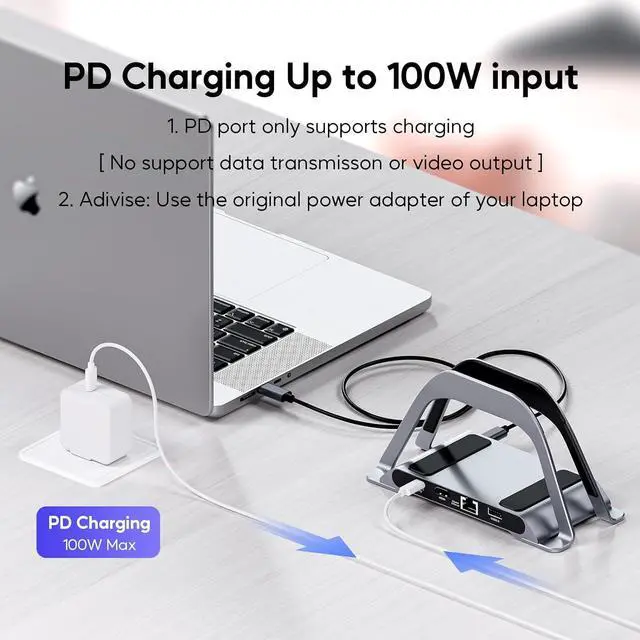
100W Power and Stable Ethernet ConnectionPD charging for macbook connector plug allows you to use the USB-C port to quickly and easily charge your MacBook or other devices, and provide additional power to the hard drive, type-C USB-C docking station via the 10/100/1000M Ethernet port provides stable access to the Internet, and the signal will not be interrupted to ensure a stable Ethernet connection. NOTE:Please use original power adapter of your laptop to connect by the USB-C PD input port and through the usb-c data output port to connect your laptop.