









"Invent and Simplify."
RSHTECH was founded on the idea that it should be easy to use and manage all your computer peripherals through simple products.
At RSHTECH, we are committed to creating products with top-notch functionality and simplicity. We are constantly on the drive to learn, innovate, and always hear from our customers.
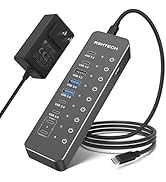

New Series
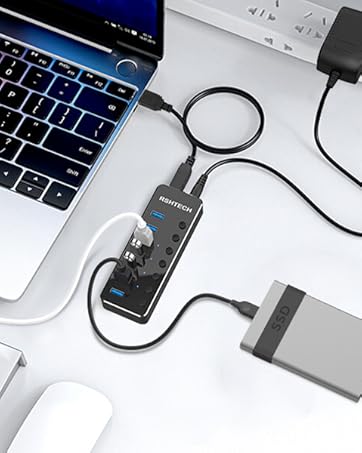
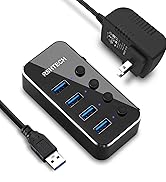
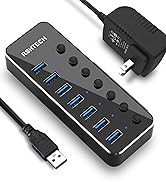
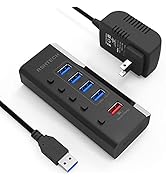
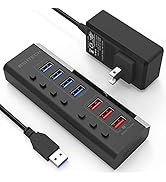
USB 3.0 Hub
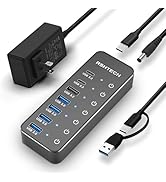
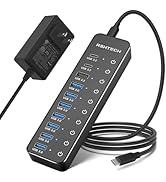
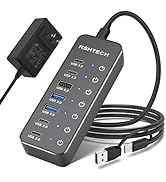
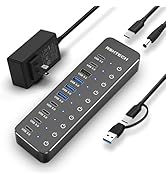
Hybrid USB 3.2+3.0 Hub
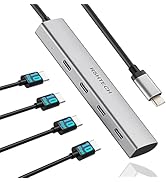
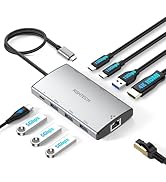
USB C Hub
Hard Drive Accessories
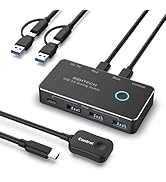
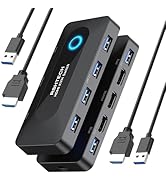
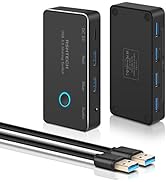
USB Switch
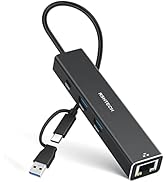
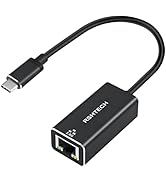
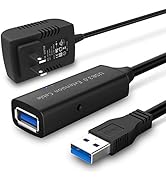
USB Accessories


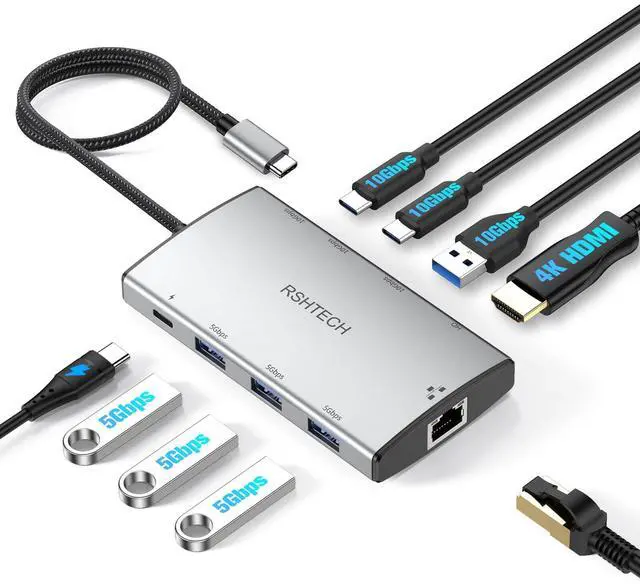
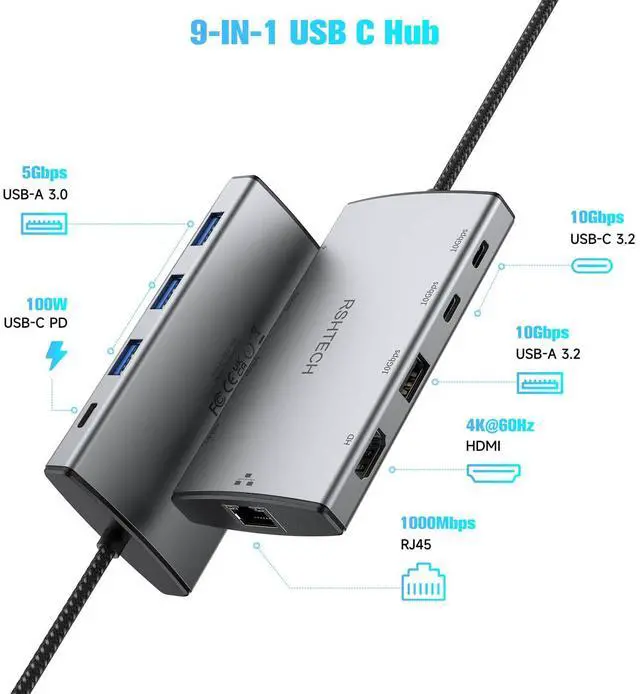
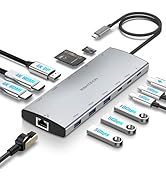
RSHTECH 9-IN-1 Multifunction USB C hub (RSH-T09)
Features:
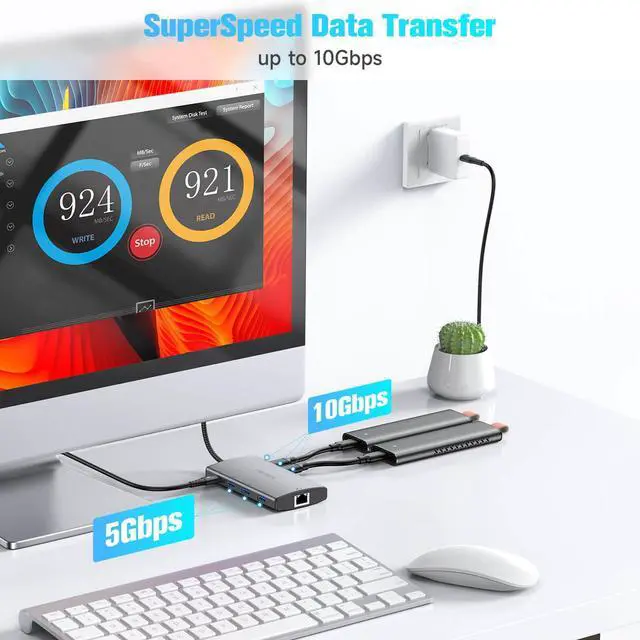
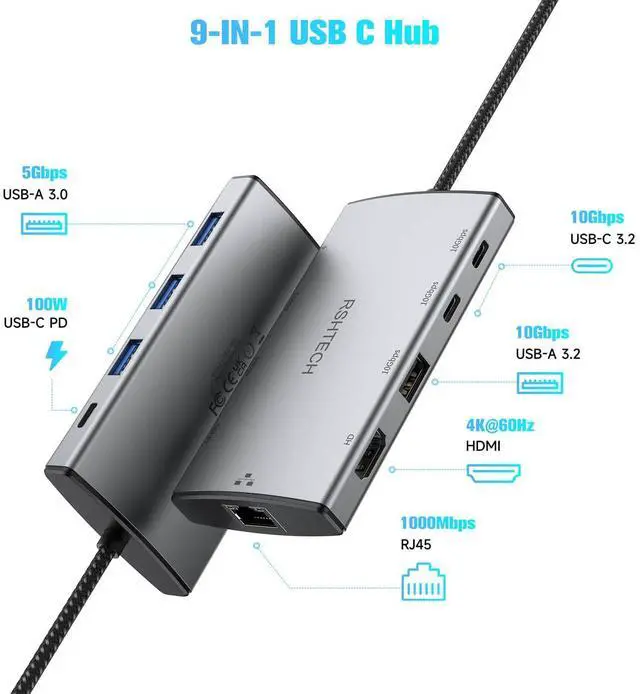
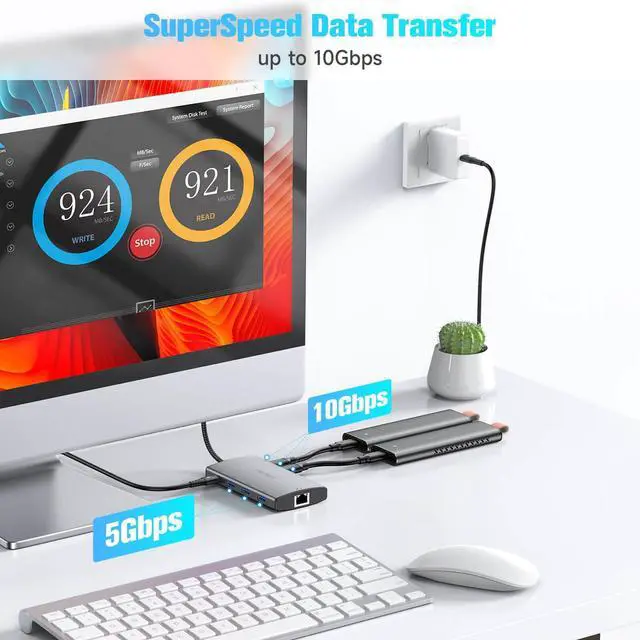
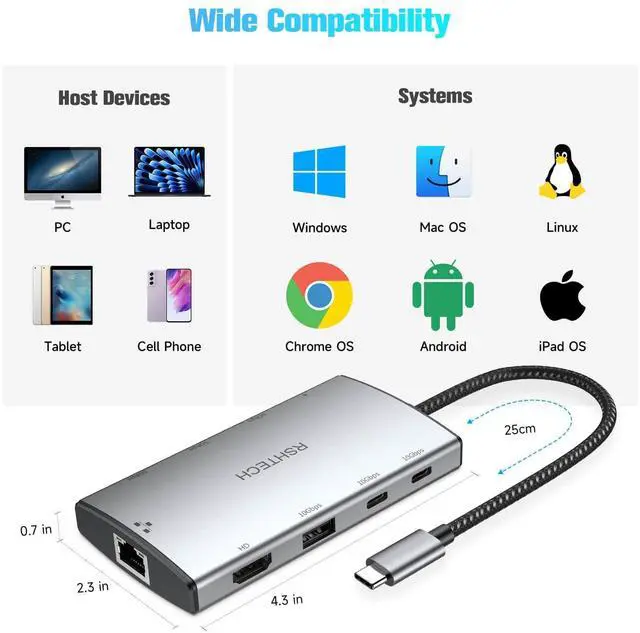
- 1xUSB-A 3.2 port + 2xUSB-C 3.2 ports, data transfer speeds up to 10Gbps
- 3×USB-A 3.0 ports, data transfer speeds up to 5Gbps
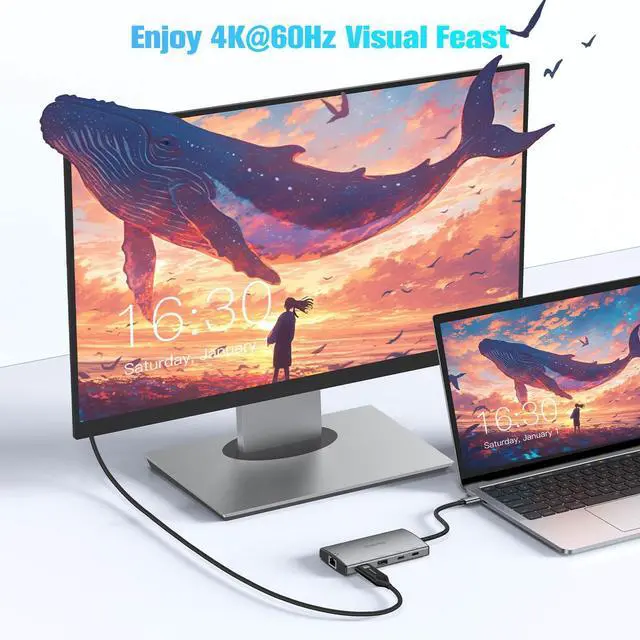
- 1 x 4K HDMI Port, Resolution reaches up to 4K@60Hz
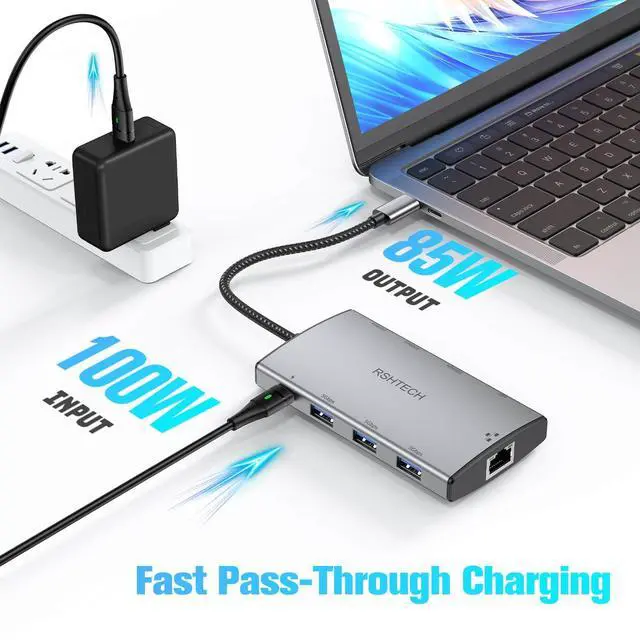
- 1 x USB C PD Ports,supports 100W (minus 15W for operation) USB C pass-through charging
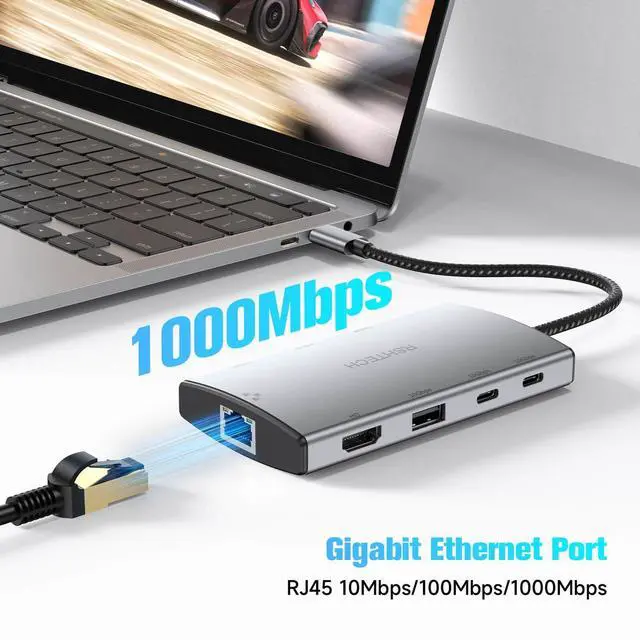
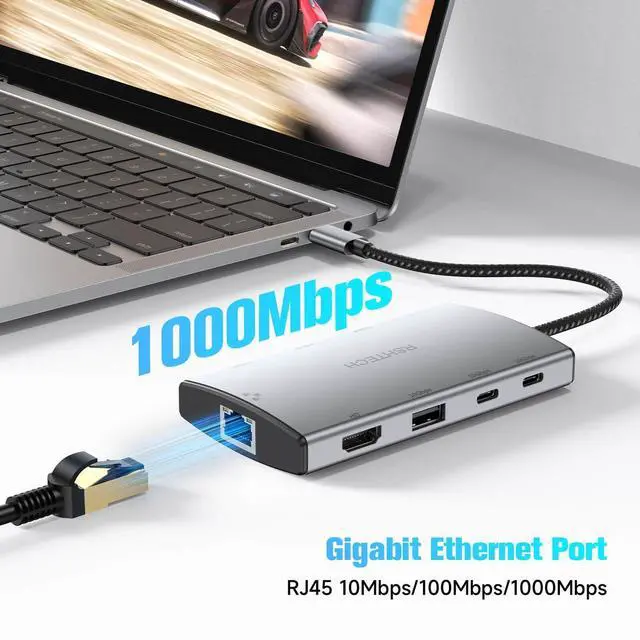
- 1xGigabit Ethernet port, Network connection speed up to 1000Mbps


What charging speed does this USB hub support?
The USB-C PD port supports up to 85W for charging the connected laptop and 15W for powering the hub. A 100W Power Delivery charger and cable are required to support 85W charging. (USB charging cable and charger Not Included).
Can the 10Gbps USB-C 3.2 port on the hub be used for charging/video transfer?
It's NOT suggested to use the USB 3.2 ports for charging which are mainly intended for data transmission, and do not suport video transmision.
Why can't I use the HMDI port properly?
1) Confirm the USB-C port on the laptop supports the video function
2) Confirm the specifications of the hdmi cable meet the requirements
3) Verify that your monitor is configured to the correct input (HDMI)
4) Try a different computer and HDMI cable
Why can't I use the Ethernet port properly?
Try some of the following steps:
1) Reinstall the Ethernet driver.
2) Try this device with a different computer or different ethernet cable and see if the issue persists.
Why Macbook only support Mirro Mode?
Mac Devices: Due to Mac OS limitations, only SST and Mirror modes are supported.
RSHTECH USB C Hub
 USB C Hub(RSH-T09) |  USB C Hub(RSH-T11H) |  USB C Hub(RSH-T12HD) |  USB C Hub(RSH-RX04) |  USB C Hub(RSH-ST310) |  USB C Hub(RSH-T01) |  USB C Hub(RSH-T02) | |
|---|---|---|---|---|---|---|---|
Customer Reviews | — | — | — | — | — | — | — |
Price | — | — | — | — | — | — | — |
Max Transfer Speed | 10Gbps | 10Gbps | 10Gbps | 10Gbps | 10Gbps | 5Gbps | 10Gbps |
HDMI | 4K@60hz HDMI | 2x4K@60hz HDMI | 2x4K@60hz HDMI | / | / | 4K@30hz HDMI | 8K@30hz HDMI |
Power Delivery | 100W | 100W | 100W | / | / | 100W | 100W |
DisplayPort | ? | ? | ? | ? | ? | ? | ? |
Gigabit Ethernet | ? | ? | ? | ? | ? | ? | ? |
SD/TF Card Reader | ? | ? | ? | ? | ? | ? | ? |

RSHTECH 9-IN-1 Multifunction USB C hub (RSH-T09)
Features:
- 1xUSB-A 3.2 port + 2xUSB-C 3.2 ports, data transfer speeds up to 10Gbps
- 3×USB-A 3.0 ports, data transfer speeds up to 5Gbps
- 1 x 4K HDMI Port, Resolution reaches up to 4K@60Hz
- 1 x USB C PD Ports,supports 100W (minus 15W for operation) USB C pass-through charging
- 1xGigabit Ethernet port, Network connection speed up to 1000Mbps


What charging speed does this USB hub support?
The USB-C PD port supports up to 85W for charging the connected laptop and 15W for powering the hub. A 100W Power Delivery charger and cable are required to support 85W charging. (USB charging cable and charger Not Included).
Can the 10Gbps USB-C 3.2 port on the hub be used for charging/video transfer?
It's NOT suggested to use the USB 3.2 ports for charging which are mainly intended for data transmission, and do not suport video transmision.
Why can't I use the HMDI port properly?
1) Confirm the USB-C port on the laptop supports the video function
2) Confirm the specifications of the hdmi cable meet the requirements
3) Verify that your monitor is configured to the correct input (HDMI)
4) Try a different computer and HDMI cable
Why can't I use the Ethernet port properly?
Try some of the following steps:
1) Reinstall the Ethernet driver.
2) Try this device with a different computer or different ethernet cable and see if the issue persists.
Why Macbook only support Mirro Mode?
Mac Devices: Due to Mac OS limitations, only SST and Mirror modes are supported.
RSHTECH USB C Hub
USB C Hub(RSH-T09) | USB C Hub(RSH-T11H) | USB C Hub(RSH-T12HD) | USB C Hub(RSH-RX04) | USB C Hub(RSH-ST310) | USB C Hub(RSH-T01) | USB C Hub(RSH-T02) |
|---|---|---|---|---|---|---|
| Customer Reviews | ||||||
| — | — | — | — | — | — | — |
| Price | ||||||
| — | — | — | — | — | — | — |
| Max Transfer Speed | ||||||
| 10Gbps | 10Gbps | 10Gbps | 10Gbps | 10Gbps | 5Gbps | 10Gbps |
| HDMI | ||||||
| 4K@60hz HDMI | 2x4K@60hz HDMI | 2x4K@60hz HDMI | / | / | 4K@30hz HDMI | 8K@30hz HDMI |
| Power Delivery | ||||||
| 100W | 100W | 100W | / | / | 100W | 100W |
| DisplayPort | ||||||
| ? | ? | ? | ? | ? | ? | ? |
| Gigabit Ethernet | ||||||
| ? | ? | ? | ? | ? | ? | ? |
| SD/TF Card Reader | ||||||
| ? | ? | ? | ? | ? | ? | ? |
"Invent and Simplify."
RSHTECH was founded on the idea that it should be easy to use and manage all your computer peripherals through simple products.
At RSHTECH, we are committed to creating products with top-notch functionality and simplicity. We are constantly on the drive to learn, innovate, and always hear from our customers.
New Series
USB 3.0 Hub
Hybrid USB 3.2+3.0 Hub
USB C Hub
Hard Drive Accessories
USB Switch
USB Accessories