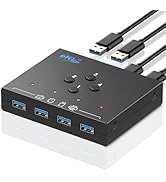
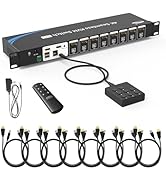
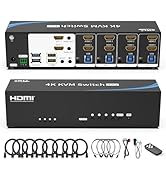
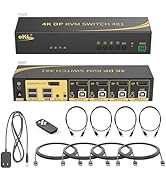
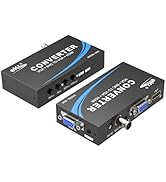
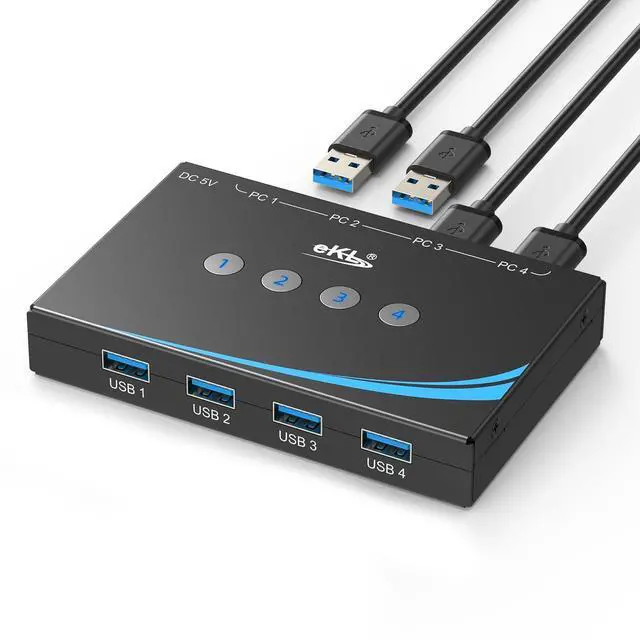
USB 3.0 Switch 4 Computers Share 4 USB 3.0 Ports USB Switcher for PC Laptop Mouse Keyboard Scanner Printer One Button Switch with 3.5mm Headphone Jack and 4 Pack Cables
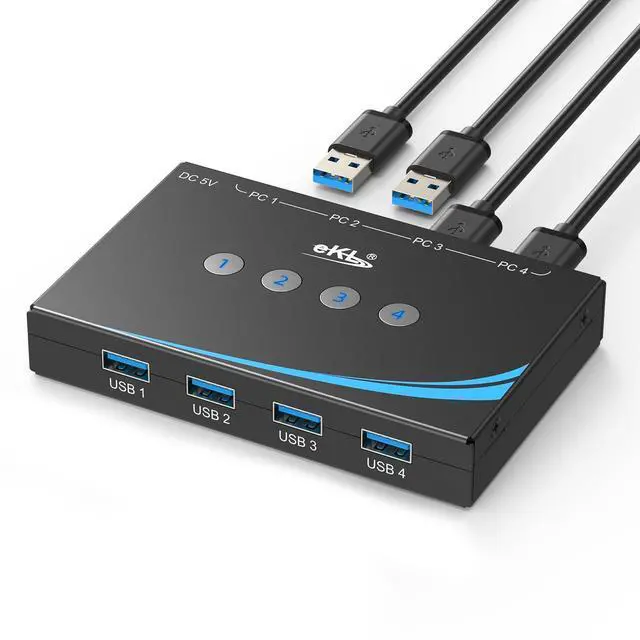
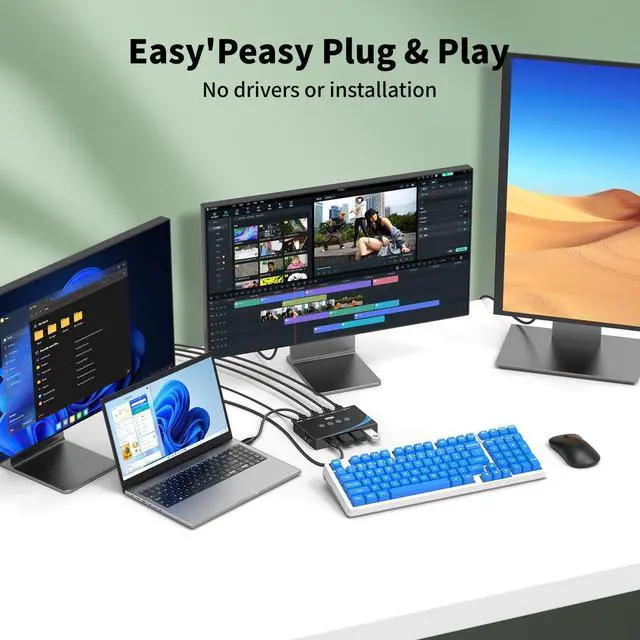
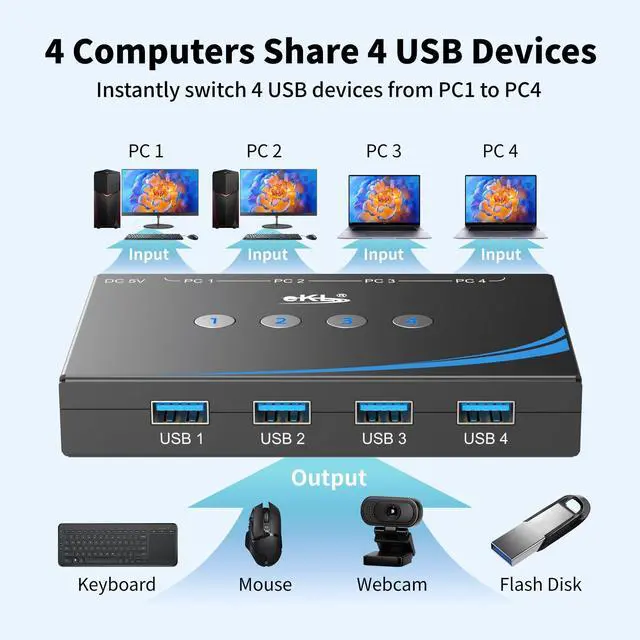
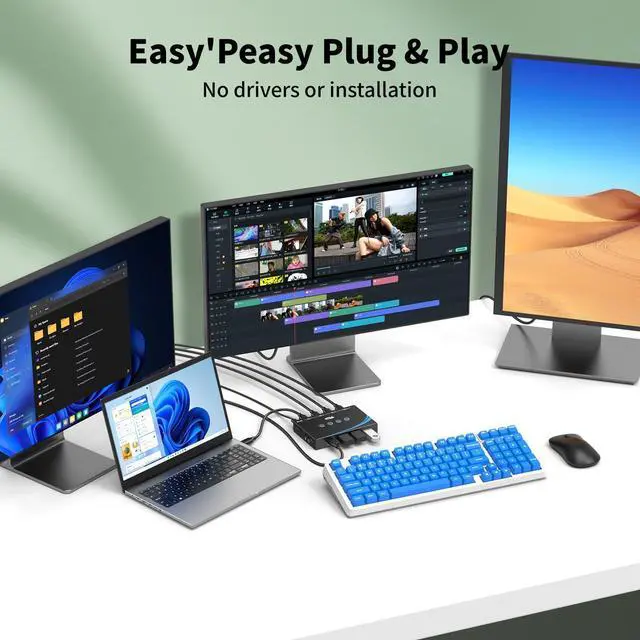
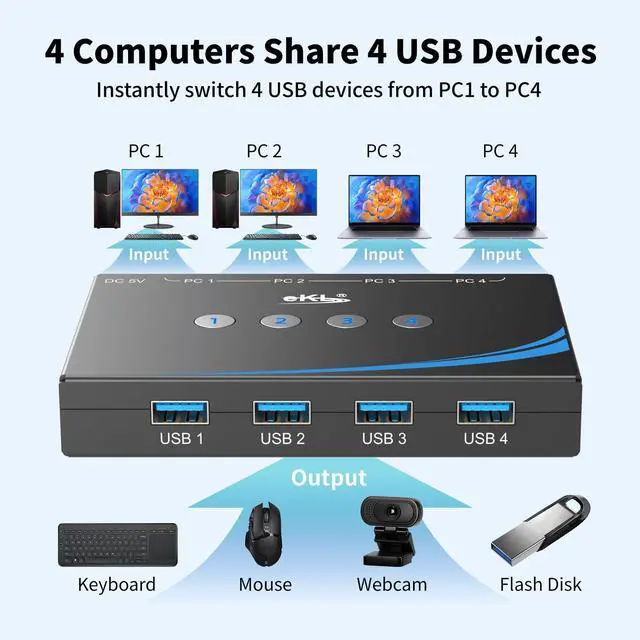
4 PCs Share Multiple Devices:eKL 4 in 4 out USB 3.0 usb switch supports 4 computers share 4 USB 3.0 devices like keyboards,mouses,U disk,printers,scanners,USB cameras,headphones, etc.It's convenient for you to switch freely between your work computer and personal computer, improve work efficiency.
Transfer Files in Seconds: With the 4x USB 3.0 ports, eKL USB Switcher supports up to 5Gbps data transfer speed. You can easily transfer data from U disk, mobile hard disk to computer. It's backward compatible with USB 2.0, too.
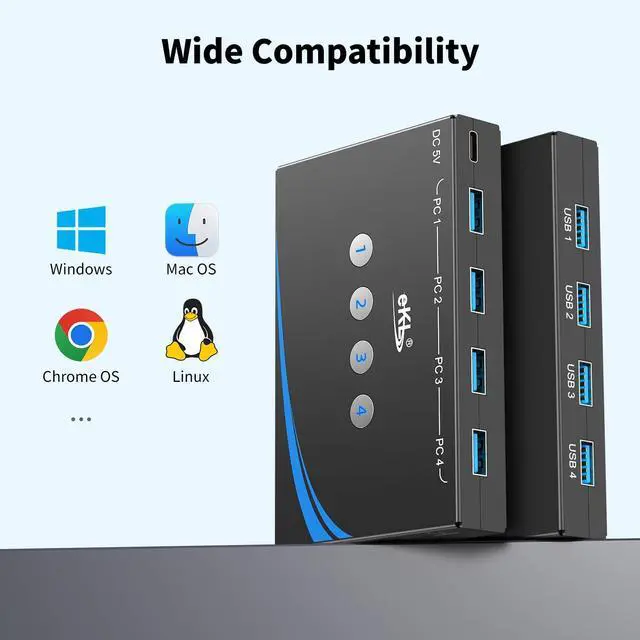
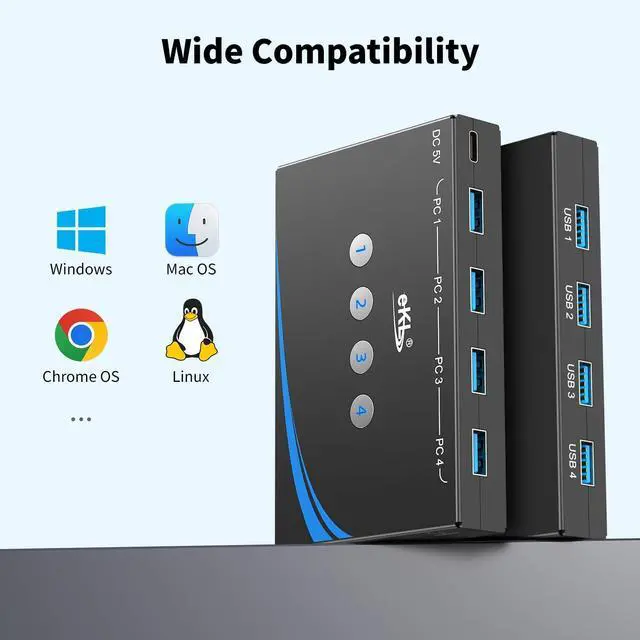
Broad Compatibility & Driver-free: eKL USB 3.0 Switch selector is plug-and-play for Windows 11/10/8/8.1/7/Vista/XP, Mac OS X, Linux, and Chrome OS. No installation of drivers,enjoy efficient work.
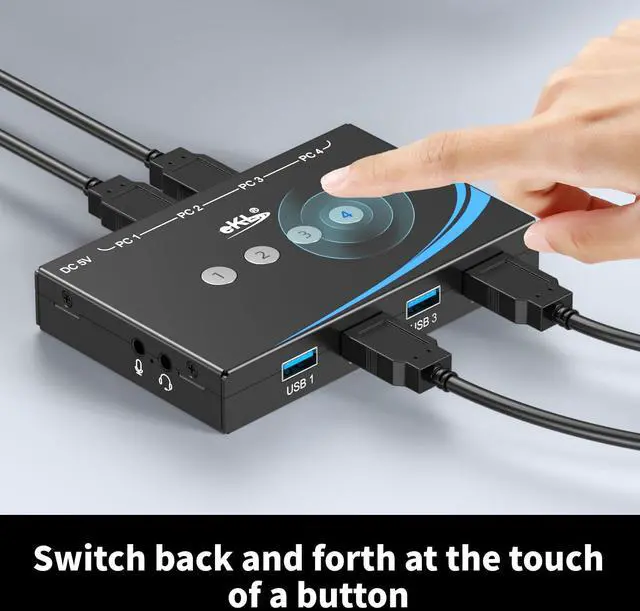
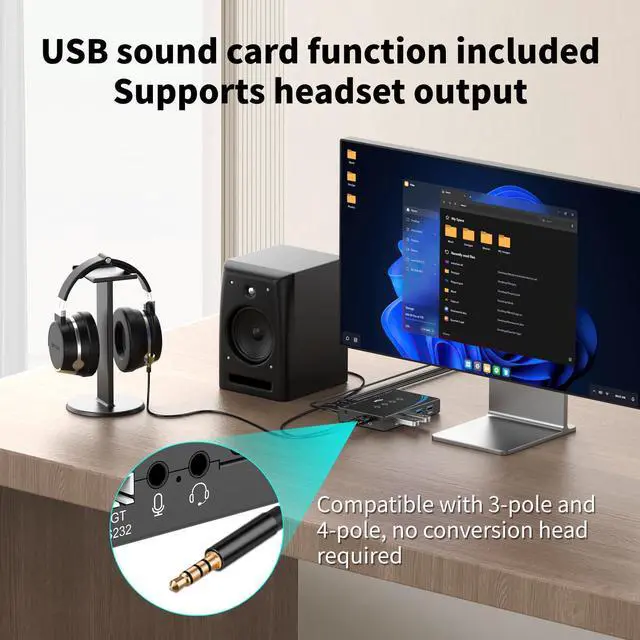
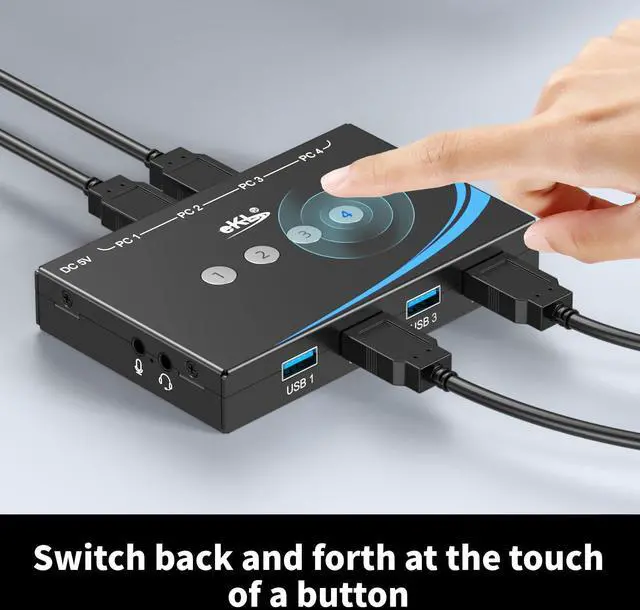
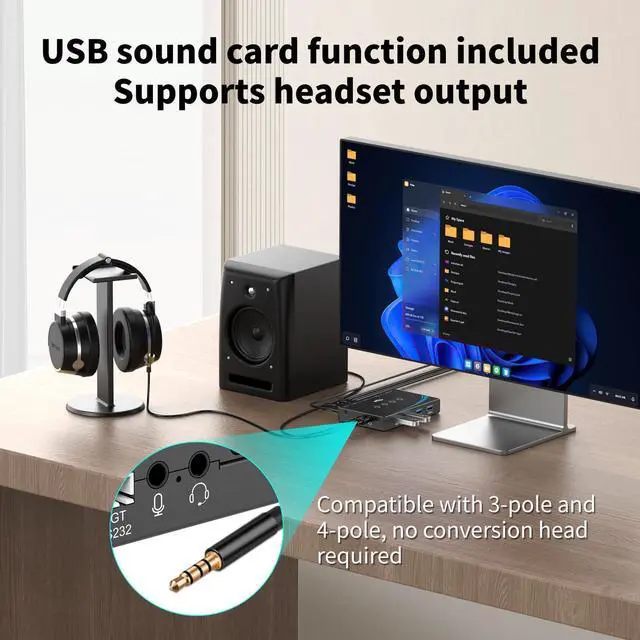
One-Botton Switch: With the LED light and switch button design, you can easily switch multiple USB devices between 4 computers with one click and clearly know the working status.Additional 3.5mm audio output.
High Power Devices Supported: eKL USB Switch is designed with an extra USB-C(5V 2A) power supply port. If you use some high-power devices such as HDD, USB cameras, headphones, etc, you may need to connect extra power for stable performance. (The power adapter is not included) NOTE: Do not use the usb port to power the speaker, otherwise, it may lead to unstable connection.
+
+
Overview
Specs
Reviews
Any questions? Our AI beta will help you find out quickly.
USB 3.0 Switch 4 Computers Share 4 USB 3.0 Ports USB Switcher for PC Laptop Mouse Keyboard Scanner Printer One Button Switch with 3.5 mm Headphone Jack and 4 Pack Cables
Learn more about the Detailed Specifications
Additional Information
First Listed on Newegg
March 08, 2026
There are no reviews yet.
Do you own this product?
Warranty & Returns
Warranty, Returns, And Additional Information
Warranty
Please contact the Seller directly for warranty information. Warranty information may also be found on the Manufacturer's website.