


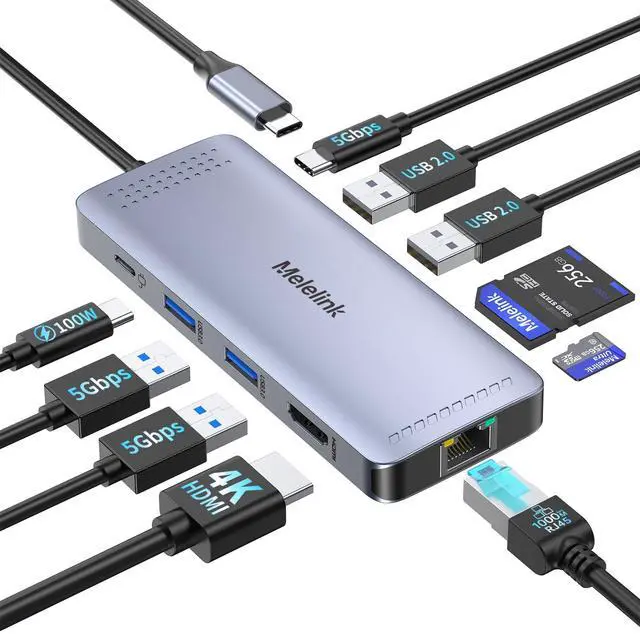





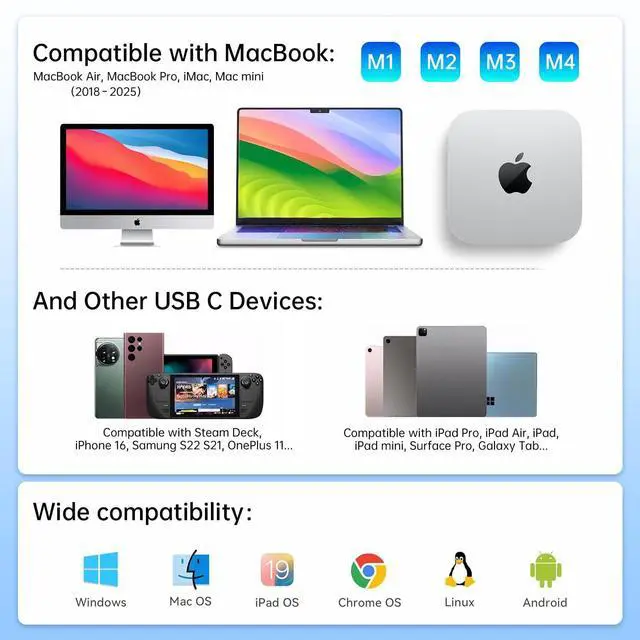


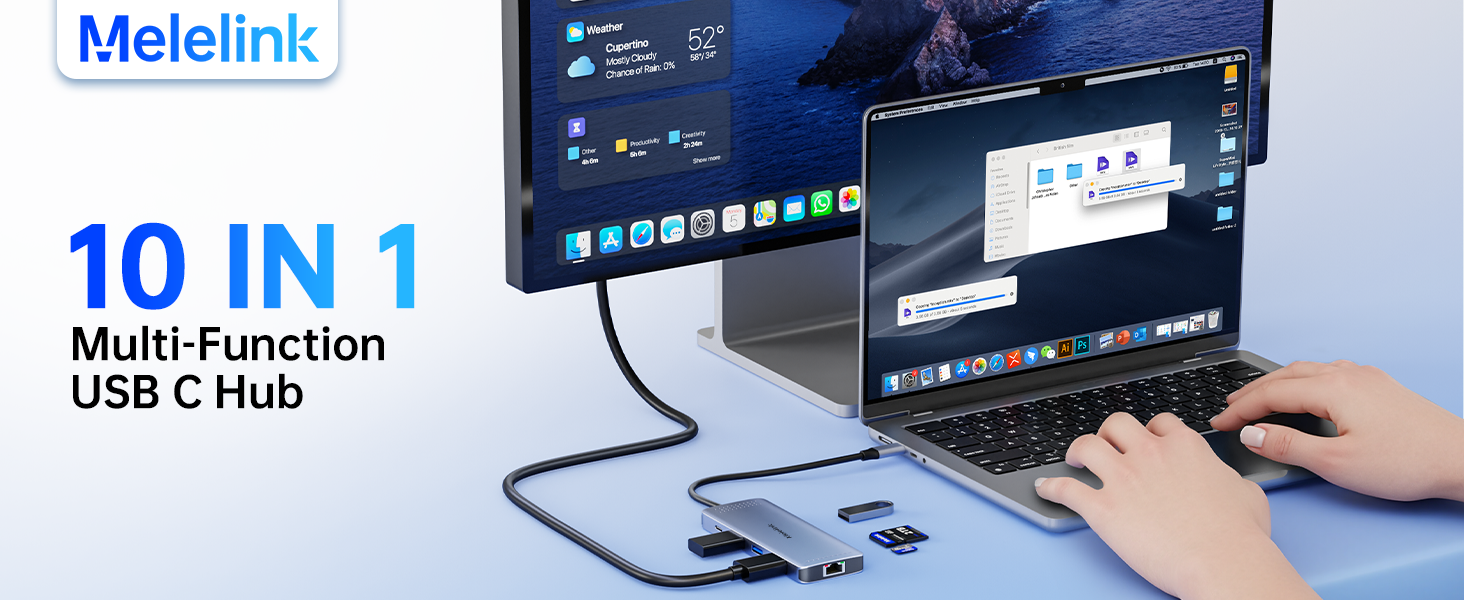
Melelink 10-in-1 USB C Hub Ethernet for MacBook/USB-C Laptop
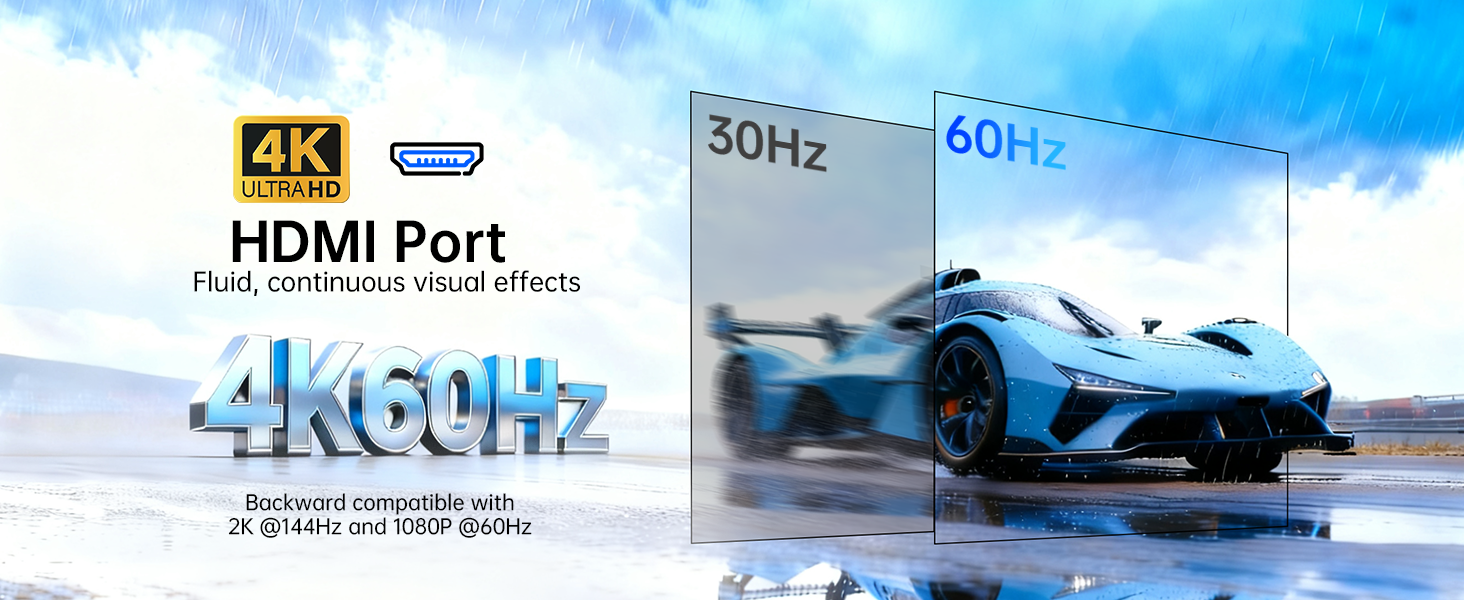
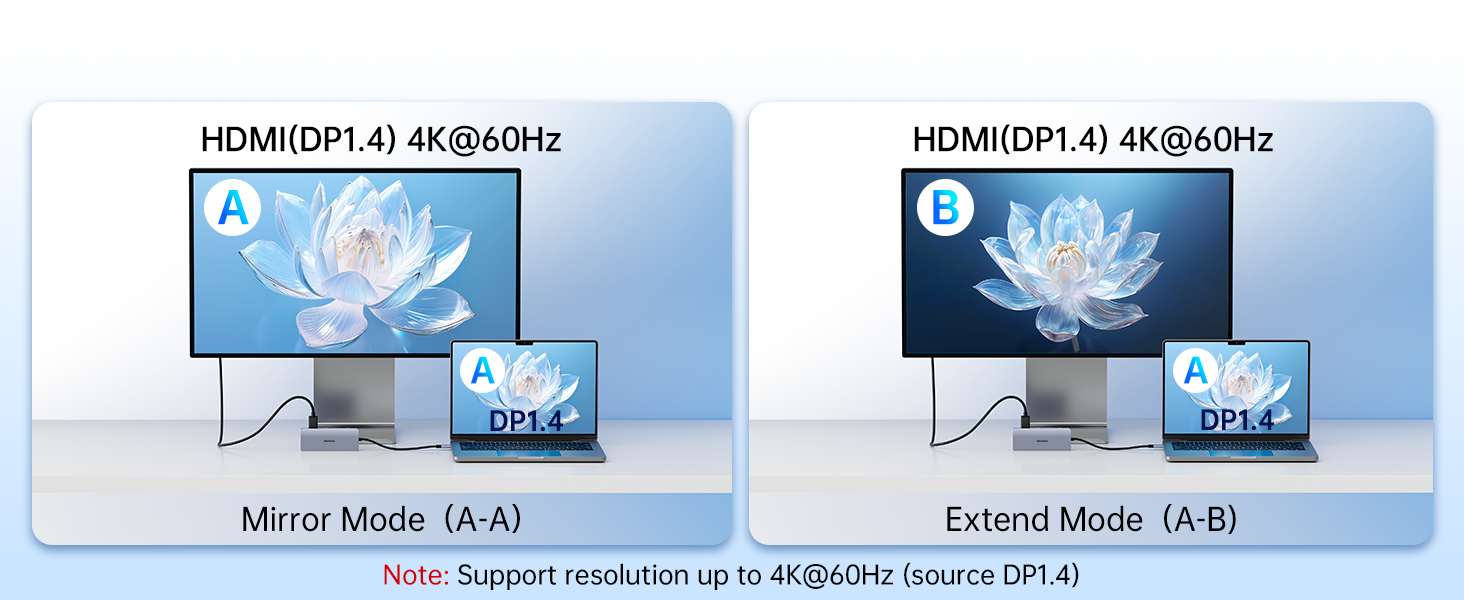



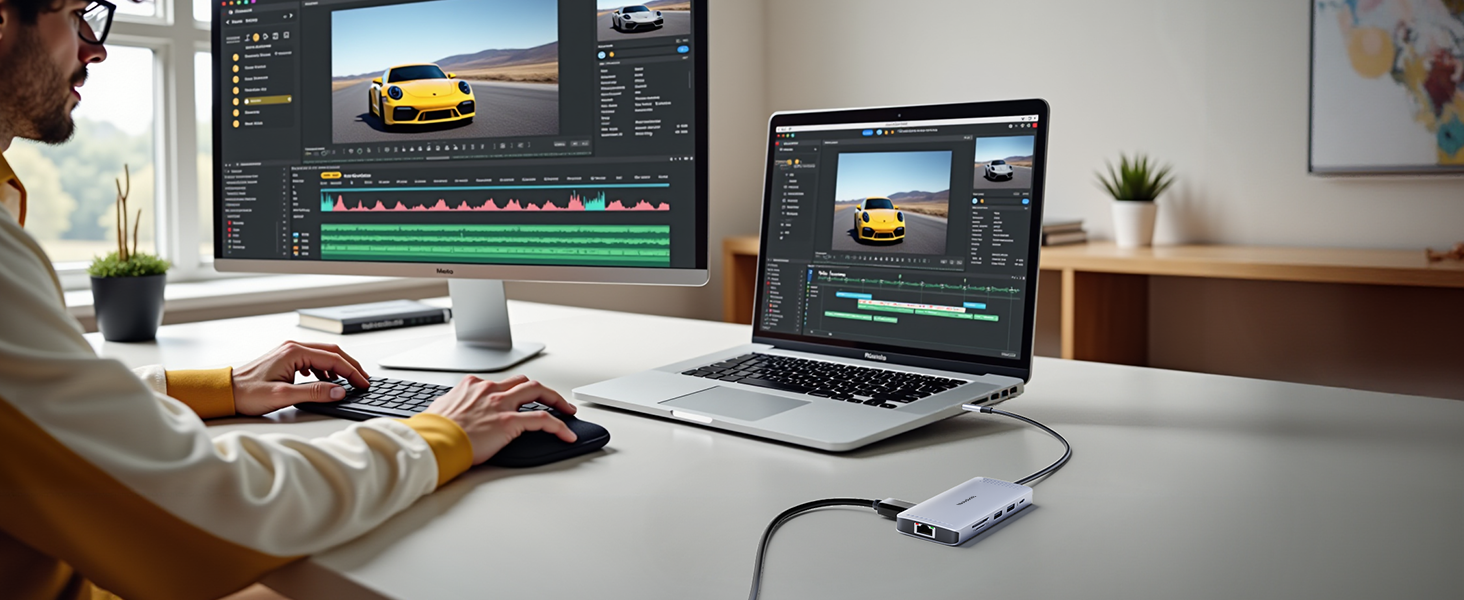




Why can't my device display properly when using the HDMI port?
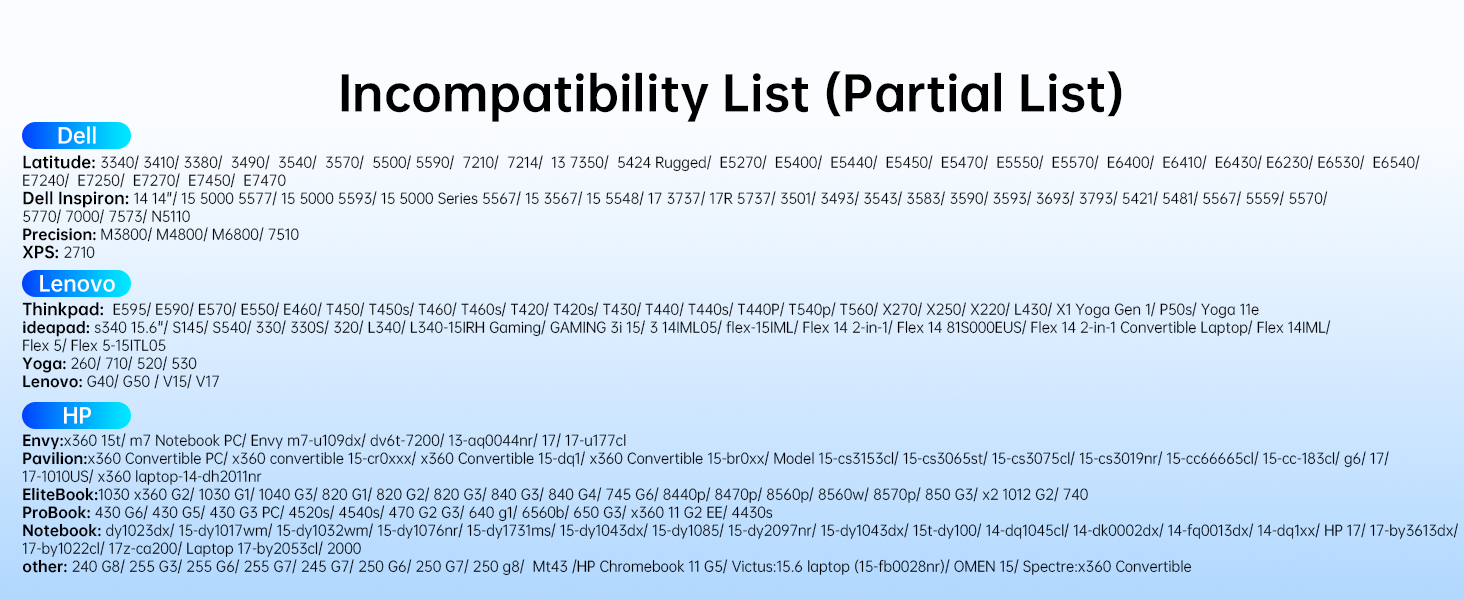
The USB C port of your laptop must support the video transmission function (DisplayPort Alt Mode), If not , then won't work.
What can I do if I can't get the ethernet port isn’t properly connecting?
1: Please install the driver;
2: For Mac devices, add this adapter in the Network settings page. Go to "System Preferences"-->"Network"--> "+" -->Select the network card with the corresponding name--> "Create"
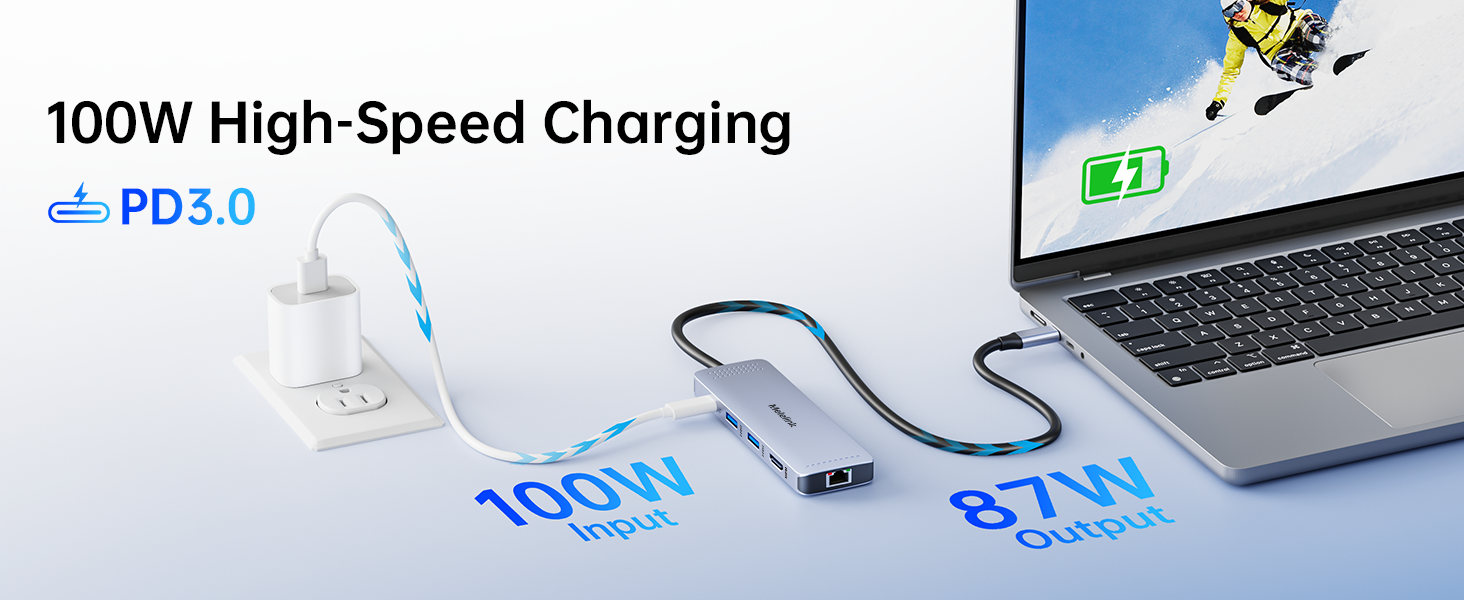
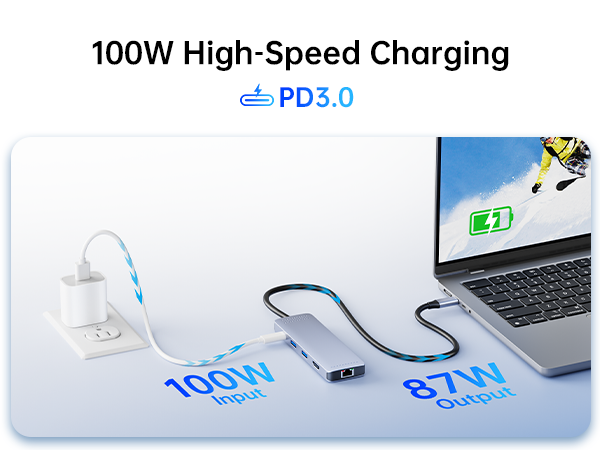
Why PD charging can't charge your laptop?
1. The USB-C interface of the device must support PD charging function. Some laptops with round-hole charging ports (DC power ports) cannot be charged via USB-C.
2. To avoid PD protocol issues, we recommend using your laptop's original charger.
Is it normal for a USB-C hub to get hot while in use?
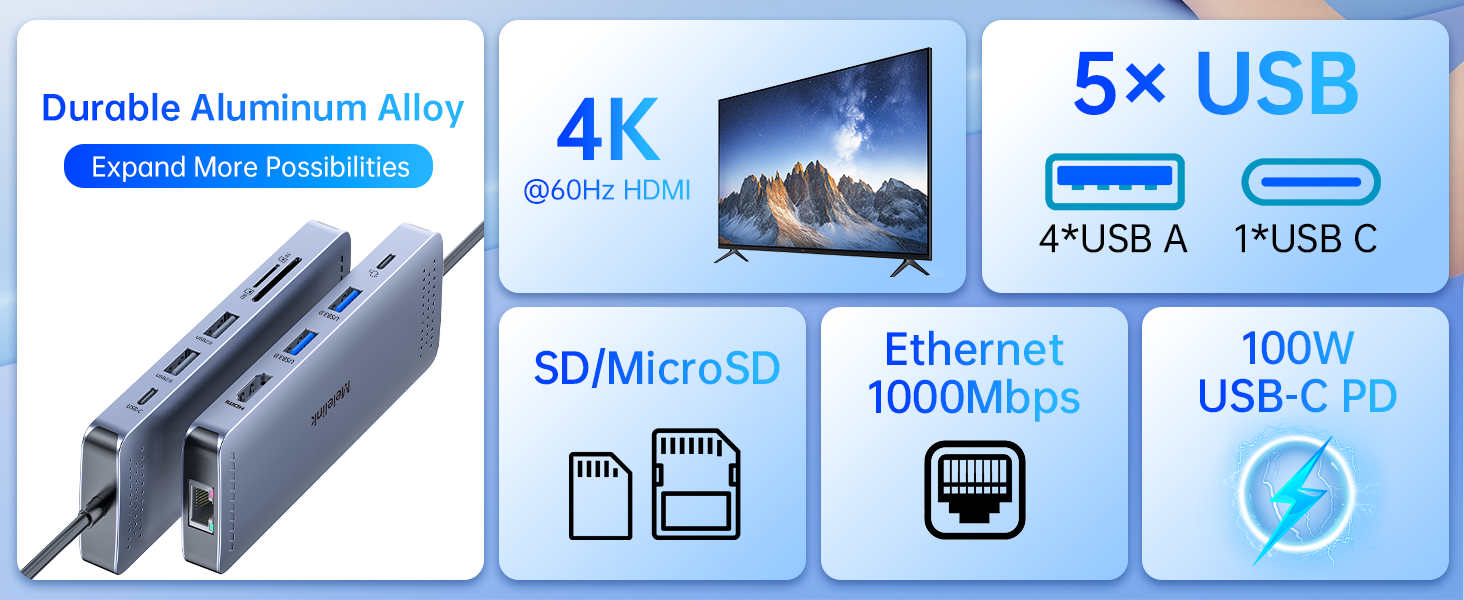
Compared to the plastic case, the aluminum case is better for heat dissipation. When the hub is fully loaded, it may reach a surface temperature of around 120°F(60°C), and this is normal for products of the USB-C multiport.


Melelink 10-in-1 USB C Hub Ethernet for MacBook/USB-C Laptop

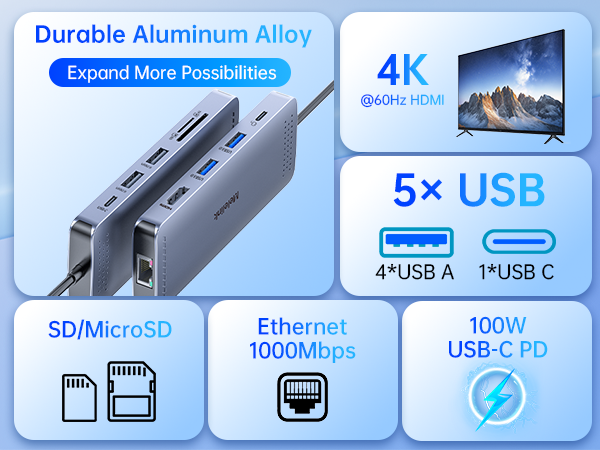

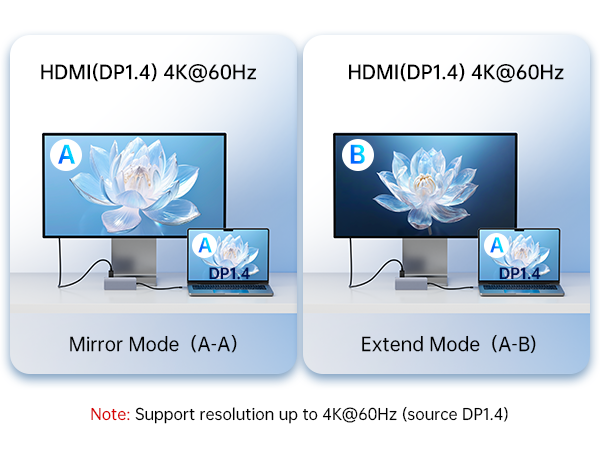







Why can't my device display properly when using the HDMI port?
The USB C port of your laptop must support the video transmission function (DisplayPort Alt Mode), If not , then won't work.
What can I do if I can't get the ethernet port isn’t properly connecting?
1: Please install the driver;
2: For Mac devices, add this adapter in the Network settings page. Go to "System Preferences"-->"Network"--> "+" -->Select the network card with the corresponding name--> "Create"
Why PD charging can't charge your laptop?
1. The USB-C interface of the device must support PD charging function. Some laptops with round-hole charging ports (DC power ports) cannot be charged via USB-C.
2. To avoid PD protocol issues, we recommend using your laptop's original charger.
Is it normal for a USB-C hub to get hot while in use?
Compared to the plastic case, the aluminum case is better for heat dissipation. When the hub is fully loaded, it may reach a surface temperature of around 120°F(60°C), and this is normal for products of the USB-C multiport.