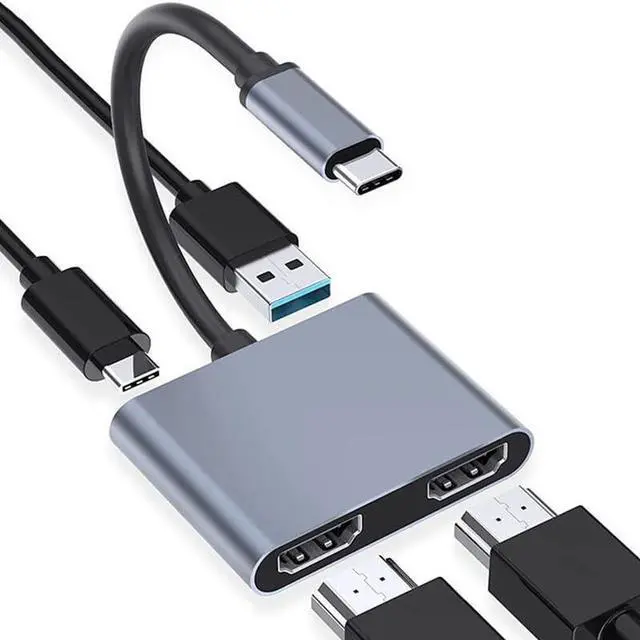
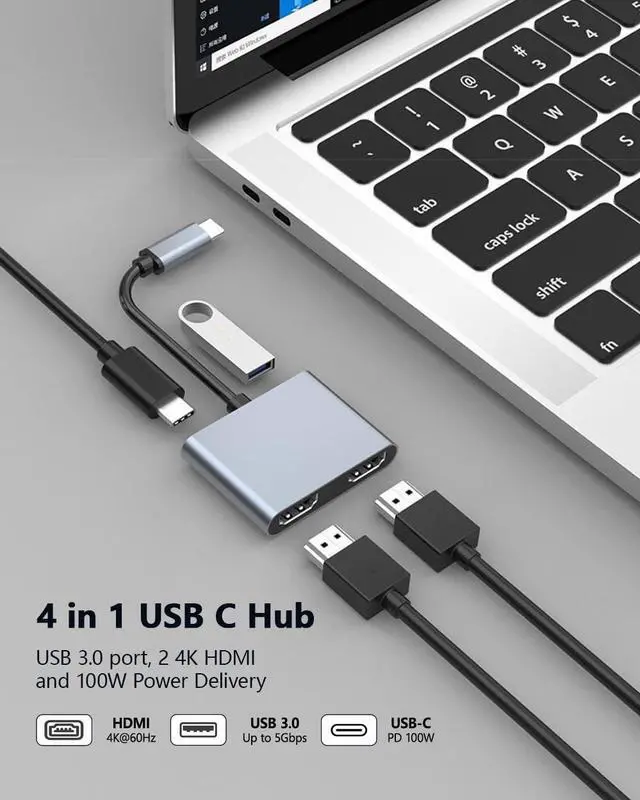
USB C to Dual HDMI Adapter 4K 60Hz, Type C to HDMI Splitter for 2 Monitors, 4 in 1 USB C Hub 2 HDMI, USB 3.0, 100W PD, Two Screen Dongle Extended Display for MacBook Air Windows Laptop
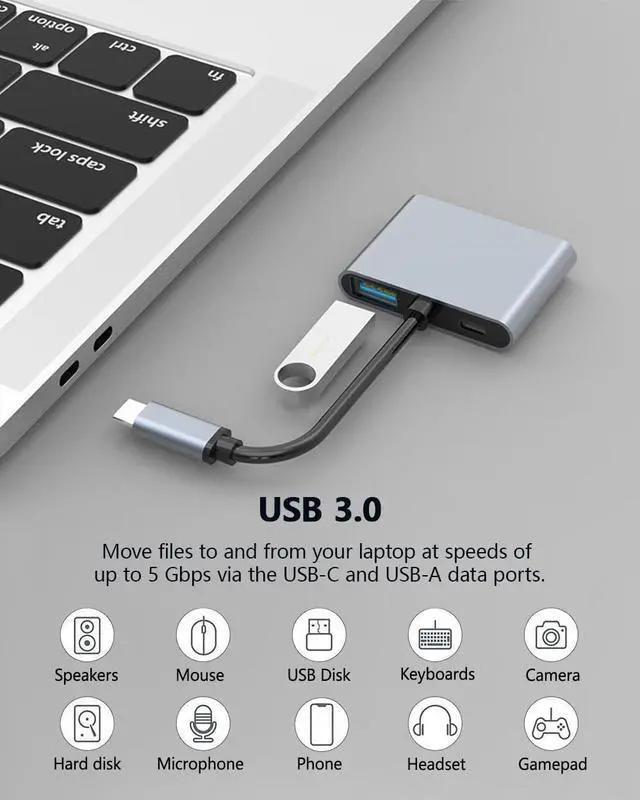
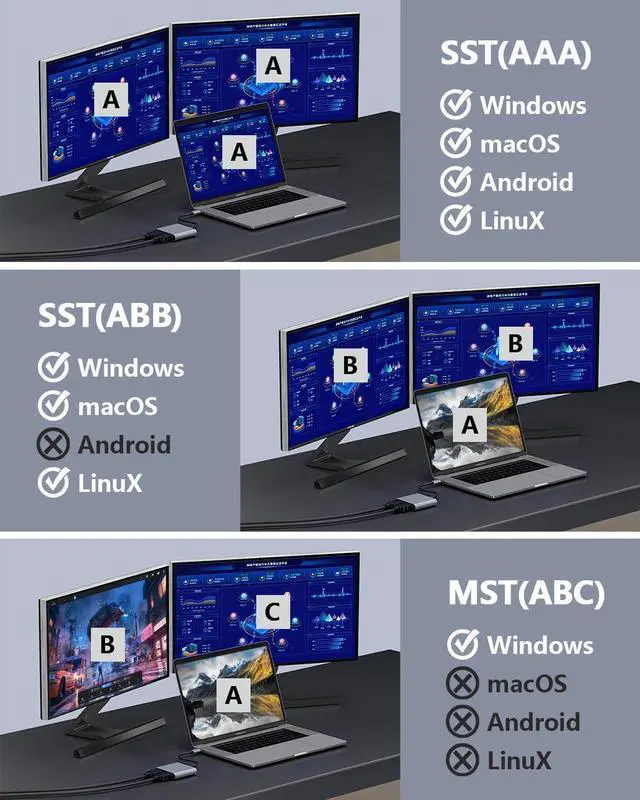
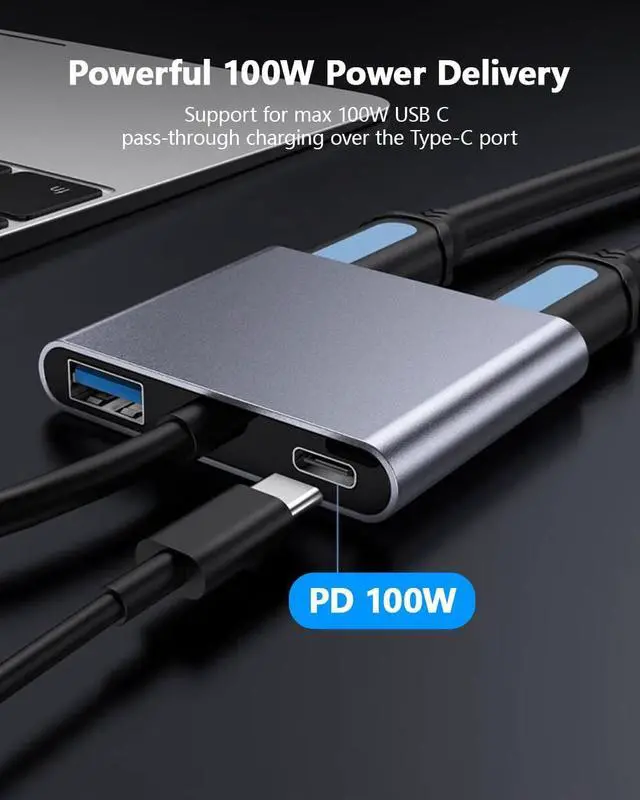
Does not support MST on Mac OS This USB-C adapter features 2x HDMI port, 1x USB 3.0 port, and 1x100W PD charging port, Note: Android system only supports AAA mode(mirror mode); macOS supports AAA, and ABB mode (does not support MST ABC mode); Windows OS supports AAA, ABB, ABA, and ABC mode.
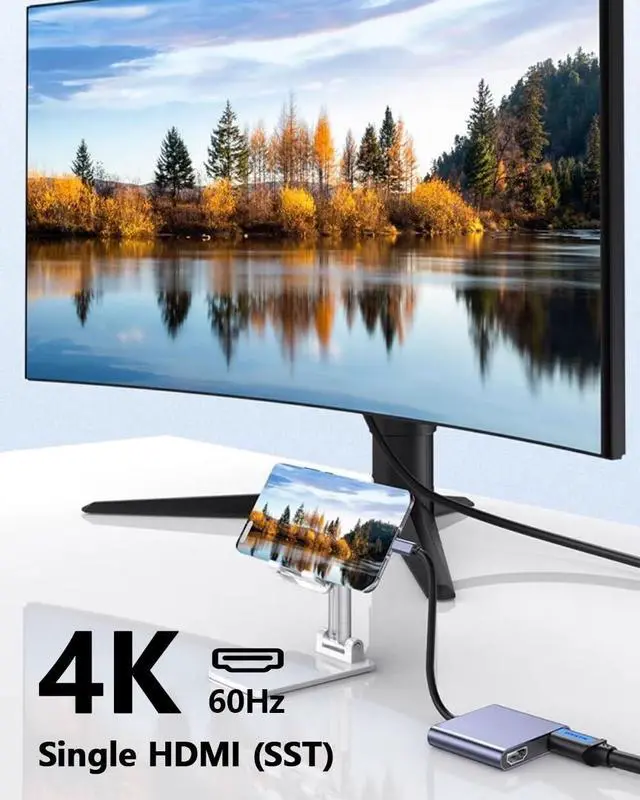
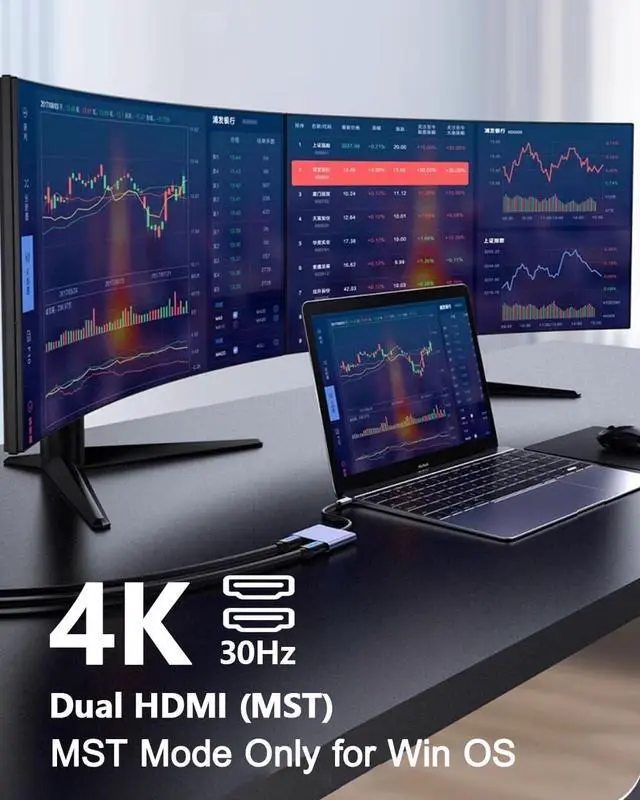
4k ResolutionThis USB C to HDMI Adapter resolution is up to 4K@30Hz. with backward compatible with 60Hz for resolutions of 2K/1080P. Please note: If you want to get a 4k resolution, please make sure your device supports 4k and uses a HDMI cable 2.0 or better
Plug and PlayNo external power supply is required for this USB C to HDMI Adapter, just plug and play, and no need for any driver. Note: NOT for all USB-C port laptops, Make sure your laptop or PC supports Thunderbolt 3 or displayport output modeDP ALT mode
Broad CompatibilityThis USB C HDMI Adapter is compatible with Linux, Windows, Mac OS, & Android systems, with compatible Thunderbolt 3 and DP 1.4 alt mode. Support: MacBook/ MacBook Pro, Dell XPS, LG, HP, Samsung Galaxy, etc.
What You Get4 IN 1 USB-C Hub x 1, User Manual x1 with a hassle-free 2-year warranty and lifetime technical support. Feel free to reach our friendly customer service if you have any questions.
+
+
Overview
Specs
Reviews
Any questions? Our AI mode will help you find out quickly.
USB C to Dual HDMI Adapter 4K 60Hz, Type C to HDMI Splitter for 2 Monitors, 4 in 1 USB C Hub 2 HDMI, USB 3.0, 100W PD, Two Screen Dongle Extended Display for MacBook Air Windows Laptop
Learn more about the Detailed Specifications
Model
Brand
Anker
Series
BKELHS
Details
Color
Black
Type
USB
Standards
USB 3.0
Max Devices Supported
127
Ports
1 x USB 3.0, 3 x USB 2.0
Video Ports
1 x HDMI
Supported Cards
SD Card / MicroSD Card
Weight
0.05 kilograms
Additional Information
First Listed on Newegg
April 13, 2026
There are no reviews yet.
Do you own this product?
Warranty & Returns
Warranty, Returns, And Additional Information
Warranty
Please contact the Seller directly for warranty information. Warranty information may also be found on the Manufacturer's website.