here!
I’m your shopping assistant for PC builds, upgrades, and everything tech.
Got questions? Ask away!
Start a conversation
here!
I’m your shopping assistant for PC builds, upgrades, and everything tech.
Got questions? Ask away!
Start a conversation




Any questions? Ask CelesteSM will help you find out quickly.
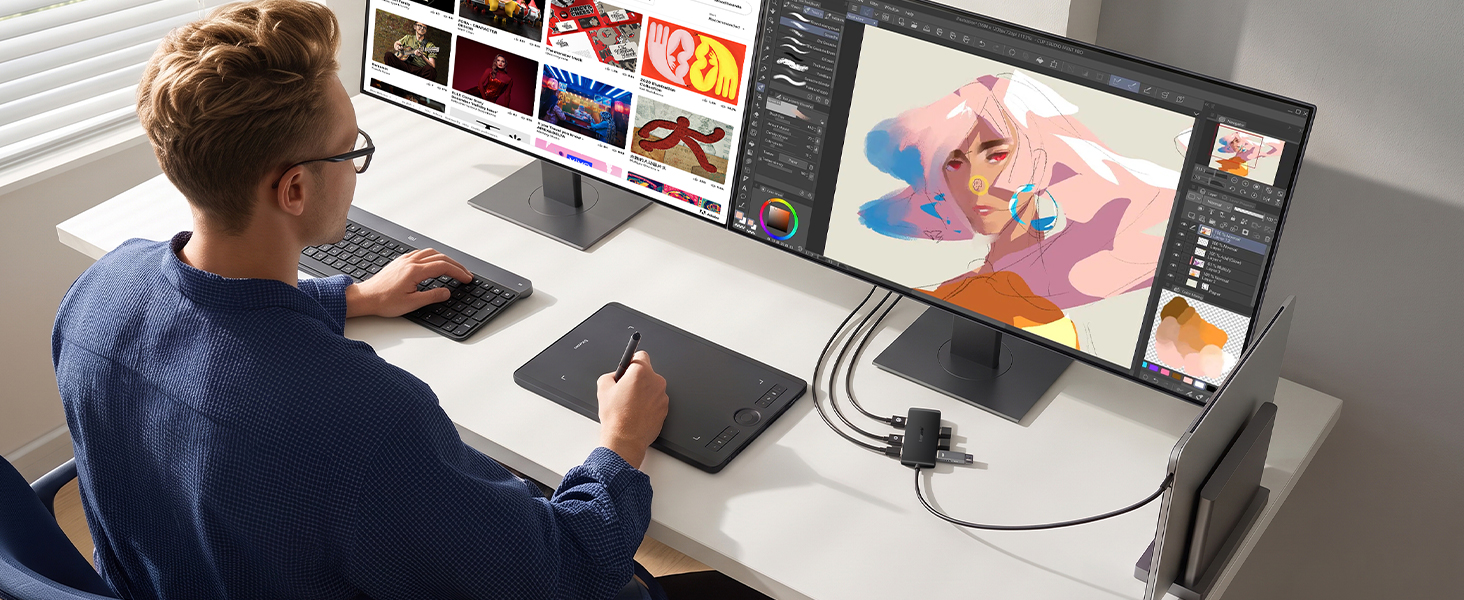
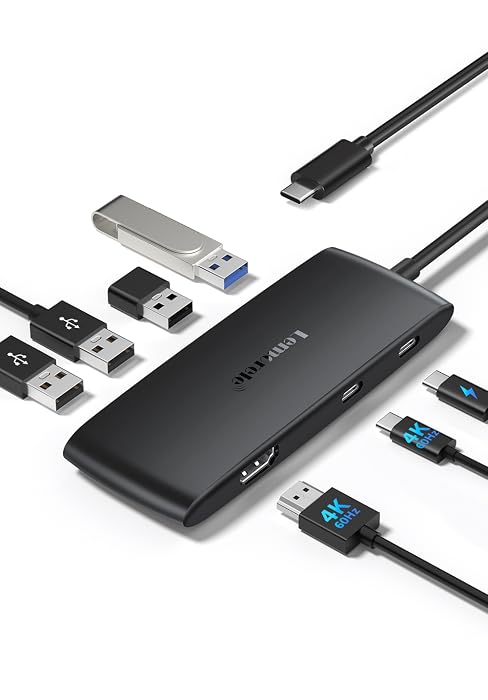
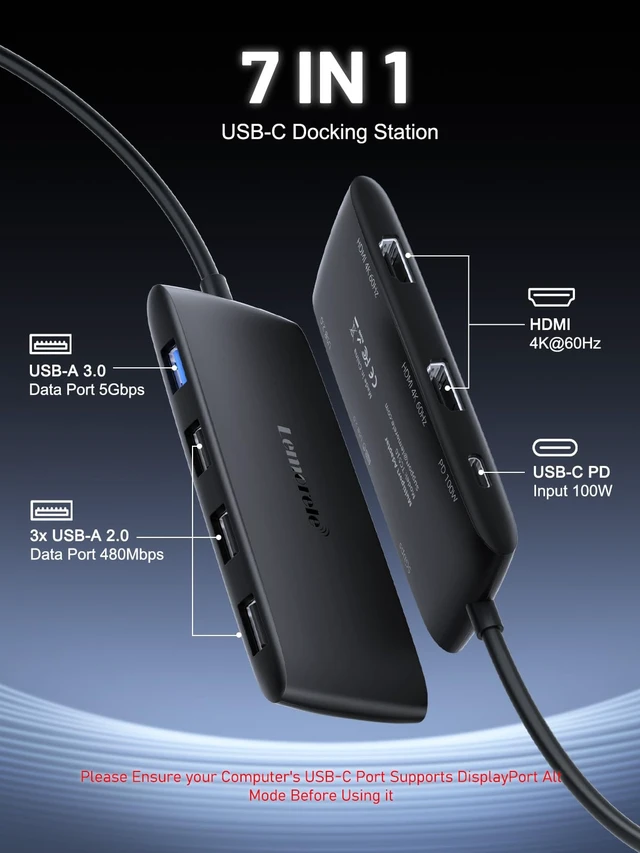
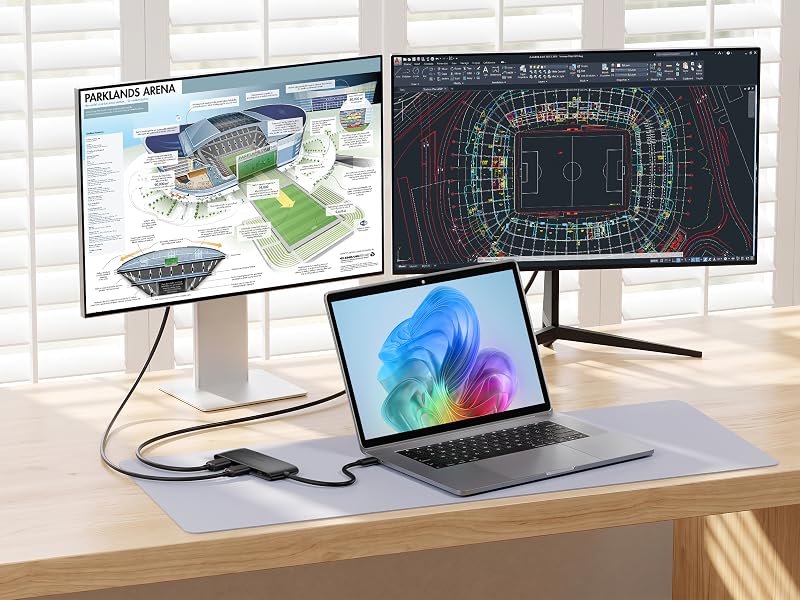
One USB-C 3.0 port expands into 7 — dual HDMI 2.0 outputs each up to 4K@60Hz, 100W pass-through charging, and USB-A connectivity. At 1.76 oz, it's a compact hub for a clutter-free dual-monitor workspace.
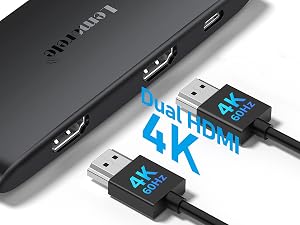
Two HDMI 2.0 ports each support up to 4K@60Hz. Requires a DP 1.4 host; a DP 1.2 host may reduce to 4K@30Hz.
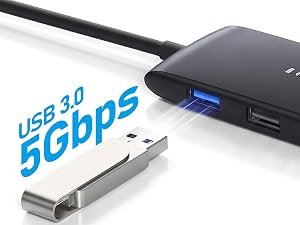
USB-A 3.0 delivers 5Gbps data transfer. Three USB-A 2.0 ports (480Mbps) connect drives and peripherals.
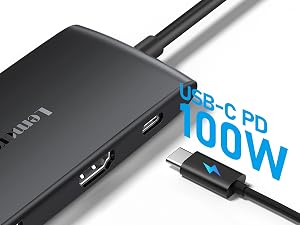
The USB-C PD port accepts up to 100W (20V/5A) from your charger and delivers up to 85W to your laptop, keeping it powered as you work.
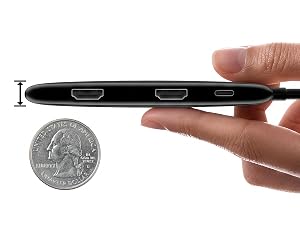
At 0.49" thin and 1.76 oz, this hub slips into any bag. Plug-and-play setup needs no extra drivers or adapters.
Extended display mode lets each screen show different content for true multitasking. Mirror mode suits presentations and projecting. Works with Windows, macOS, Chrome OS, Linux, Android, USB4, and Thunderbolt ports. Note: Mac devices support SST mode only — all external monitors display identical content.
What ports does the Lemorele 7-in-1 USB-C Hub include?
The hub offers 7 ports: 2x HDMI 2.0 (4K@60Hz), 1x USB-A 3.0 (5Gbps), 3x USB-A 2.0, and 1x USB-C PD port supporting up to 100W pass-through charging.
Which operating systems and port types is this hub compatible with?
It is cross-platform compatible with Windows, macOS, Chrome OS, Linux, and Android. It also works with USB4 and Thunderbolt ports, supporting a wide range of USB-C laptops and devices.
Can I use mirror and extended display modes with both HDMI ports?
Yes. Both HDMI ports support mirror and extended display modes for monitors, TVs, and projectors. Note: macOS only supports mirrored (SST) output; extended mode requires a non-Mac host.
Does this hub require software installation to use?
No. The hub is plug and play — simply connect it to your USB-C port and it is ready to use. No driver installation is required, making setup fast and straightforward.
How much does this hub weigh, and is it easy to carry?
The hub weighs just 1.76 oz and measures 4.49"L x 1.69"W x 0.49"H, making it easy to slip into a bag. Its plug-and-play design means no drivers are needed on the go.
USB C (Type-C) 3.0 | Input | USB C (Type-C) 3.0 |
2 x HDMI 2.0 | Output | USBC Video+ HDMI 2.0 |
1 x USB A 3.0 | Output | 1 x USB A 3.0 |
3 x USB A 2.0 | Output | 3 x USB A 2.0 |
1 x USB-C PD 100W | Output | 1 x USB-C PD 100W |
USB C (Type-C) 3.0 | Input | USB C (Type-C) 3.2 |
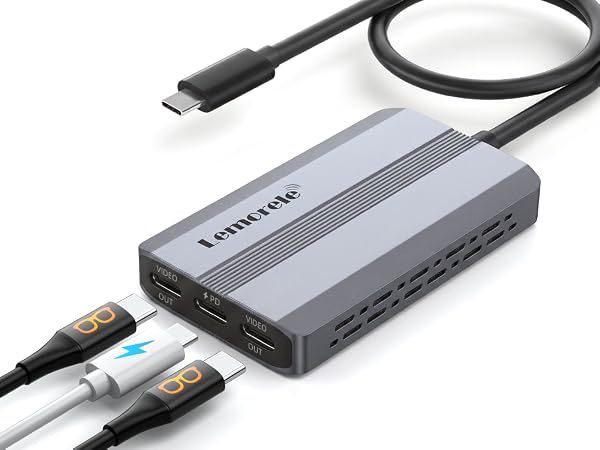
2 x HDMI 2.0 | Output | Dual USB-C Video |
1 x USB A 3.0 | Output | None |
3 x USB A 2.0 | Output | None |
1 x USB-C PD 100W | Output | 1 x USB-C PD 100W |


Lemorele understands your desire for efficiency in a fast-paced world where efficiency is key. We create more than just digital accessories—we build bridges that connect your work and entertainment. With outstanding transmission performance and broad compatibility, Lemorele ensures every casting, every expansion, and every capture is a seamless, stable, and enjoyable experience.
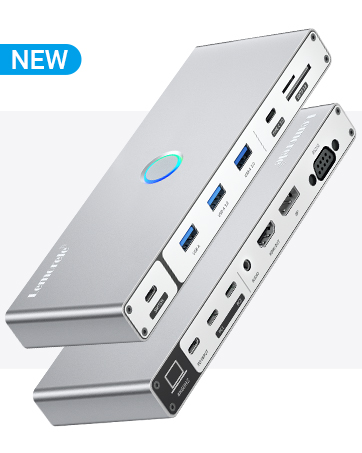
Lemorele USB C KVM, 4K@60Hz, 100W PD

Dual HDMI 4K@60Hz, 100W PD
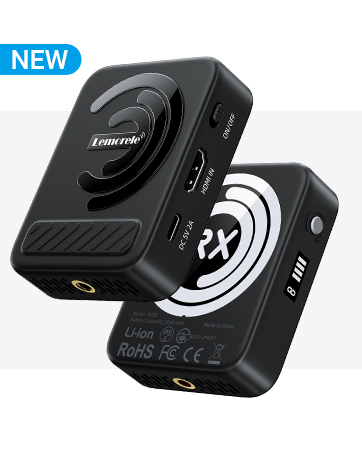
Magnetic Wireless HDMI Transmitter Receiver
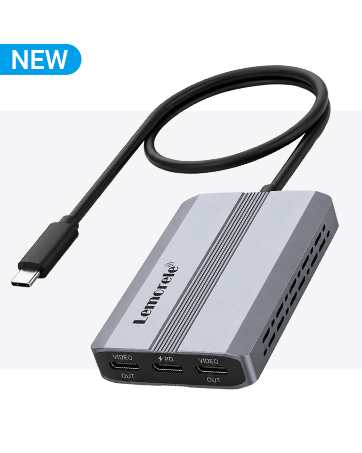
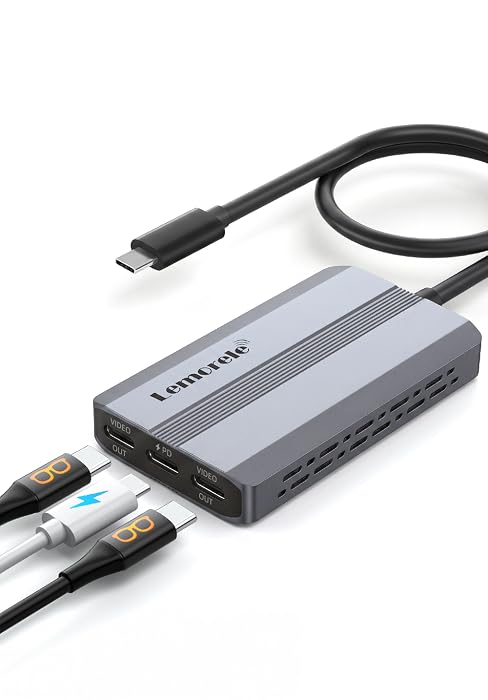
USB-C Video Splitter, Dual USB-C Output
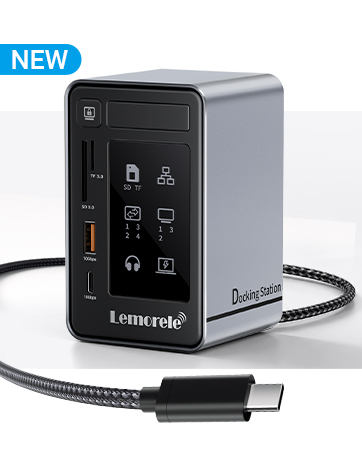
Aluminum USB-C Docking Station 2 HDMI DP 4K


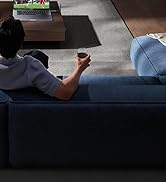



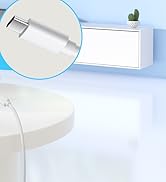

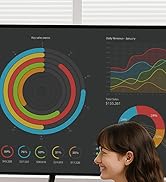


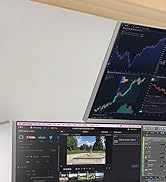
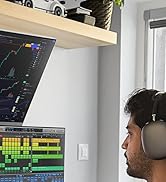
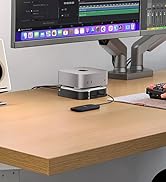


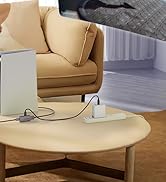
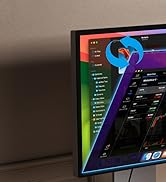
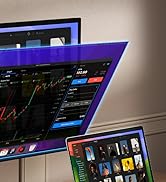
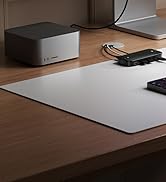
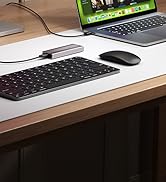
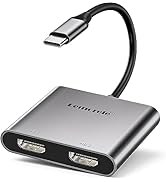
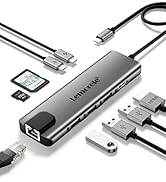
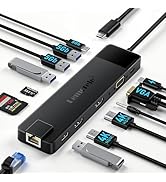
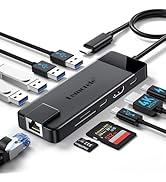
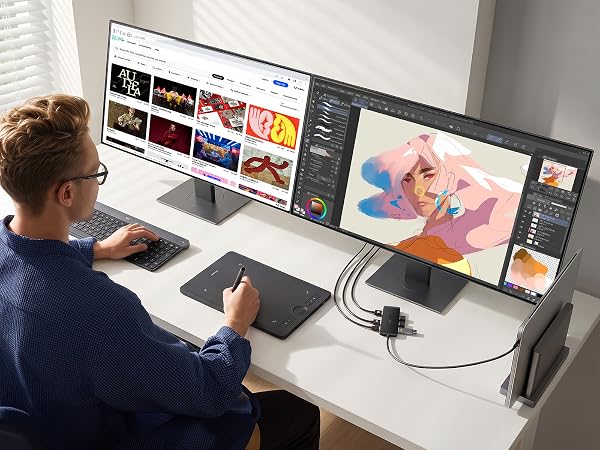
One USB-C 3.0 port expands into 7 — dual HDMI 2.0 outputs each up to 4K@60Hz, 100W pass-through charging, and USB-A connectivity. At 1.76 oz, it's a compact hub for a clutter-free dual-monitor workspace.
Two HDMI 2.0 ports each support up to 4K@60Hz. Requires a DP 1.4 host; a DP 1.2 host may reduce to 4K@30Hz.
USB-A 3.0 delivers 5Gbps data transfer. Three USB-A 2.0 ports (480Mbps) connect drives and peripherals.
The USB-C PD port accepts up to 100W (20V/5A) from your charger and delivers up to 85W to your laptop, keeping it powered as you work.
At 0.49" thin and 1.76 oz, this hub slips into any bag. Plug-and-play setup needs no extra drivers or adapters.
Dual Display. Any Platform.
Extended display mode lets each screen show different content for true multitasking. Mirror mode suits presentations and projecting. Works with Windows, macOS, Chrome OS, Linux, Android, USB4, and Thunderbolt ports. Note: Mac devices support SST mode only — all external monitors display identical content.
| Video Ports | 2× HDMI 2.0 |
|---|---|
| USB-A 3.0 | 1× USB-A 3.0, 5 Gbps data transfer |
| USB-A 2.0 | 3× USB-A 2.0, 480 Mbps data transfer |
| USB-C PD | 1× USB-C PD, up to 100W (20V/5A) charger input; up to 85W pass-through output to laptop |
| Video Output (DP 1.4) | Dual 4K@60Hz on both HDMI ports simultaneously |
| Video Output (DP 1.2) | May drop to 4K@30Hz on both ports when used simultaneously |
| Interface Protocol | USB-C 3.0; compatible with USB4 and Thunderbolt ports |
| Compatible Systems | Windows, macOS, Chrome OS, Linux, Android (macOS supports SST mirror mode only; MST not available) |
| Dimensions | 4.49" L × 1.69" W × 0.49" H (114 mm × 43 mm × 12.5 mm) |
| Weight | 1.76 oz (approx. 50 g) |
What ports does the Lemorele 7-in-1 USB-C Hub include?
The hub offers 7 ports: 2x HDMI 2.0 (4K@60Hz), 1x USB-A 3.0 (5Gbps), 3x USB-A 2.0, and 1x USB-C PD port supporting up to 100W pass-through charging.
Which operating systems and port types is this hub compatible with?
It is cross-platform compatible with Windows, macOS, Chrome OS, Linux, and Android. It also works with USB4 and Thunderbolt ports, supporting a wide range of USB-C laptops and devices.
Can I use mirror and extended display modes with both HDMI ports?
Yes. Both HDMI ports support mirror and extended display modes for monitors, TVs, and projectors. Note: macOS only supports mirrored (SST) output; extended mode requires a non-Mac host.
Does this hub require software installation to use?
No. The hub is plug and play — simply connect it to your USB-C port and it is ready to use. No driver installation is required, making setup fast and straightforward.
How much does this hub weigh, and is it easy to carry?
The hub weighs just 1.76 oz and measures 4.49"L x 1.69"W x 0.49"H, making it easy to slip into a bag. Its plug-and-play design means no drivers are needed on the go.
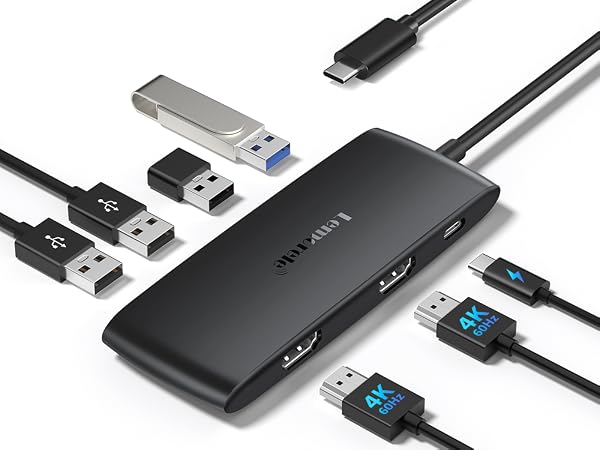
Input | USB C (Type-C) 3.0 |
Output | 2 x HDMI 2.0 |
Output | 1 x USB A 3.0 |
Output | 3 x USB A 2.0 |
Output | 1 x USB-C PD 100W |
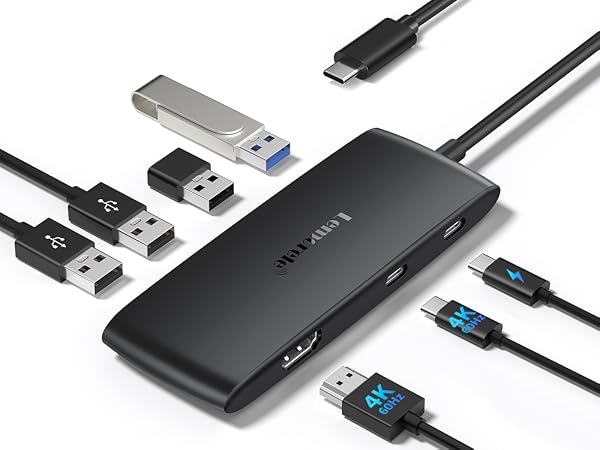
Input | USB C (Type-C) 3.0 |
Output | USBC Video+ HDMI 2.0 |
Output | 1 x USB A 3.0 |
Output | 3 x USB A 2.0 |
Output | 1 x USB-C PD 100W |
Input | USB C (Type-C) 3.2 |
Output | Dual USB-C Video |
Output | None |
Output | None |
Output | 1 x USB-C PD 100W |
Lemorele understands your desire for efficiency in a fast-paced world where efficiency is key. We create more than just digital accessories—we build bridges that connect your work and entertainment. With outstanding transmission performance and broad compatibility, Lemorele ensures every casting, every expansion, and every capture is a seamless, stable, and enjoyable experience.
Lemorele USB C KVM, 4K@60Hz, 100W PD
Dual HDMI 4K@60Hz, 100W PD
Magnetic Wireless HDMI Transmitter Receiver
USB-C Video Splitter, Dual USB-C Output
Aluminum USB-C Docking Station 2 HDMI DP 4K