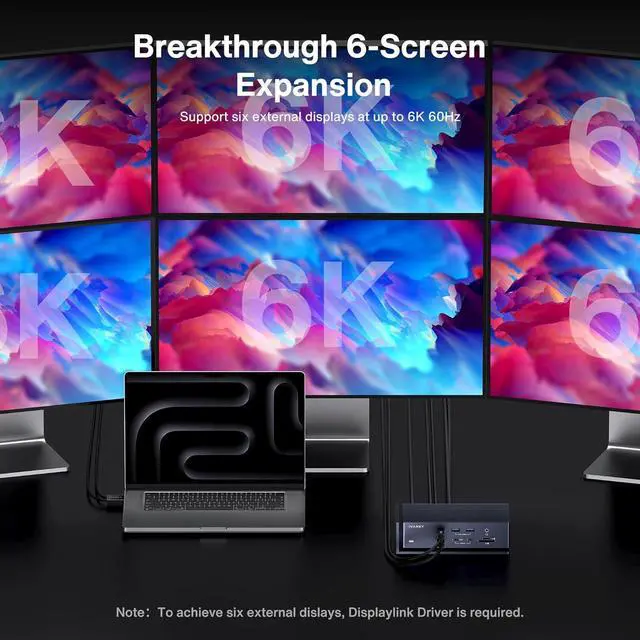
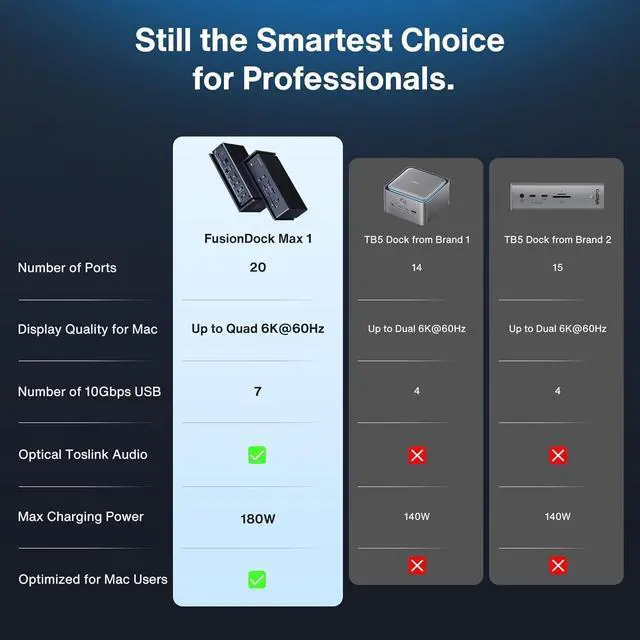
Six extended DisplaysOnly MacBook Pro series with M1/M2/M3/M4 Max chips supports six extended displays(Quad 6K@60Hz+Dual 4K@60Hz). The MacBook Pro series with M4/M5 base or M1/M2/M3/M4 Pro chips only supports quad displays(Dual 6K@60Hz+Dual 4K@60Hz). The Mac series with M1/M2/M3 base chips only supports triple extended display(Single 6K@60Hz+Dual 4K@60Hz). Note:
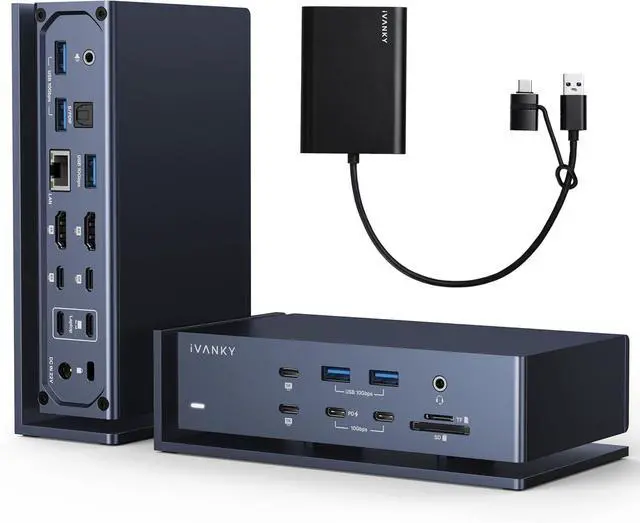
DisplayLink DRIVER NOTETo unlock 2 additional displays beyond the capabilities of your base FusionDock Max 1, you need to: First, connect a DisplayLink adapter to your FusionDock Max 1 as shown in our installation video. Then, download and install the DisplayLink driver. This driver poses no risk to user privacy or data security
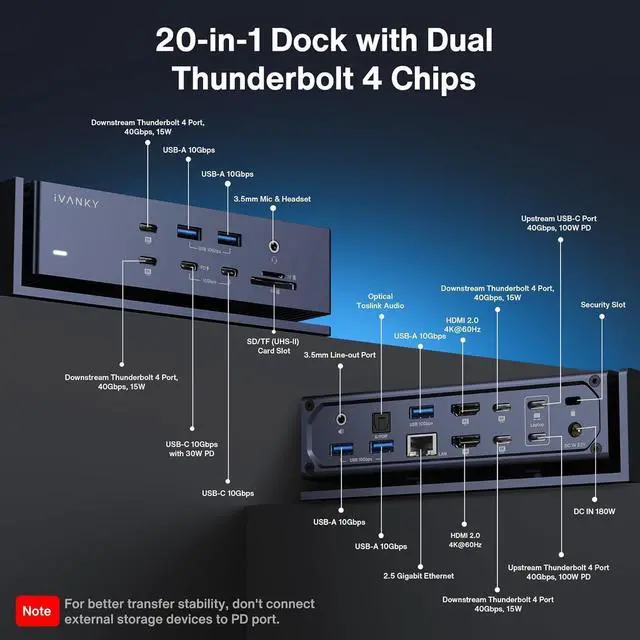
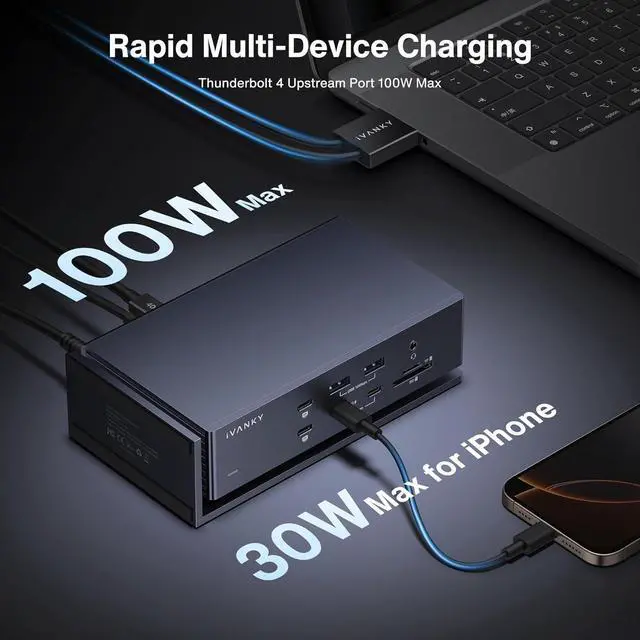
Full Speed ChargingThis dock features a 180W power adapter, enabling efficient charging of laptops up to 96W and PD USB-C devices up to 30W. Note:For better transfer stability, don't connect external storage devices to PD port
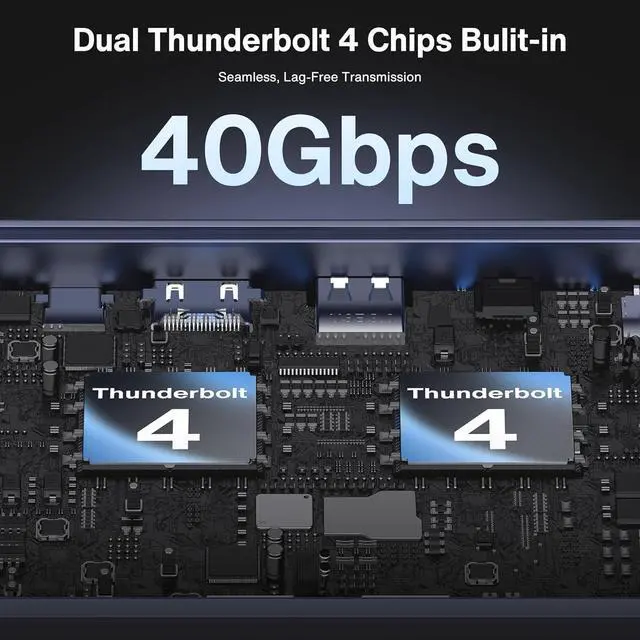
40Gbps Data TransferThanks to the 6*40Gbps Thunderbolt 4 ports, you can upstream and downstream any data in a flash. Equipped with 7*USB 3.2 ports, which can support up to 10Gbps data transfer and allow you connect enough external equipment
Excellence in Every AspectThe SD/TF 4.0 card slot can support up to 312Mb/s, and the RJ45 Gigabit Ethernet port can maintain a smooth and stable 2.5Gbps Ethernet connection
Product GuaranteeYou can get an iVANKY FusionDock Max 1 MacBook Pro Docking Station and a DisplayLink adapter (20-in-1, Quad 6K@60Hz displays) with a 24-month warranty and responsive customer service. If you encounter any problems with the dock, we will be glad to replace it with a new one