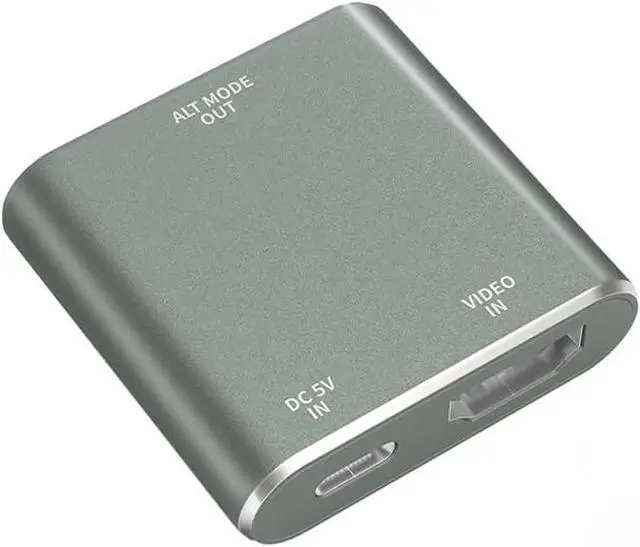
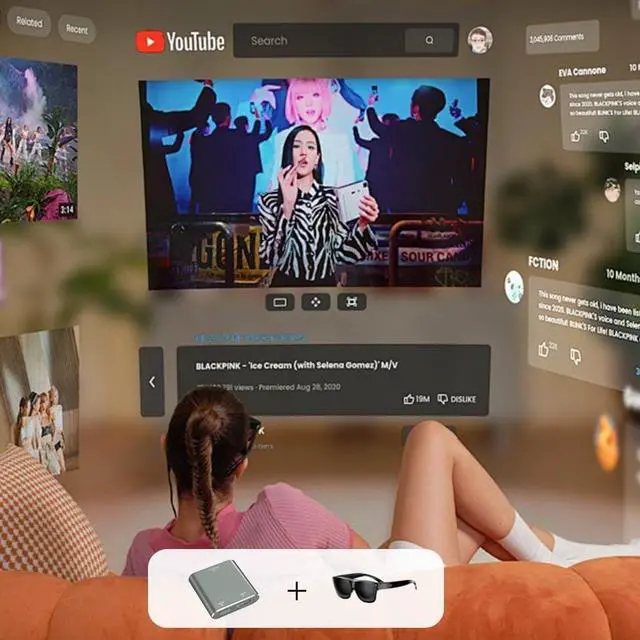
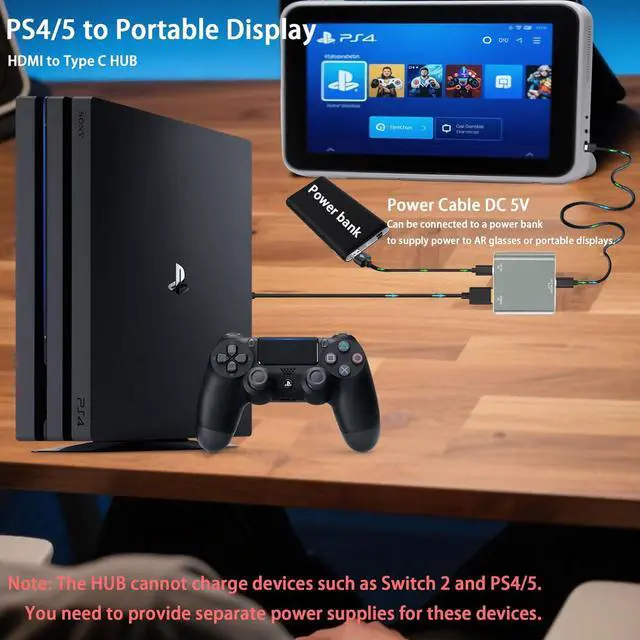
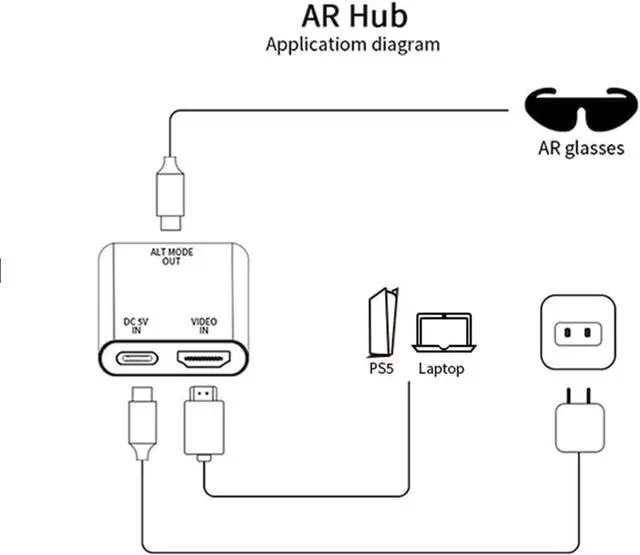
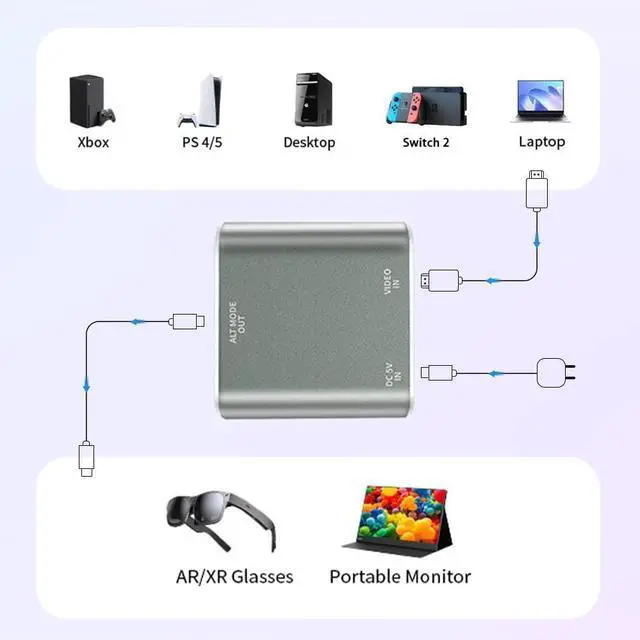
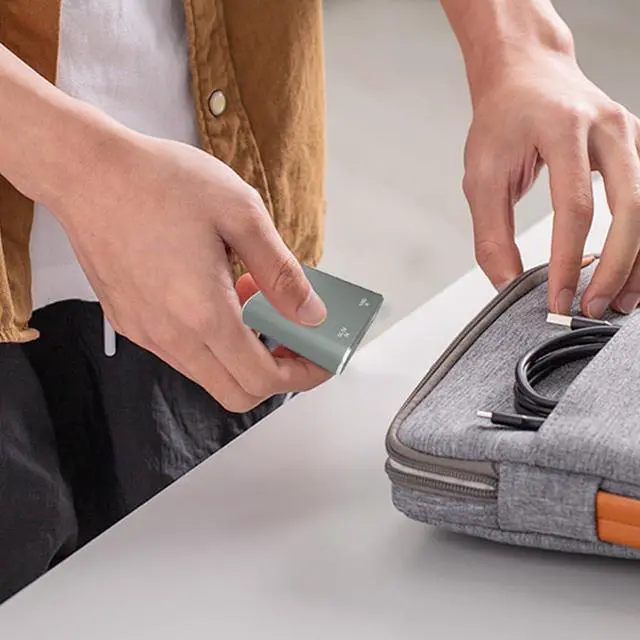
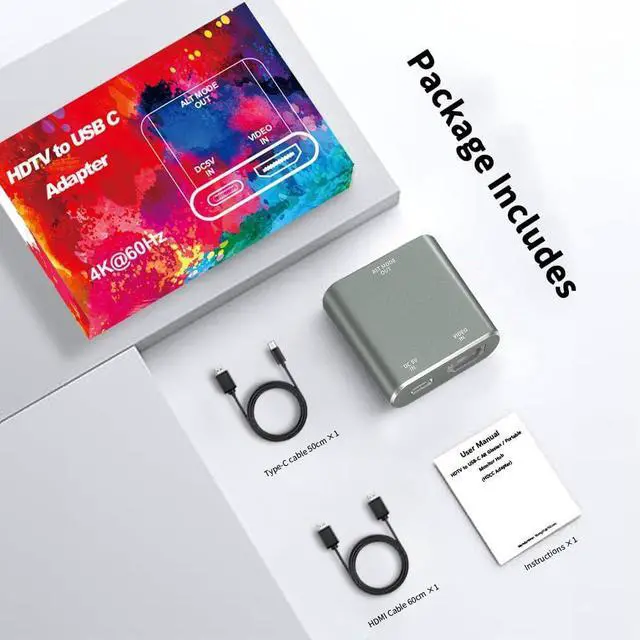
HDMI-to-USB-C: This HUB features the capability to convert HDMI video output ports into USB-C video output ports, providing a solution for connecting AR glasses and portable displays to devices with HDMI video output such as laptops, PS4/PS5, Xbox, TV boxes, and Switch
2. The hub' s USB-C video output port supports connection to RayNeo AR glasses, VITURE AR glasses, Xreal AR glasses, Rokid AR glasses, as well as portable displays rated at 60W or less.
Attention 1: Xreal AR glasses cannot be used directly. If you connect the correct HUB but there is no video output or not sound, you need to switch the Xreal AR glasses to DP Mode ( ) according to the AR glasses manual. At the same time, the portable display also needs to be switched to DP Mode. If you have any questions, please leave us a message via or the HUB manual.
Attention 2: This HUB is used for Steam Deck Dock, Switch, ROG Ally, PS4/5 and other video output devices need to make sure your device has HDMI video output port, the original standard equipment are equipped with, if there is no HDMI video output port but has USB C video output port, you need to convert the USB C port to HDMI port and then use this HUB. of course we also have USB C to USB C HUB available, please search ASIN B0CYPQB2LM
Power Requirements: This HUB is designed with a power port specifically for powering AR glasses and portable displays. It can only power display devices such as AR glasses and portable displays, and cannot charge your mobile phone, game console, or other devices. Therefore, please be sure to connect the power cord to the HUB when using it. You can connect a USB A power adapter or power bank. The output power of the Type C port is at least 10W (5V 2A) and does not exceed 65W, so you need to make sure that the power consumption of AR glasses or portable displays does not exceed 65W, unless your display has an independent power supply.
HD Video: Often we can' t enjoy the visual impact and immersion of HD videos or games because the screen isn' t big enough. This HUB Supports resolutions up to 4K@60Hz, 1080p@120Hz/144Hz and is backward compatible. Must use USB 3.1 cable or more advanced cable that can transmit video signals or
Thunderbolt 3 cable. note: is compatible not to improve the quality, as long as your device has such a high quality output, our Hub will be able to support. Therefore, if you want to achieve higher resolutions and refresh rates, please ensure that both your input and output devices also support these specifications.
Friendly Service: If your glasses do not have sound, please set up your glasses according to the instructions. If you have any questions, please leave a message or contact the manufacturer through the manual. We will actively help you to solve the problem.