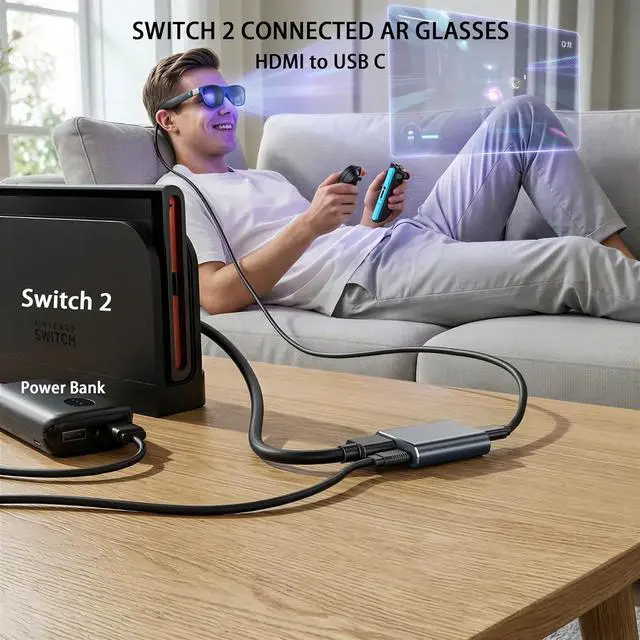
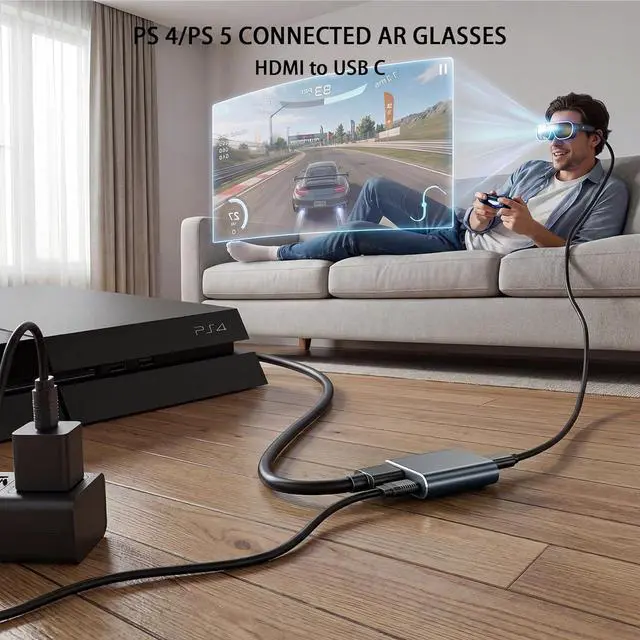
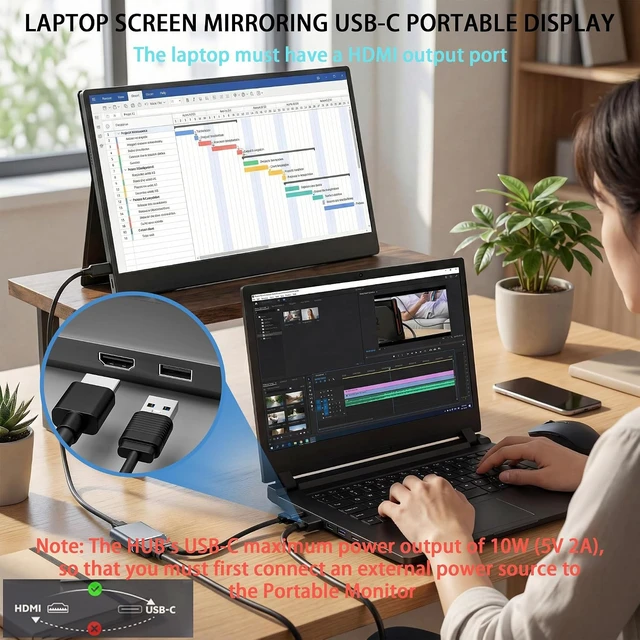
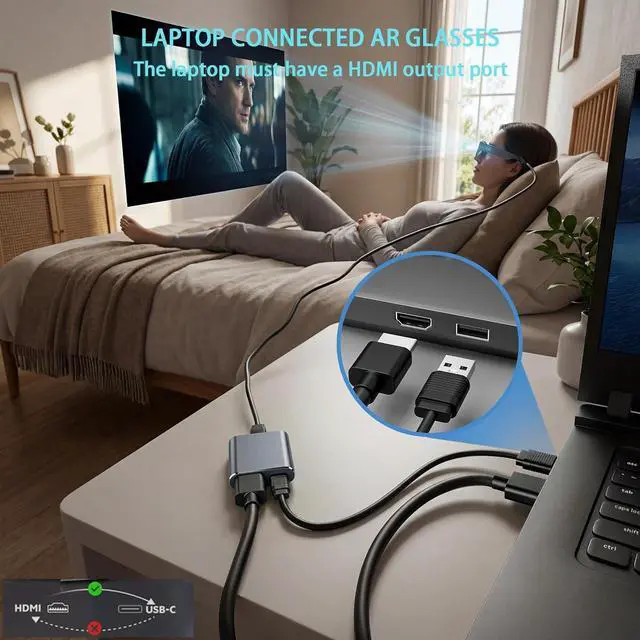
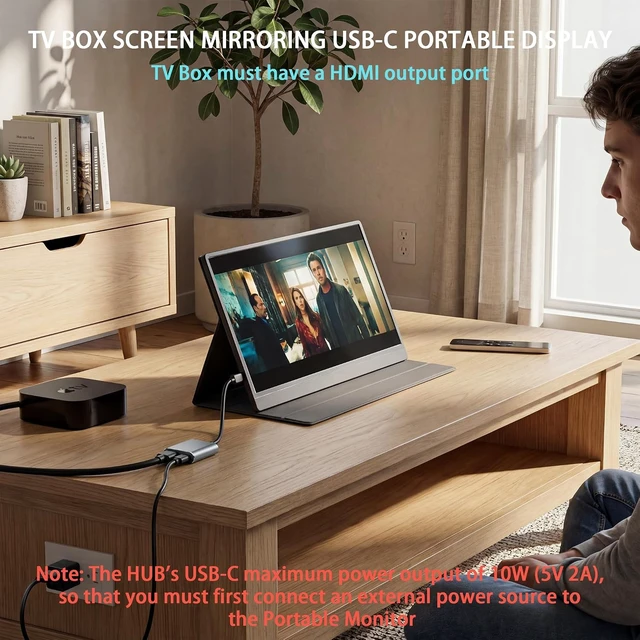
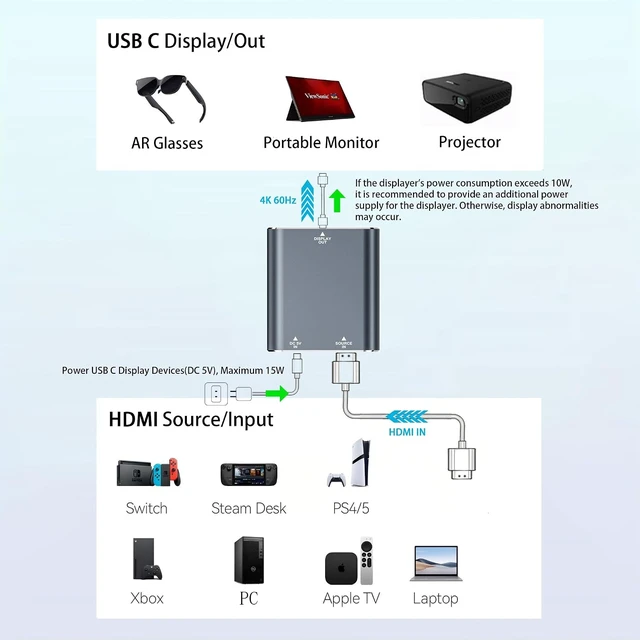
HDMI-to-USB-C: This HUB features the capability to convert HDMI video output ports into USB-C video output ports designed for the following use cases: Connecting Switch OLED/Switch 2 to USB-C AR glasses or USB-C portable displays. Connecting / to USB-C AR glasses or USB-C portable displays. Connecting to USB-C AR glasses or USB-C portable displays. Connecting TV boxes to USB-C AR glasses or USB-C portable displays. Connecting Laptop (with HDMI port) to USB-C AR glasses or USB-C portable displays. The hub's USB-C video output port supports to RayNeo/VITURE/Xreal/Rokid AR Glasses as well as portable displays.
DP Protocol Video Output: Xreal AR glasses connect correct to the HUB but there is no sound or not video on glasses you need to switch the Xreal AR glasses to DP Mode(???????????????????????????????????? ) according to the AR glasses manual. Except for Xreal AR glasses which require switching to glasses mode AR glasses from other brands do not require this. This hub is not compatible with the Meta Quest/PICO/HTC Vive VR-Headsets and Epson AR Glasss. Compatible with USB-C
Portable Monitors: The HUB's power cable can only supply power to AR glasses and displays with a maximum power output of 10W (5V 2A). It cannot power source devices so source devices require separate charging. When using a USB-C portable display you must first connect an external power source to the display before connecting it to the hub. Otherwise the display may operate intermittently or experience screen blackouts. Please note the power consumption of the monitor. Note the
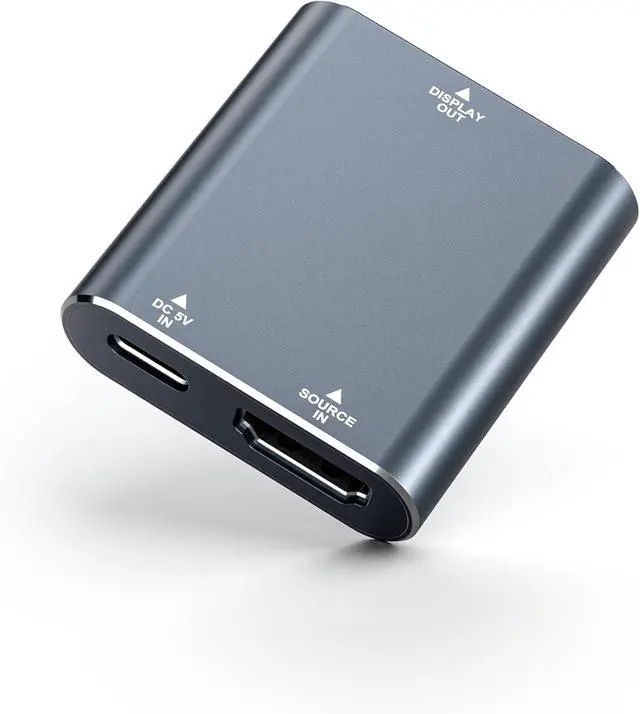
Source Device Interface: This HUB is used for Switch /5 TV Box and other video output devices need to make sure your device has HDMI video output port if there is no HDMI video output port but has USB C video output port we recommend using a USB-C to USB-C hub. Of course we also sell USB-C to USB-C hub please search ASIN B0G59TSXFP. However do not use these two HUBs together at the same time. The hub is not compatible with the DHCP feature on / laptops or other HDMI source devices. Please disable the DHCP feature on your device before connecting it to the hub; otherwise the hub may not function properly. Note the HUB's Interfaces
Connection is Stable: You can connect a Portable Charger to the HUB to keep it working properly thereby solving the power supply issue for the HUB during travel. If a display malfunction occurs please unplug and replug the cables to ensure each connection is secure and free from looseness. Or replace the 4K HDMI cable and power cable. If you need to use the display's touchscreen functionality you can check out another hub by searching for ASIN B0GGR7TCYT. Viture Beast AR GLASSES USAGE REMINDER: Please do not update Viture Beast to a system version released after June 2026 as this may cause the HUB to be incompatible with Viture Beast. If you have already upgraded please roll back the system to the May version ( 0.01. 024_20260521).
HD Video: Often we can't enjoy the visual impact and immersion of HD videos or games because the screen isn't big enough. This HUB Supports resolutions up to 4K@60Hz 1080p@120Hz/144Hz and is backward compatible. Must use USB 3.1 cable or more advanced cable that can transmit video signals or Thunderbolt 3 cable.
note: is compatible not to improve the quality as long as your device has such a high quality output our Hub will be able to support. Therefore if you want to achieve higher resolutions and refresh rates please ensure that both your input and output devices also support these specifications.
Friendly Service: Product
includes: Hub x1 4K HDMI Cable (60cm) x1 Power Cable (50cm) x1. The interface of the HUB is designed to be compact this is to prevent the interface from shaking during use. If you have any questions please leave a message through the manual or Amozon seller KIHENG. We will actively help you to solve the problem.





 here!
here!