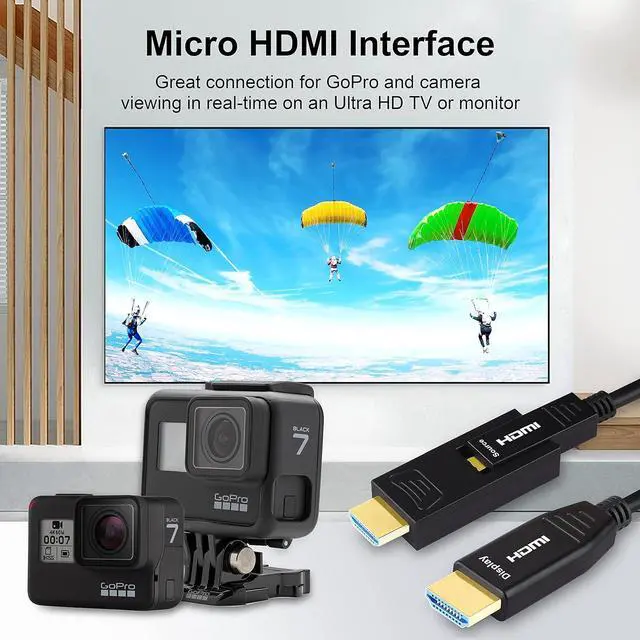
1Realistic Visuals24K HD3High Fidelity Audio1Connect GoPro2Supported Devices What should I do when the TV may show no input source when the MAC/Laptop/PC/Xbox/PS5 is connected to the Smart TV?
Turn on the TV first, wait for the TV to display the main interface, and then turn on the MAC/laptop/PC/Xbox/PS5. Or Manually switch the input source to HDMI in the TV settings.You also can re-plug the HDMI cable on the MAC/laptop/PC/Xbox/PS5 end
What is 4K@60Hz,4K@120Hz?
4K@60Hz TV supports up to 60fps, such as 1080p 60fps, 4k 60fps.4K@120HzTV supports up to 120fps, such as 1080p 120fps, 4k 120fps.
Why do TCL and Hisense TVs show no HDR support?
TCL and Hisense TVs do not enable all the features of HDMI 2.0 by default. You need to allow all HDMI 2.0 features in your TV settings by yourselves. TCL and Hisense, find and change "HDMI 1.4" to "HDMI 2.0" in the TV settings.
What should I do when the monitor shows no input source?
You need to modify the input source SOURCE of the monitor, enter the monitor settings, find the input source SOURCE, and modify it to the port you plug in the HDMI cable.
What should I do when the TV is connected to the AVR Receiver and cannot work?
First, check if the HDMI cable is connected to the HDMI ARC/eARC port of the receiver. Second, enable the ARC (eARC) function in TV settings. Finally, select the input source for the HDMI port where the HDMI cable is plugged into for the receiver
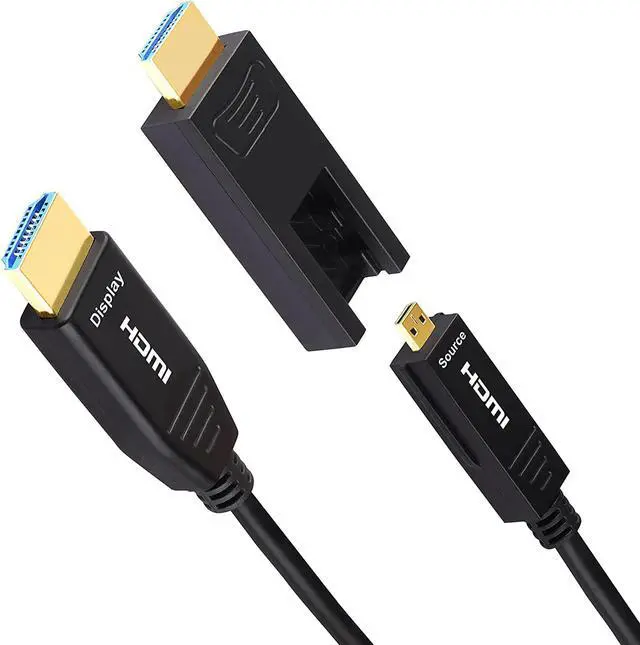
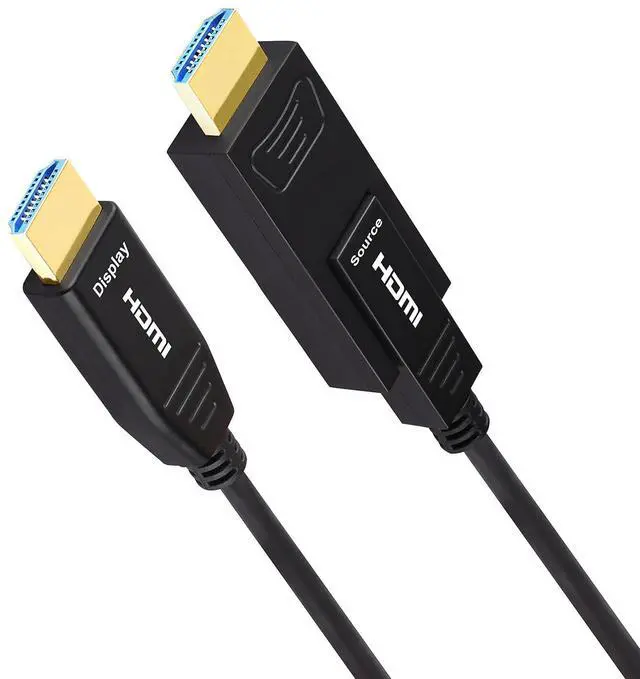
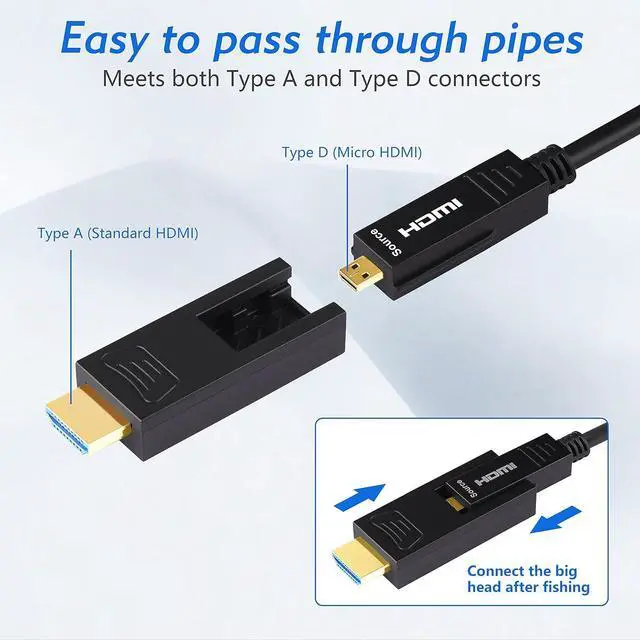
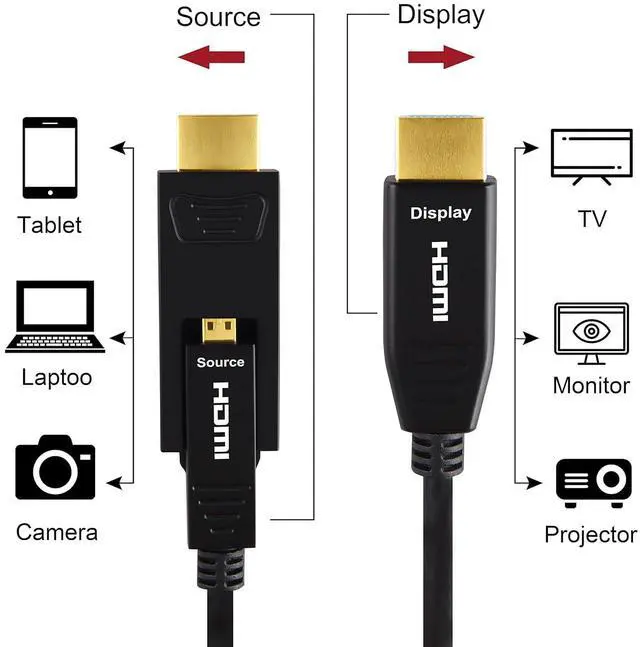
iBirdie fiber optic HDMI cables (32ft - 328ft) are active HDMI cables, embedded booster at both HDMI heads. You need to use the HDMI USB cable that comes with in the HDMI box to connect any USB port except on HUB, or any USB adapter (Does not include USB adapter in box). The HDMI USB cable is 1.5 feet. Why we need use this HDMI USB cable? It is necessary to connect the HDMI USB cable since some HDMI slots, such as on USB HUB or on HDMI SWITCH, cannot provide enough power for the fiber optic HDMI cable. The HDMI fiber optic cable is an active cable, it needs enough power to work properly. If the power is insufficient, there will be a black screen, screen flicker, no signal and other problems. Please connect the fiber optic HDMI cable to the HDMI USB cable and then to the HUB or the SWITCH. And fiber optic HDMI cable is directional. The directional HDMI meaning that the source end of HDMI is required to connect to sources (must plug this end to HDMI output from source like DVD/computer/PS5/Xbox...), and another end is display to your monitor/TV/projector. Please kindly make sure to understand these instructions before you choose our fiber optic HDMI cable to avoid the returned purchase because of improper use.
4K Micro FiberHDM 30-150'4K Fiber HDMI 30'-328'4K CL3 Rated HDMI 50-328'4K CL3 Rated HDMI 3'-50'4K Mini HDMI 6'-20'4K HDMI Extension Cable4K Micro HDMI 32'-328'18Gbps in-Wall RatedDolby-Vision/Dolby-AtmosBi-DirectionalHDR-HDR1000CECARC4K /120Hz4K 60Hz/30Hz1440p 165Hz/144Hz/120Hz/60Hz720p iBirdie is for freedom, it may become a strong rebel.We people to release from the daily pressure naturally to own it to connect our own world.
3D Visual Effect 4K@60Hz Ultra HD Picture Quality Support 32 channels and ARC Micro HDMI + Standard HDMI HDMI2.0 Cable What should I do when the TV may show no input source when the MAC/Laptop/PC/Xbox/PS5 is connected to the Smart TV?
What is 4K@60Hz,4K@120Hz?
Why do TCL and Hisense TVs show no HDR support?
What should I do when the monitor shows no input source?
What should I do when the TV is connected to the AVR Receiver and cannot work?
Answers to other frequent questions iBirdie HDMI Cable Series. What is our mission?