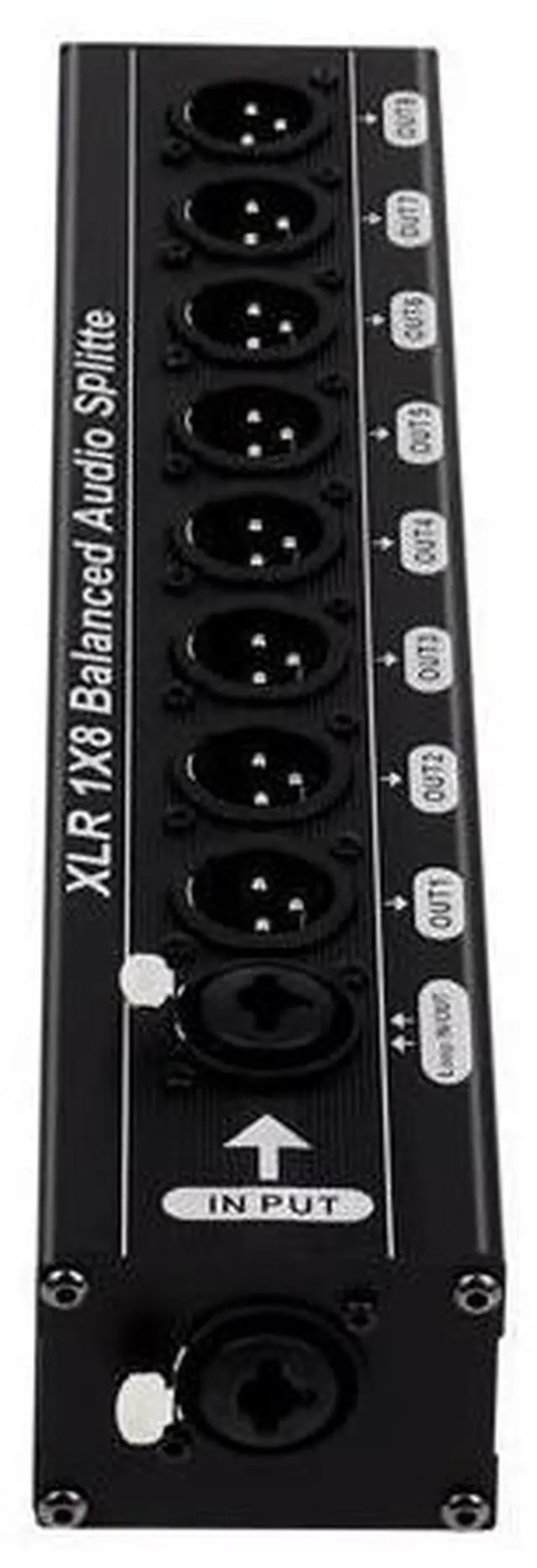
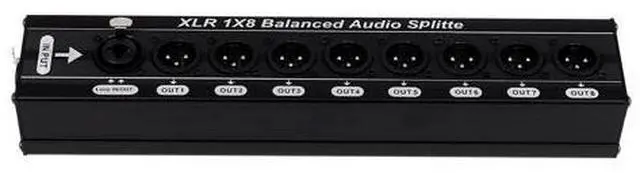
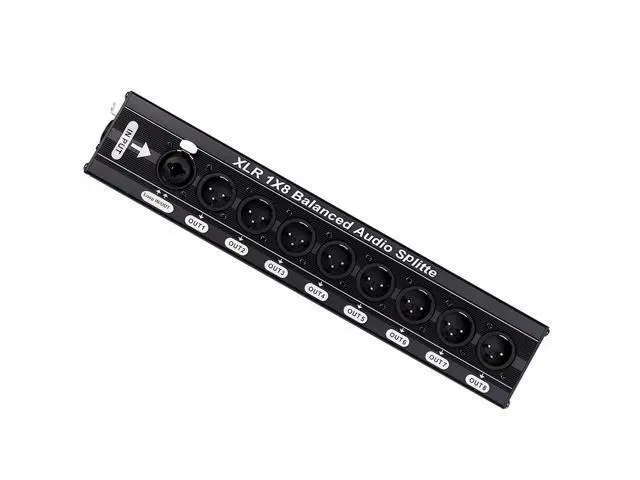
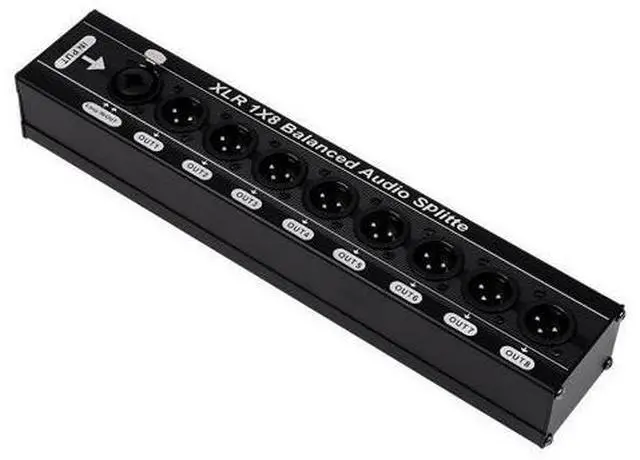
Size: 52*38* 261.5 mm Super simple wiring steps (even beginners can understand them at a glance) Use a Canon XLR cable, with one end plugged into the AUX/MATRIX output of the mixer. 2. At the other end, insert the distribution unit's INPUT input port 3.8 XLR cables, each connected to OUT1-OUTS respectively, and corresponding to be connected to each persar's monitaring device 4. Tighten all the screws, and it can be used once powered on. Must-see 3 Tips All the cables should be Canon XLR balanced cables, not ordinary audio cables. Just leave the unused output ports empty; it won't affect the other routes. Sound is too quiet/ has noise: Check if the jack is properly inserted + Increase the AUX volume on the mixer