




 here!
here!
I’m your shopping assistant for PC builds, upgrades, and everything tech.
Got questions? Ask away!
Start a conversation
here!
I’m your shopping assistant for PC builds, upgrades, and everything tech.
Got questions? Ask away!
Start a conversation



Any questions? Ask CelesteSM will help you find out quickly.
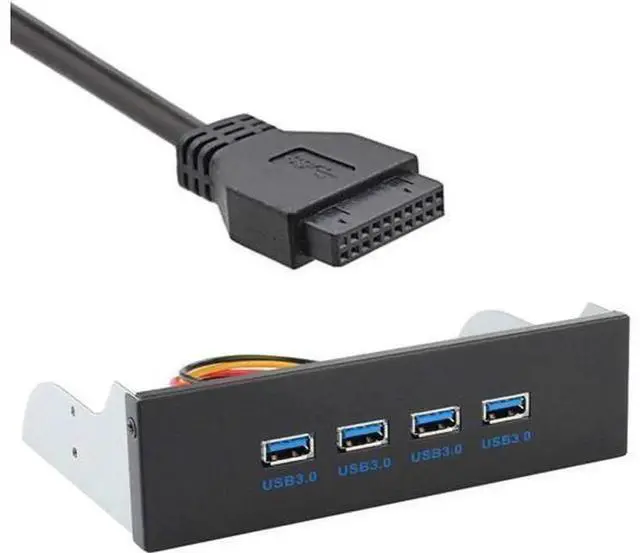
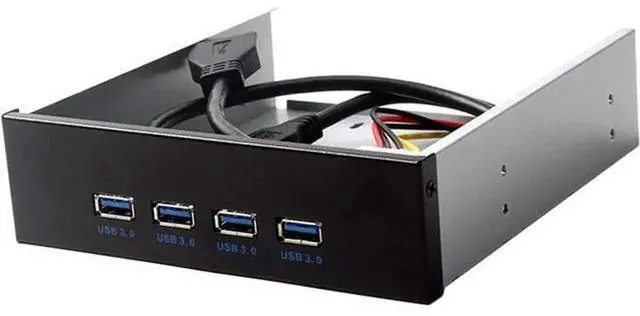
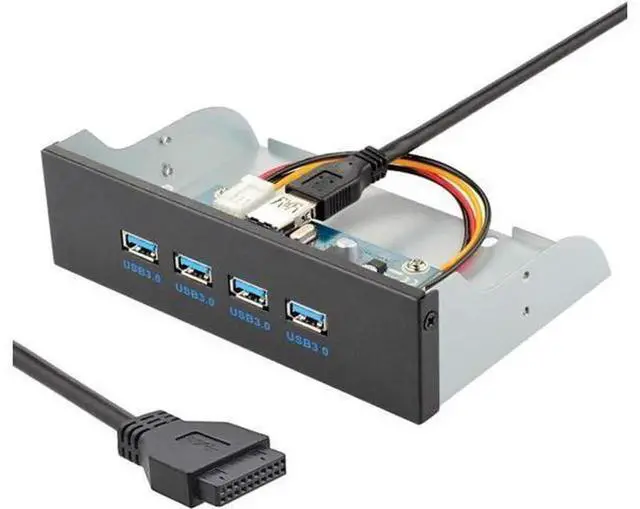
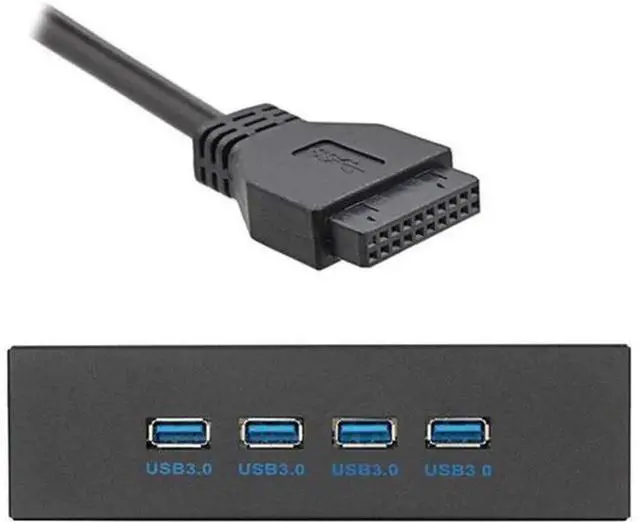
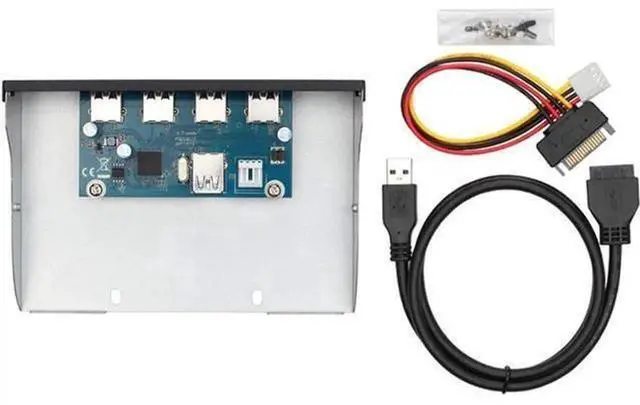
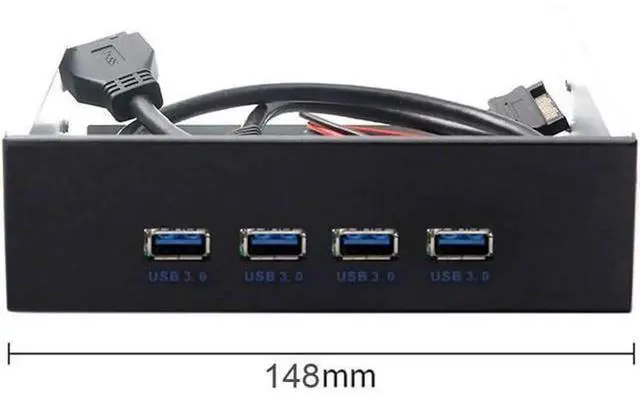
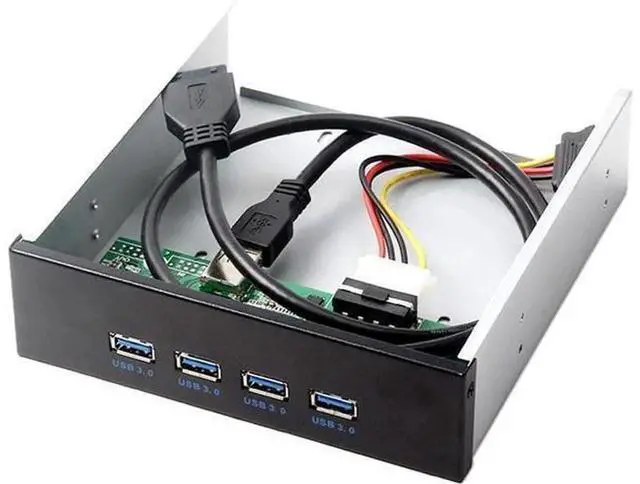
USB 3.0 front panel hub cable is specially designed for standard 5.25-inch optical drive bays on desktop computer cases, adding four external USB 3.0 ports for convenient front-panel peripheral access.
It comes with a dual-purpose connector supporting both 19Pin and 20Pin USB3.0 motherboard internal headers, offering broad compatibility with most mainstream PC mainboards without extra adapters. Following USB 3.0 transmission standard, it reaches up to 5Gbps bandwidth to rapidly transfer large files, videos and photos between storage devices and your computer.
The complete built-in wiring harness eliminates messy external cables and keeps your chassis interior tidy. Sturdy molded connectors with strain relief prevent wire breakage during assembly and maintenance. No driver installation needed, simply plug the header into your motherboard and mount the hub in the CD-ROM bay. Perfect for DIY gaming PCs, office workstations and customized desktop builds requiring extra front USB ports.


