• $24.38
  • Free 30-day Returns
  • Ships from China.
    Price alert
    Shop it at NeweggBusiness.

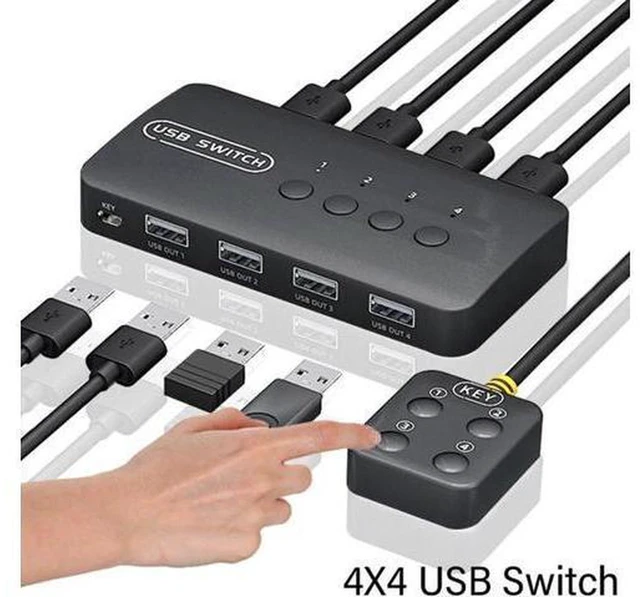
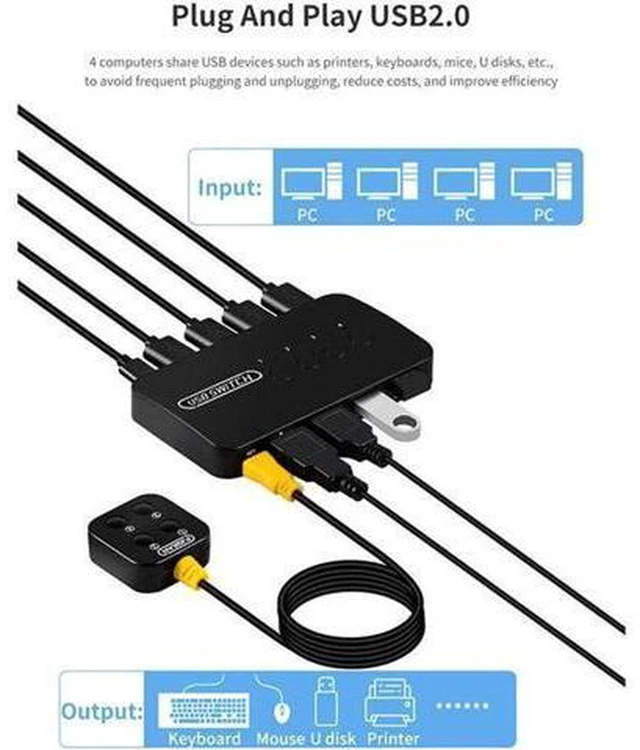
    AJMRTC 4 In 4 Out USB Switch Sharing Controller, USB 2.0 4×4 Peripheral Sharing Adapter, 4 Hosts Share 4 USB Devices, Manual Button Switcher with LED Indicator for PC Laptop Office Desktop, Plug

    • - USB2.0 up to 480Mbps bandwidth, supports HID, storage and most USB peripherals
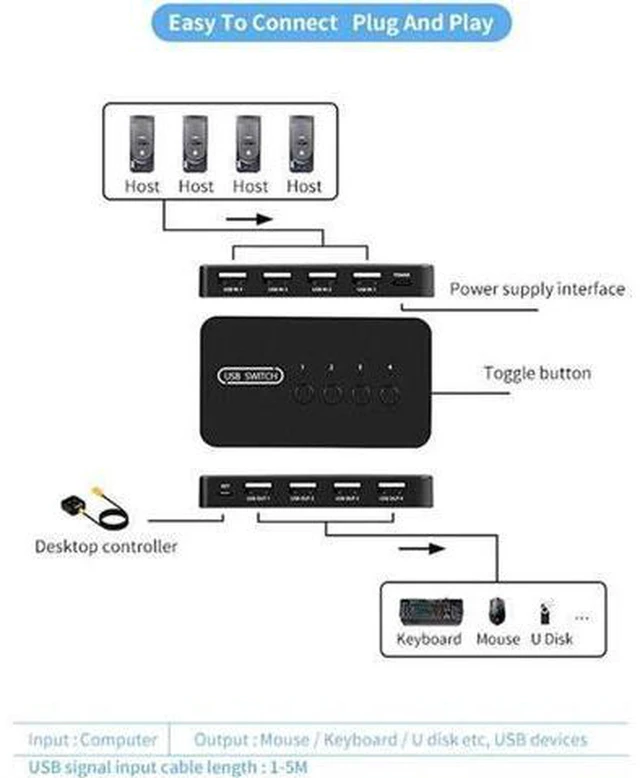
    • - 4-input 4-output cross switching design, freely assign host to target USB device
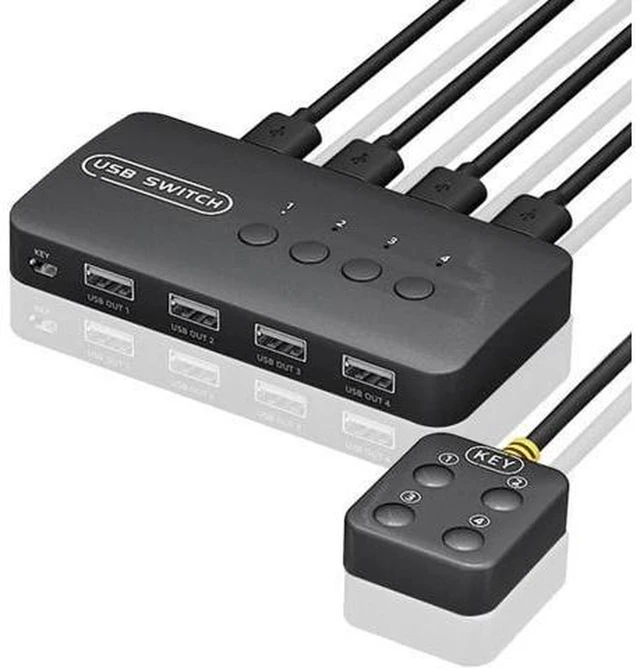
    • - Manual push-button control with clear LED indicators to show current connection status
    • - Sustained stable connection for keyboard, mouse, printer, scanner and flash drives
    • - Driver-free plug and play, compatible with Windows, macOS and Linux systems
    +
    +
    Overview
    Specs
    Reviews

    Any questions? Ask CelesteSM will help you find out quickly.

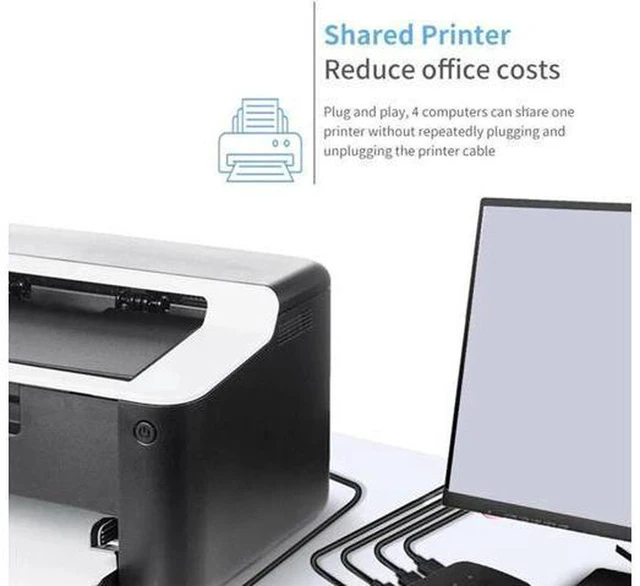
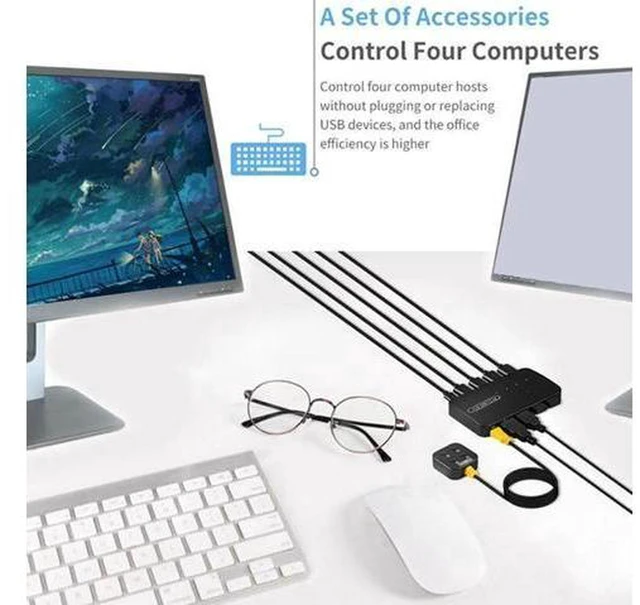
    AJMRTC 4×4 USB sharing switcher lets four computers or laptops share four USB peripherals. Unlike simple one-way switches, it supports independent routing so you can assign different USB devices to different hosts at the same time. It works for common office peripherals such as keyboards, mice, printers and USB flash drives. The LED indicators help you check the routing status quickly. No complicated software setup is required, and it supports hot swapping. It is a practical sharing solution for multi-computer office desks and lab environments.


    Specifications

    1. Brand: AJMRTC
    2. Port Layout: 4 × USB Input, 4 × USB Output
    3. USB Standard: USB2.0, theoretical speed 480Mbps
    4. Control Method: Manual push button + LED status indicator
    5. Mode: Cross USB matrix switching
    6. Supported Peripherals: Keyboard, mouse, printer, scanner, U disk, USB hub
    7. Supported OS: Windows, macOS, Linux
    8. Feature: Hot swap supported, plug and play
    9. Power Supply: DC 5V power adapter
    10. Package Content: 1 × 4x4 USB Sharing Switch Controller, 1 × DC Power Adapter, 4 × USB Host Cables


    Warranty & Returns

    Warranty, Returns, And Additional Information

    Warranty

    • Please contact the Seller directly for warranty information. Warranty information may also be found on the Manufacturer's website.
    • CONTACT

    Return Policies

    Manufacturer Contact Info

    LOADING...