• $107.23
  • Free 30-day Returns
  • Ships from China.
    Price alert
    Shop it at NeweggBusiness.

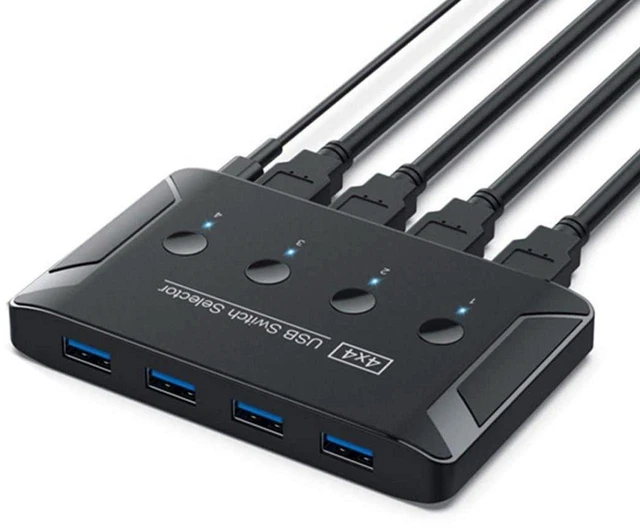
    AJMRTC USB 3.0 4x4 Sharing Switch Selector, 4 Computers Share 4 USB 3.0 Peripherals, 5Gbps USB Switcher for Keyboard, Mouse, Scanner, Printer, Flash Drive and External SSD

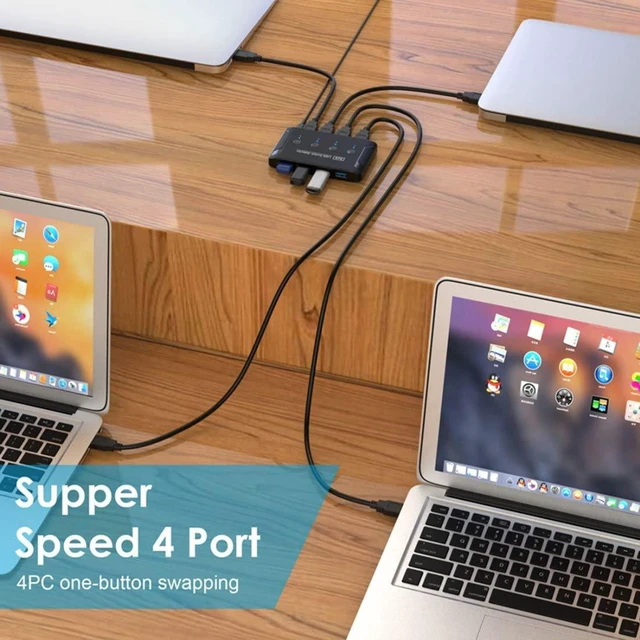
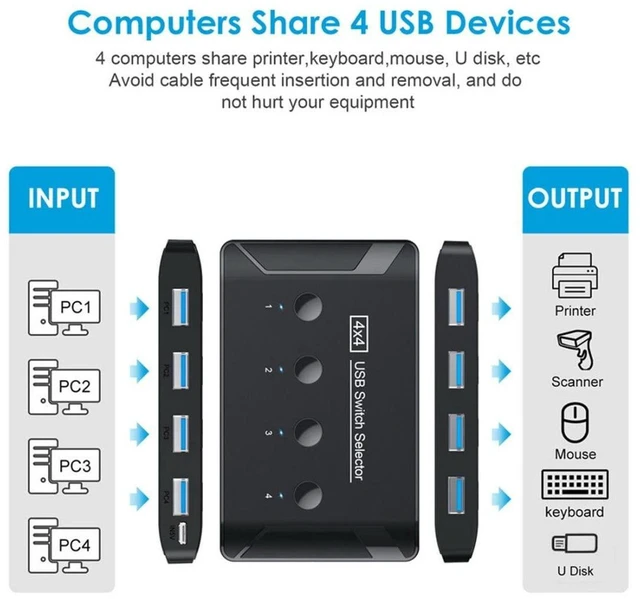
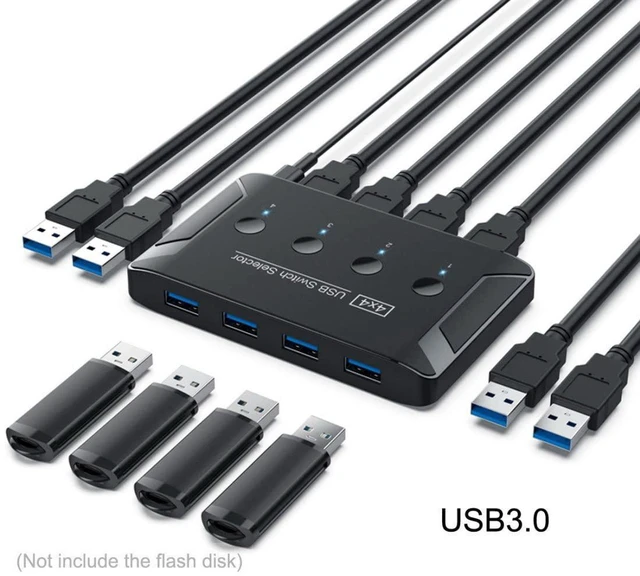
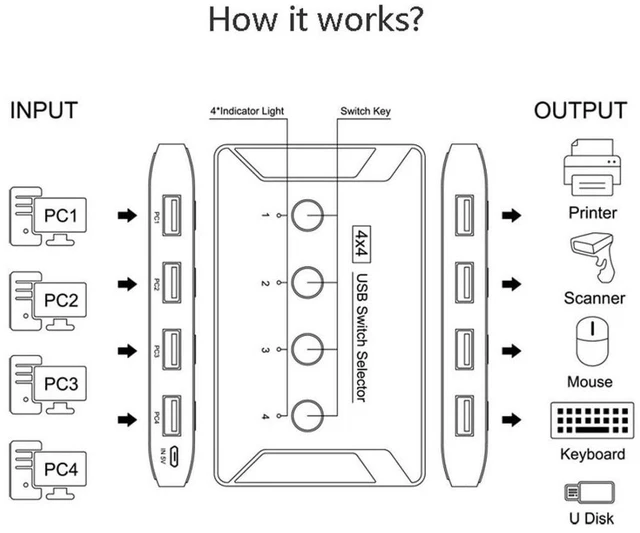
    • - 4-in 4-out USB 3.0 sharing design, lets four PCs share four USB peripherals conveniently
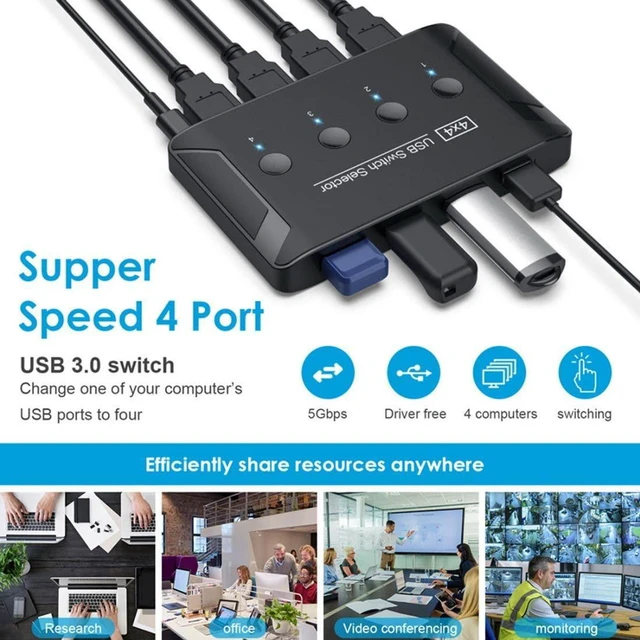
    • - USB 3.0 5Gbps transfer speed, backward compatible with USB2.0 / USB1.1 devices
    • - One-key manual switching with LED indicator, clearly shows which host is active
    • - Wide compatibility for keyboard, mouse, scanner, printer, U disk, external hard drive and webcam
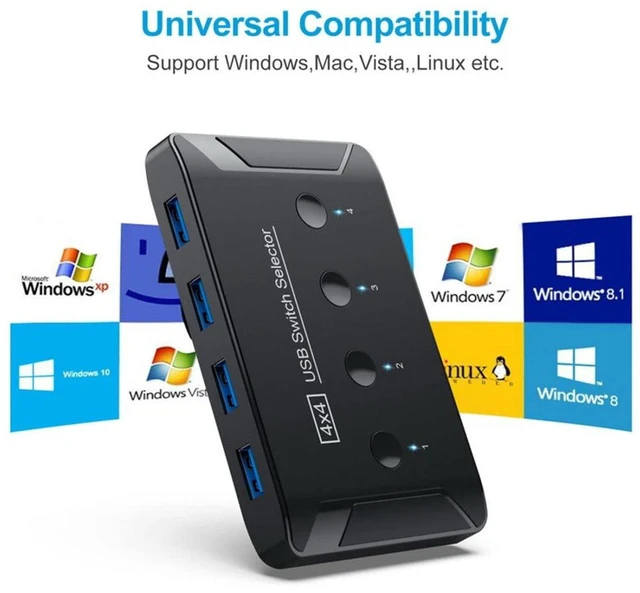
    • - Plug and play without driver, works on Windows, macOS, Linux and Chrome OS
    +
    +
    Overview
    Specs
    Reviews

    Any questions? Ask CelesteSM will help you find out quickly.

    AJMRTC 4×4 USB 3.0 sharing switch allows four computers to share up to four USB peripherals. It eliminates repeated plugging and unplugging of USB cables to protect device interfaces. It supports up to 5Gbps high-speed data transmission for storage and scanning tasks. Built-in LED indicator lights help you identify the currently selected computer quickly. No extra software or driver installation required. It is an ideal space-saving solution for office, studio and home multi-computer workstations. Note this unit only shares USB devices, it does NOT support video signal switching.


    Specifications:

    1. Brand: AJMRTC
    2. Standard: USB 3.0, up to 5Gbps
    3. Port Layout: 4 x USB Input for Computers, 4 x USB Output for Peripherals
    4. Compatible Devices: Keyboard, Mouse, Scanner, Printer, USB Flash Drive, External HDD, Webcam
    5. Switch Control: Front panel push button + LED status indicator
    6. Supported System: Windows, macOS, Linux, Chrome OS
    7. Installation: Plug and Play, Driver Free
    8. Power: Bus-powered, optional external power for high-power USB devices
    9. Function Note: USB peripheral sharing only, no video switching


    Warranty & Returns

    Warranty, Returns, And Additional Information

    Warranty

    • Please contact the Seller directly for warranty information. Warranty information may also be found on the Manufacturer's website.
    • CONTACT

    Return Policies

    Manufacturer Contact Info

    LOADING...