

Your Browsing History
- Free 30-day Returns
$229.99


Meet Your Seller


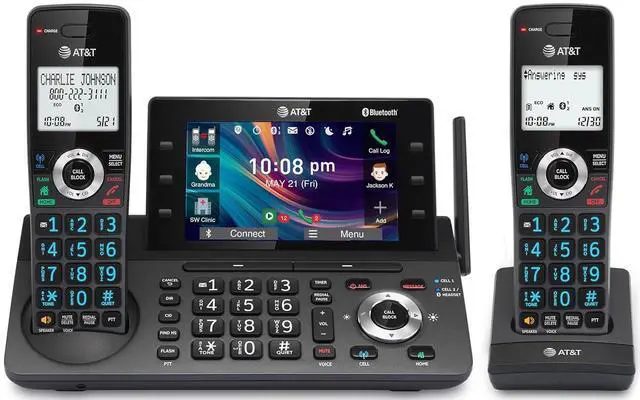
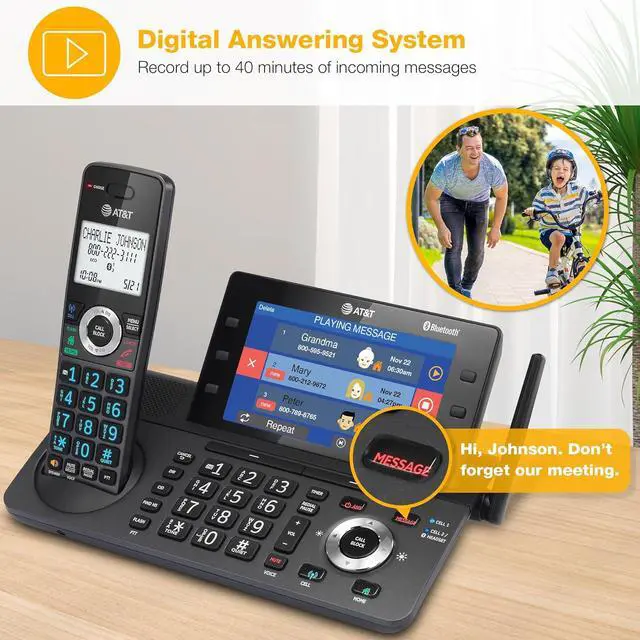
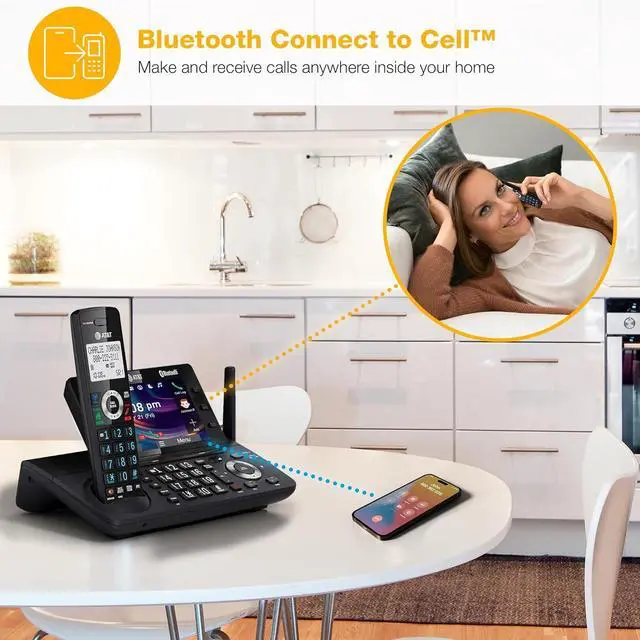
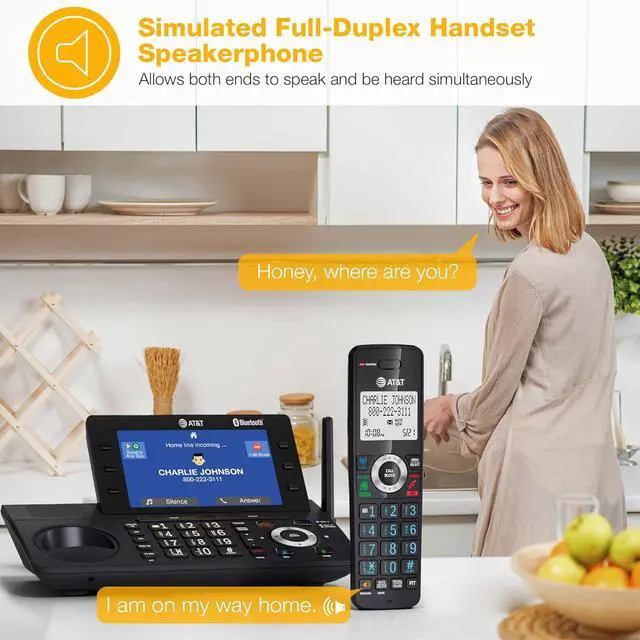


AT&T 2-Handset DECT 6.0 Cordless Home and Business Phone with Answering Machine, 5" Color Display, One-Touch Shortcut, Conference, Intercom, Smart Call Blocker, Bluetooth Connect to Cell: DLP73290
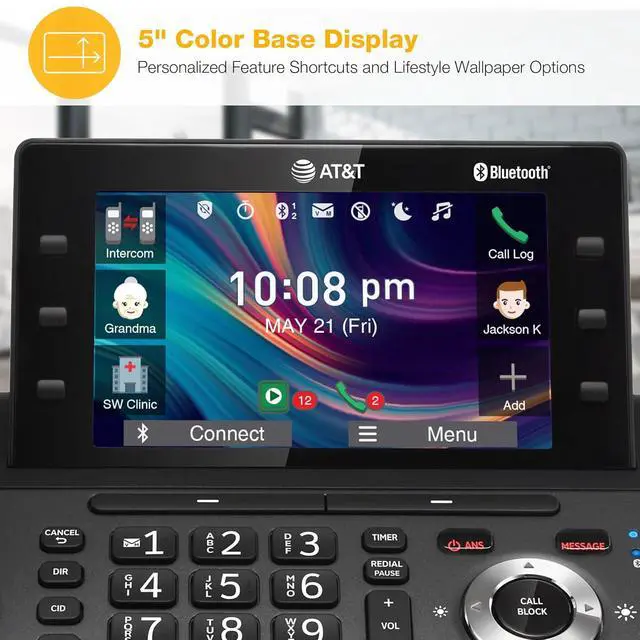
- [5" Color Base Display for ease of menu operation] - Manage your communication with this ultra-clear 5" color base display. Soft keys on the side & bottom of the screen make it easy to access the functions of the phone. The extra-large display makes it easy to operate the menu and provides clear viewing of the features.
- [Personalized Feature Shortcuts] - Assign one-touch shortcuts on the large base display for quick access to the most important features like contact, messages, call history, timer, and more.
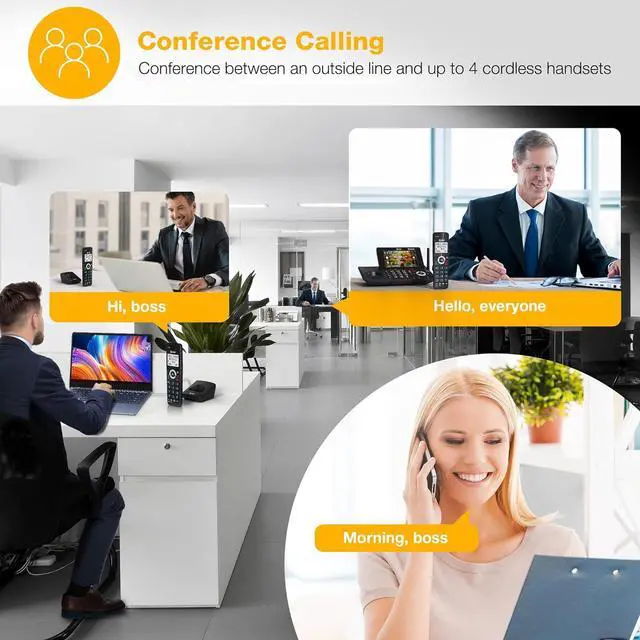
- [Conference and Intercom] - Streamline your communication experience with conference calling between an outside line and up to 4 cordless handsets, along with intercom functionality between handsets and the base unit.
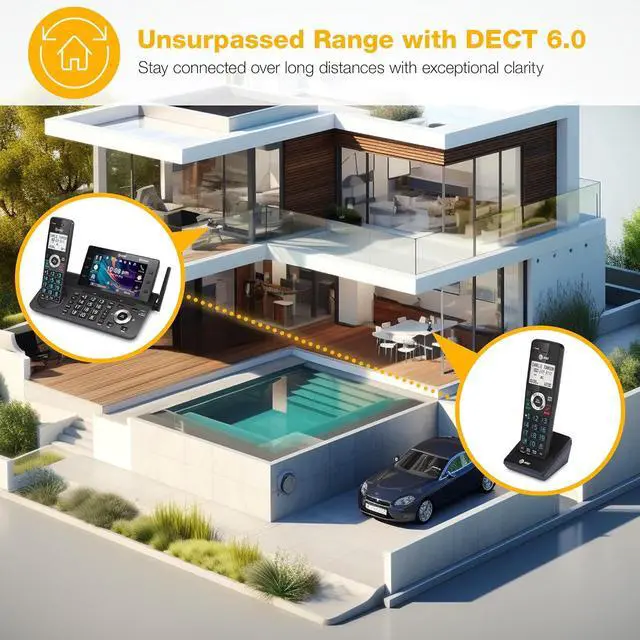
- [Unsurpassed Range with DECT 6.0] - Experience the best in long-range coverage and clarity, provided by a unique antenna design and advances in noise-filtering technology.
- [Smart Call Blocker and One-touch Block] - Say goodbye to unwanted calls. Robocalls on your landline are automatically blocked from ever ringing througheven the first time. Instantly blacklist any incoming number with one touch. Store up to 1000 names and numbers to your block list.
+
+
Overview
Specs
Reviews

Any questions? Our AI mode will help you find out quickly.
Try me now

Streamline your communication experience with the AT&T DLP73490 Cordless Home and Business Phone. Designed with a modern aesthetic and high-tech functions, this versatile phone is perfect for both home and business use, offering seamless conference calls between an outside line and up to four cordless handsets.

5" Color Base Display with Personalized Feature Shortcuts
With the industry's largest ultra-clear 5-inch color base display, managing your calls has never been easier. Soft keys on the side and bottom of the screen provide quick access to the phone's functions with one-touch personalized shortcuts. The extra-large display makes it easy to operate the menu and provides clear viewing of the features. Customizable shortcuts include:
- Contacts
- Messages
- Call history
- Timers, and more

What's a Smart Call Blocker?
A simple one-time setup to filter unwanted calls while letting trusted ones through
Quick Setup to let the system working for you
Set Directory - for your family so their calls will go through without the screening. 1. Press MENU on handset. 2. Press Up/Down arrow key to Directory, then Select. 3. Press Select again to choose Add new entry, then Select. 4. Enter the telephone number, then Select.
Set Allow list - so their calls do not get through the screening. 1. Press CALL BLOCK. 2. Press Up/Down arrow key to Allow list, then Select. 3. Press Up/Down arrow key to Add new entry, then Select. 4. Enter telephone number, then Select. 5. Enter name, then Select.
Set Block List - to prevent their calls from ringing through. 1. Press CALL BLOCK. 2. Press Up/Down arrow key to Block list, Select. 3. Press Up/Down to Add new entry, Select. 4. Enter the telephone number, then press Select.
Set Star name list for your trusted organizations - 1. Press CALL BLOCK. 2. Press Up/Down arrow key to Star name list, Select. 3. Press Up/Down to Add new entry, Select. 4. Enter the name (up to 15 characters), then press Select.
Pick one of our Smart Call Block options which suits your preferences:
Screen and block robocalls - 1. Press CALL BLOCK. 2. Press Up/Down arrow key to Set profile, then Select. 3 Press Up/Down arrow key to Screen robot, then Select.
The callers will be asked to press the pound key.
Screen all unknown calls - 1. Press CALL BLOCK. 2. Press Up/Down arrow key to Set profile, then Select. 3. Press Up/Down key to Screen Unknown, then Select.
The callers will be asked to record their names and press the pound key. After your caller completes the request, the phone rings and announces the caller's name. You then can choose to block or answer the call, or forward the call to the answering system.
Block calls on the block list only - (This is also the Default settings of the system.) 1. Press CALL BLOCK. 2. Press Up/Down arrow key to Set profile, then Select. 3. Press Up/Down arrow key to Allow unknown, then Select.
Warranty & Returns
Warranty, Returns, And Additional Information
Warranty
- Please contact the Seller directly for warranty information. Warranty information may also be found on the Manufacturer's website.
- Read full details
- CONTACT
Return Policies
- Return for refund within: 30 days
- Return for replacement within: 30 days
- This item is covered by B-IN Electronics Return Policy
Manufacturer Contact Info
- For a directory of all our manufacturers, please click below.
- Manufacturers Directory
LOADING...