




 here!
here!
I’m your shopping assistant for PC builds, upgrades, and everything tech.
Got questions? Ask away!
Start a conversation
here!
I’m your shopping assistant for PC builds, upgrades, and everything tech.
Got questions? Ask away!
Start a conversation
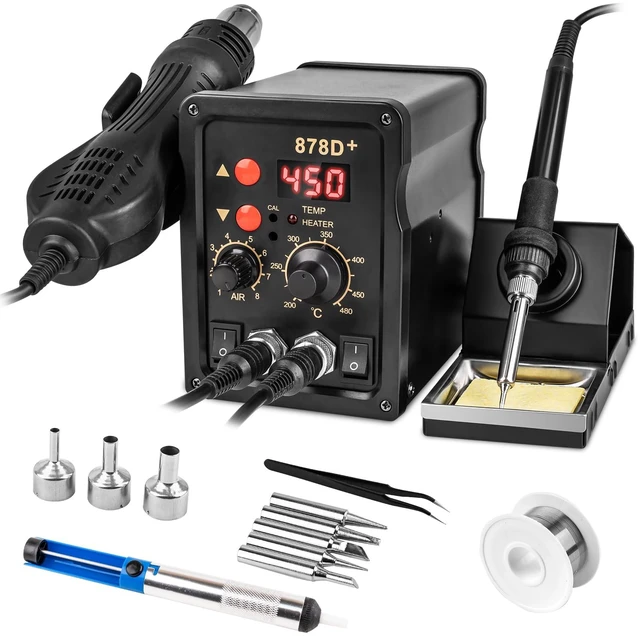
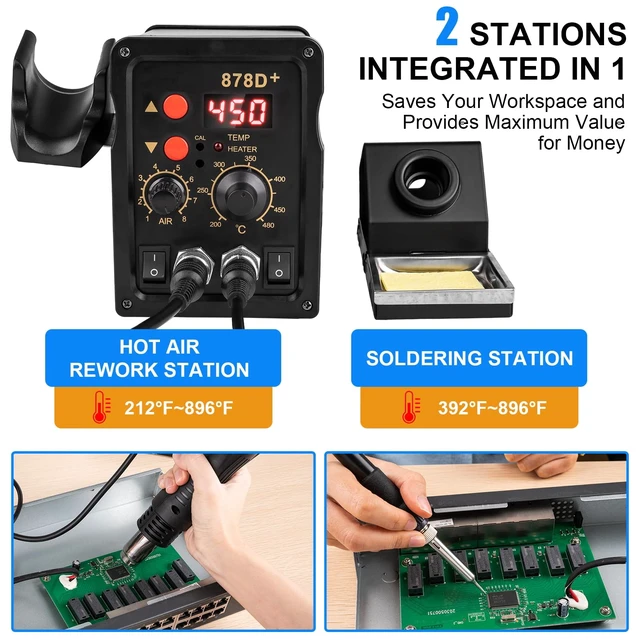



Any questions? Ask CelesteSM will help you find out quickly.
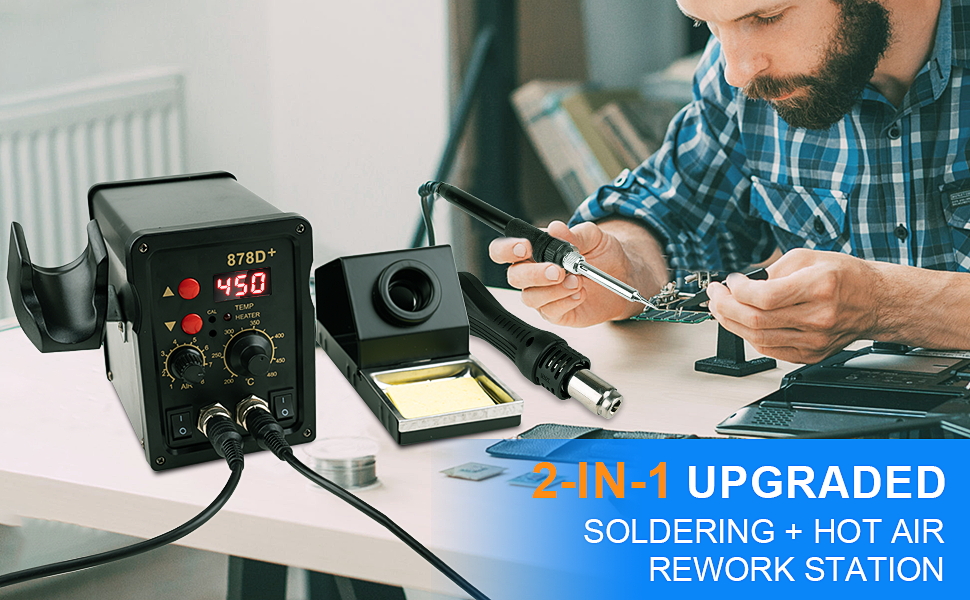
Warm Tips: If the temperature is not enough, you can calibrate it by the following operation
Hot air gun temperature calibration:
1. Press and hold the lower temperature button (down arrow) on the control panel for the heat gun.
2. While holding down the button, turn on the switch below the control panel that is connected to the heat gun.
3. When the “CAL” symbol appears on the digital display, release the button.
4. At this point, the screen displays “000”.
5. You can now calibrate the temperature within the range of “-99°C to 99°C” using the two temperature adjustment buttons on the top and bottom of the heat gun.
Soldering iron temperature calibration:
1. Find the two small holes in the center of the control panel under the “CAL” logo, where the second hole is the temperature calibration hole for the soldering iron.
2. Take a small screwdriver and stick it into the following temperature calibration hole.
3. Turn the screw clockwise to increase the actual temperature, and turn it clockwise to the limit to adjust the actual temperature to the maximum value.
4. Turn the screw counterclockwise to lower the actual temperature.
Digital Display Guidelines:
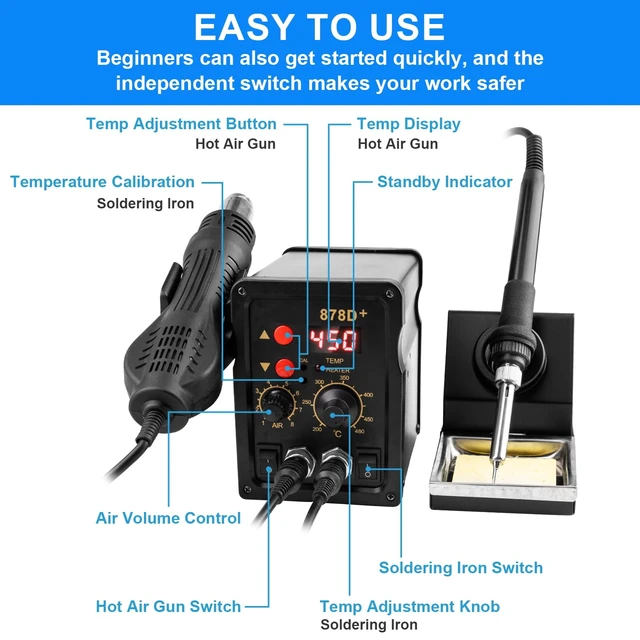
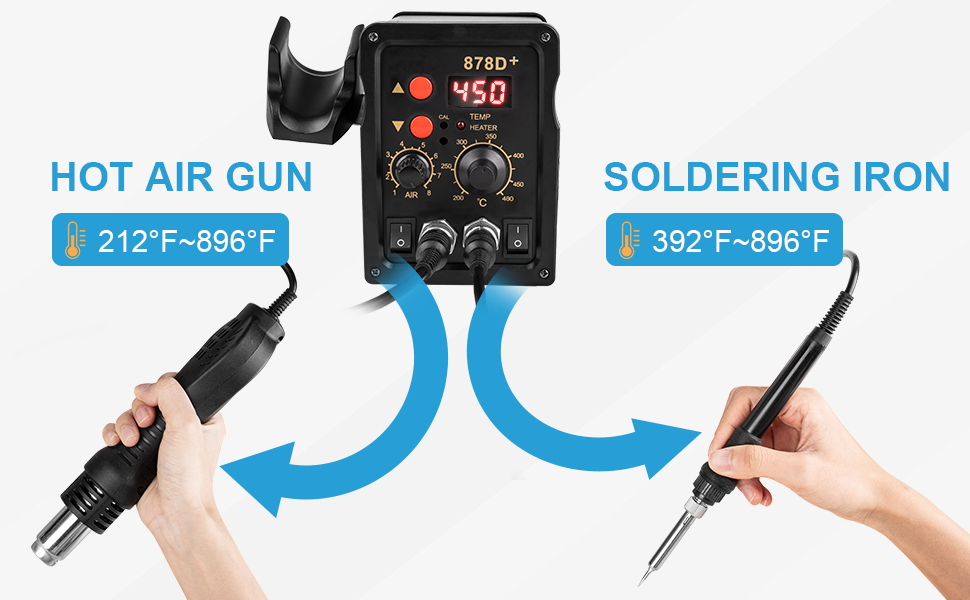
Our digital display is designed to show only the temperature of the hot air gun. This choice was made because we have specially developed a precise scale knob for controlling the soldering iron's temperature. With this clear and intuitive scale on the knob, you can easily see and adjust to your desired temperature without needing to rely on a display for assistance. We believe this innovative approach enhances usability and provides our customers with a more enjoyable experience!
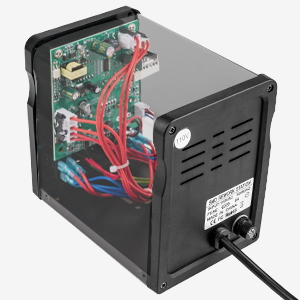
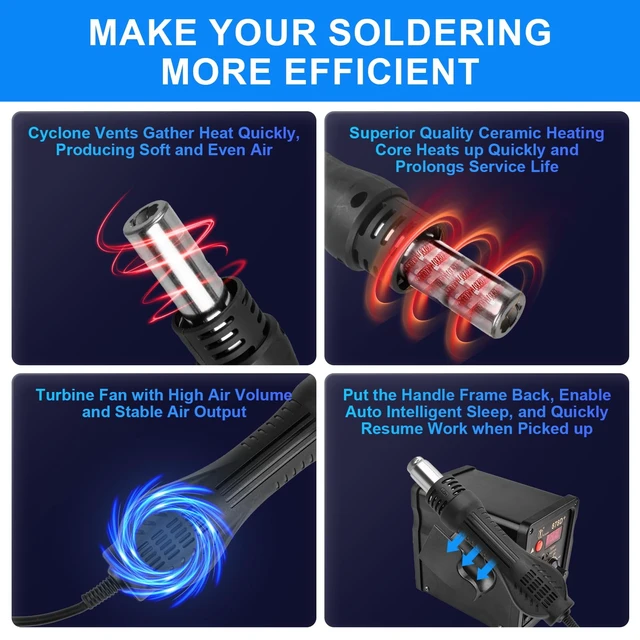
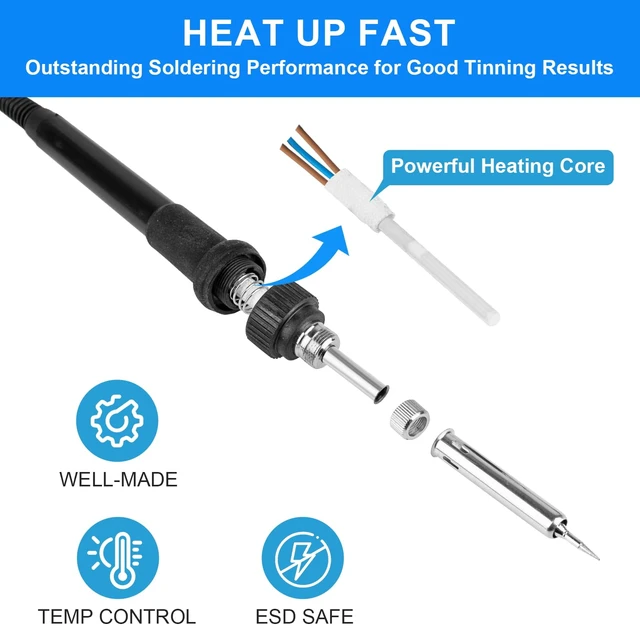
Selected high grade materials, solid construction, provide you with powerful and reliable performance.
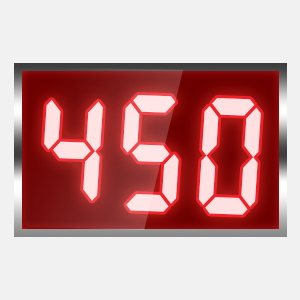
The LED display provides a clear and intuitive view of the temperature, enabling you to work with greater accuracy and convenience. Please note that the digital display is specifically designed to show only the temperature of the hot air gun and does not reflect the temperature of the iron.
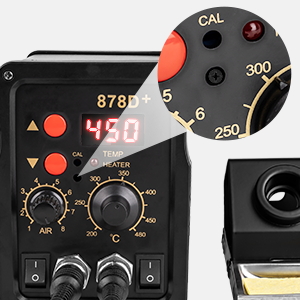
Our soldering station comes with thoughtful temperature calibration with a simple screw adjustment: turn clockwise to increase the actual temperature or counterclockwise to decrease, helping correct soldering iron temperature differences.
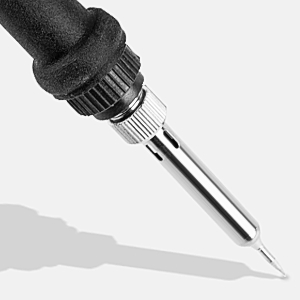
Warm Tips: If the temperature is not enough, you can calibrate it by the following operation
Hot air gun temperature calibration:
1. Press and hold the lower temperature button (down arrow) on the control panel for the heat gun.
2. While holding down the button, turn on the switch below the control panel that is connected to the heat gun.
3. When the “CAL” symbol appears on the digital display, release the button.
4. At this point, the screen displays “000”.
5. You can now calibrate the temperature within the range of “-99°C to 99°C” using the two temperature adjustment buttons on the top and bottom of the heat gun.
Soldering iron temperature calibration:
1. Find the two small holes in the center of the control panel under the “CAL” logo, where the second hole is the temperature calibration hole for the soldering iron.
2. Take a small screwdriver and stick it into the following temperature calibration hole.
3. Turn the screw clockwise to increase the actual temperature, and turn it clockwise to the limit to adjust the actual temperature to the maximum value.
4. Turn the screw counterclockwise to lower the actual temperature.
Digital Display Guidelines:
Our digital display is designed to show only the temperature of the hot air gun. This choice was made because we have specially developed a precise scale knob for controlling the soldering iron's temperature. With this clear and intuitive scale on the knob, you can easily see and adjust to your desired temperature without needing to rely on a display for assistance. We believe this innovative approach enhances usability and provides our customers with a more enjoyable experience!
Selected high grade materials, solid construction, provide you with powerful and reliable performance.
The LED display provides a clear and intuitive view of the temperature, enabling you to work with greater accuracy and convenience. Please note that the digital display is specifically designed to show only the temperature of the hot air gun and does not reflect the temperature of the iron.
Our soldering station comes with thoughtful temperature calibration with a simple screw adjustment: turn clockwise to increase the actual temperature or counterclockwise to decrease, helping correct soldering iron temperature differences.



