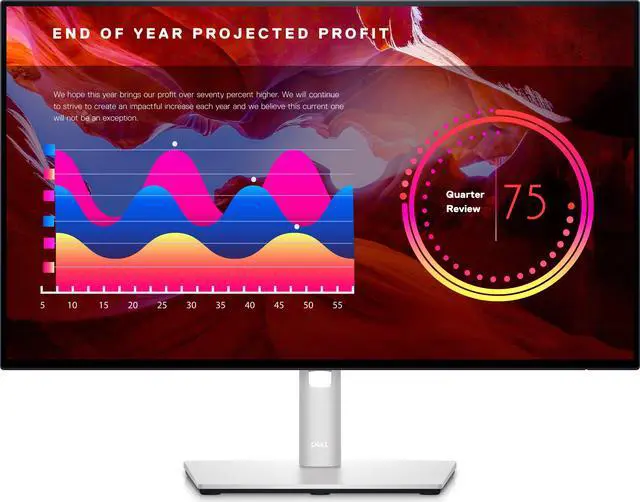
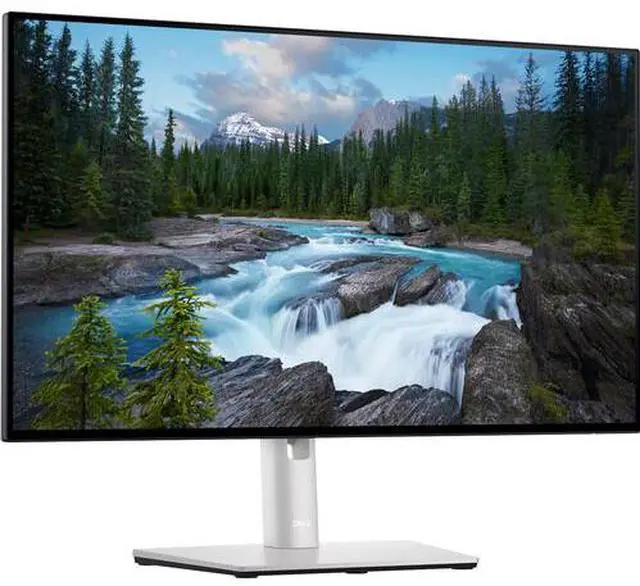
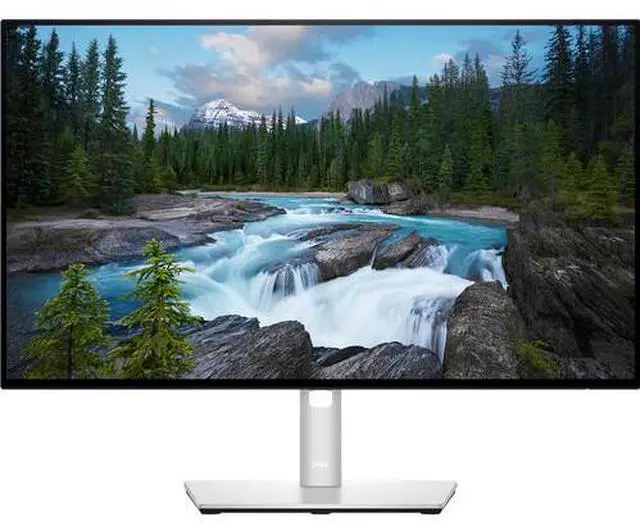
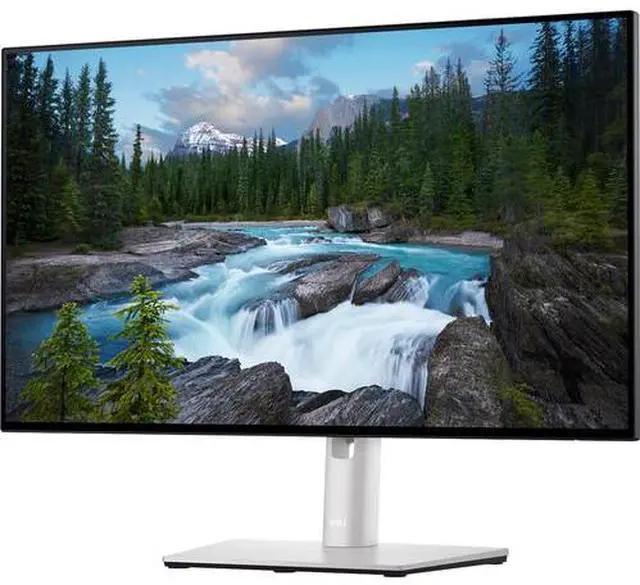
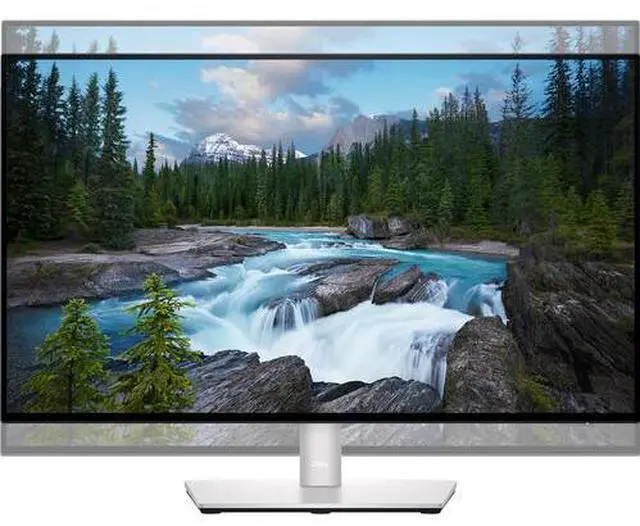
Optimize eye comfort with ComfortView Plus--an always on, built-in low blue light screen that reduces blue light emissions while delivering excellent color. Get wide color coverage of 100 percent sRGB, 100-Percent Rec. 709 and 85-Percent DCI-P3. See consistent color and picture quality across a wide 178/178 degree viewing angle. Experience superb screen clarity with Full HD at 1920x1080 resolution on this 23.8 -inch screen. Expand your view with virtually borderless InfinityEdge. With a four-sided, ultrathin bezel, you can work with a clear, edge-to-edge display. Use the daisy-chain feature for a seamless multi-monitor setup.
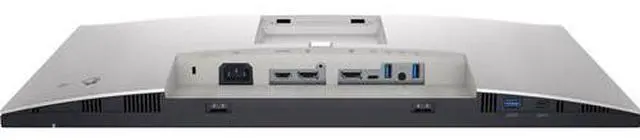
Increase your productivity by up to 21 percent when you use two together. The OSD (Onscreen Menu Display) settings from one monitor can be synchronized across connected monitors for easy multi-monitor setup. Easily connect to your devices with comprehensive connectivity, including DP, HDMI and super speed USB 10Gbps. Quick access ports at the front of the monitor allow convenient connection to peripherals and mobile phone charging with up to 15W via USB-C. USB super speed 10Gbps ports enable faster data speed transfers between the PC and peripheral devices connected to the monitor. Crafted with premium platinum silver finish, the U2422H comes with a small base and an improved cable management design that hides cables in the monitor riser for a clutter free desk space.
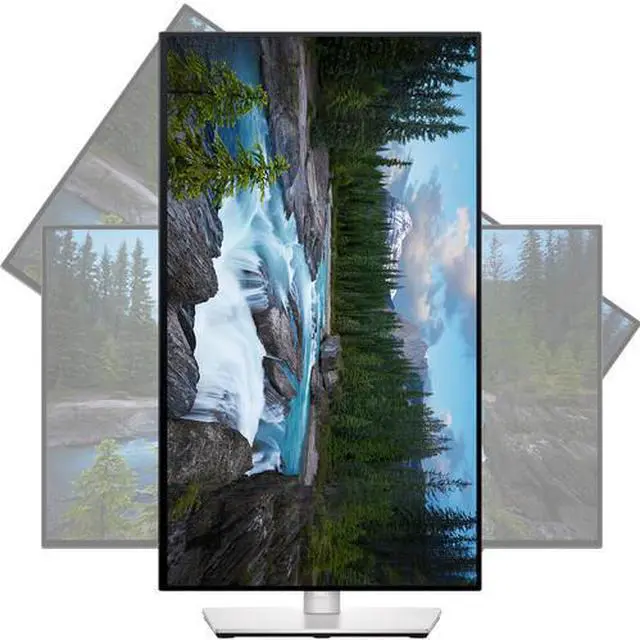
Navigate and adjust your monitor screen settings with the easy-to-use joystick control. Adjust to your comfort with tilt, swivel, pivot and height adjustment to a maximum of 150mm for optimal viewing comfort. This monitor is made of 85 percent PCR (Post-consumer Recyclable Plastic), meets the latest environmental standards such as ENERGY STAR and TCO Certified Edge, and is EPEAT Gold registered. Save energy when your monitor is not in use with PowerNap, a feature that dims or puts your monitor to sleep when it's not in use. Easy Arrange allows you to easily tile multiple applications across one or more screens with 38 pre-set window partitions and the ability to personalize up to five windows, giving you improved multitasking abilities.
The auto-restore feature remembers where you left off, so applications will go back to where you left them, even after you've unplugged. Asset management reports allow IT managers to quickly capture and track monitor information as well as configure multiple monitors at once through a single setup. Shortcut keys can save you even more time, letting you easily configure your display management settings so you can get to work faster. With support for multiple operating systems, Dell Display Manager helps you stay productive however you work.