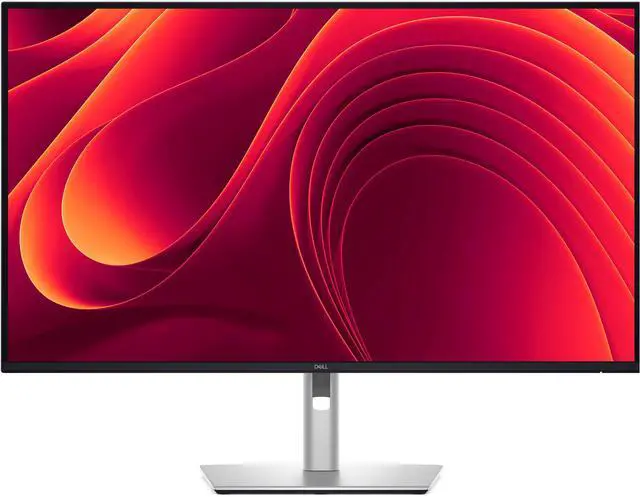
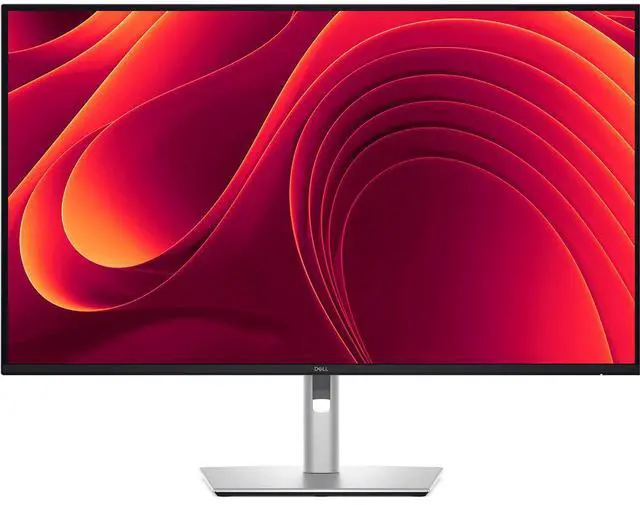
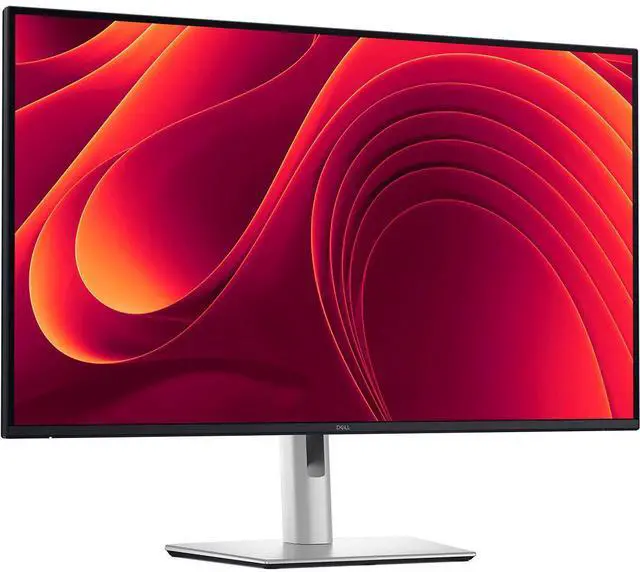
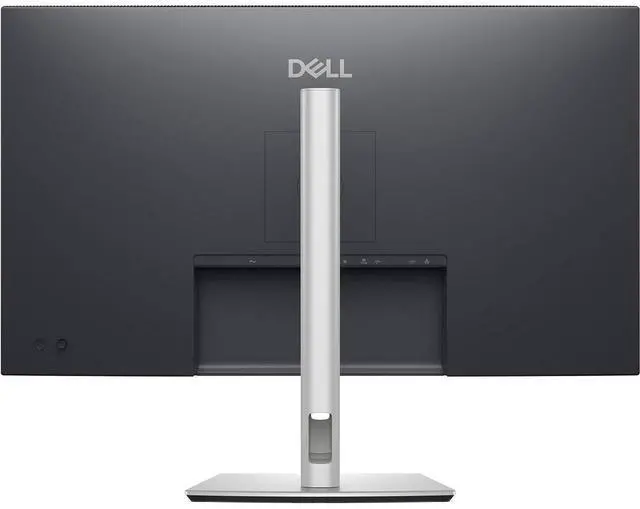
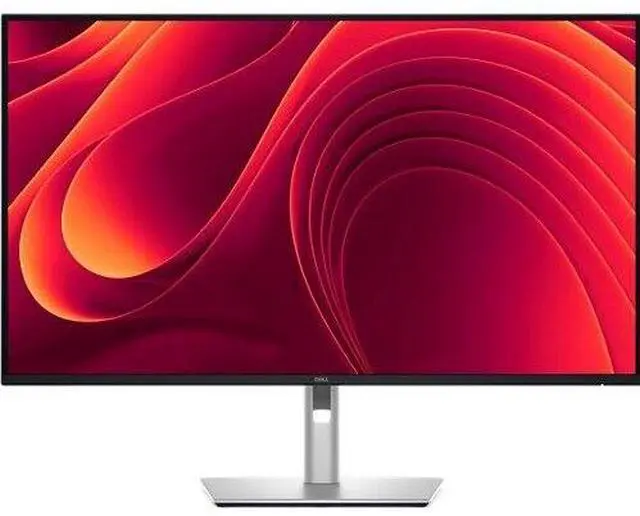
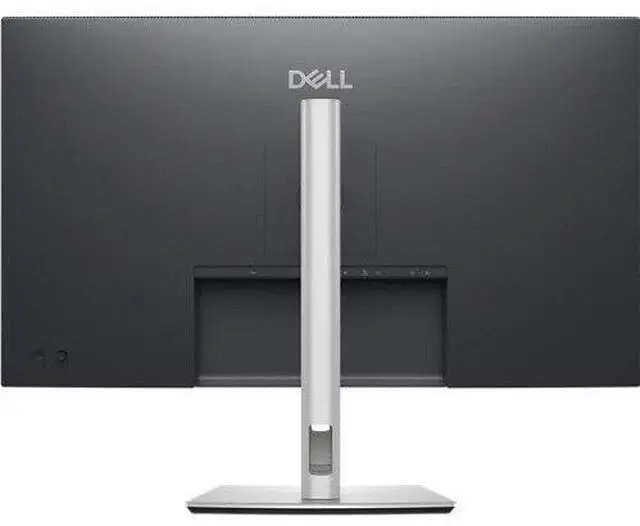
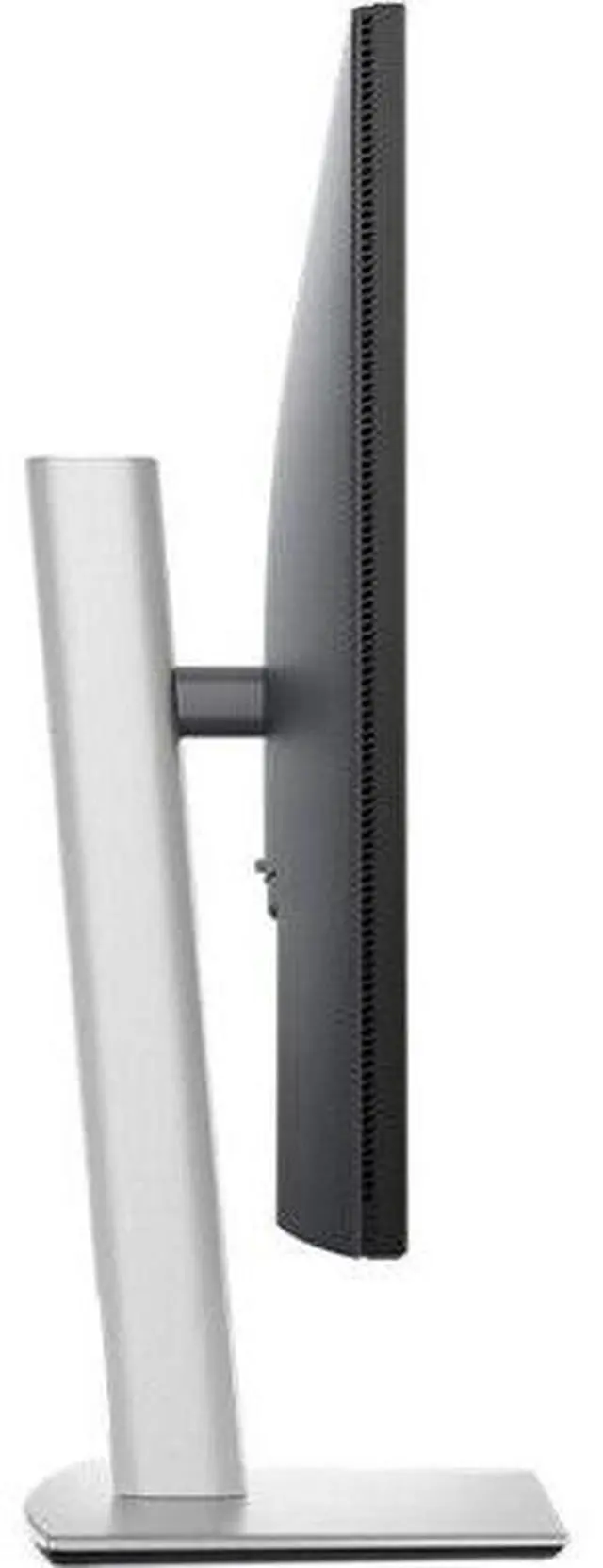
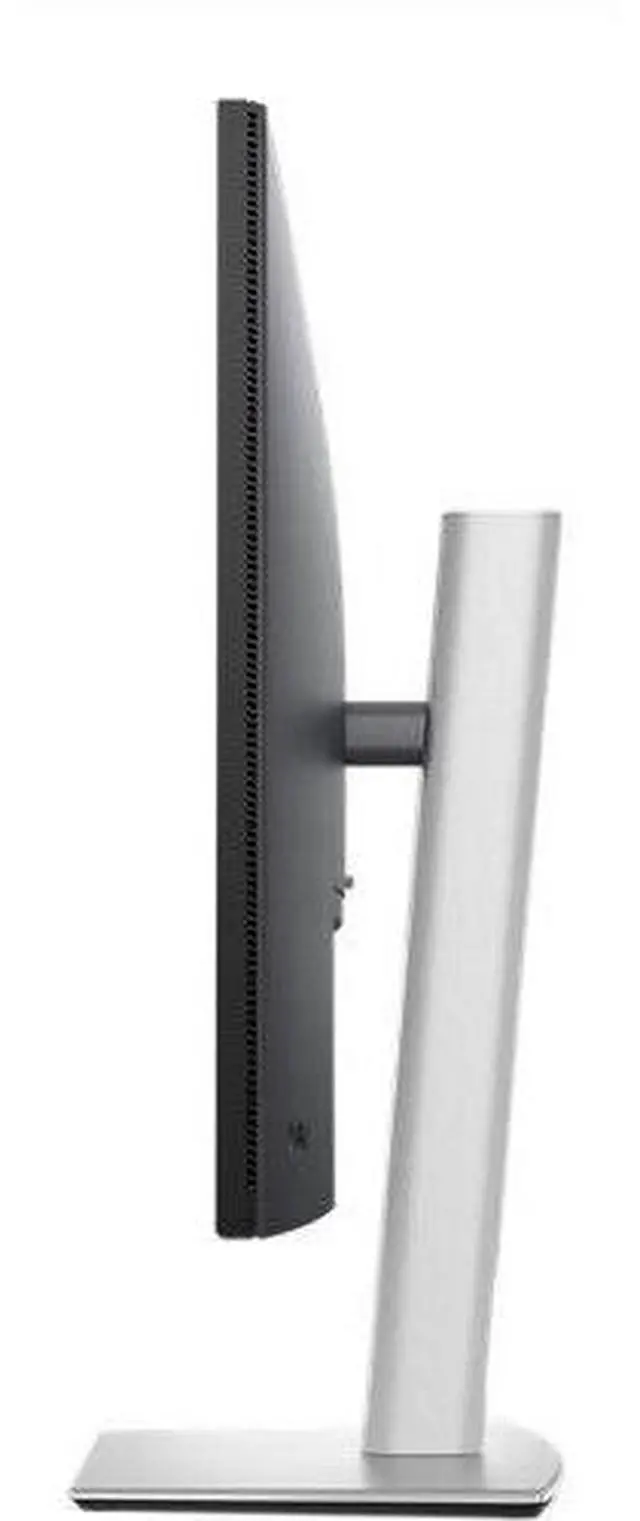
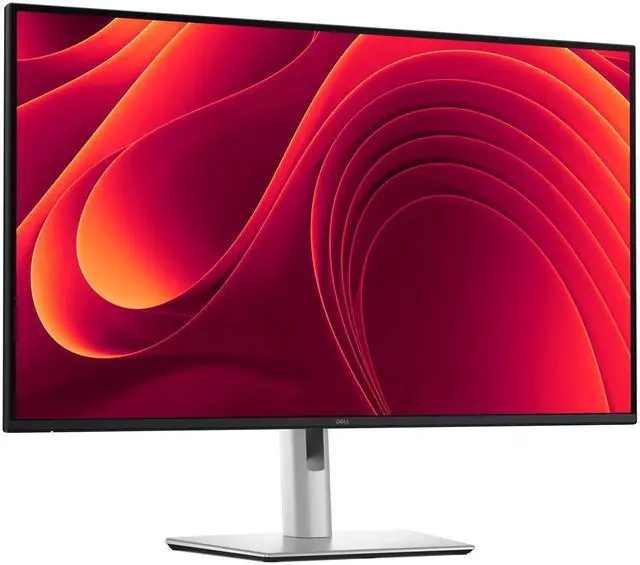
The Dell Pro P3225QE is a 32-inch-class 4K USB-C hub monitor suited to office and home-office users who want a detailed large screen and convenient device connectivity.
Recommended For
- Laptop-first office workers who want one USB-C connection for 4K video, up to 90W laptop charging, USB accessories, and wired Ethernet at a desk.
- Office multitaskers who want a large 4K workspace for documents, spreadsheets, browser tabs, and side-by-side apps, with a stand that adjusts for different desk positions.
- Developers and knowledge workers who prefer one 32-inch screen for code, reference pages, and other work windows, rather than arranging multiple monitors across the desk.
- Desk-based workers who value smoother scrolling than a 60Hz office display and want an adjustable stand and Dell’s TÜV 4-Star eye-comfort features for extended work sessions.
Real-World Use Scenarios
- At a home or office desk, connect a compatible laptop by USB-C to send video and data, charge it, and use the monitor’s USB and Ethernet ports; this can reduce the number of separate cables and adapters on the desk.
- When working across spreadsheets, documents, and browser windows, use the large 4K screen to keep more content visible at once; a TechRadar reviewer reported fitting more content on screen while working on a MacBook.
- For a shared or flexible workspace, connect a different compatible laptop to the monitor when switching workstations; the USB-C hub and additional video inputs make it practical to use the same display with different computers.
- For everyday office work in a minimalist desk setup, connect peripherals to the monitor’s USB hub and use its Ethernet port for a wired network connection; the result can be a more centralized place for desk connections.
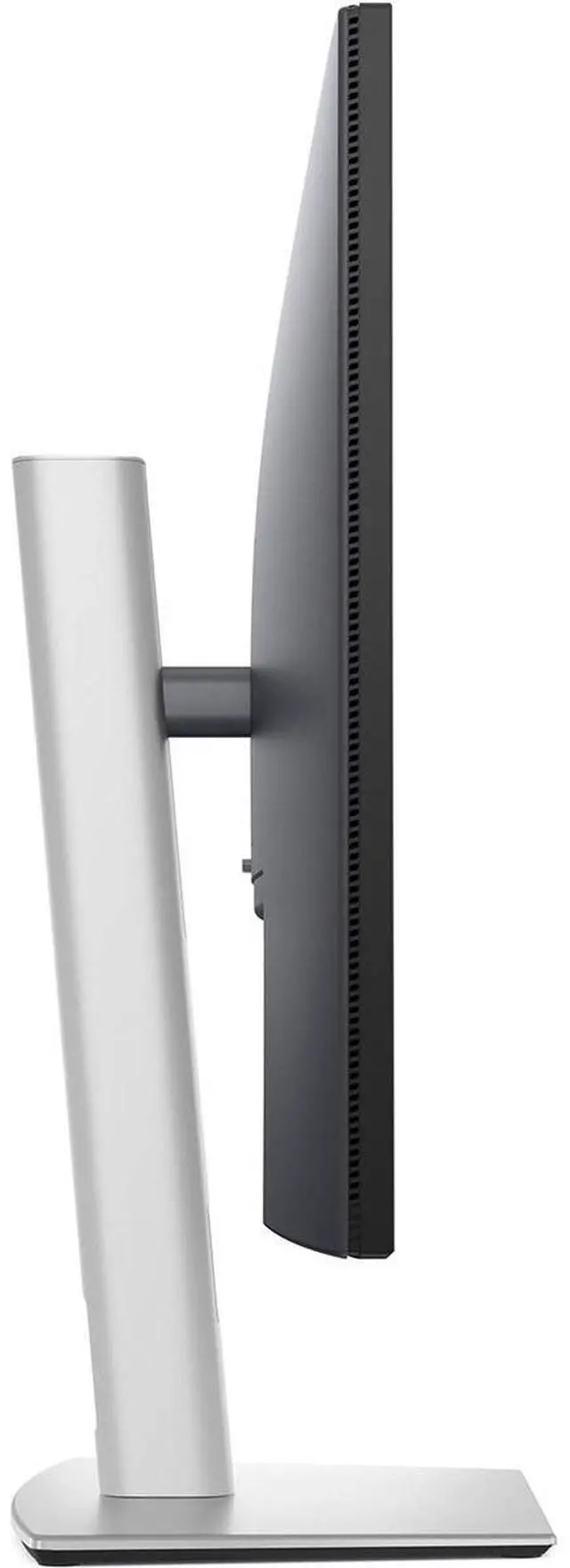
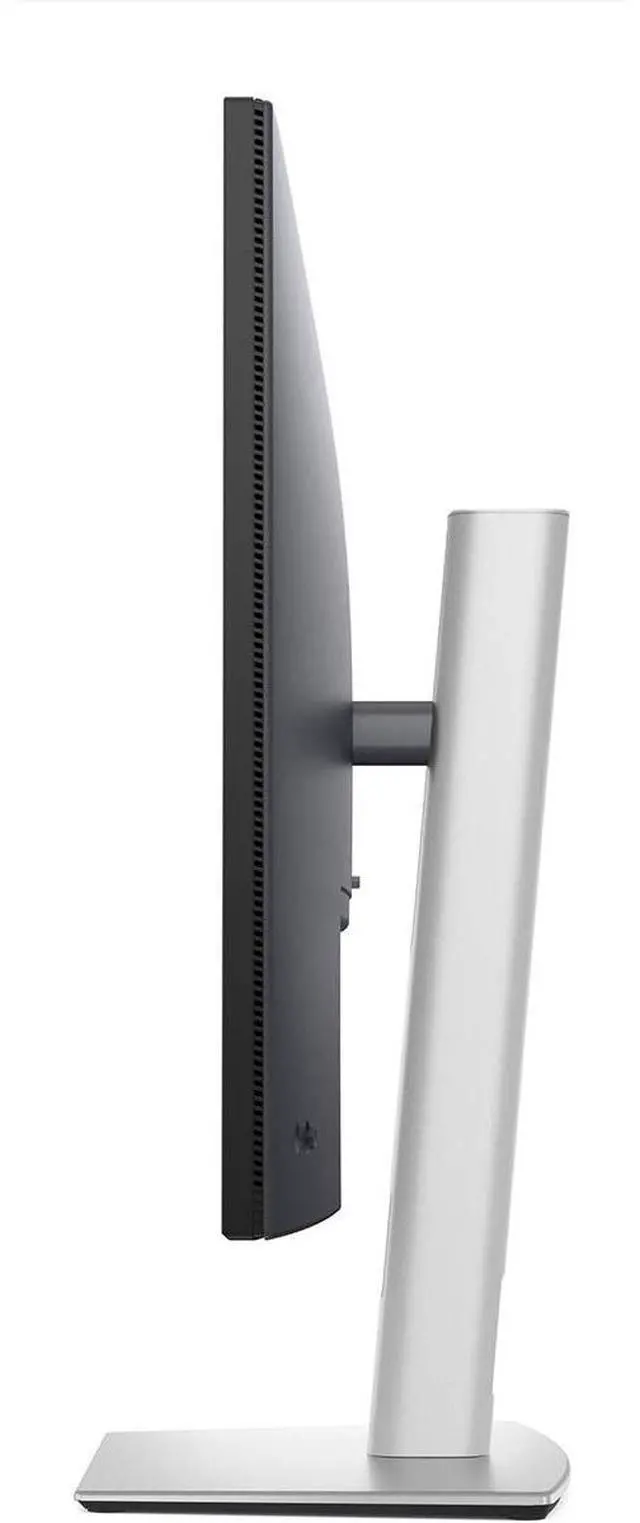
- When reading long documents or reviewing code, rotate the adjustable display to portrait orientation; the taller layout can show more of a page or text column at once.




 here!

 Hot Seller