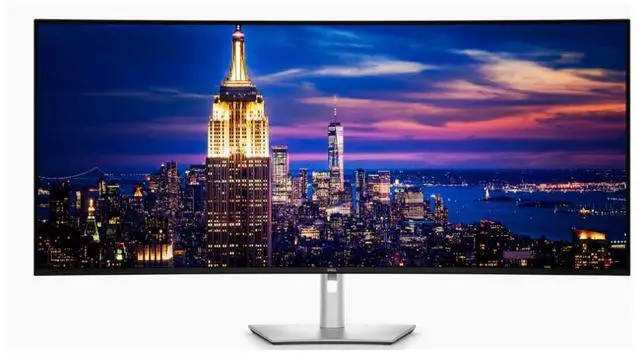
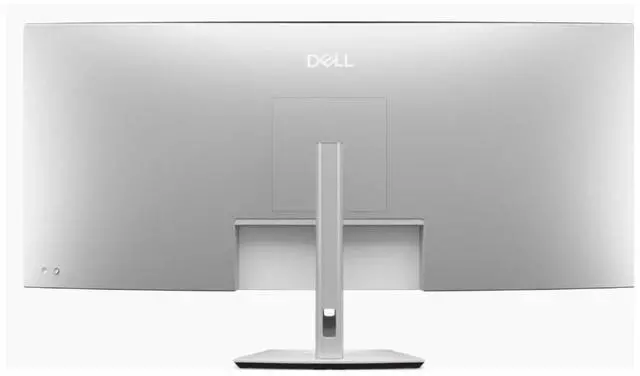
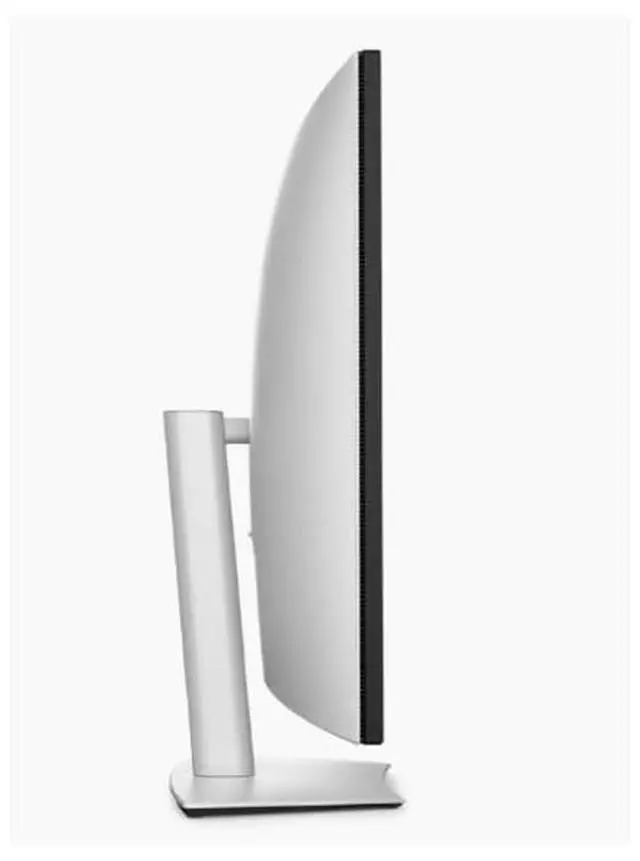
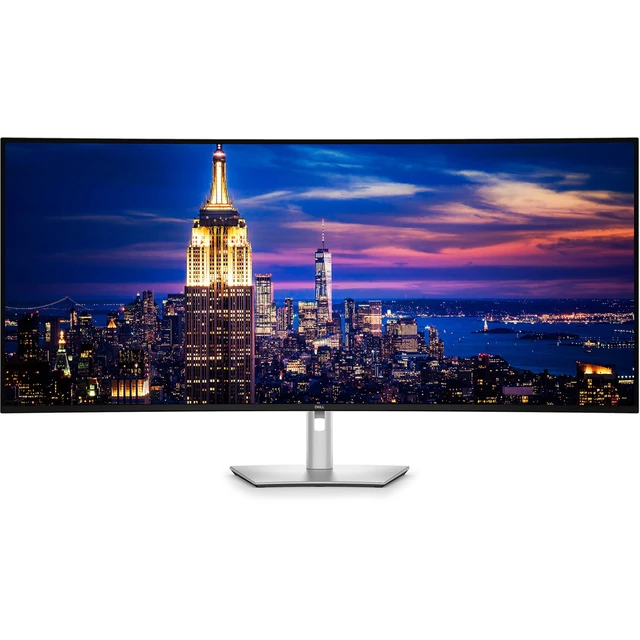
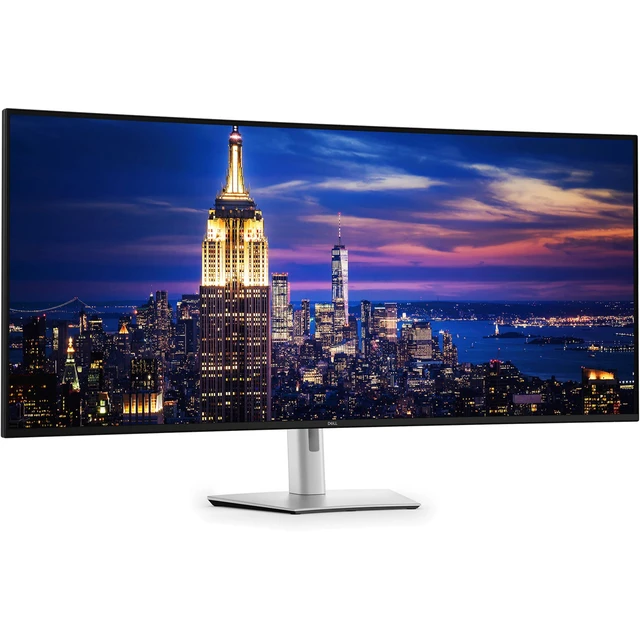
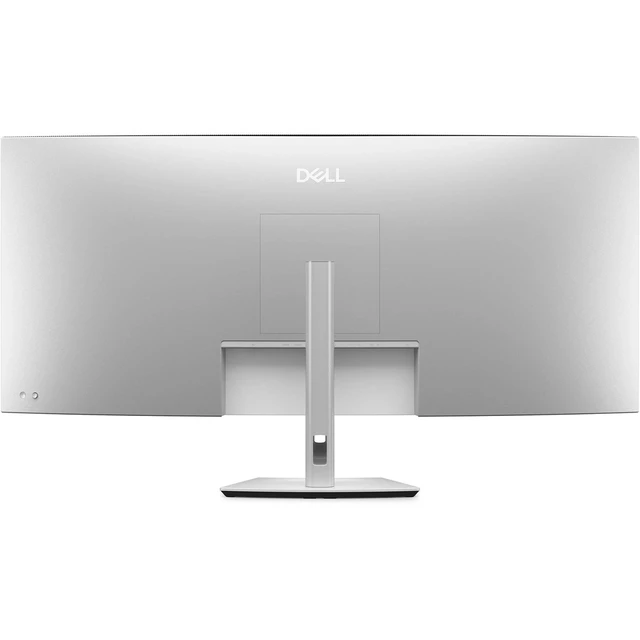
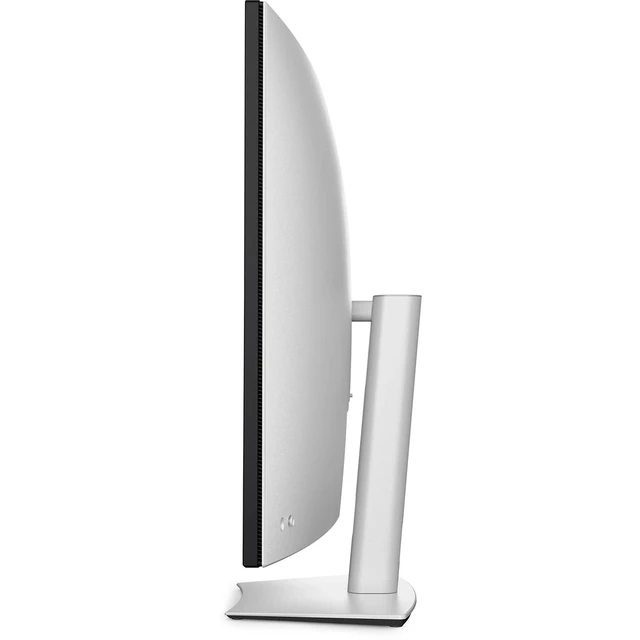
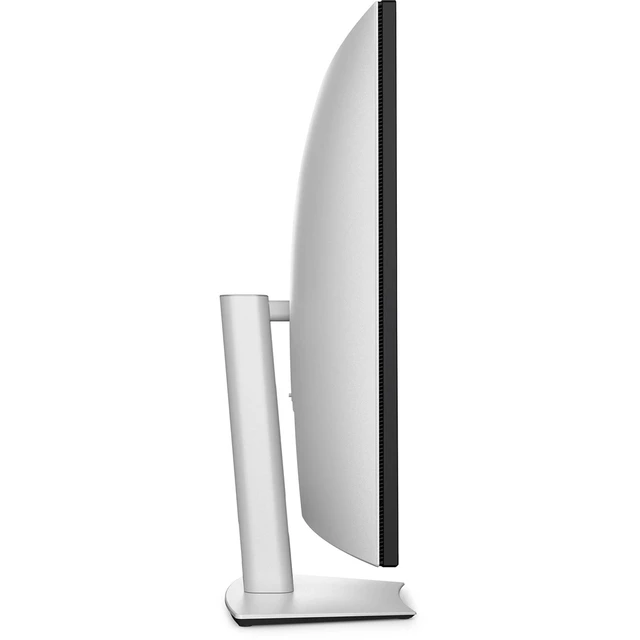
The Dell UltraSharp 52 Thunderbolt Hub Monitor (U5226KW) is a 52-inch curved 6K ultrawide display with a 120Hz refresh rate and TÜV-certified eye comfort, suited to professionals who want a large, detailed workspace for multitasking.
Recommended For
- Desk-based multitaskers who want a broad workspace for spreadsheets, dashboards, documents, or code in adjacent windows, without the bezels of a multi-monitor setup.
- People who regularly switch between two or more computers and want to share the monitor, keyboard, and mouse using its built-in KVM and picture-by-picture or picture-in-picture features.
- Laptop-based professionals at a fixed workstation who want a large display plus a built-in Thunderbolt hub to connect peripherals and reduce reliance on a separate dock.
- SDR-focused creators who need room for timelines, editing panels, or multiple reference windows and value the monitor’s color coverage and sRGB accuracy more than HDR mastering.
Real-World Use Scenarios
- When a knowledge worker is juggling spreadsheets, documents, email, and research, the large desktop area can keep several windows visible at once, reducing the need to switch between separate monitors or constantly rearrange apps.
- When someone uses a work laptop and a desktop at the same desk, the monitor can act as a shared connection point: connect computers and peripherals to it, then use its KVM and picture-by-picture options to switch between systems or view multiple inputs together.
- When a user needs to monitor several computers or video sources at the same time, picture-by-picture and picture-in-picture modes can show multiple inputs on one screen, which is useful for comparing information or keeping another system in view.
- When reviewing photos, graphics, or other color-sensitive work in a bright office, the monitor’s tested color accuracy and broad color coverage can support detailed SDR viewing; it does not support HDR, so it is not suited to an HDR-dependent workflow.
- When someone plays games occasionally after work, the large screen and 120Hz refresh rate can make play feel responsive, but reviews report visible motion blur and no HDR; it is a better match for productivity than for fast-paced or HDR-focused gaming.




 here!

 Hot Seller