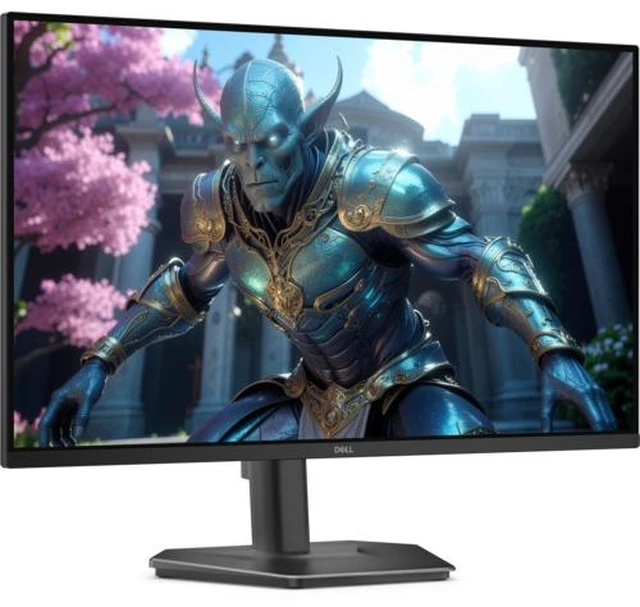
The Dell SE2726HGS is a 27-inch FHD gaming and entertainment monitor with a fast IPS panel and 240Hz refresh rate, suited to players who prioritize smooth, responsive gameplay on a Full HD display.
Recommended For
- Competitive PC gamers playing fast-paced titles who want 240Hz motion at 1080p, especially if they prefer a lighter resolution for reaching high frame rates.
- Desk-based gamers who want to adjust monitor height, tilt, and swivel to fit their seating position without buying a separate stand.
- Players switching between a gaming PC and console who can use the monitor’s DisplayPort and two HDMI inputs, with variable refresh rate support.
- People who spend long sessions at a fixed desk and value an adjustable stand, anti-glare screen, and TÜV Rheinland 3-star eye-comfort certification.
Real-World Use Scenarios
- In fast-paced PC games such as Valorant or Rocket League, players aiming for smoother motion can pair the monitor’s 240Hz mode with a PC that can deliver high frame rates; the difference is most relevant when the game and system support it.
- When PC game frame rates fluctuate, a player can use AMD FreeSync Premium or HDMI variable refresh rate with compatible equipment to help reduce visible tearing and keep gameplay feeling more consistent.
- For console gaming, a player can connect over HDMI and use variable refresh rate when supported by the console and game; gameplay can look smoother when frame rates vary, though this is a 1080p display rather than a 4K screen.
- In a shared desk setup, someone switching between a gaming PC and another HDMI device can leave both connected and select the input they need, rather than reconnecting a cable each time.
- During everyday desk use or a long gaming session, users can adjust the stand’s height, tilt, and swivel to better line up the screen with their seating position; the eye-comfort certification is a feature, not a guarantee against eye strain.




 here!