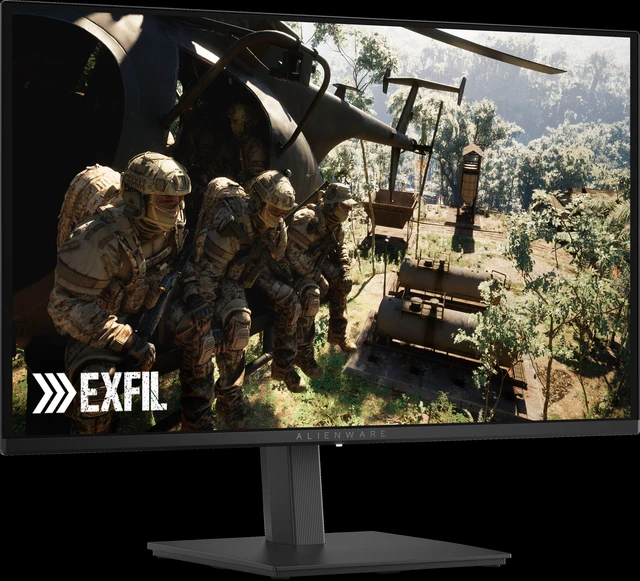
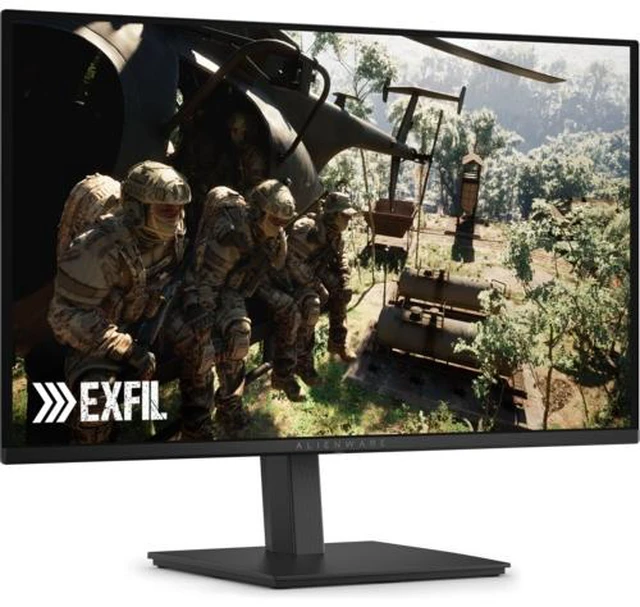
The Alienware AW2726DM is a 26.5-inch QD-OLED gaming monitor with a 240Hz refresh rate, suited to players who prioritize smooth, responsive gameplay alongside vibrant color and high contrast.
Recommended For
- PC gamers who want sharp 1440p visuals, deep OLED blacks, and responsive high-refresh gameplay for a mix of competitive and single-player games.
- PC players upgrading from a standard-refresh LCD who want smoother motion and fast response without prioritizing refresh rates above 240Hz.
- Console players targeting up to 1440p at 120Hz who do not need a 4K 120Hz display.
- Gamers who use their monitor mainly for games and video, and are comfortable with OLED care routines and occasional static desktop use.
Real-World Use Scenarios
- On a gaming PC, play fast-paced shooters or racing games at high frame rates; motion looks clear and controls feel responsive, with the full 240Hz refresh rate available over DisplayPort.
- Play atmospheric single-player games in a dim room; OLED’s deep blacks and vivid colors make dark scenes and bright details stand out without the haloing common on backlit screens.
- Connect a PS5 or Xbox Series X|S for console gaming; it supports common console signals, including up to 1440p at 120Hz, but not 4K at 120Hz.
- Use the same display for gaming and everyday desktop tasks; games benefit from the OLED contrast and motion clarity, while small text may show some fringing during reading or office work.
- Play or watch HDR content in a bright room; the screen retains OLED contrast, but its limited brightness can make HDR highlights less vivid, and blacks may look purple in brighter surroundings.




 here!