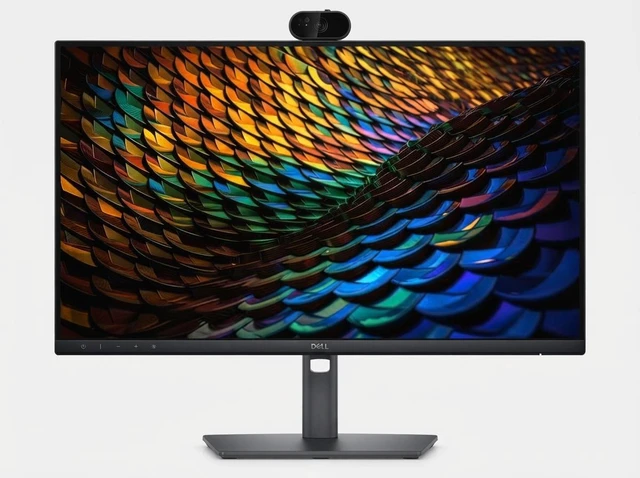
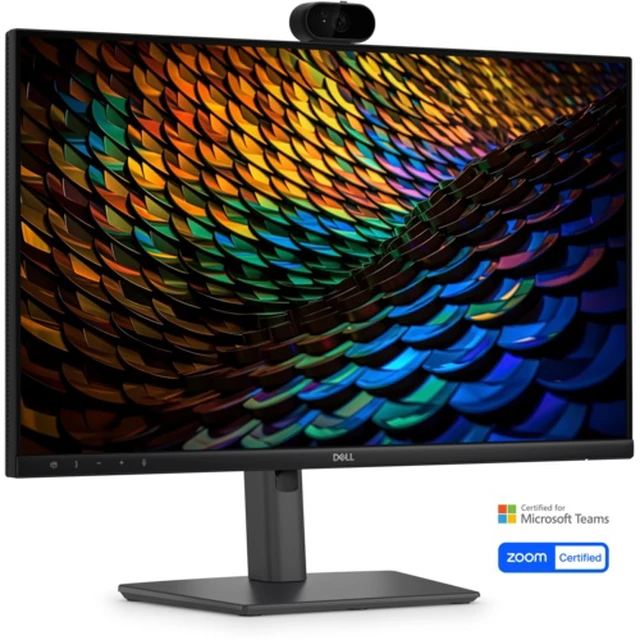
The Dell Pro P2426HEB is a 23.8-inch Full HD IPS USB-C hub conferencing monitor with a 5MP webcam, microphone, and dual 5W speakers, suited to professionals who want an all-in-one setup for video meetings and everyday office work.
Recommended For
- Remote and hybrid workers who spend much of the day in video calls and want a webcam, microphone, speakers, and display combined in one desk setup.
- Laptop-based office workers who want a single USB-C connection for a home or office desk, with display, USB hub, and laptop charging through the included 100 W USB-C cable.
- Office users handling documents, email, and everyday browser-based work who prefer a compact 23.8-inch Full HD screen with an adjustable stand for height, tilt, swivel, and portrait rotation.
- Small-business or shared-office teams that want a conference-ready monitor with built-in camera privacy shutter, speakers, microphone, USB ports, and wired Ethernet at the workstation.
Real-World Use Scenarios
- For a home-office worker moving between video calls and document work, the built-in camera, microphone, and speakers keep the meeting setup on the monitor, so there’s less need to connect separate conferencing gear.
- When setting up a laptop-based desk, connect a compatible laptop to the monitor by USB-C to carry display, data, Ethernet, and charging over one cable; this can reduce desk clutter and the need for a separate dock.
- For a compact work desk, plug accessories such as a keyboard, mouse, or storage into the monitor’s USB ports; they’re available at the screen instead of taking up as many laptop ports.
- In a small office or home workspace with frequent calls, use the monitor’s built-in speakers for meeting audio and presentations when a separate speaker system isn’t part of the setup.
- For work that benefits from separate screen space—such as keeping a video call or reference document beside a main task—connect a compatible second monitor through DisplayPort daisy chaining to extend the desktop.




 here!

 Hot Seller