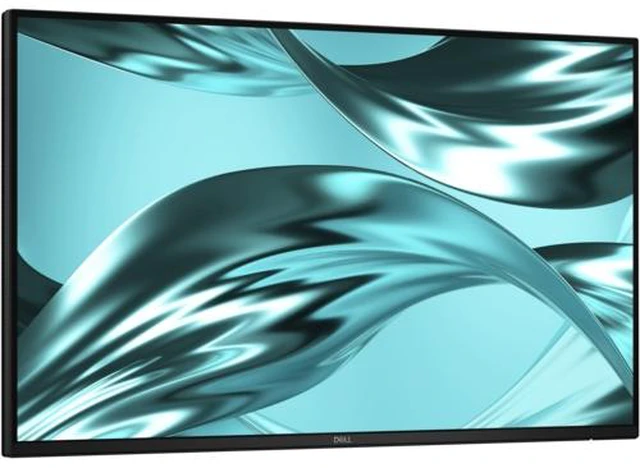
The Dell Pro P 24 P2426H is a 23.8-inch FHD IPS monitor with a 120Hz refresh rate and TÜV 4-Star eye comfort, suited to office and home users who want clear visuals and smoother on-screen motion for everyday work.
Recommended For
- Office workers who spend the day in documents, email, and spreadsheets and want a 24-inch IPS screen with 120Hz refresh for smoother scrolling and everyday work.
- Desk users who already own a compatible VESA arm or monitor mount and want the P2426H’s FHD display without purchasing another stand.
- People who regularly share their screen or view it from different positions, such as a shared office desk, and prefer an IPS panel with wide viewing angles.
- Business users seeking a compact, standard-resolution secondary display for a laptop or desktop workstation, with HDMI, DisplayPort, and USB connections for peripherals.
Real-World Use Scenarios
- For everyday office work—writing, email, spreadsheets, and browser-based tasks—the 24-inch Full HD screen provides a straightforward desktop display; its 120Hz refresh rate can make scrolling and cursor movement look smoother than on a standard 60Hz monitor.
- For long workdays spent reading documents or browsing, the anti-glare screen, flicker-free display, and TÜV-certified 4-star eye-comfort features are intended to make routine viewing more comfortable, though they cannot guarantee freedom from eye strain.
- For a desk already fitted with a monitor arm or VESA mount, the stand-free version can serve as a replacement display without adding an unused stand; users need to provide a compatible mounting setup.
- For casual PC or console gaming, the 120Hz refresh rate can make supported games appear smoother than they do at 60Hz; the result depends on the connected device, game, and connection.
- For a shared home-office desk, users can connect a computer by HDMI or DisplayPort and attach compatible USB accessories through the monitor’s USB hub; the hub requires its USB upstream connection to the computer.




 here!